Call For Price
" Thank you for purchasing our plugin. please feel free to email via our user page contact form here. Thanks so much! "
Call for price option is usually required when you have products for which the prices keep fluctuating.
Since, you are unsure about the pricing of the product, at that time, you cannot put a value of the
product in the shopping cart. Call For Price extension helps in validating the price structure by
encouraging customers to contact a merchant for more details via a customized contact form.
This extension enables store owners to get notifications via email whenever a customer makes a new
request for a product price. Additionally, there is a backend configuration to modify email template
easily. Merchants can hide the price & the contact action button for specific products, customer groups
/ categories, or store views, giving much more control to the admin. This extension follows Magento 2
core code principles, so it works seamlessly in custom themes without any dependency on theme structure
or CSS.
Use Call For Price extension to establish contact with your customers and provide them with additional
information about the product they are interested in.
Here is few highlighted features:
- Enable/Disable from backend configuration
- Add the contact action button for specific products, customer groups or categories or store views
- Option to enable contact for a price based on selected customer groups
- Hide product prices for particular store views
- Encourage customers to call for pricing
- User can contact to admin for product price
- Store admin can see a list of products in admin for which contact for a price is specifically
enabled
- Admin can easily reply to requested customer from backend
- AdminAdmin can easily modify email template from backend
- Support for multi-store
In this step by step documentation we will show you how to install a Call For Price.
Step 1. Backup your web directory and store database
Step 2. Download Extension package file
Step 3. Upload & Unzip package folders to store root
Step 4. Login into SSH console & reach to store root folder:
cd path_to_the_store_root_folder
Open Magento Root directory & run below series of commands one by one
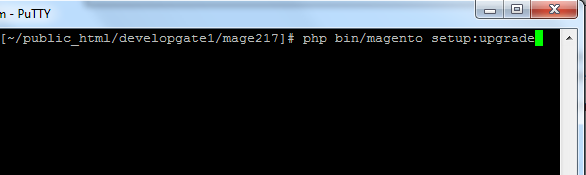
php bin/magento setup:upgrade
php bin/magento setup:di:compile

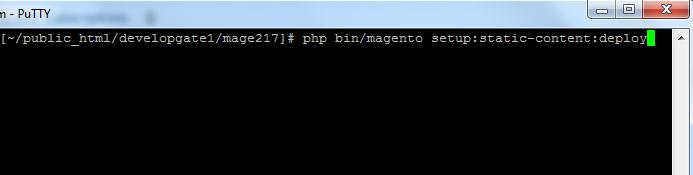
php bin/magento setup:static-content:deploy
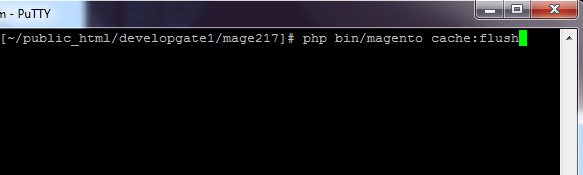
php bin/magento cache:flush
Step 5.
From Backend,System > Cache Management.
1. Flush Magento Cache
2. Flush Cache Storage
3. Flush JavaScript/CSS Cache

To use this Call For Price you have to Go to STORES > Configuration > SETUBRIDGE >
Call For Price Tab:
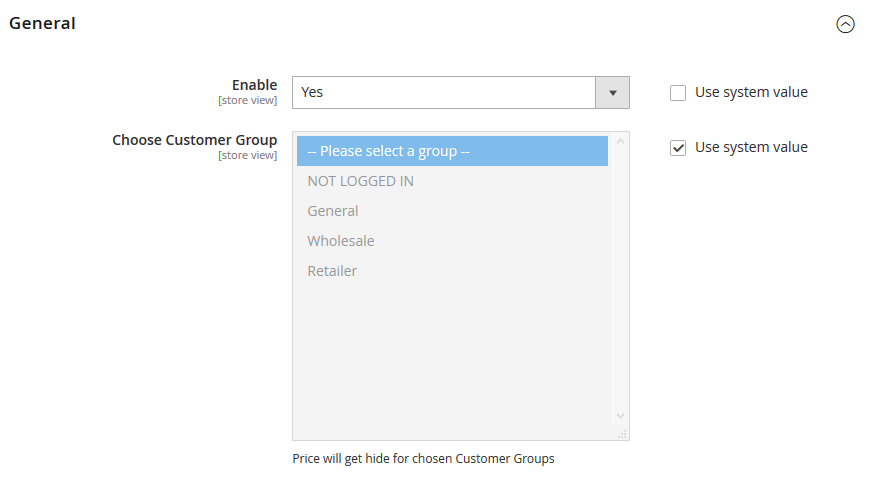
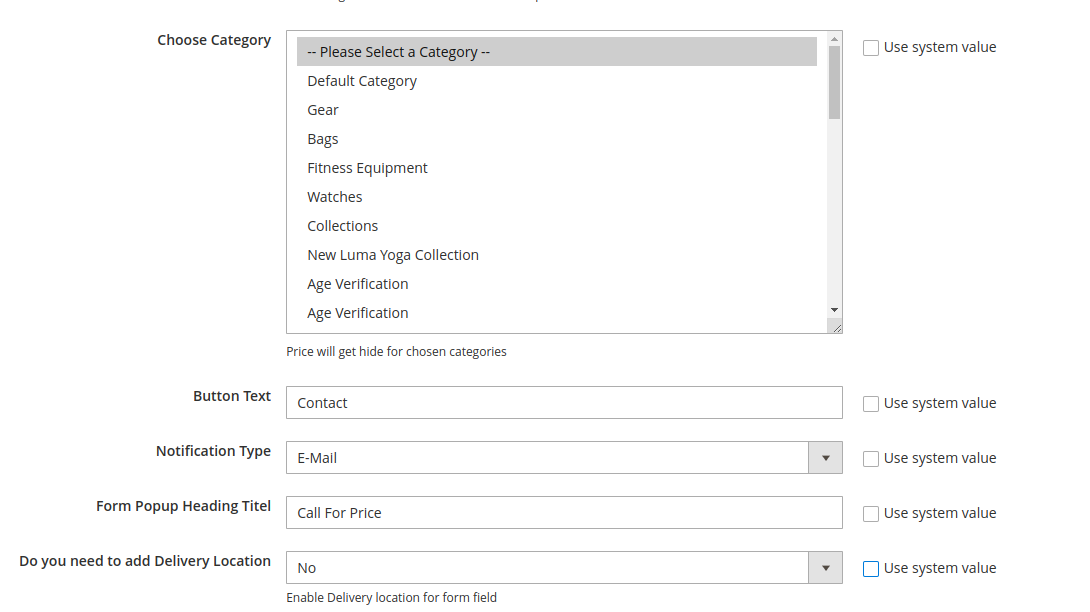
- Here is an Enable/Disable configuration to activate extension and after that, you have to
choose the customer group to hide a product price.
- With the help of this configuration, you are able to hide product price for specific product
categories.
- An admin can quickly customize the popup heading & Button text by using this configurations.
- Notifications can be sent via WhatsApp or Email, depending on your preferences.
- With the help of this configuration, you are able to enable or disable the
Delivery Location field in the popup form.
- With the help of this configuration, you are able to manage inquiry status labels to track and
categorize customer inquiries effectively.
- Customize the prefix for inquiry IDs to maintain a unique and organized system for managing
requests.

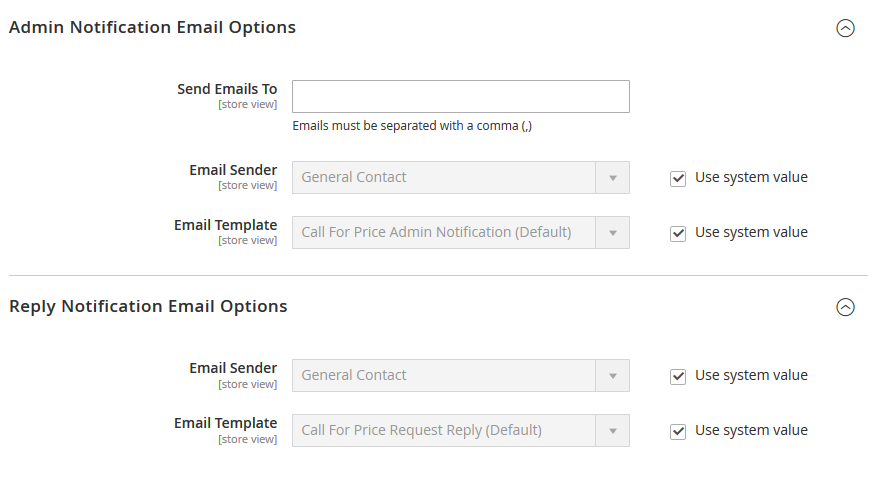
- Backend configuration to manage notification emails.
- You can easily reply call for price request customers by using given configurations.
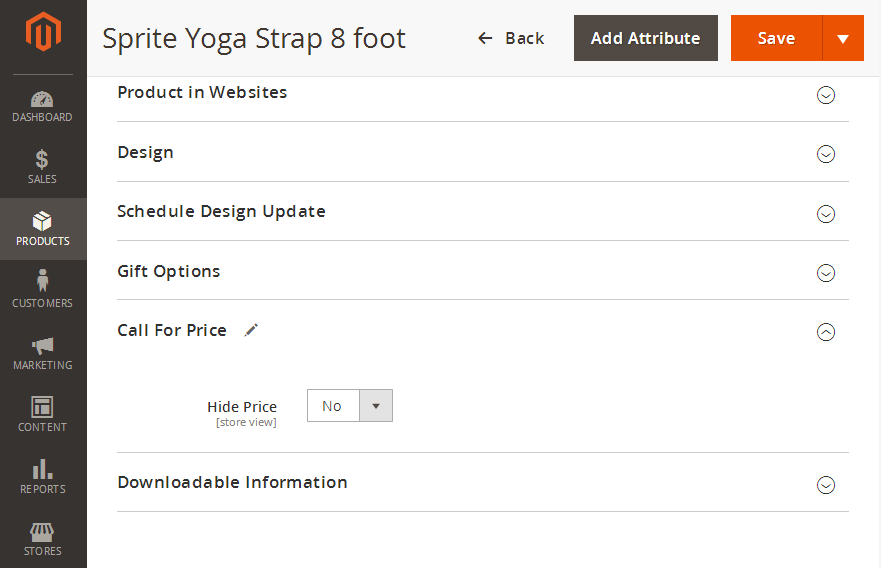
- Yes/ No configuration to hide price for specific product.
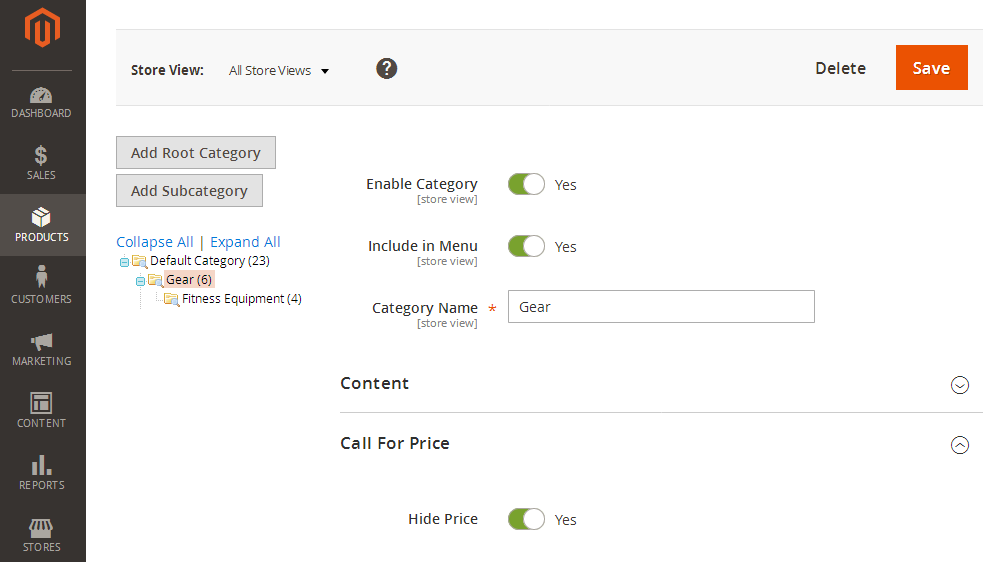
- Here is an easy option to hide price for all products of the specific category.
- Store admin can see the call for price request list with necessary information like Date &
time, Relevancy, product ID, Name, SKU, Customer name, Contact detail, Tags, Store and Status.

- Track every action taken on an inquiry with the new activity history feature. Whether it's a
status change, tag addition, or communication log

- Gain deeper insights into your inquiry trends with a visually intuitive analytics dashboard.

- Admin can easily reply to requested customer by using this backend configuration.

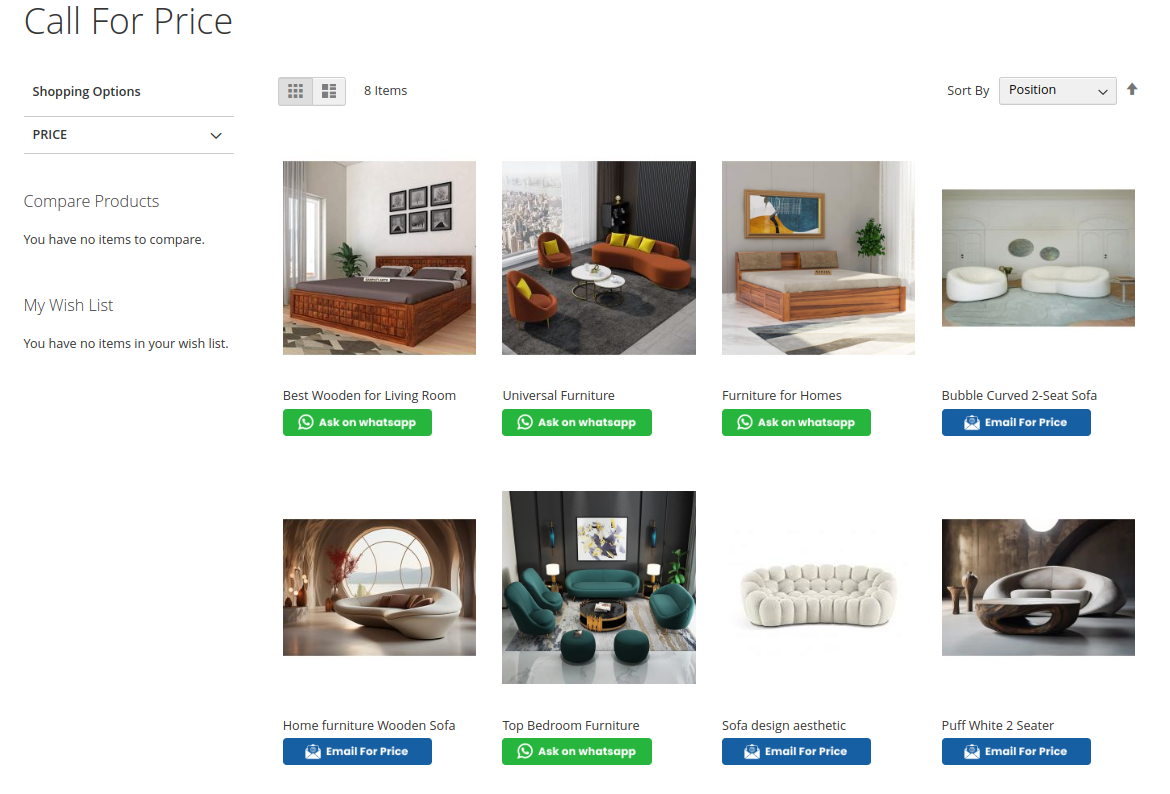
- Frontend view of category products in which the contact action button is enabled.
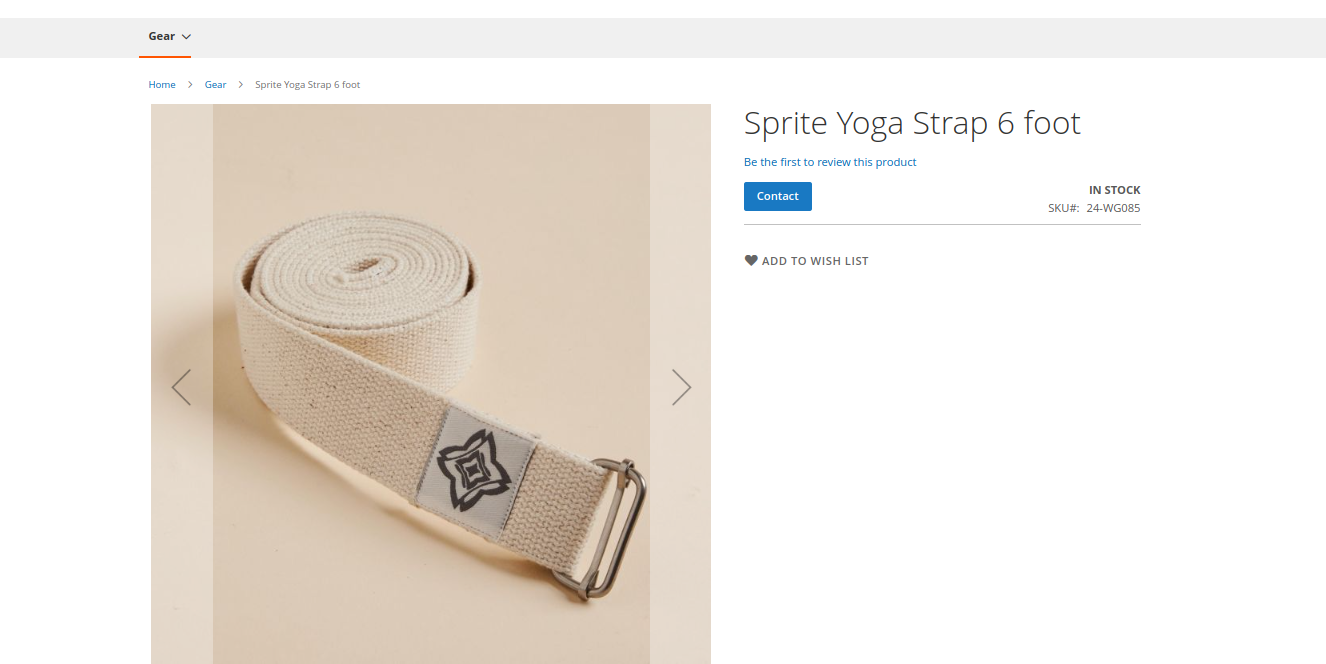
- Here is product detail page in which the contact action button is enabled.
- The customer can request store admin for a product price by using call for price form. He/She
need to fill required details like Name, Email address, Phone number, Lead Time and Comment.

Here you can find answers to frequently asked questions. Feel free to contact if you can't find answer to your question.
1. Is this extension supported configurable product?
Yes its supported.
2. Can customer contact us through listing page ?
Yes
"If you have any other questions or problems regarding this plugin, you can always contact me
using the contact form on my profile page and I'd be happy to help. No guarantees, but I'll
do my best to assist."
Our support operators are always glad to help you here [email protected]
Note: We are happy to help with setup and any bugs you may stumble upon.