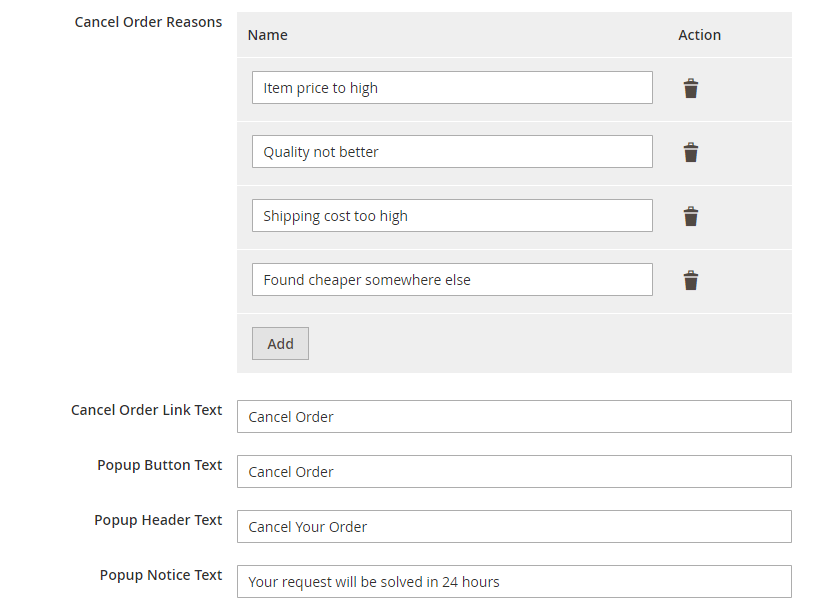
Cancel Order By Customer
" Thank you for purchasing our plugin. please feel free to email via our user page contact form here. Thanks so much! "
Several times the customers want to cancel the order while shopping online. Some merchants may want to let their customers cancel their orders directly from their account area. Giving the ability to customers to cancel their orders by themselves means that conditions and limitations must be taken into account. Cancel Order By Customer extension gives the most flexible way to your customers to cancel orders from the front side under my account section. Additionally, it allows a customer to add comments in a confirmation popup, this helps admin to know the exact reason for order cancellation and thus admin can improve lacking areas
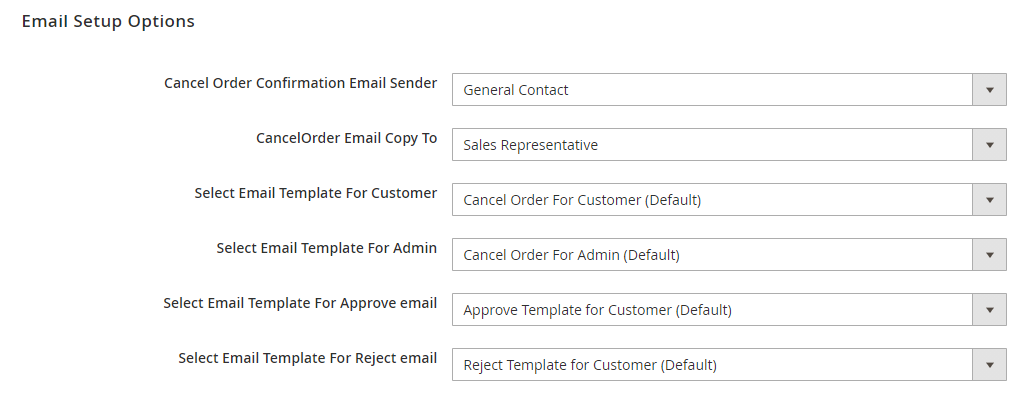
When each order has been cancelled, there will be automatically an update email sent to notify admins, so that admin can easily know and manage. The extension supports admins to customize form header text, button text, cancel order note etc. from a backend configurations. The store owner can set a custom email template from admin side for cancel order. Moreover, with various setup emails features: email sender, email receiver and email template, store owners can totally control cancelled orders, easily differentiate these kinds of orders from others. This will definitely enhance customer shopping experience.
Here is few highlighted features:
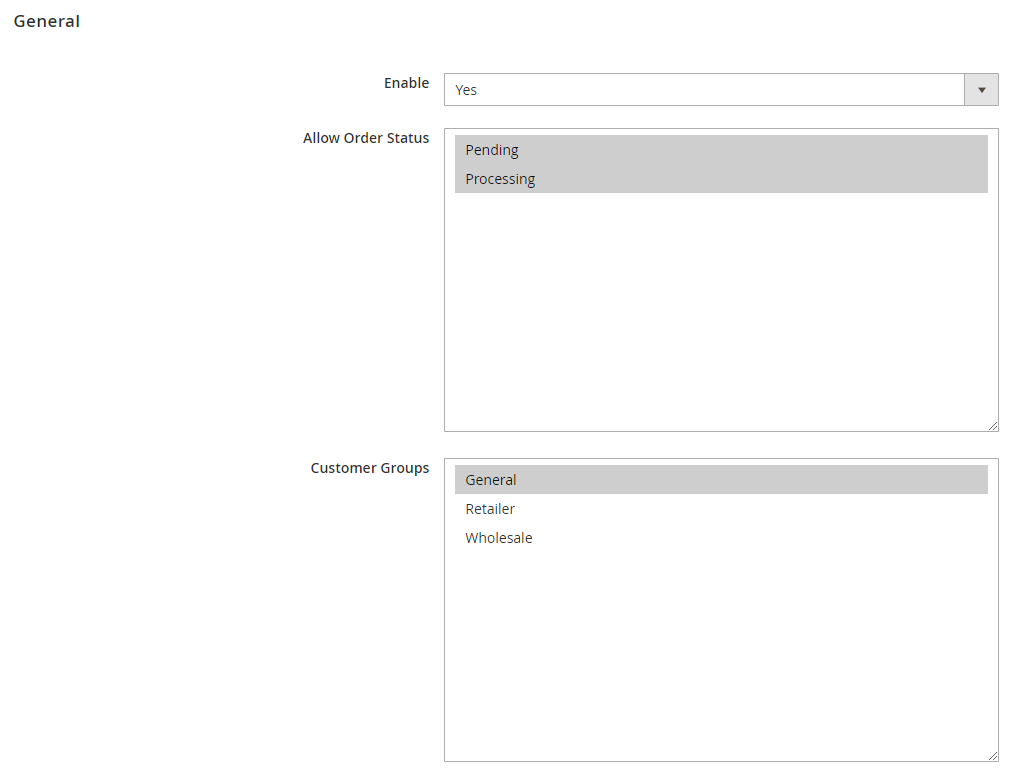
- Allow customer to cancel orders with the pending and processing status
- Automated email to admin as customer cancels an order
- Necessary field for customers to enter a reason for cancellation
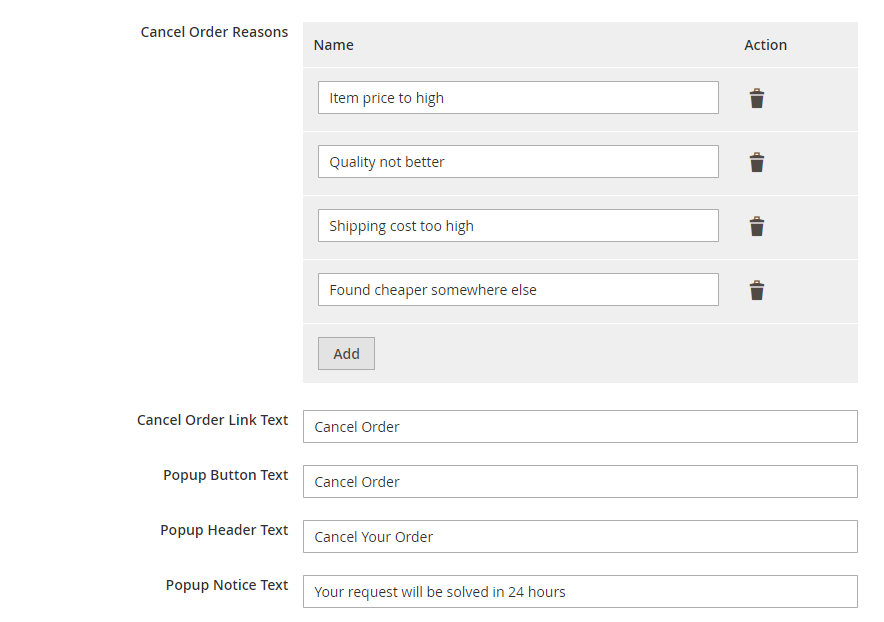
- Pre-loaded list of cancellation reason & add more from backend
- Get all canceled orders information at the admin panel & via email
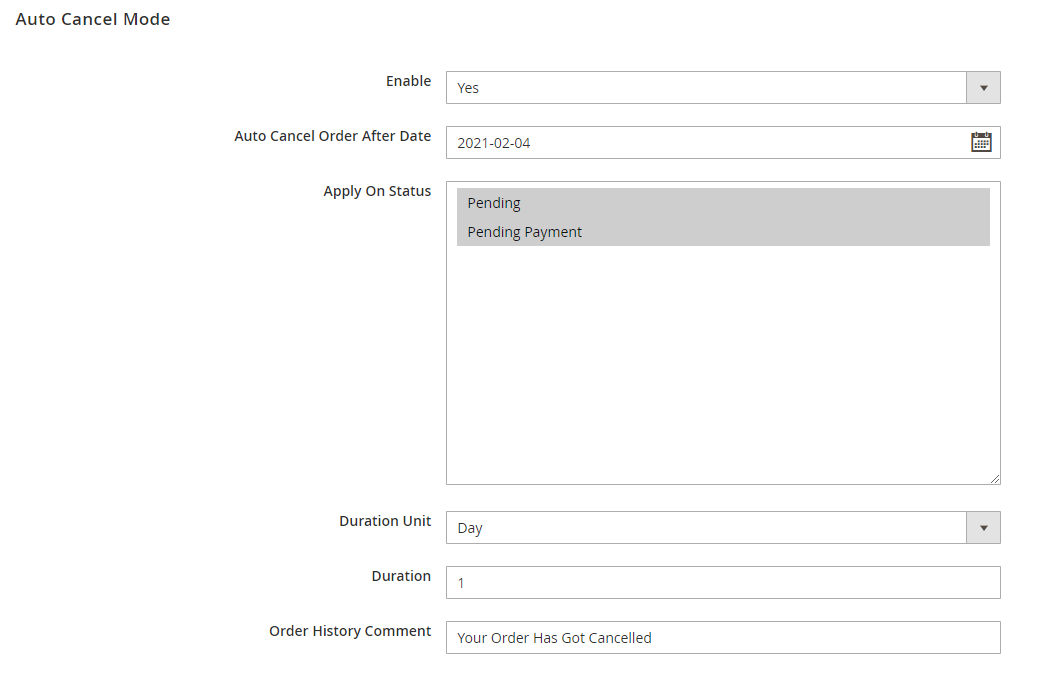
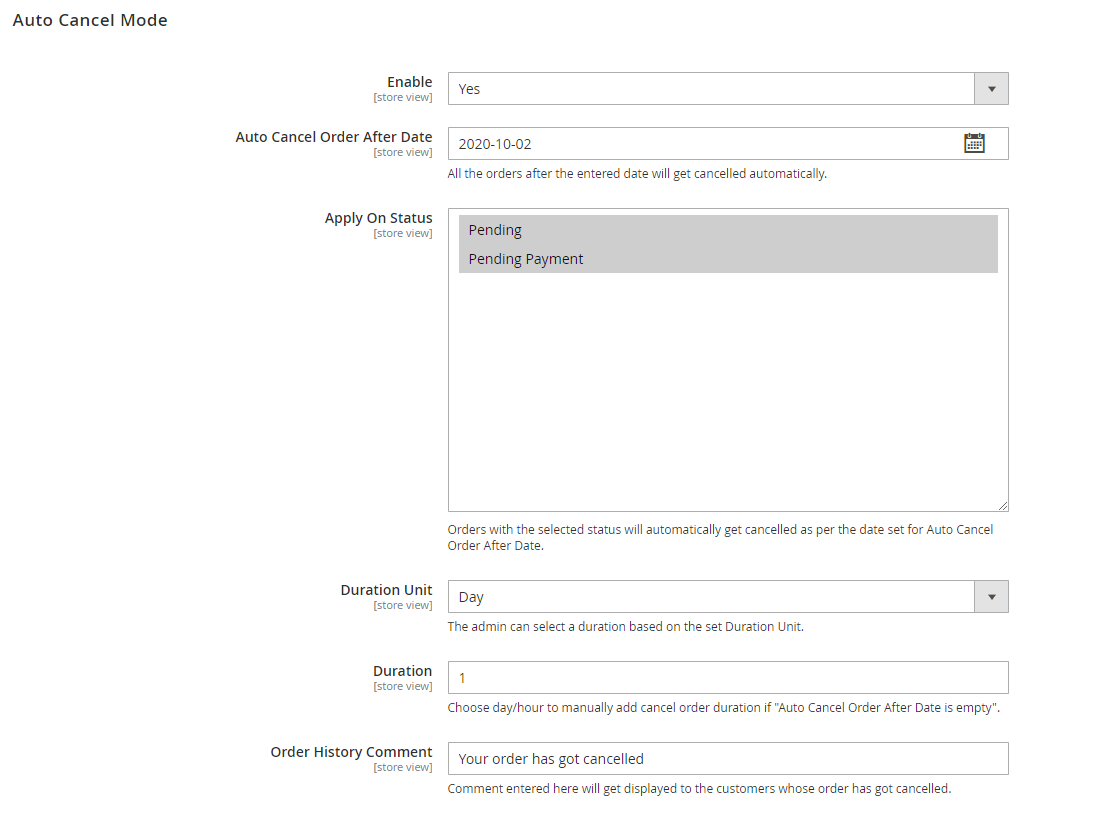
- Target order status and set an auto-cancel date
- Customize different buttons text
- Settings for email notifications & email content
In this step by step documentation we will show you how to install a Cancel Order By Customer.
Step 1. Backup your web directory and store database
Step 2. Download Extension package file
Step 3. Upload & Unzip package folders to store root
Step 4. Login into SSH console & reach to store root folder:
cd path_to_the_store_root_folder
Open Magento Root directory & run below series of commands one by one
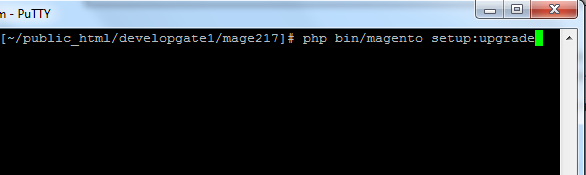
php bin/magento setup:upgrade
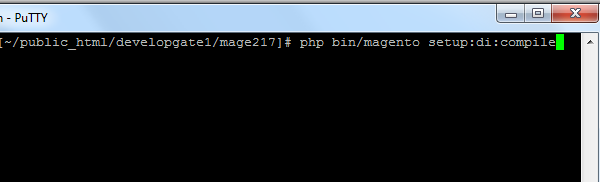
php bin/magento setup:di:compile
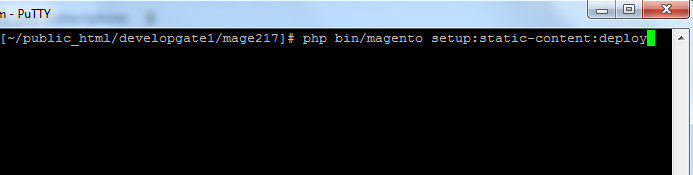
php bin/magento setup:static-content:deploy
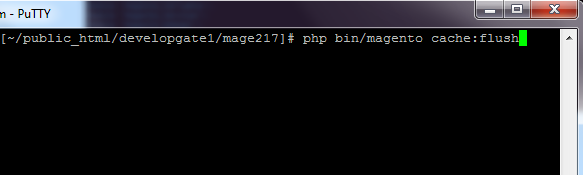
php bin/magento cache:flush
Step 5.
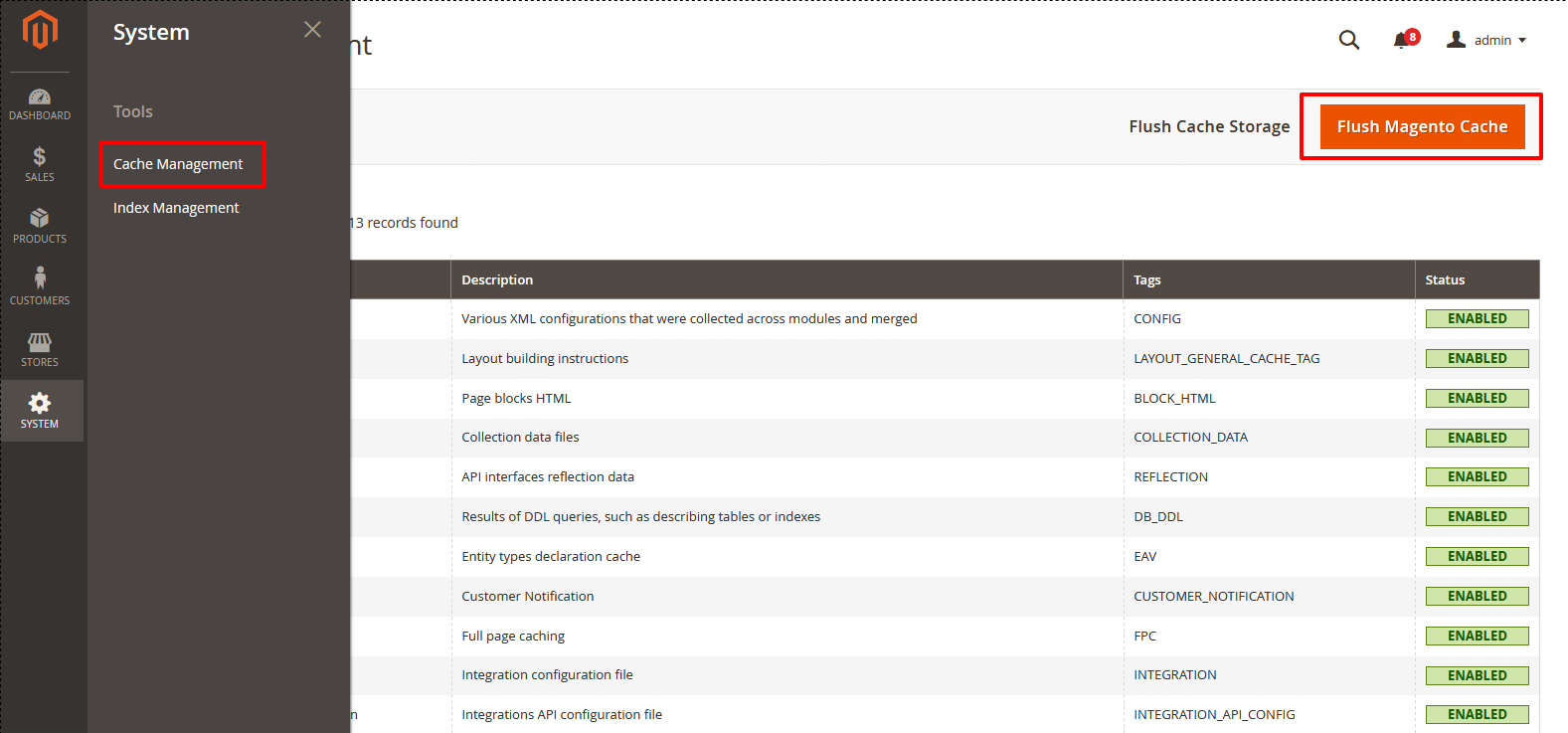
From Backend,System > Cache Management.
1. Flush Magento Cache
2. Flush Cache Storage
3. Flush JavaScript/CSS Cache
- The most flexible way to cancel orders from account dashboard.
- By using Cancel Order action a customer can easily cancel their order by themselves.
- Here a customer can see all the orders detail list with necessary information like Order ID, Date, Ship To, Order Total and Status.
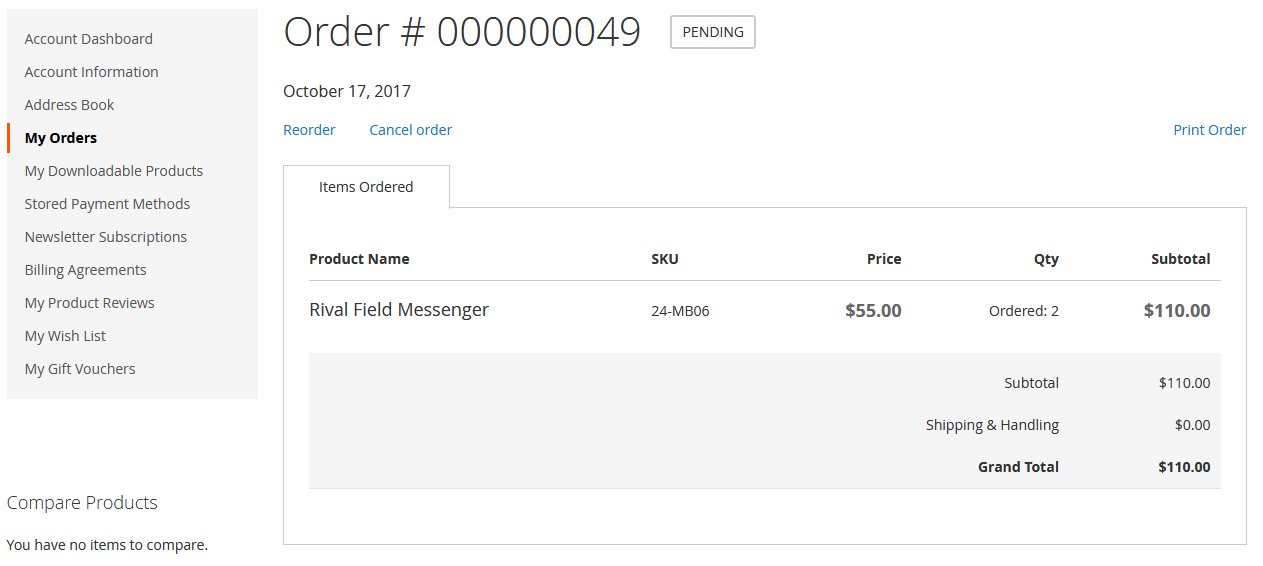
- A customer can also Cancel order from order detail page by using action.
- The order detail page consists with all necessary information like Status, Product Name, SKU, Price, Quantity and Sub total.
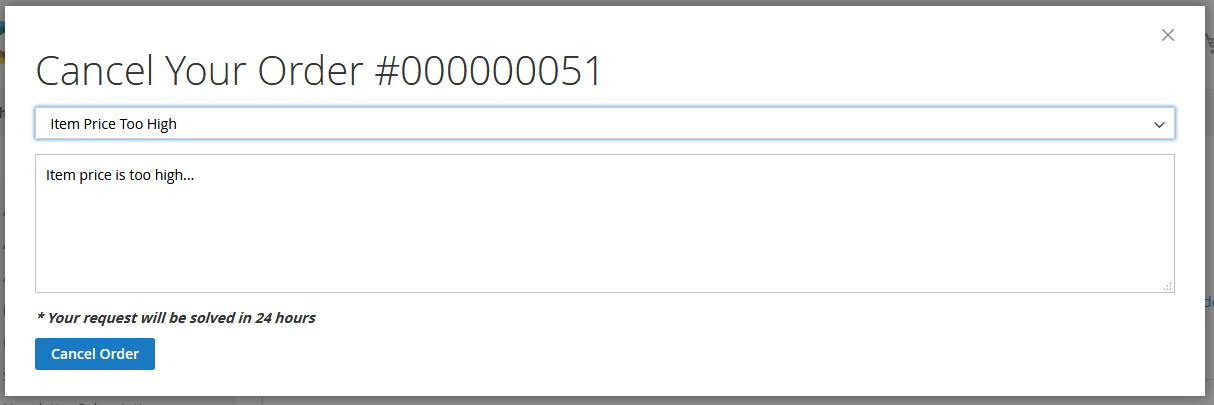
- The customer can select any relevant predefined cancellation reasons from a given drop down.
- Additionally, a customer can add comments in a given field of confirmation popup and can proceed for cancelling an order.
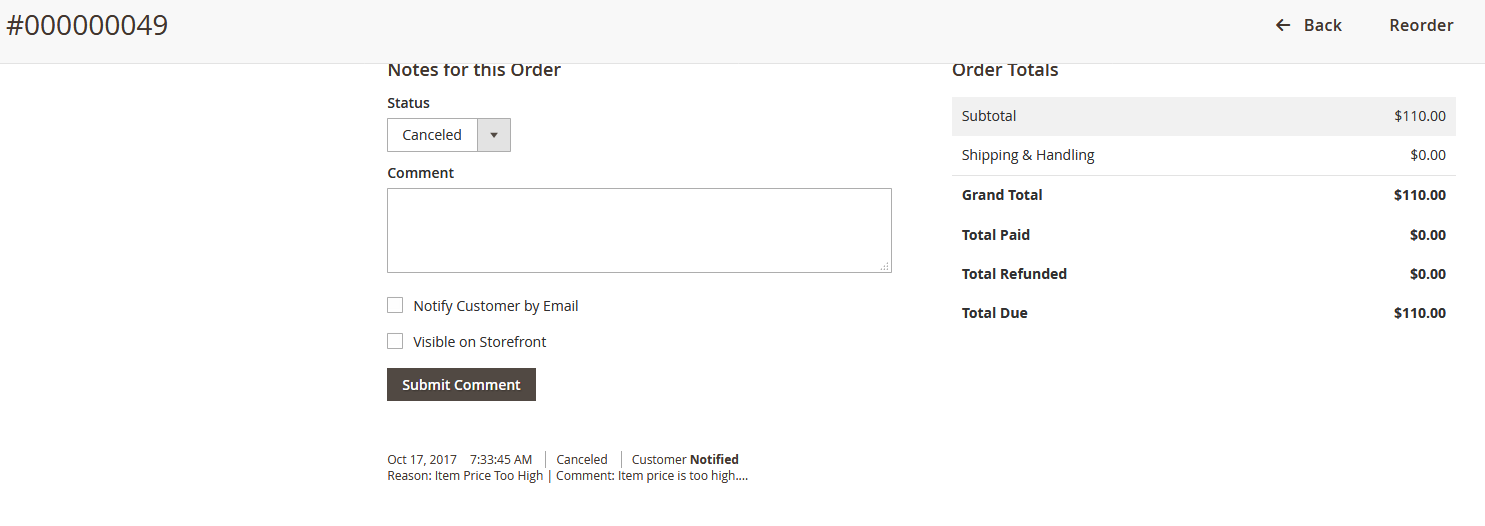
- Admin can see all requests of cancel order of customers via email as well as in admin panel.
- Admin can view all necessary information like Order ID, Status, Reason, Comment and order total.
Here you can find answers to frequently asked questions. Feel free to contact if you can't find answer to your question.
1. Customer can canceled order after shipping?
Orders which have status 'Pending' can be canceled. After shipping means order's status is other then 'Pending' (Not pending). So that order can not be canceled.
2. Is there any approval process involved or customers can cancel order right away from frontend?
No. There is no approval process involved here customer can canceled order by clicking on "Cancel Order" button.
"If you have any other questions or problems regarding this plugin, you can always contact us using the contact form and we'd be happy to help you. No guarantees, but we'll do our best to assist."
Our support operators are always glad to help you here [email protected]
Note: We are happy to help with setup and any bugs you may stumble upon.