Competition Panel

" Thank you for purchasing our plugin. please feel free to email via our user page contact form here. Thanks so much! "

Competitions are a great way to promote your store, drive traffic and increase sales. Not only will visitors be encouraged to return to your store to check out your competitions, the contests will also bring new visitors. Thus growing your audience and helping to generate leads.
Our competition panel extension allows you to build your own competition. This extension support multiple stores, hence you have numerous choice to build competition your own for different stores. Merchant can build two different kind of competitions like "review competition" (with the help of this competition your visitors/customers can submit a review of any product and able to participate in review competition) and "simple competition" ( in this competition visitors/customers just need to register their email and it permits to participate in simple competition).
The last order items are displayed as a suggested products in "review competition" so the user can use this item for review.At the end of competition duration, the system will auto generate winners for extensions & send discount codes which are configured by the site admin. It allows the admin to manually select a winner if preferred. Added email notification works for both admin & customers to notify for each update on going competitions.

Here is few highlighted features:
In this step by step documentation we will show you how to install a Competition Panel.

Step 1. Backup your web directory and store database
Step 2. Download Extension package file
Step 3. Upload & Unzip package folders to store root
Step 4. Login into SSH console & reach to store root folder:

cd path_to_the_store_root_folder

Open Magento Root directory & run below series of commands one by one

php bin/magento setup:upgrade

php bin/magento setup:di:compile

php bin/magento setup:static-content:deploy

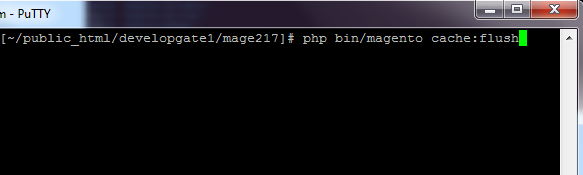
php bin/magento cache:flush
Step 5. From Backend,System > Cache Management.
1. Flush Magento Cache
2. Flush Cache Storage
3. Flush JavaScript/CSS Cache

To use this Competition Panel you have to Go to STORES > Configuration > SETUBRIDGE > Competition Panel Tab:
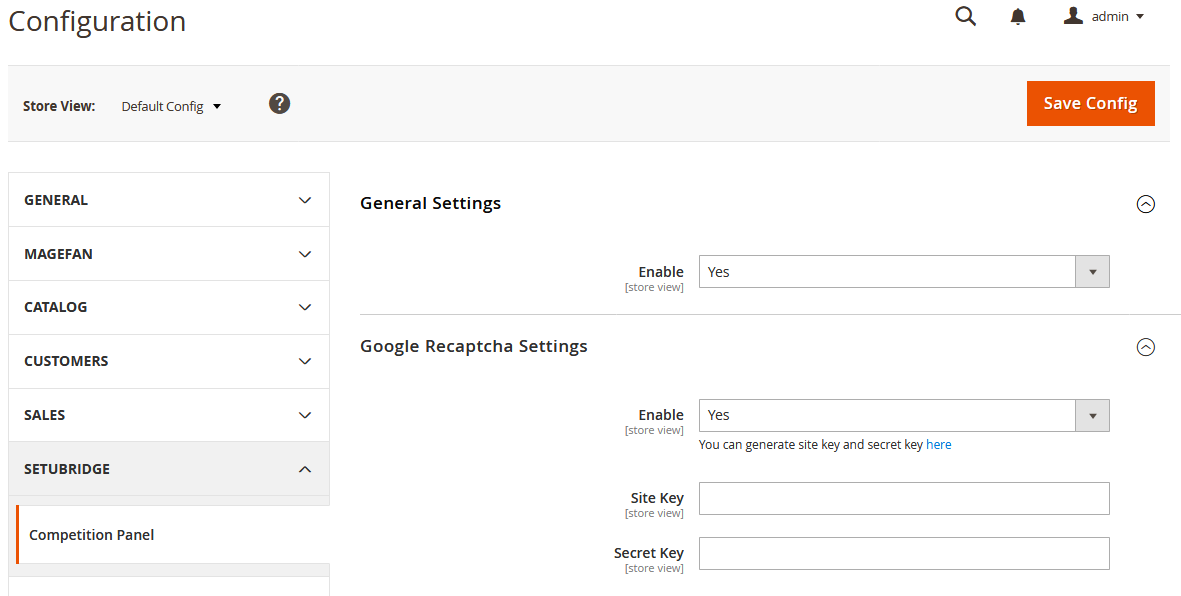
  • Here is a configuration option to Enable/Disable Competition Panel Magento 2 extension.
  • Admin can enable Google ReCaptcha by selecting yes in option.

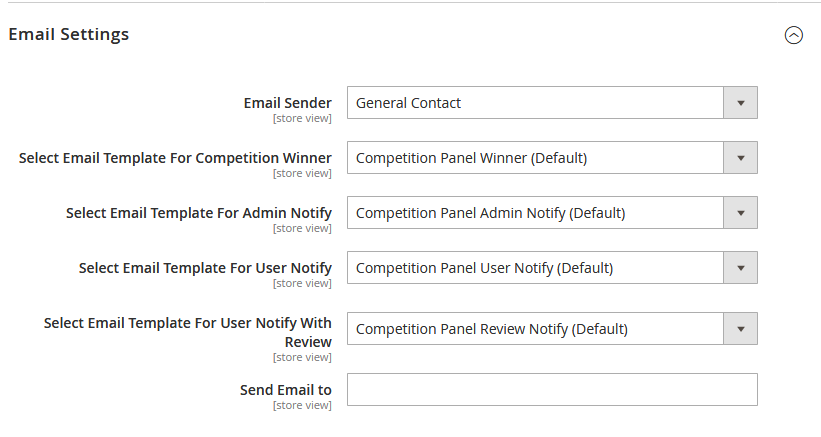
  • Backend configuration to manage notification emails.
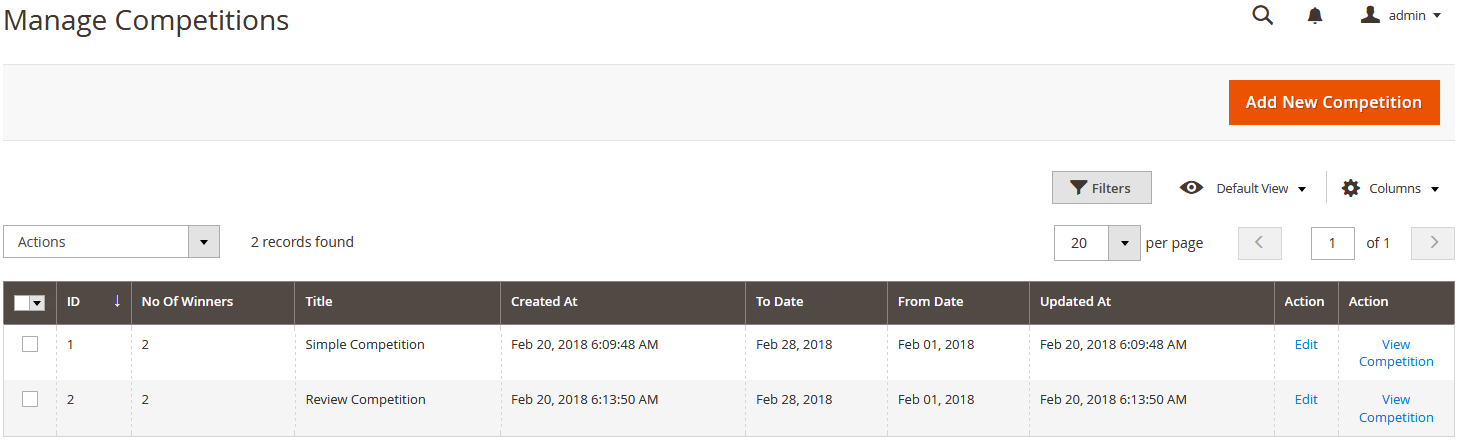
  • Using this Backend Configuration admin can Create/Manage competition. There will be immediate available on frontend.

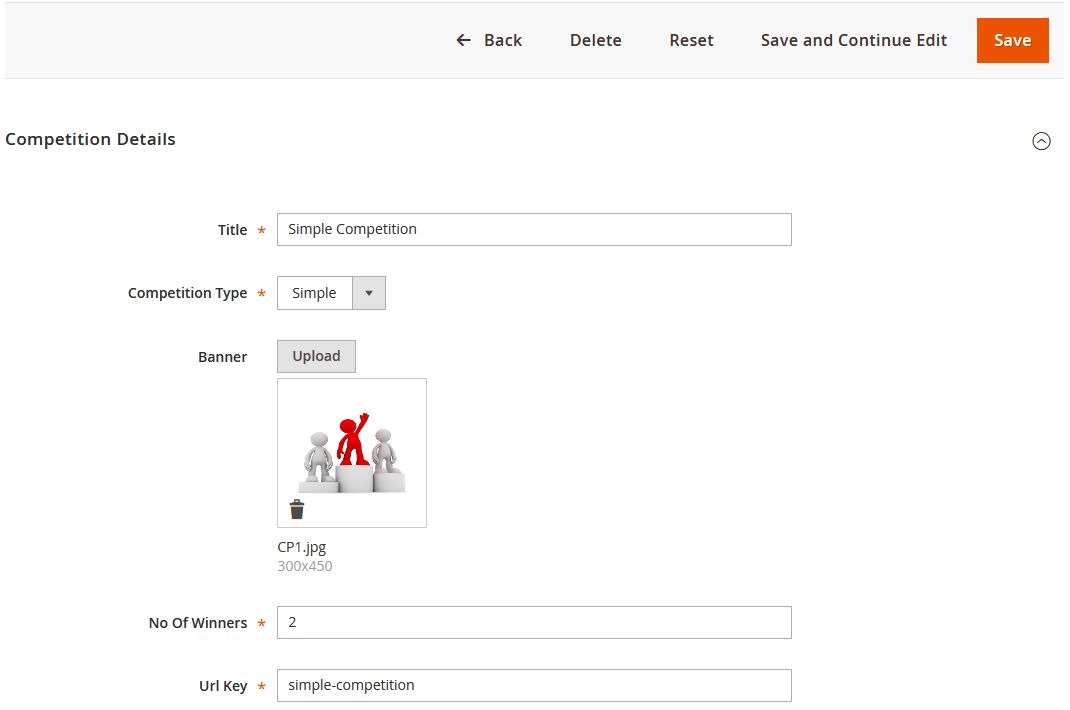
  • Using this configuration admin can create different types of competitions. The store admin can create two types (Simple Competition , Review Competition) of Competition.
  • Using this configuration admin can create Review Competition. The store admin can create review competition for existing product and add link in detail page by selecting yes in option.
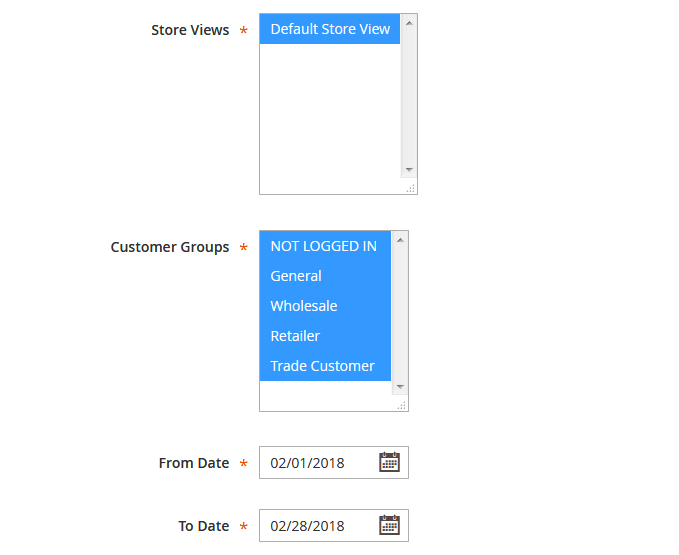
  • Here is configuration to activate competition for period of time. Also, admin have to choose the customer group to show a competition.
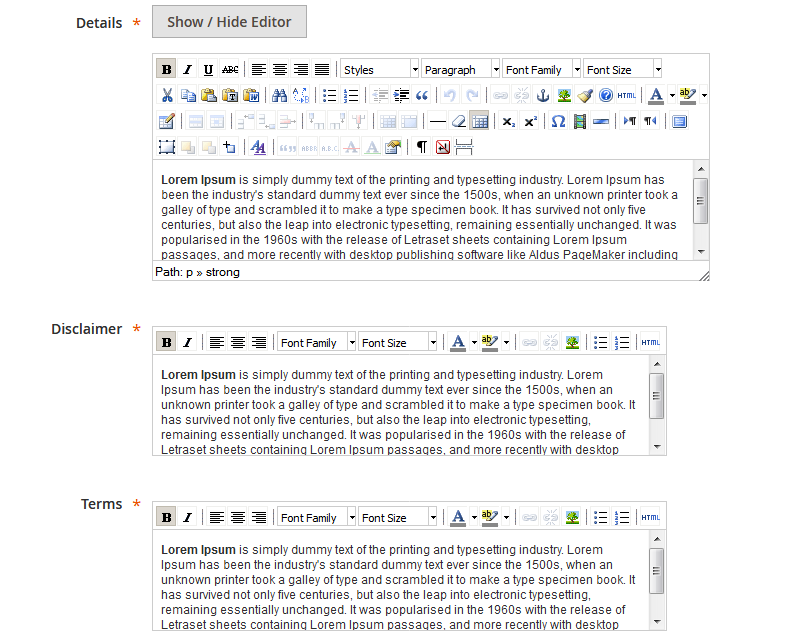
  • Enter competition details and disclaimer
  • Also, enter Terms and conditions of this competition
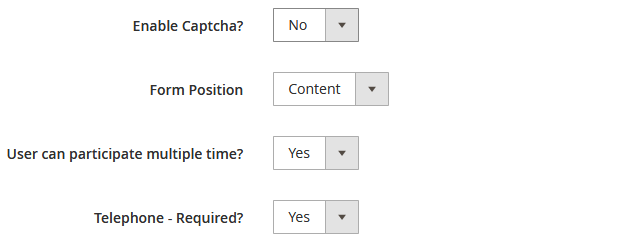
  • Admin can easily enable captcha, set form position and restrict customer to participate multiple times.
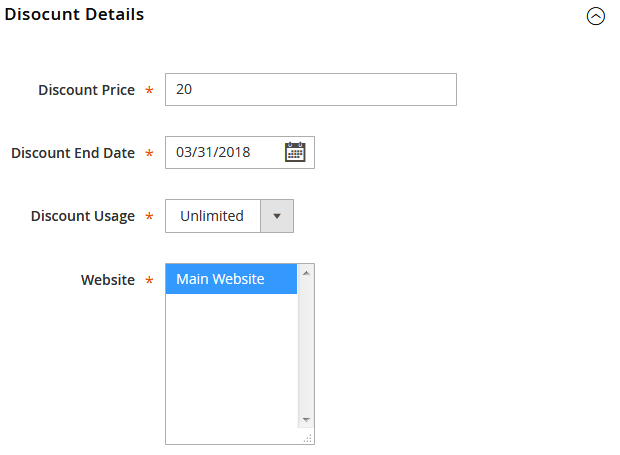
  • The store admin can add discount info like Maximum Discount Price, Discount Expired date, Discount Usage.
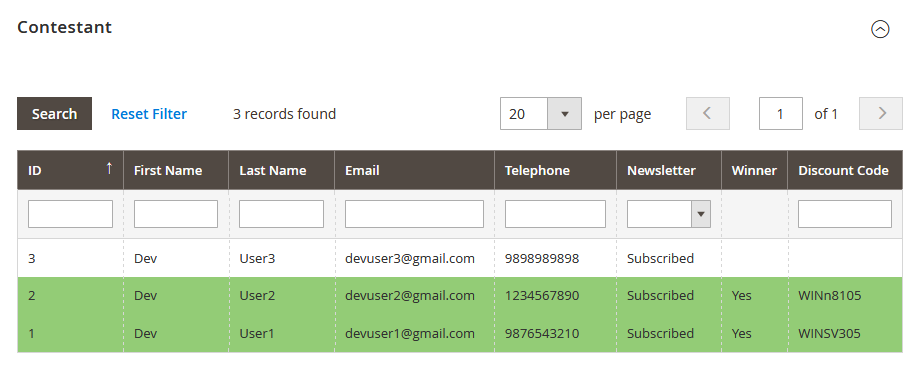
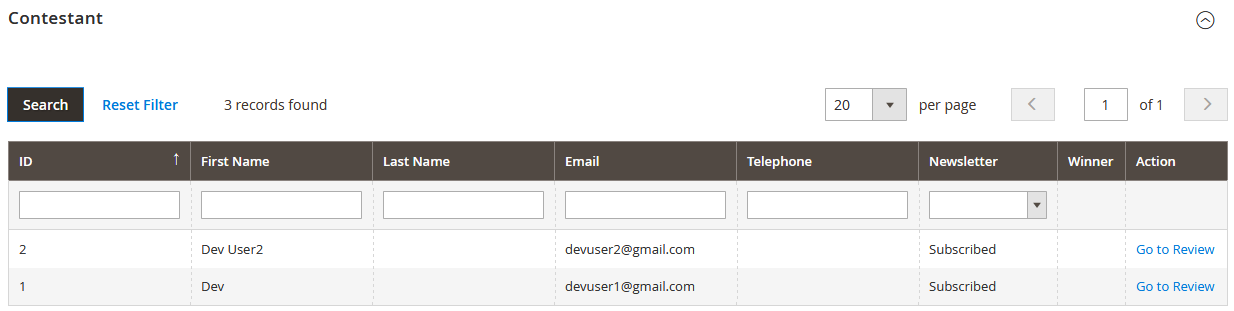
  • Store admin can see the contestant list with necessary information like Customer Name, Email Id, Contact detail, Discount Code. The winner display with green marked.
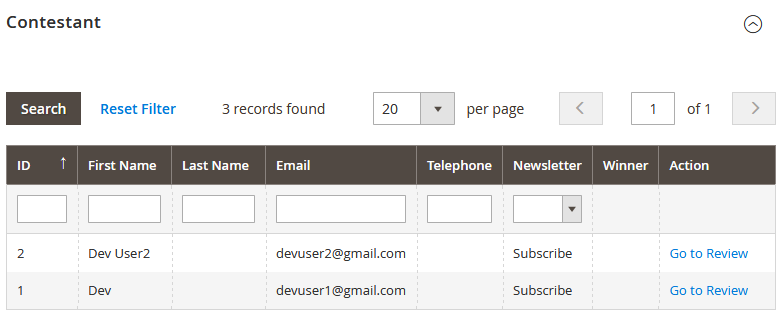
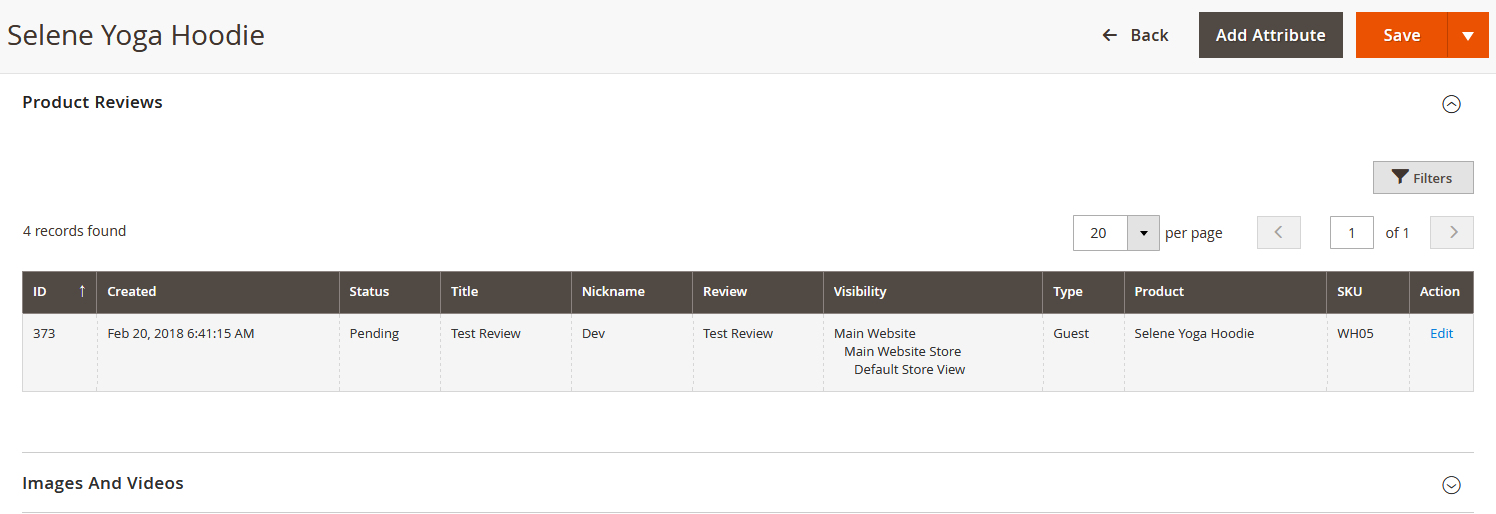
  • Here an admin can manage the list of Product Reviews from users.
  • Here an admin can create Shopping Cart Price Rules for various competitions
  • Cart Price Rules is created once competition is closed.


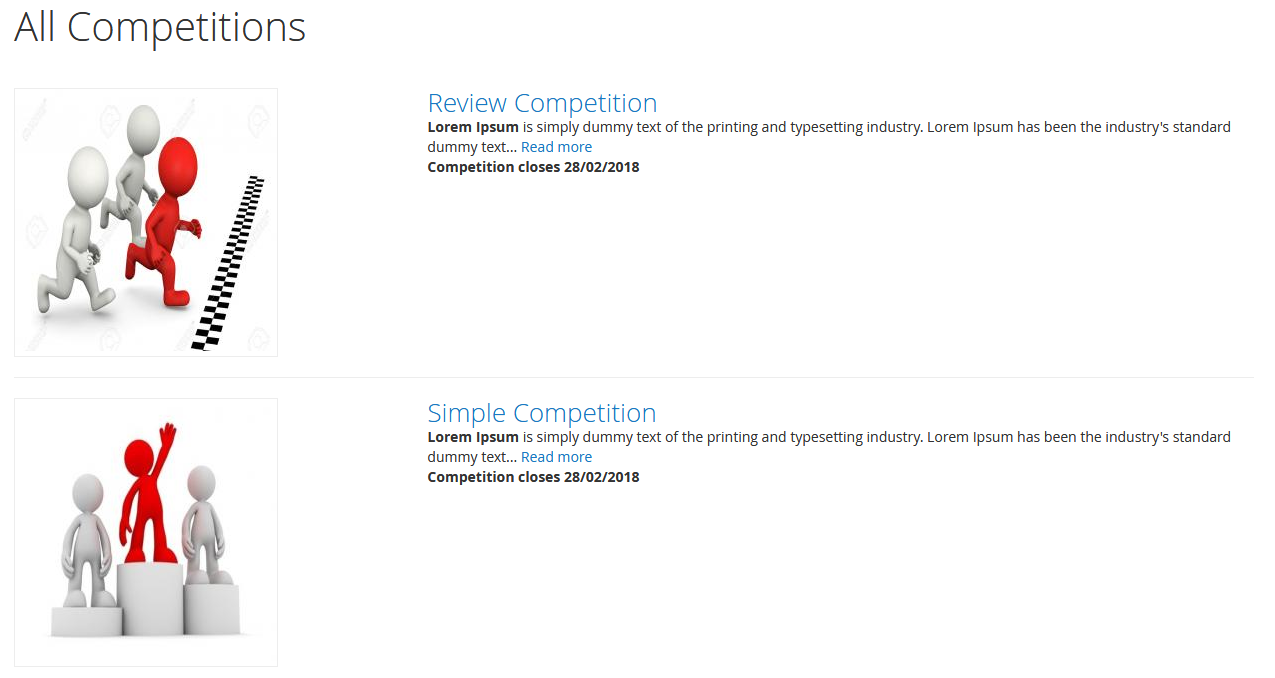
  • User can see list of competition.
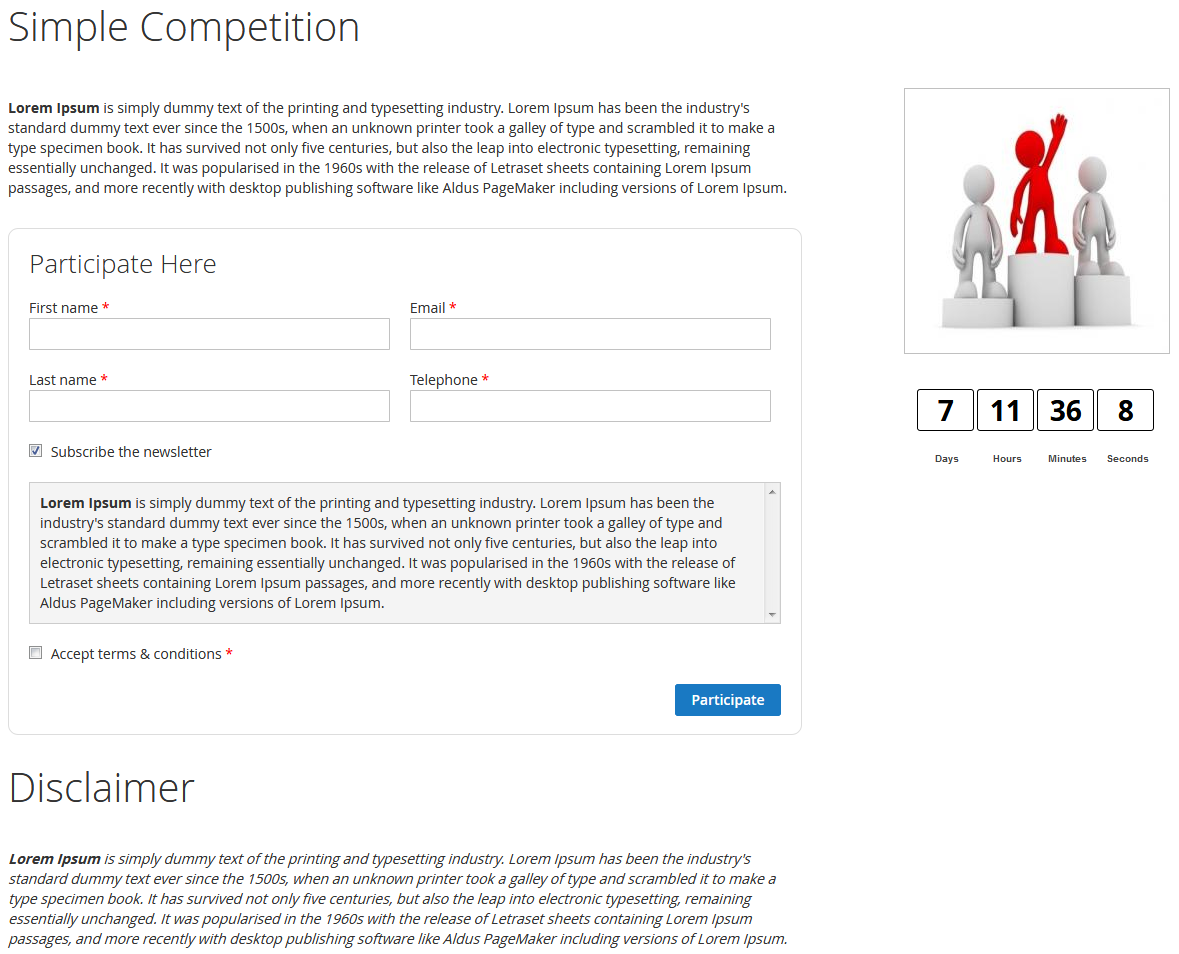
  • User can participate by fill up required detail.
  • Simple Competition Form aligned to the right position.
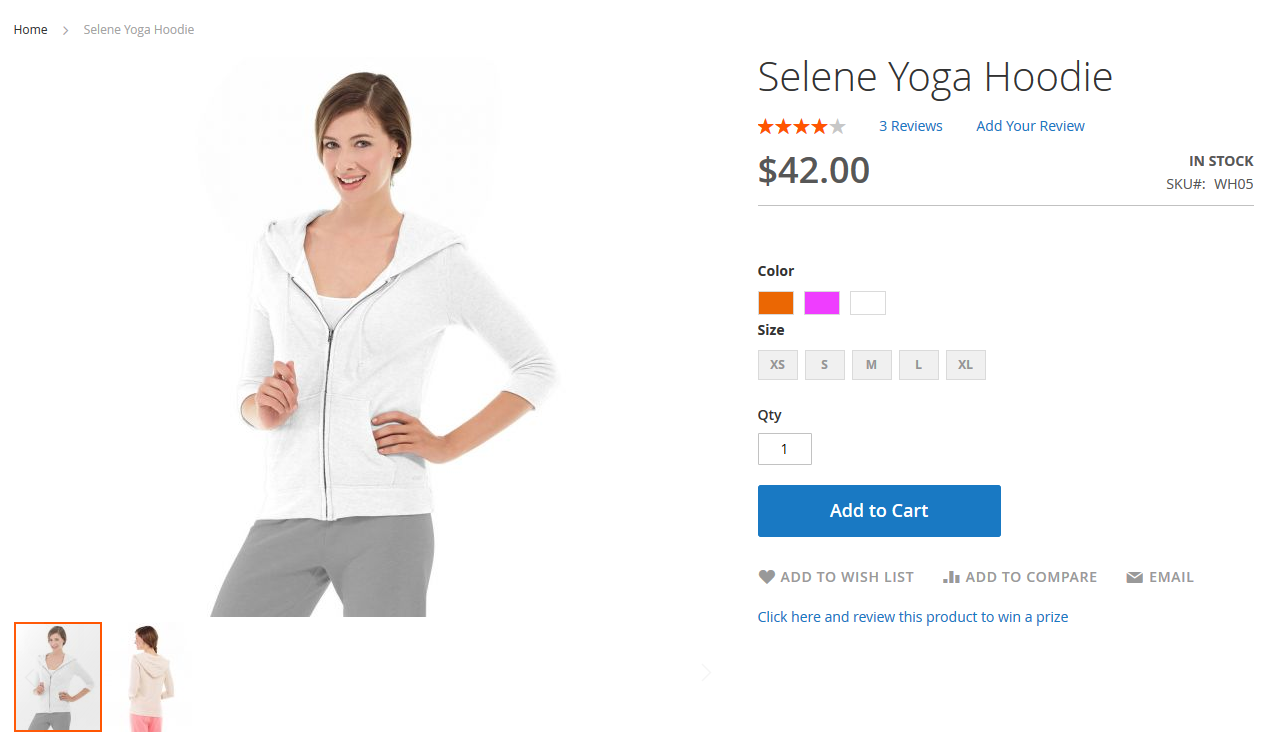
  • Review competition link display in product detail page.
  • User can participate review competition to fill up required detail.
  • To participate in 'Review Competition' your visitors/customers need to enter information like First Name, Email id, Product Name, Review, etc.
  • Participator can submit a review of any product and able to participate in a review competition.

Here you can find answers to frequently asked questions. Feel free to contact if you can't find answer to your question.


1. Can admin create different competition for different store?

Yes, Admin can create different competition for different store.


2. Does winner auto declare ?

Yes, Winner will auto declare.

"If you have any other questions or problems regarding this plugin, you can always contact me using the contact form on my profile page and I'd be happy to help. No guarantees, but I'll do my best to assist."

Our support operators are always glad to help you here [email protected]


Note: We are happy to help with setup and any bugs you may stumble upon.