Competition Panel
" Thank you for purchasing our plugin. please feel free to email via our user page contact form here. Thanks so much! "
Competitions are a great way to promote your store, drive traffic and increase sales. Not only will visitors be encouraged to return to your store to check out your competitions, the contests will also bring new visitors. Thus growing your audience and helping to generate leads.
Our competition panel extension allows you to build your own competition. This extension supports multiple stores, hence you have numerous choices to build competitions of your own for different stores. Merchant can build the following three types of competitions: "review competition" (with the help of this competition your visitors/customers can submit a review of any product and able to participate in review competition), "poll competition" ( in this competition your visitors/customers can vote for a poll question and it permits to participate in poll competition), and "simple competition" ( in this competition visitors/customers just need to register their email and it permits to participate in simple competition).
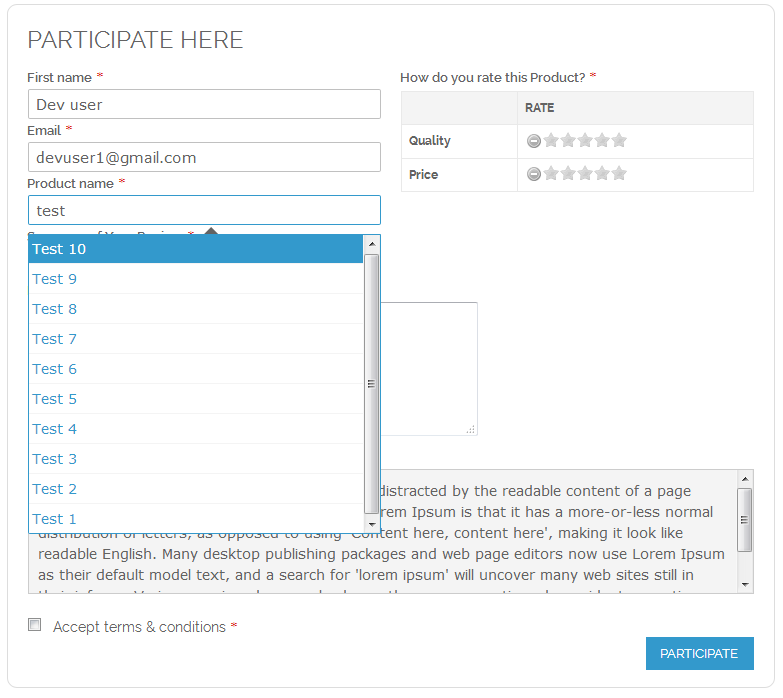
The last ordered items are displayed as suggested products in "review competition" so the user can use this item for review. At the end of the competition, the system will auto generate winners for extensions & send discount codes which are configured by the site admin. It allows the admin to manually select a winner if preferred. Added email notifications works for both the admin & customers to notify for each update of on-going competitions.
Here is few highlighted features:
- Admin can build numerous kinds of competitions for different store
- EasySpin wheel display and hide option
- Admin can generate three various types of competitions like review competition, poll competition, simple competition
- Enable/disable configuration for multiple time participation of single user in specific competition
- Admin can also add review competition link in product page, there is an option for that in backend
- Customizable position of form with the help of backend options for specific competition
- Add/remove captcha for specific competition it protect from fake competitors participate
- Admin can declare auto/manual competition winner randomly
- Auto winner declaration system process using CRON job.
- Set start and end date of competitions
- Mobile/tablet/desktop responsive competition preview page
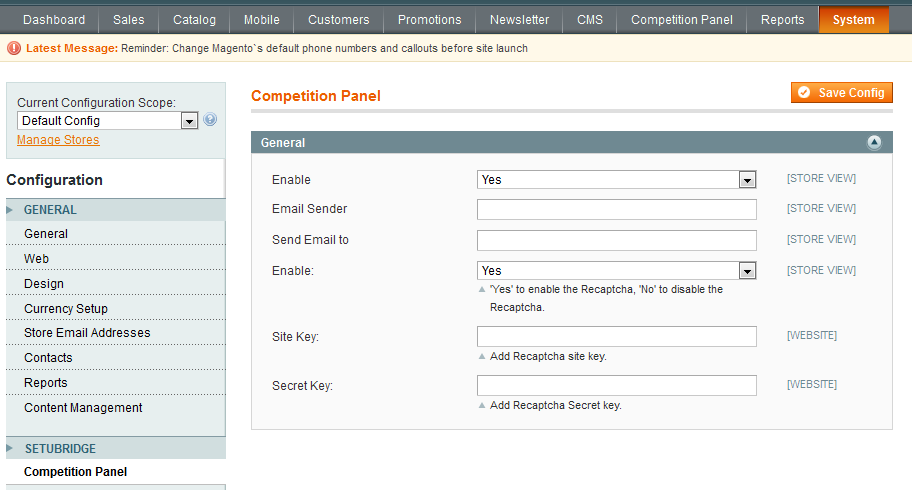
To use this Competition Panel you have to Go to System > Configuration > Competition Panel Tab:
- Here is a configuration option to Enable/Disable Competition Panel extension for Magento 1.
- Email notifications work for both the admin & customers to notify for each update of on-going competitions
- Instantly Enable/Disable Google reCaptcha from backend configuration
- By using given configurations admin can also add site key & secret key
- Competition Manager consists the details like Competition Name, Start & end date, No. of Winners etc.

- Here an admin can create Simple Competition Type by adding details like Title, No. of winners, URL key, Store view, etc.

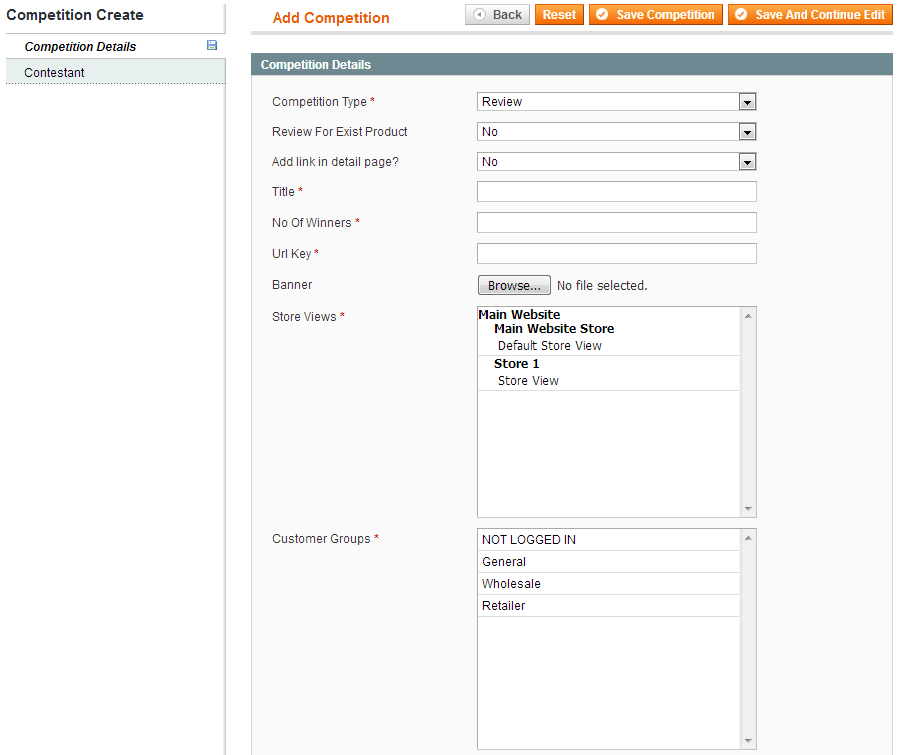
- Here an admin can create Review Competition Type by adding necessary details.
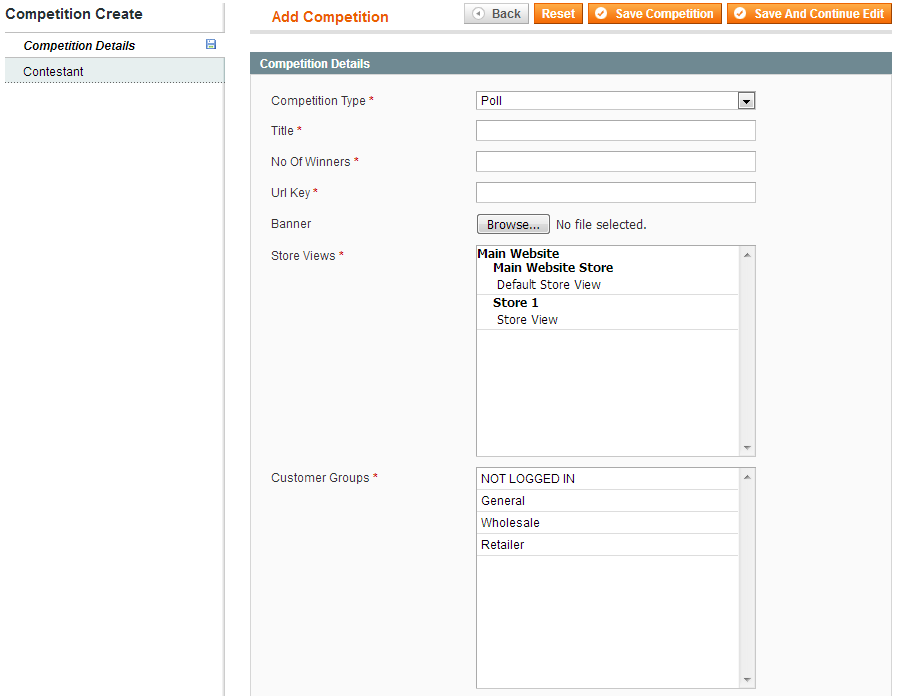
- Here an admin can create Poll Competition Type by adding necessary details.
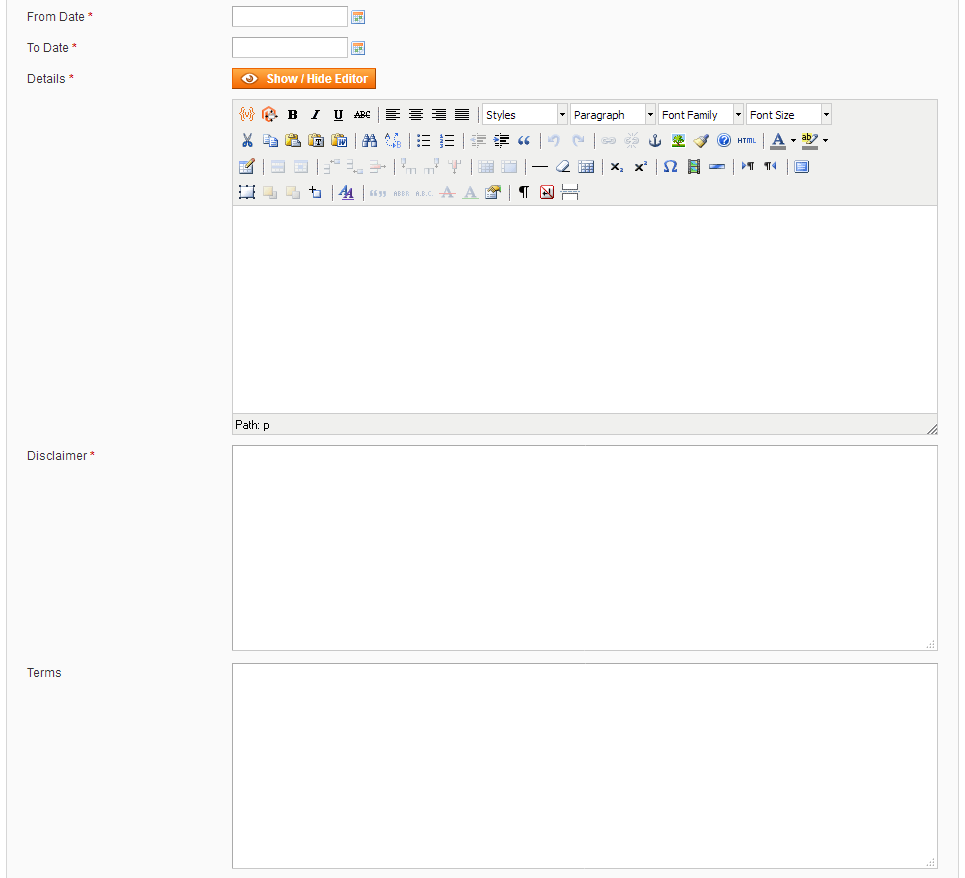
- Select competition start and end date
- Enter competition details and disclaimer
- Also, enter Terms and conditions of this competition
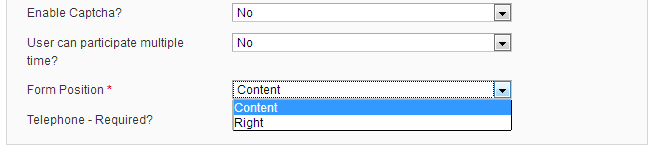
- If you want to disable captcha for this competition then set it to 'NO'
- Set it to 'No' if you don't want to allow a single user to participate for multiple time
- Select form position display type
- Select if the "Telephone" number is required or not
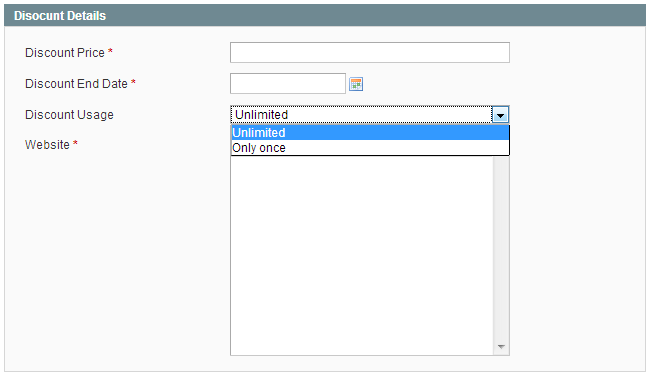
- Enter discount price for competition winner. Enter Zero (0) if you don't want to give the discount
- Discount coupon usage expiry date
- Choose discount usage type i.e Only once or unlimited
- The system will auto generate winners & send discount codes which are configured by the site admin.
- It allows the admin to manually select a winner if preferred.
- Auto winner declaration system process using CRON job

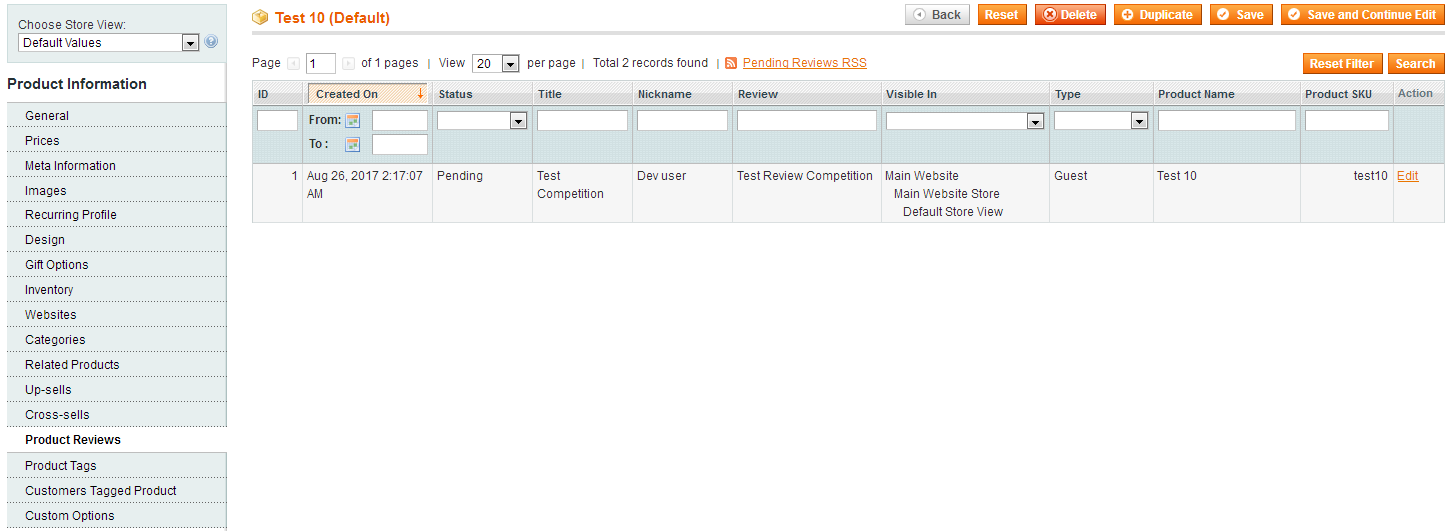
- Here an admin can manage the list of Product Reviews from users.
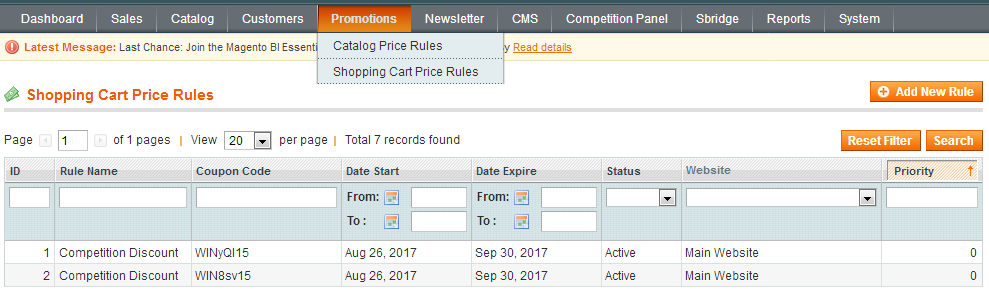
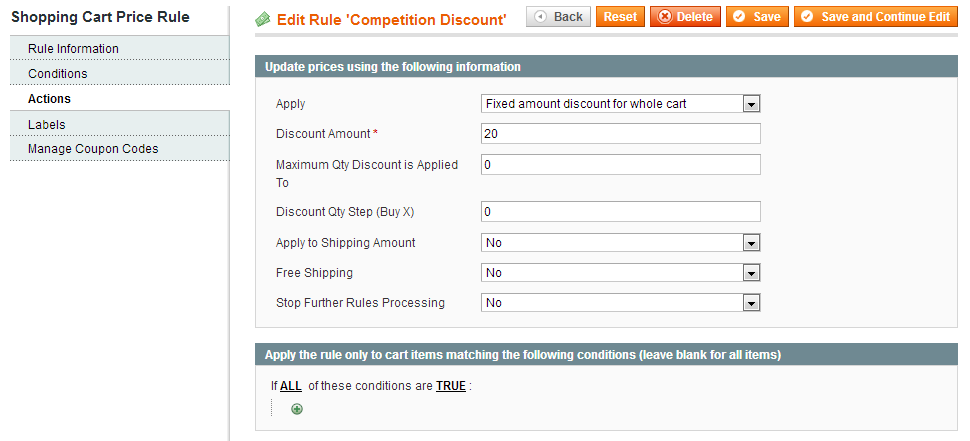
- Here an admin can create Shopping Cart Price Rules for various competitions
- Shopping Cart Price Rules consists the details like ID, Rule Name, Coupon Code, Start & expire date, Status, etc.
- Here an admin can edit 'Competition Discount' Rule
- Select this rule if you want to apply 'Fixed amount discount for whole cart'
- Enter the Discount amount for competition winner
- Select 'NO' if you don't want to apply shipping amount
- Select 'NO' if you don't want to allow free shipping
- Select 'NO' if you want to stop further rules processing
- Apply rule only to cart items which match the set conditions
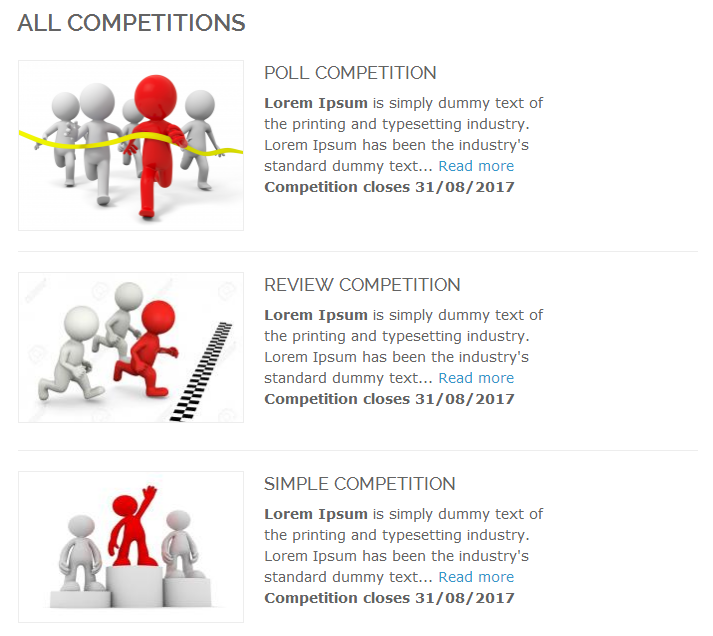
- View competitions like Poll Competition, Review Competition, and Simple Competition.
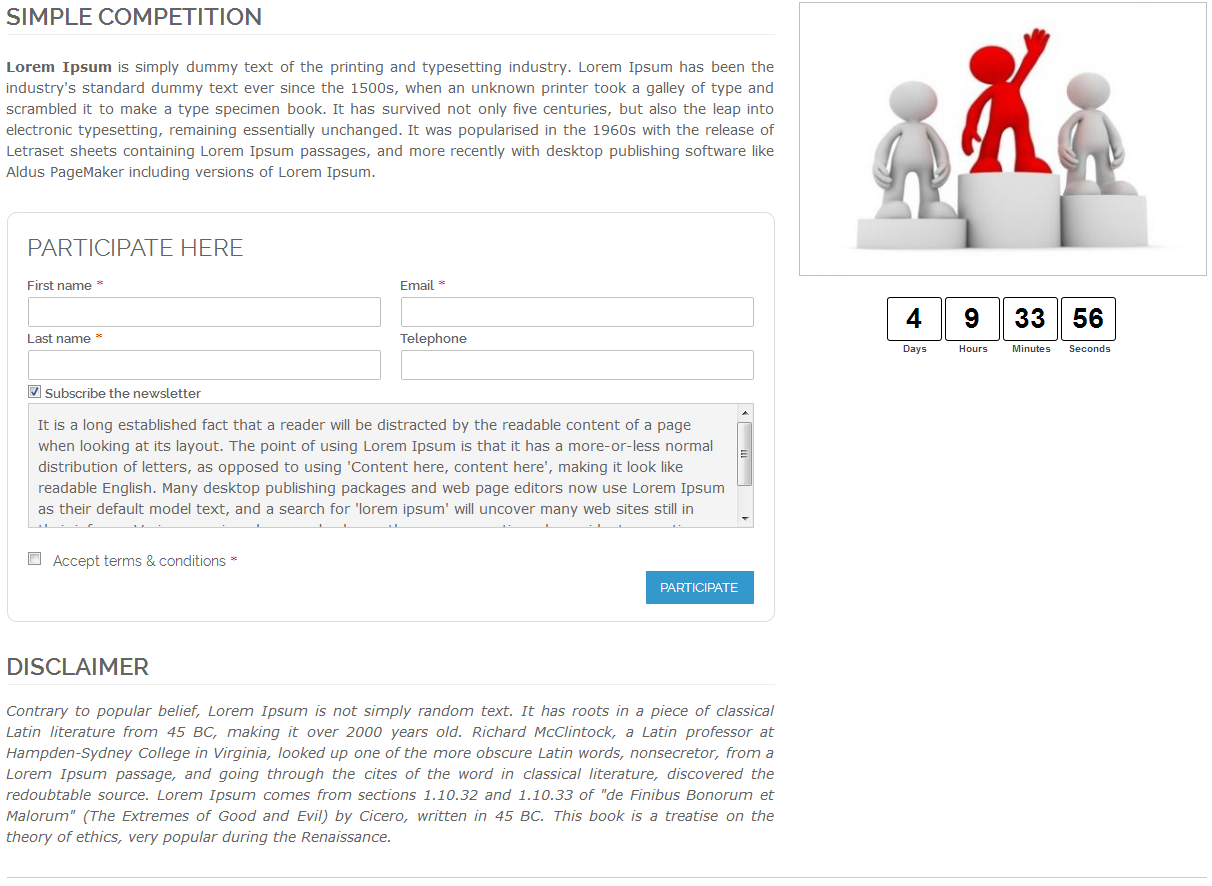
- Here is a 'Simple Competition' Form with a countdown start.
- In this competition visitors/customers just need to register their email id and need to enter the required information to participate in a simple competition.
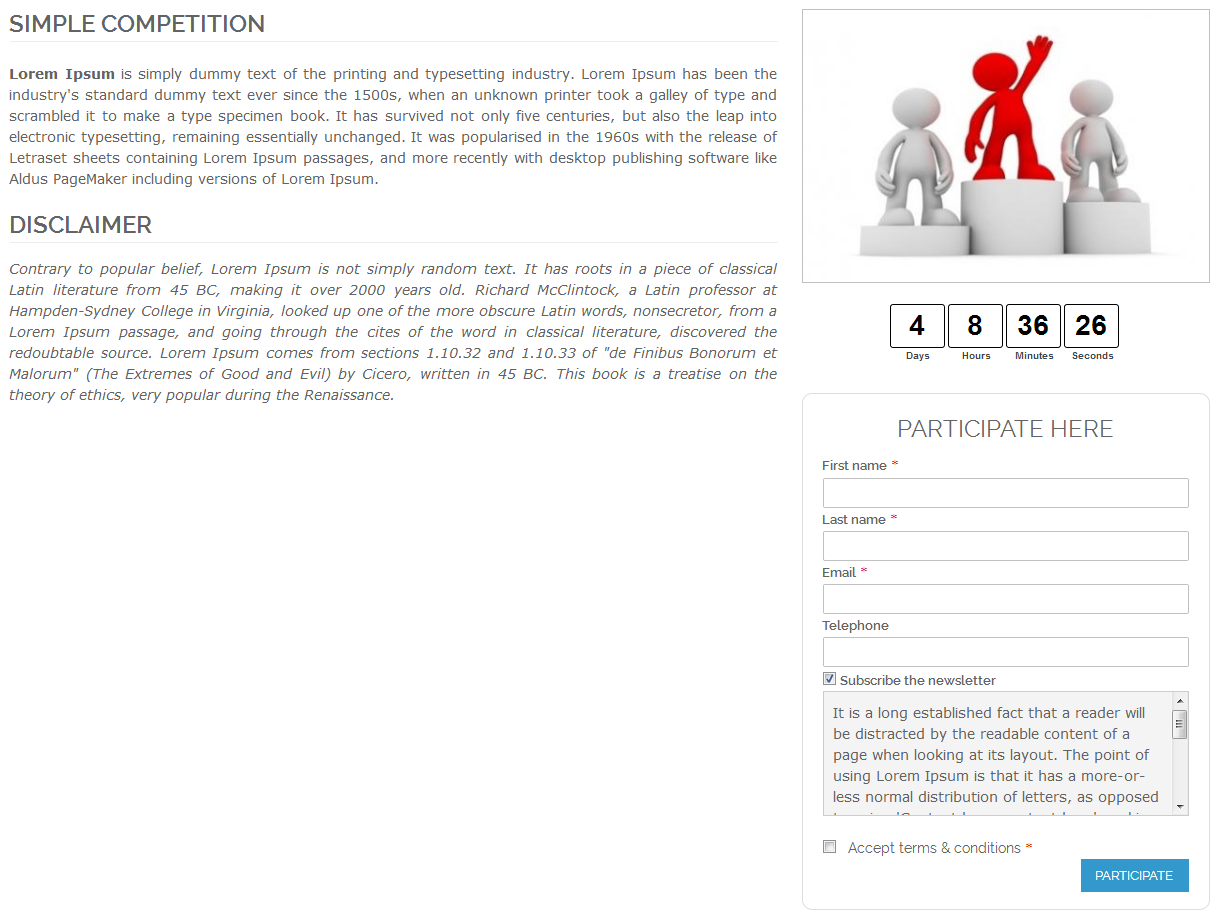
- Simple Competition Form aligned to the right position.
- Here is a 'Review Competition' Form with a countdown start.
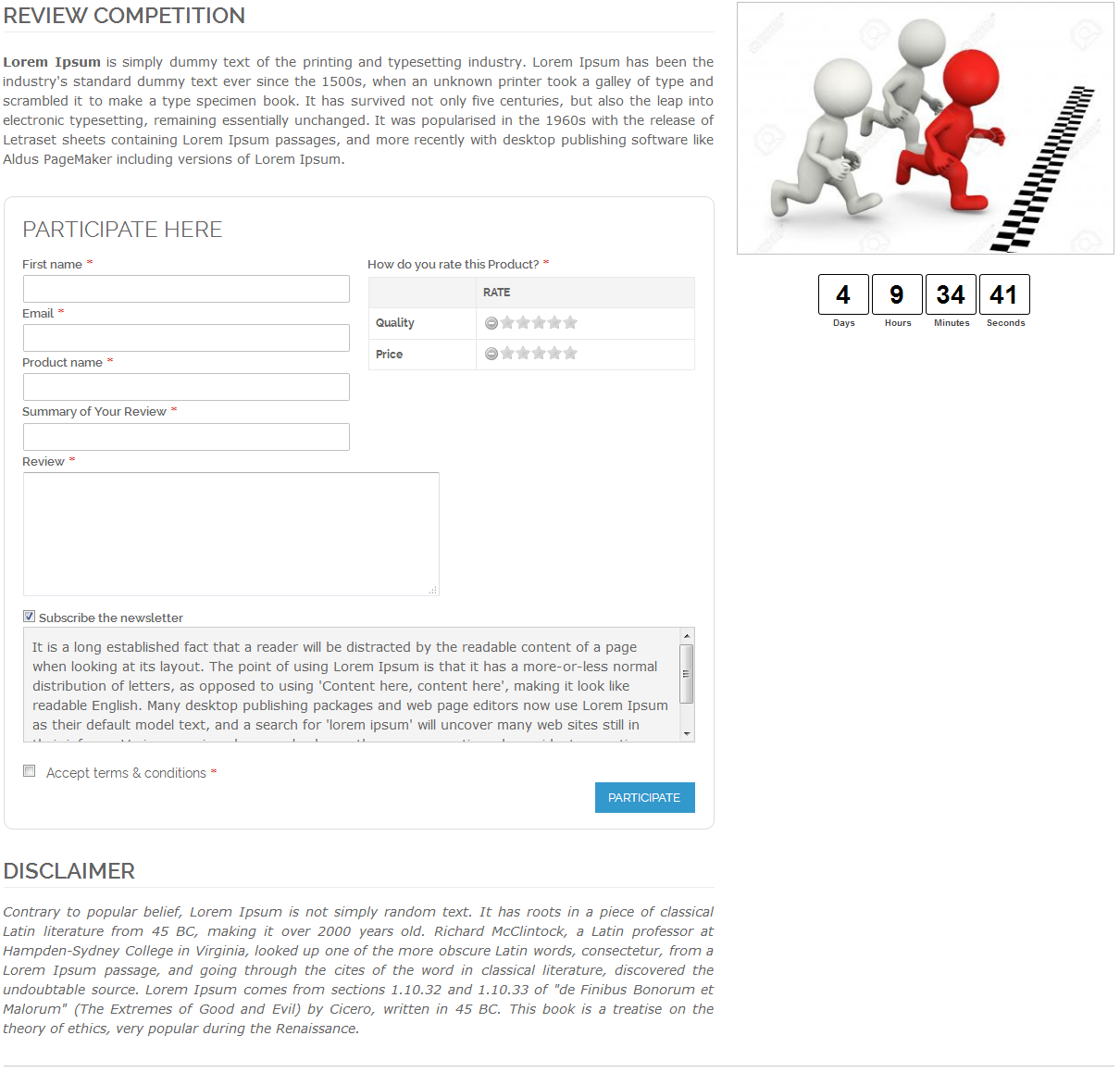
- To participate in 'Review Competition' your visitors/customers need to enter information like First Name, Email id, Product Name, Review, etc.
- Participator can submit a review of any product and able to participate in a review competition.
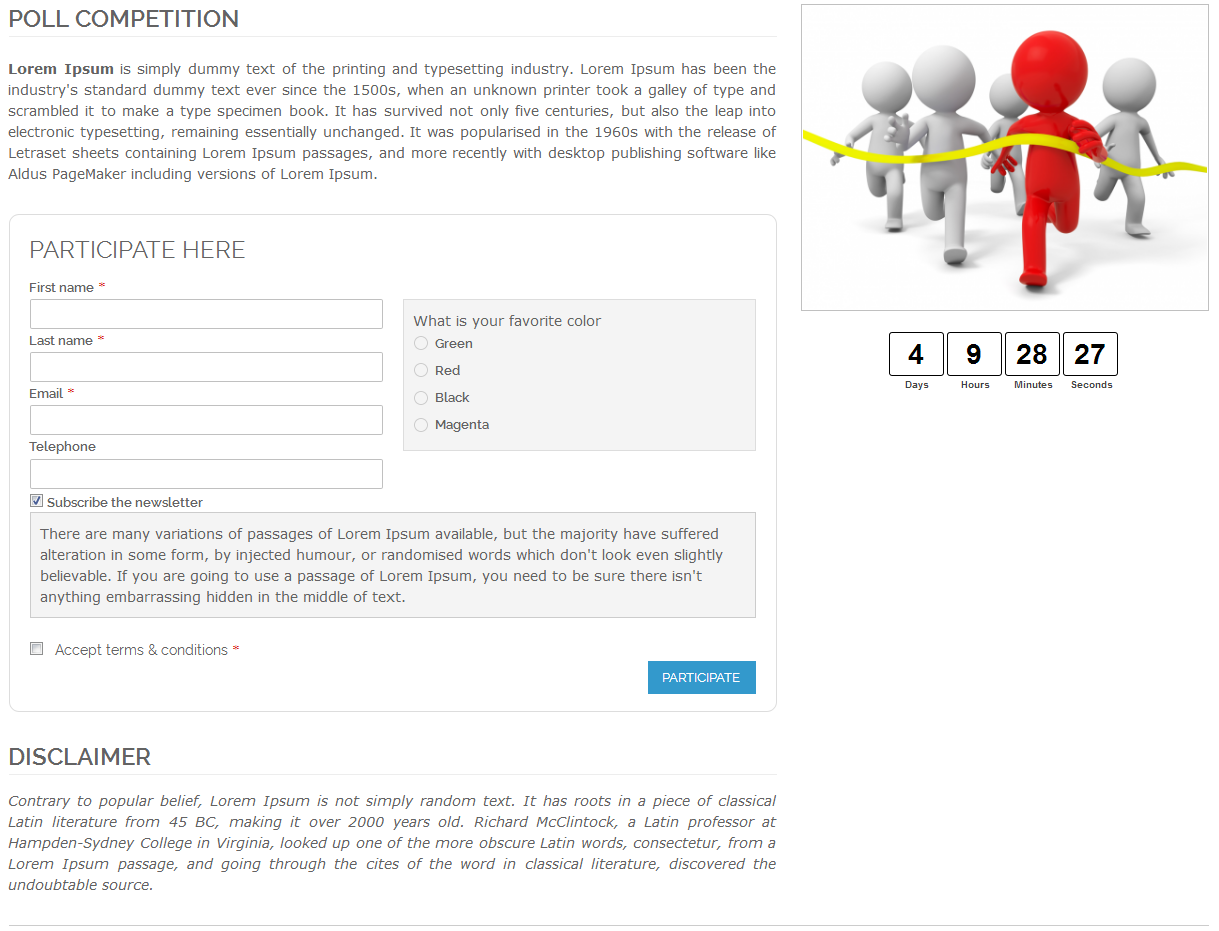
- Poll Competition Form with a countdown start.
- To participate in competition your visitors/customers need to select or vote favorite color and able to participate in a poll competition.
Here you can find answers to frequently asked questions. Feel free to contact if you can't find answer to your question.
1. Can admin create different competition for different store?
Yes, Admin can create different competition for different store.
2. Does winner auto declare ?
Yes, Winner will auto declare.
"If you have any other questions or problems regarding this plugin, you can always contact me using the contact form on my profile page and I'd be happy to help. No guarantees, but I'll do my best to assist."
Our support operators are always glad to help you here [email protected]
Note: We are happy to help with setup and any bugs you may stumble upon.
