Customer Price Bargain
" Thank you for purchasing our plugin. please feel free to email via our user page contact form here. Thanks so much! "
Customer Product Price extension allows a customer bargain for product prices right from product detail page in real time. Surprisingly, a whole bargaining sequence can be planned by the store admin with just a few configurations. This extension can surely increase sales by allowing the customer to purchase products with their prices. It's study proven that customer always gets attracted by the fact that store is either giving a discount or allowing purchase with customer specific prices.
Here is few highlighted features:
- Easy Admin can configure & display price bargain box for specific products
- Extension allows real time price bargain request processing based on backend admin configuration
- Customized success/reject request message texts for customer
- Allow max bargain request to deal with fake customers
- Easy personalization option for Pop-Up colors & content
- Configuration to accept or rejects bargain request from customer instantly
Additionally, our price bargain extension for Magento benefits merchant by allowing them to easily setup customized price products or donation feature to gain more sales. This plugin simply follows admin configuration to identify the lowest price limit & accept or rejects bargain request configured by admin while processing customer bargain request. Additionally, it allows admin to set a number of bargain requests and can manage success message if the price is accepted & enter error message if the price is rejected when the price is Less/Greater than allowed. It has more logical field configuration for admin to setup minimum price condition and the shopping cart will get generated after price gets accepted.
This surely motivates customers to buy more products by letting them negotiate the price online for items right on the product page. Appealing design & compatibility with most product types (simple, virtual, digital) can be leveraged by admin to attract & boost more sales to a site.
In this step by step documentation we will show you how to install a Customer Price Bargain.
Step 1. Backup your web directory and store database
Step 2. Download Extension package file
Step 3. Upload & Unzip package folders to store root
Step 4. Login into SSH console & reach to store root folder:
cd path_to_the_store_root_folder
Open Magento Root directory & run below series of commands one by one
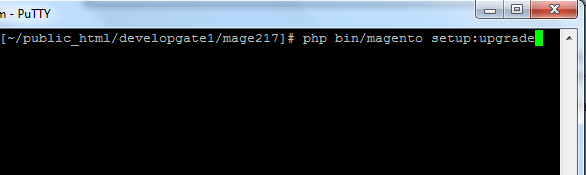
php bin/magento setup:upgrade
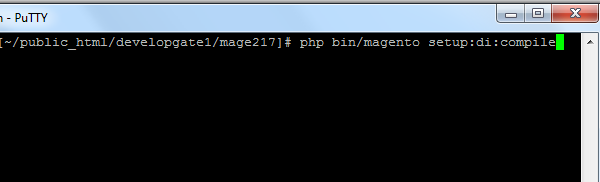
php bin/magento setup:di:compile
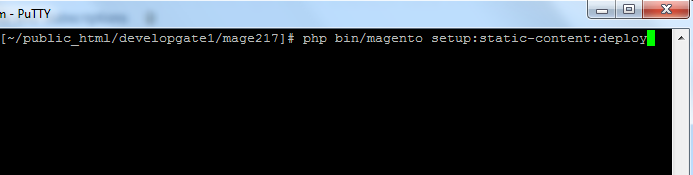
php bin/magento setup:static-content:deploy
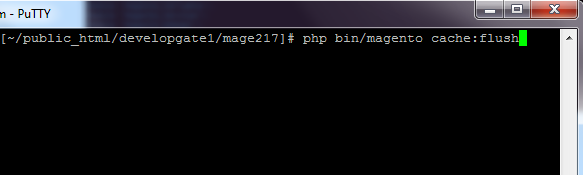
php bin/magento cache:flush
Step 5.
From Backend,System > Cache Management.
1. Flush Magento Cache
2. Flush Cache Storage
3. Flush JavaScript/CSS Cache

To use this Customer Price Bargain you have to Go to STORES > Configuration > SETUBRIDGE > Customer Price Bargain Tab:
- Here is a configuration option to Enable/Disable Customer Price Bargain Magento 2 extension.
- Admin can override view.phtml here by selecting yes in option.
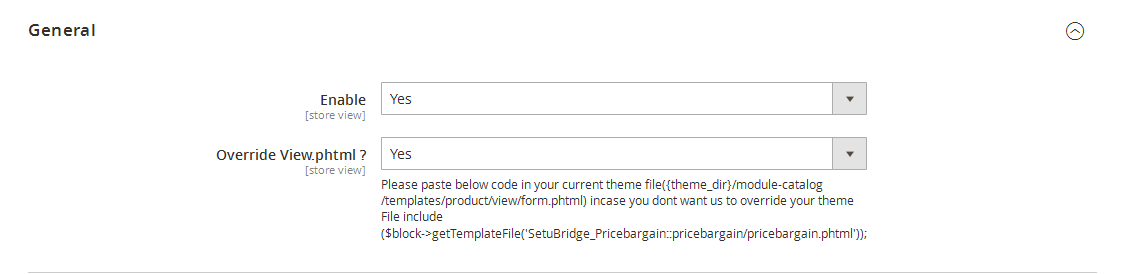
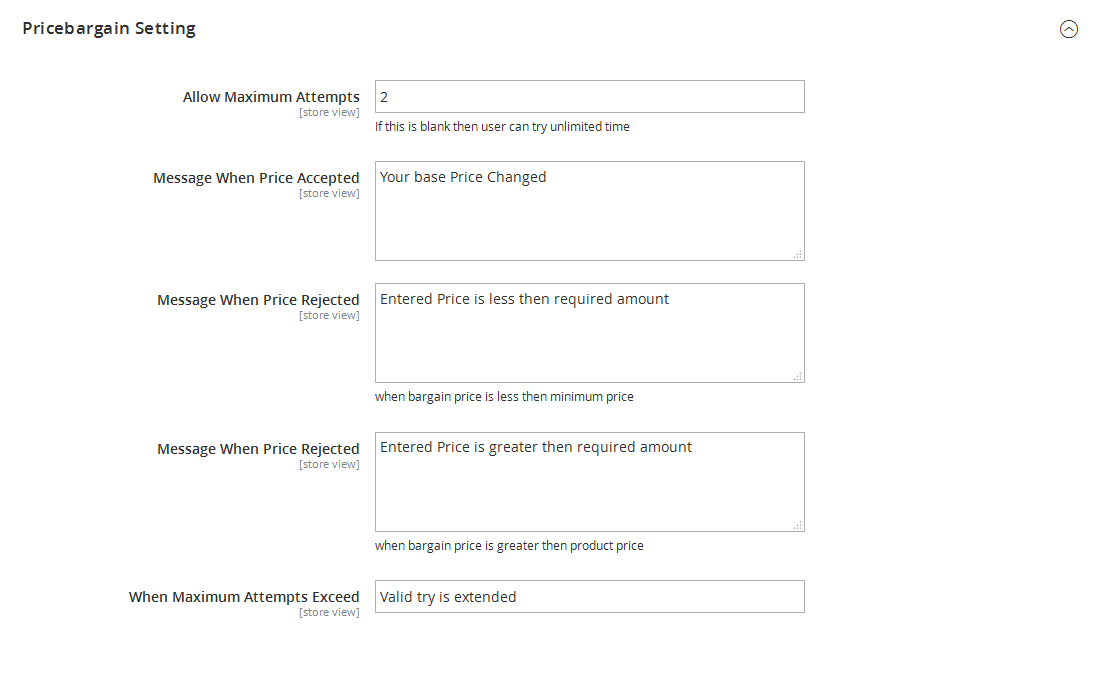
- You can set number of Maximum Attempts you want to allow for price bargain, If you keep this field blank customer can try unlimited attempts.
- Admin can manage success message if price is accepted & Enter error message if price is rejected when price is Less/Greater then allowed.
- Additionally, set error message if price is rejected when maximum attempts exceed
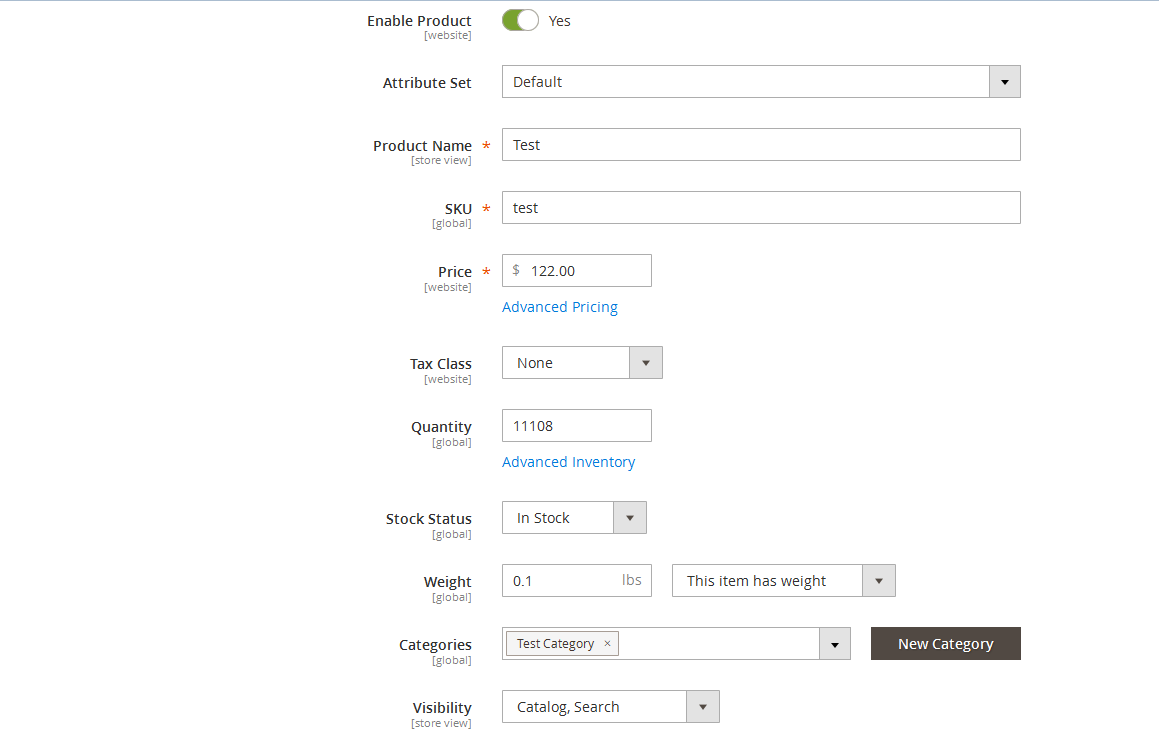
- Here is a option to Enable price bargain for particular product, just select YES to get start.
- Admin has full control over given configuration option like Attribute set, Product Name, SKU, Price, Tax class, Quantity, Stock status, Weight, Categories and Visibility.
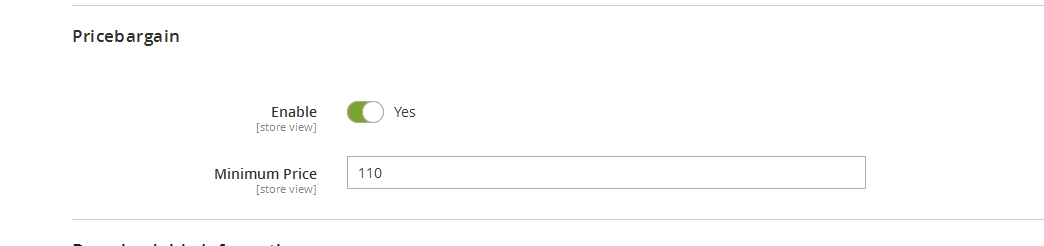
- It has more logical field configuration for admin to setup Minimum Price condition.
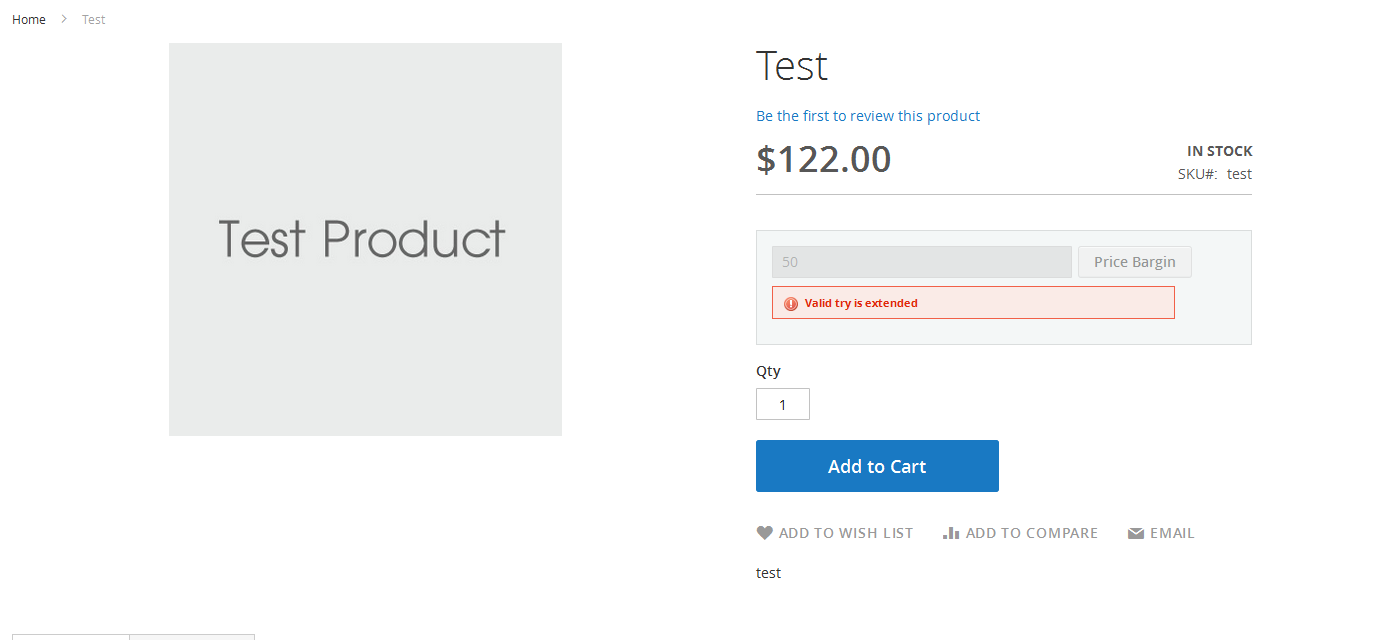
- This Error occur when customer exceed maximum attempts.
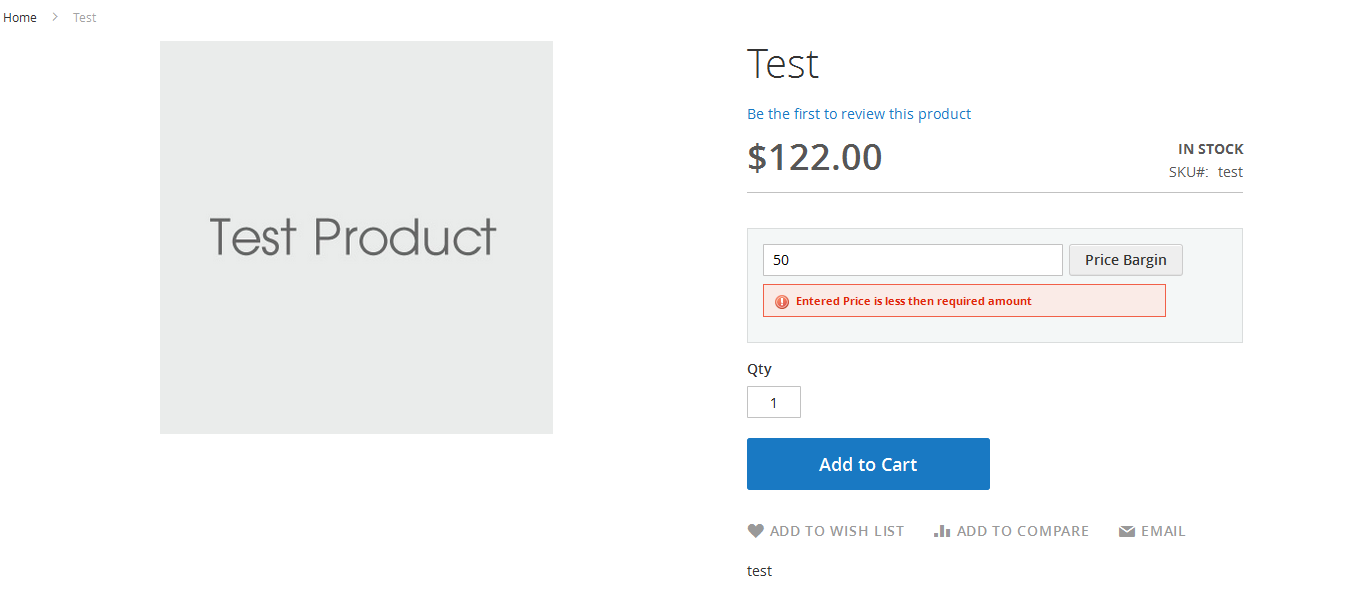
- This Error occur when customer enter less price than required amount.
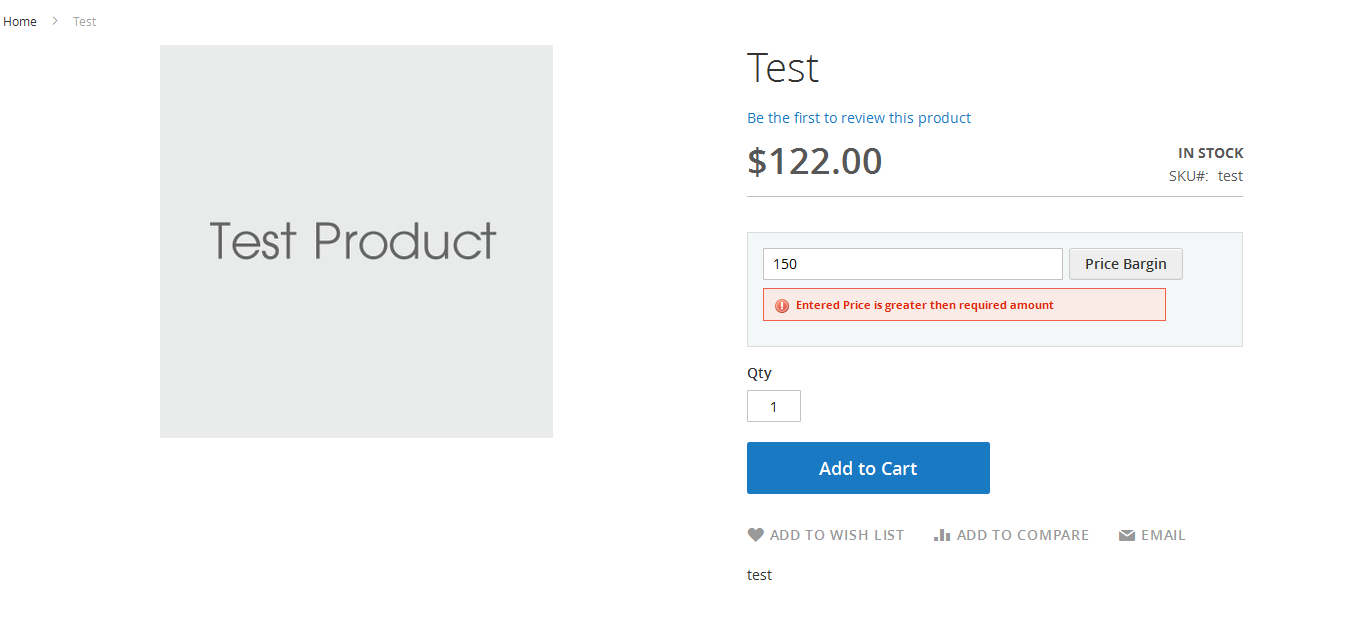
- This Error occur when customer enter greater price than required amount.
- This Success message if price is accepted.
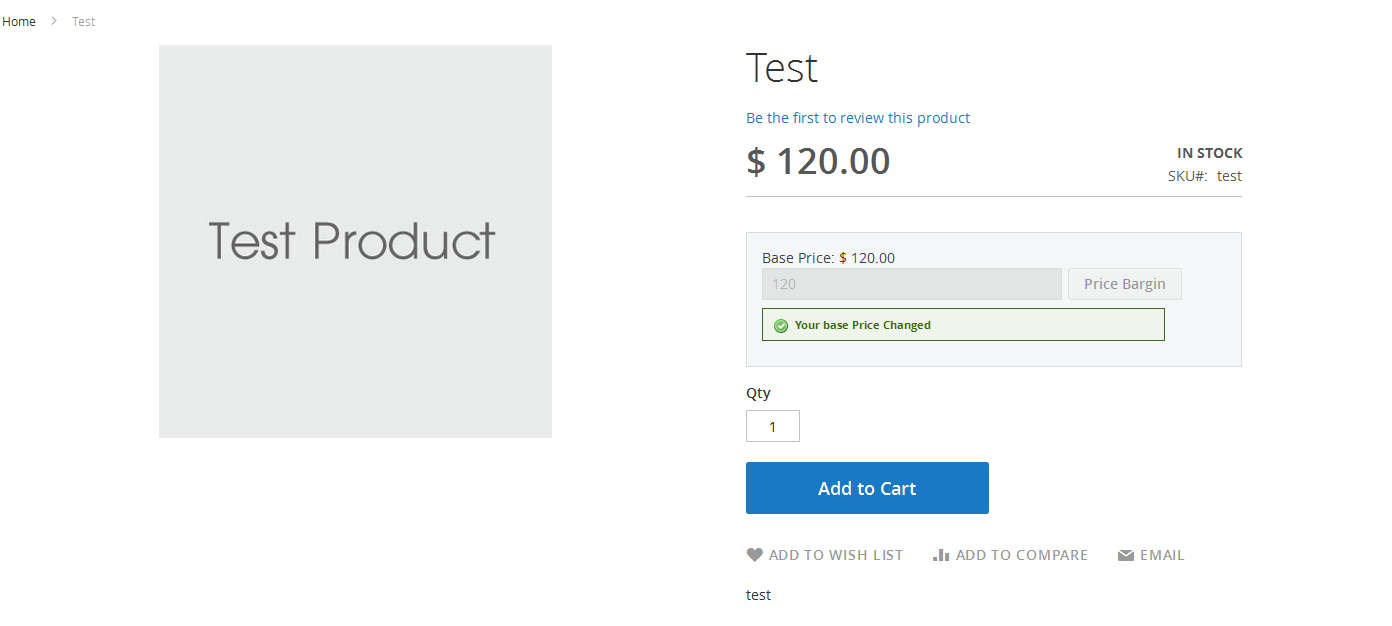
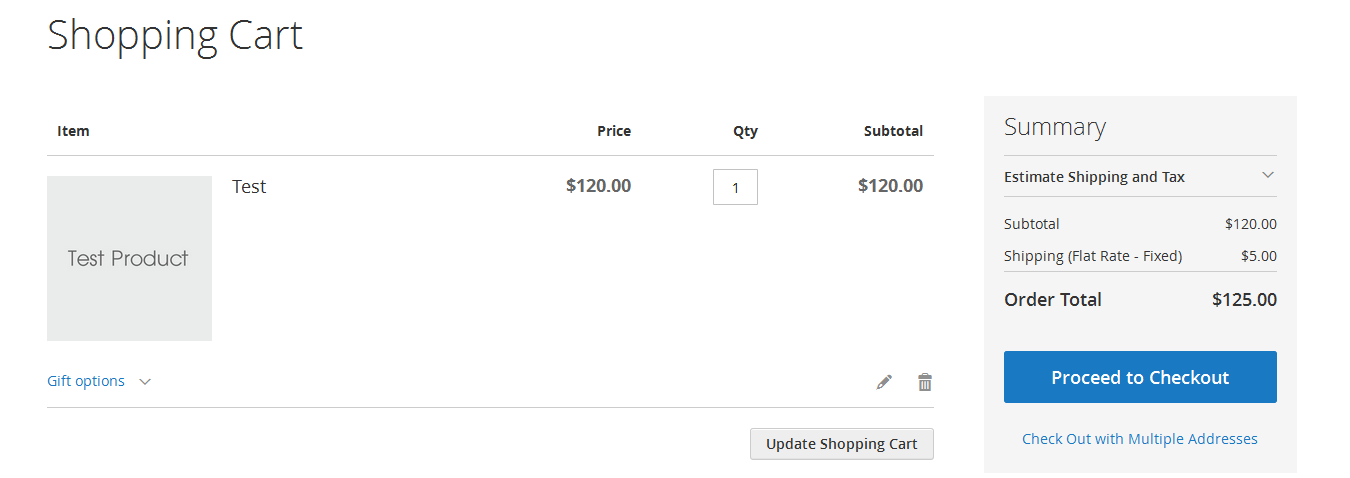
- The Shopping cart will get generated after price gets accepted.
Here you can find answers to frequently asked questions. Feel free to contact if you can't find answer to your question.
1. Is this extension supported configurable product?
Yes, It is support all types of products.
2. Can Admin set As low as bargain price for product?
Yes
"If you have any other questions or problems regarding this plugin, you can always contact me using the contact form on my profile page and I'd be happy to help. No guarantees, but I'll do my best to assist."
Our support operators are always glad to help you here [email protected]
Note: We are happy to help with setup and any bugs you may stumble upon.