Fomo Pay Integration
" Thank you for purchasing our plugin. please feel free to email via our user page contact form here. Thanks so much! "
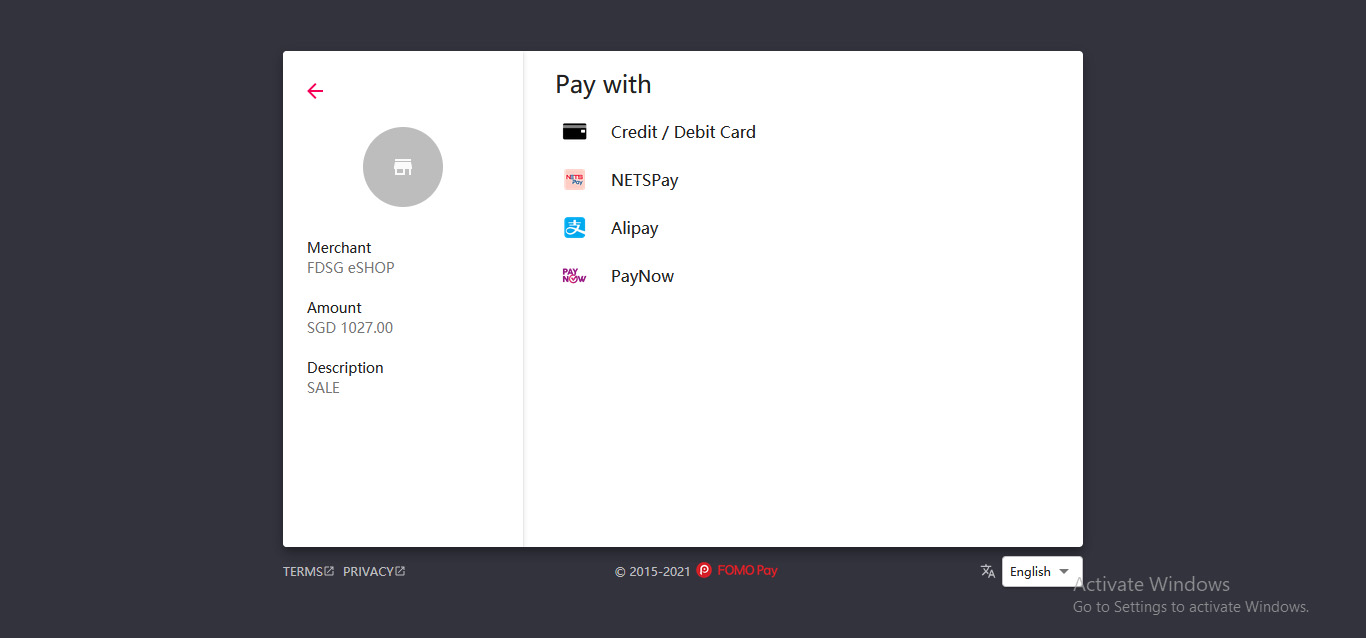
Setubridge has come across a new extension that will help the merchants who created an online market in Singapore, and that is the FOMO Payment Gateway Integration Extension. FOMO Pay is an integrated payment solutions provider that allows customers to easily make payments online through the application or by direct QR code. Fomo pay offers WeChat Payments and other payments gateways also. This Extension gives the admin option of putting this gateway on the Product detail page. Giving the option of this gateway to the store and will directly redirect to its FOMO site and let the customers pay for their product which they will be buying from different countries.
Here are few highlighted features:
- Accept Payment Online with ease
- Unified Mobile wallet & credit card payment
- Accept QR code Payment
- Easy & Fast Integration
- Store & Transfer securely
- API credentials required
FOMO Pay’s remittance solution to help SME business for global payout and global collection.
In this step by step documentation we will show you how to install a Progressive Web Apps.
Step 1. Backup your web directory and store database
Step 2. Download Extension package file
Step 3. Upload & Unzip package folders to store root
Step 4. Login into SSH console & reach to store root folder:
cd path_to_the_store_root_folder
Open Magento Root directory & run below series of commands one by one
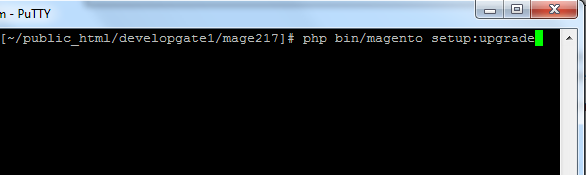
php bin/magento setup:upgrade
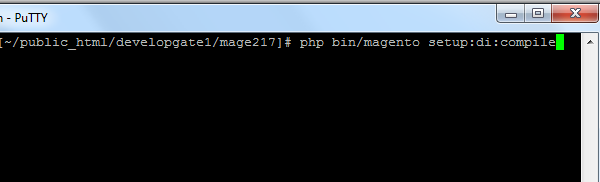
php bin/magento setup:di:compile
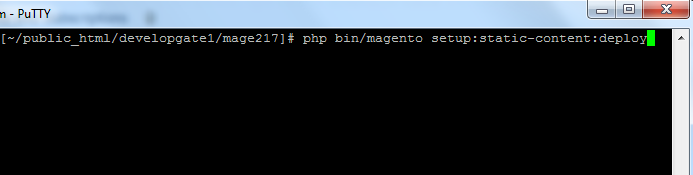
php bin/magento setup:static-content:deploy
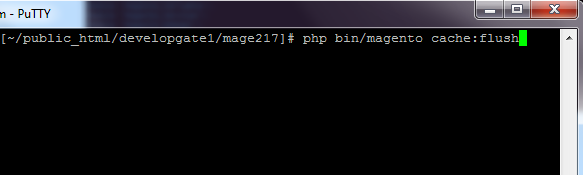
php bin/magento cache:flush
Step 5.
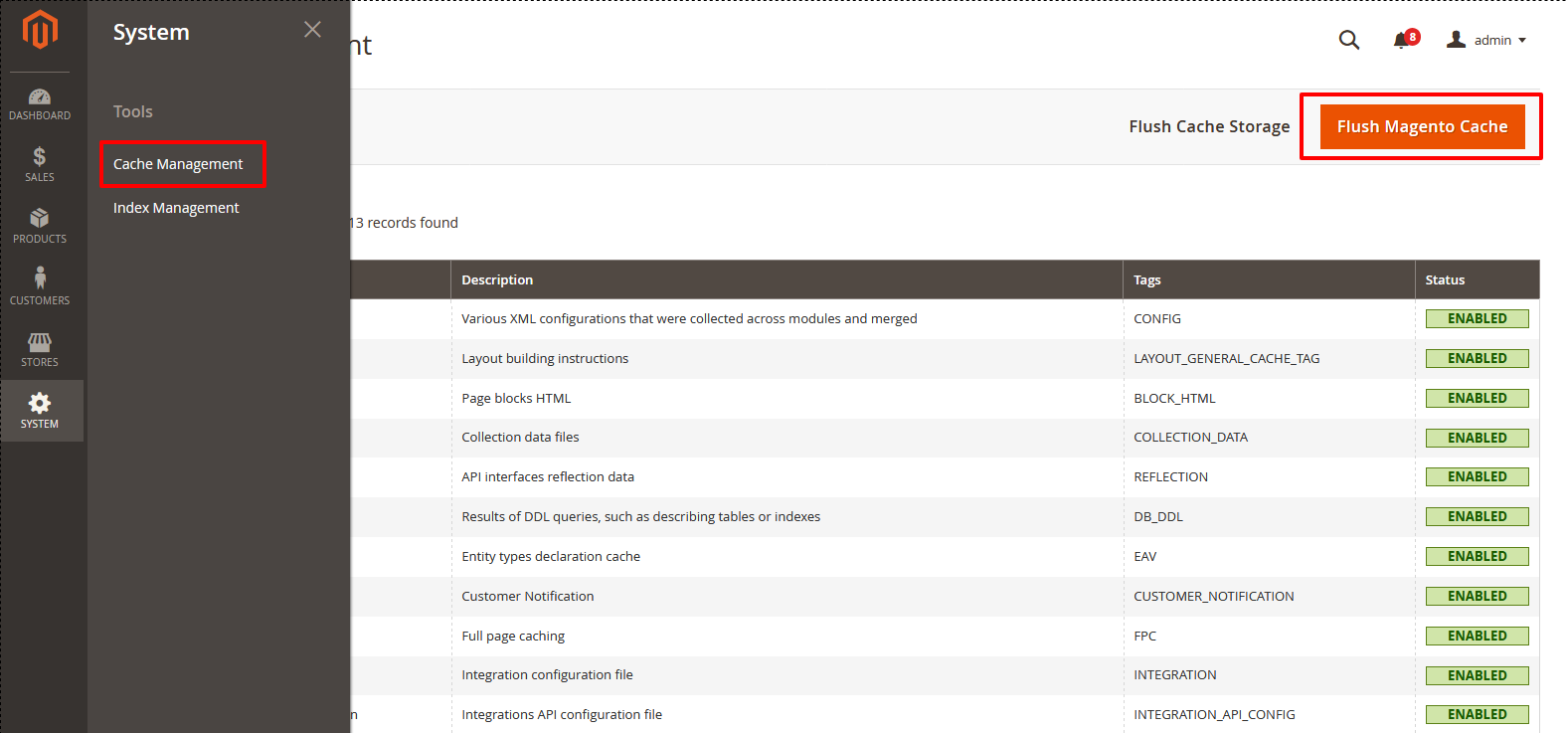
From Backend,System > Cache Management.
1. Flush Magento Cache
2. Flush Cache Storage
3. Flush JavaScript/CSS Cache
To use Fomo Payment you have to Go to STORES > Configuration > SETUBRIDGE > Fomo Pay Integration Tab:
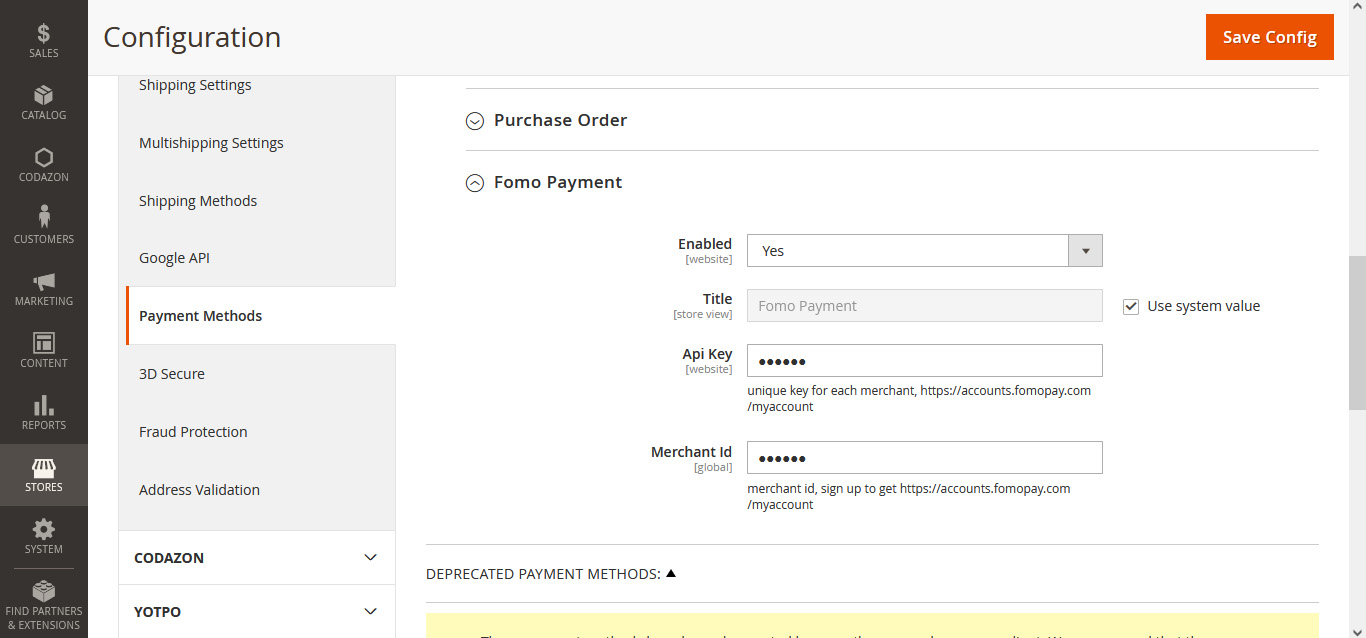
- Enter your API Key & Merchant ID to integrate FOMO Payment to the store.
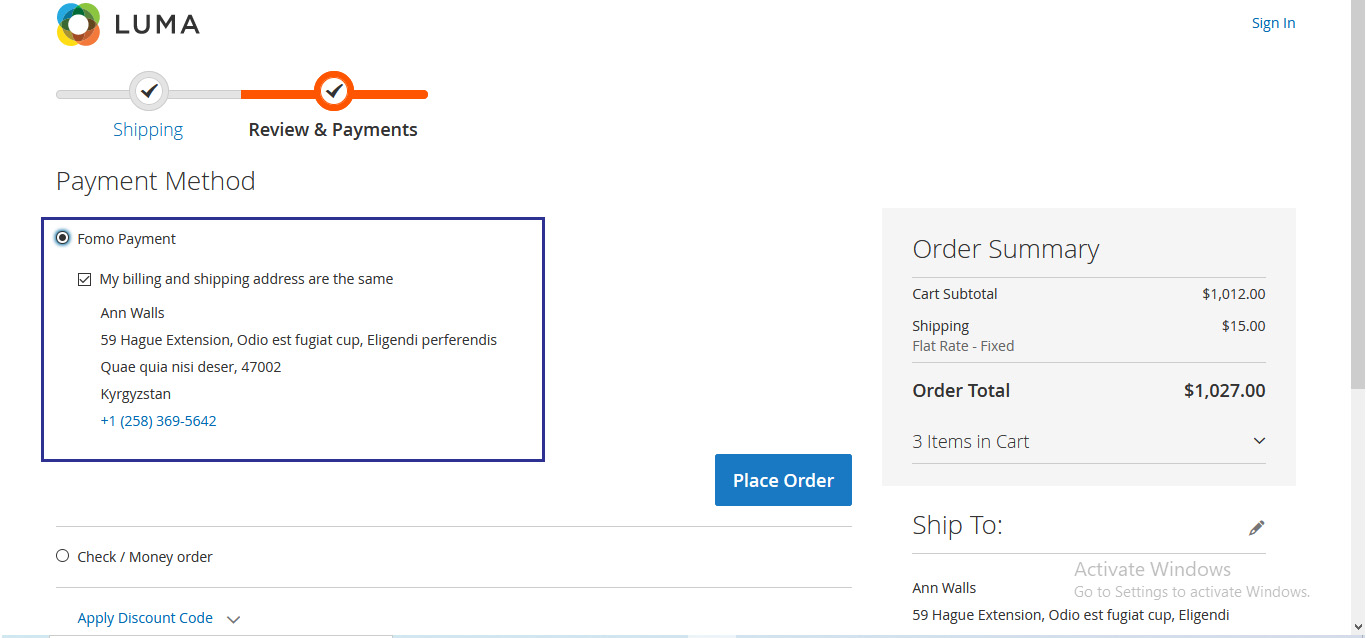
- After successful configurations, all the Payment Methods available through the FOMO Payment gateway will be visible on the checkout page.
- All enabled payment methods will be visible at the front-end for customers to use from.
"If you have any other questions or problems regarding this plugin, you can always contact us using the contact form and we'd be happy to help you. No guarantees, but we'll do our best to assist."
Our support operators are always glad to help you here [email protected]
Note: We are happy to help with setup and any bugs you may stumble upon.