This ingenious tool provides the complete tool set required to help websites comply with the latest GDPR regulations in a secure way.
The EU's "General Data Protection Regulation" is a serious stuff that needs to be looked at by every company selling online. Merchants can’t ignore this due to their high on penalties for breaching GDPR. With our Magento 2 GDPR compliance tool, we can help you comply with your online stores to comply with various EU’s GDPR regulation rules.
This extension open customers to access their right to control, delete, and access to their personal data. At the same time, allows store owners to manage their privacy policy & requests privacy consent from customers at the right time.
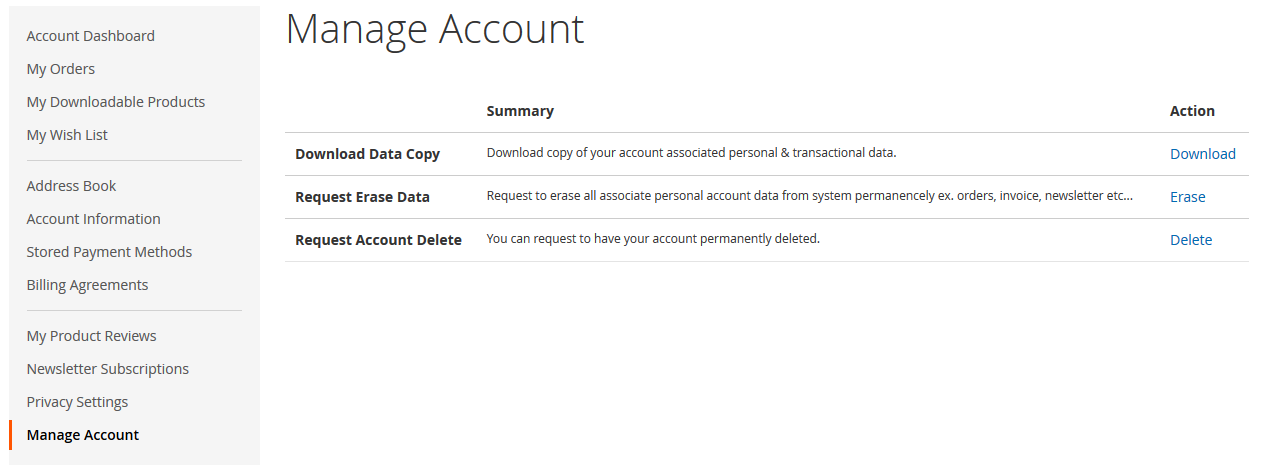
Manage Account with (Delete, Download & Erase action):
The admin can configure each of this requests processing immediate, awaiting admin approval or auto mode as described above after sensing the right need.
Delete Account :
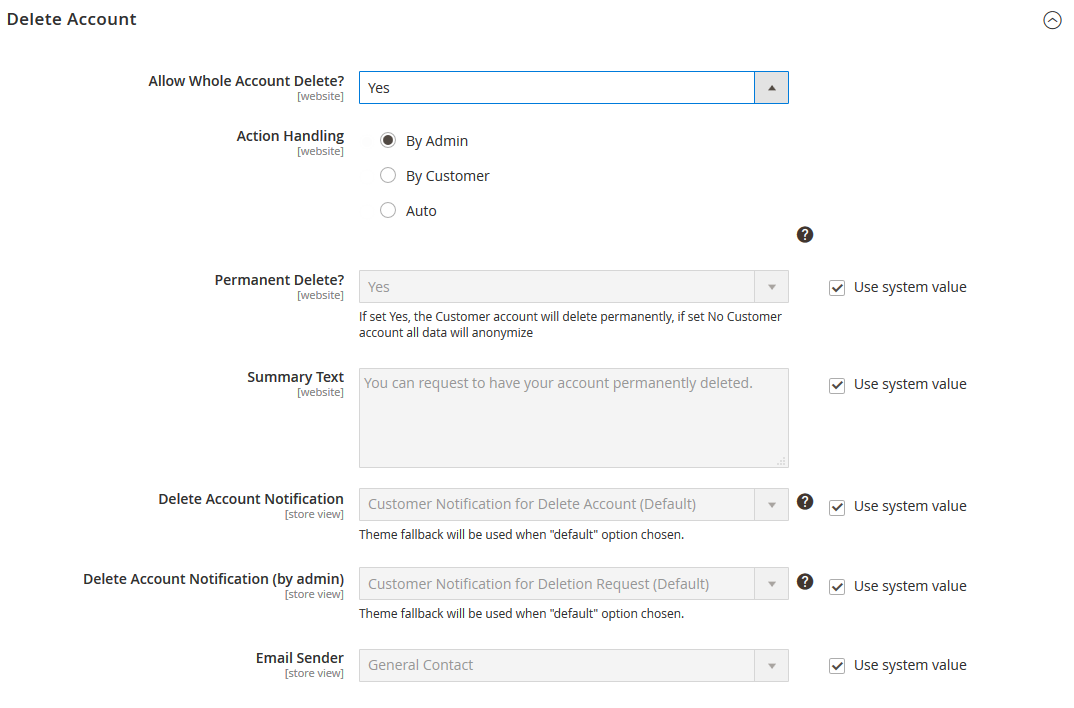
According to EU's GDPR, the customer should have the option to delete an account permanently. This GDPR M2 extension, empowers customers to delete an account from the new "My Account > Manage Account" page. The request is handled securely by sending out the request mail to the customer ensures action is taken by an authorized user only.
Download Personal Data:
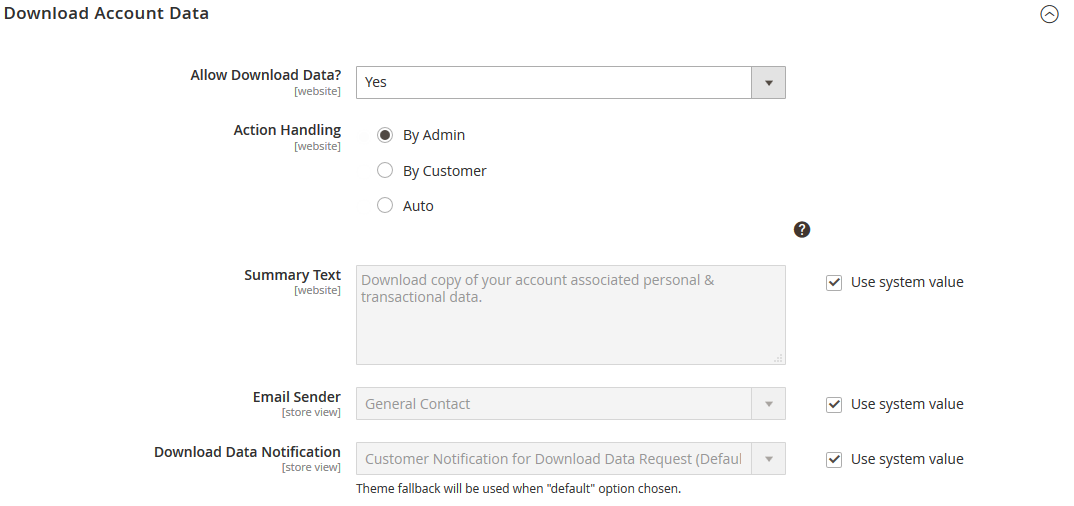
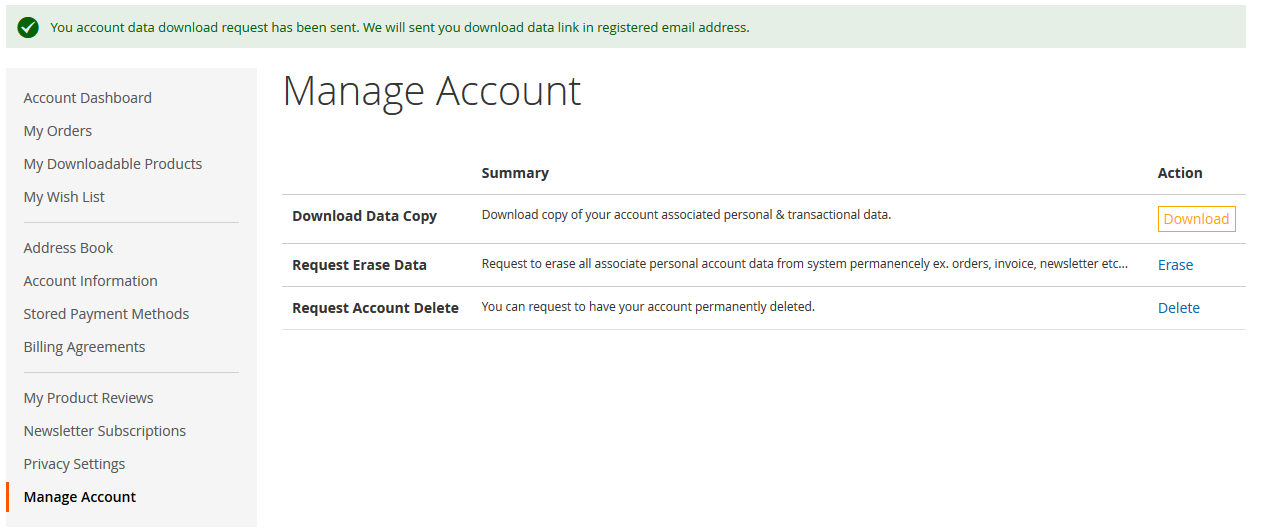
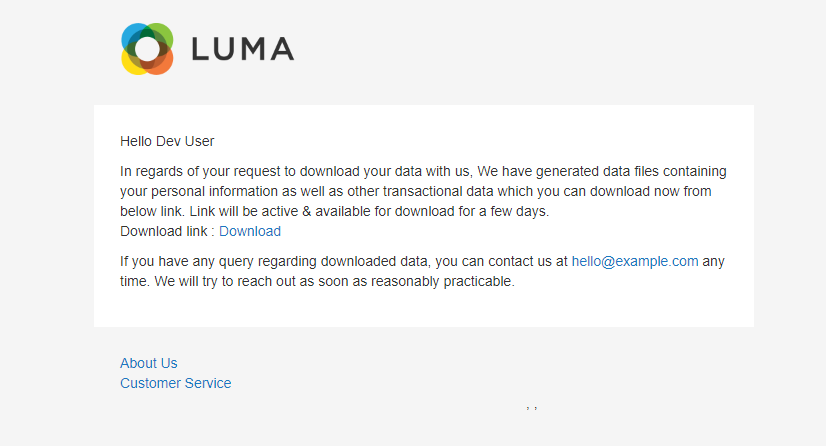
In order to comply with the EU's rightto access rule, the extension allows the customer to make a download request from "My Account > Manage Account" page. This will export all customer's own personal info, sales history, invoicing etc. into the machine-readable format (ATM its CSV only). Once the download is ready, a downloadable attachment link will be sent to the customer's verified email address.
Erase/Anonymize Account Data:
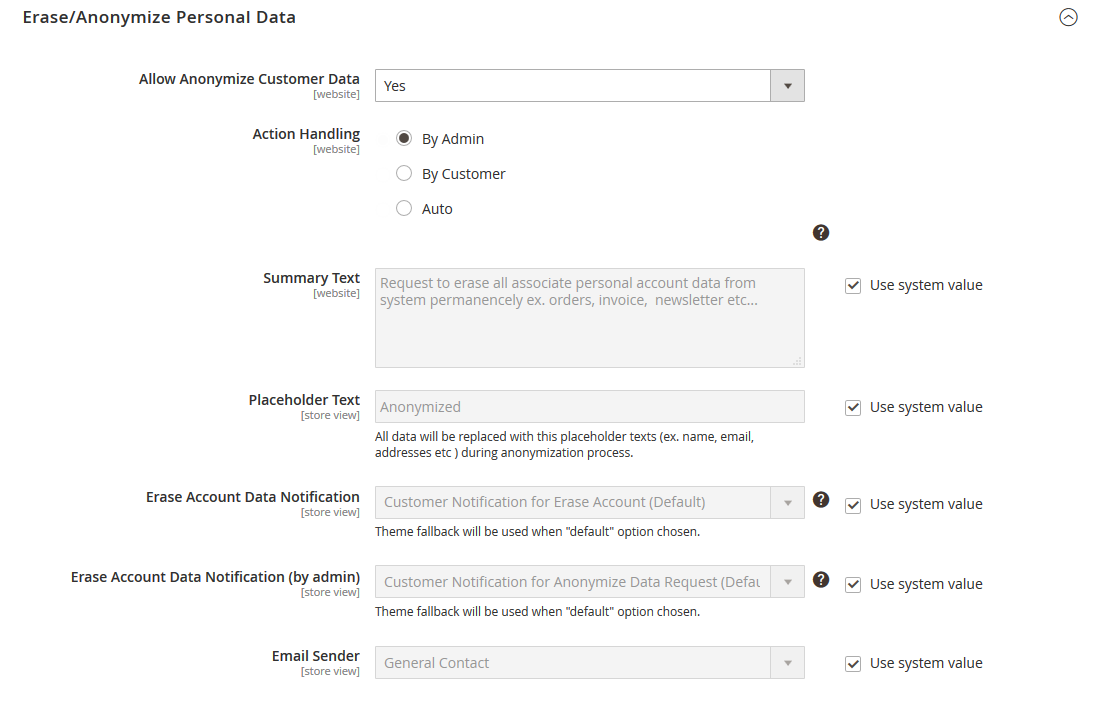
To comply right to be forgotten, the GDPR extension adds an option to erase/anonymise customer data which replaces customer personal data, sales history with placeholder text in the database which hides customer’s information.
Each of these data-related requests (delete, erase & download) allows 3 modes of servicing enhancing the flexibility and security:
- By the Customer
- Auto
- By the Admin
In by the customer mode, when the request is raised by the customer, a mail will be received by the customer through whom they can take action either to delete or access their data.
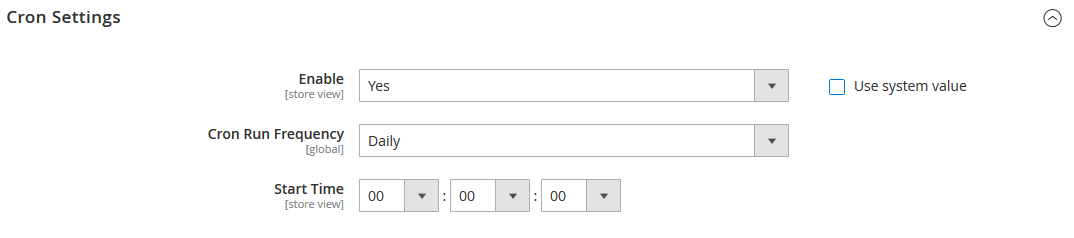
In auto mode when a request is raised by the customer & completes email verification, all received requests will then be automatically serviced based on cron setting done by admin and email will be sent out to respective customers who then take control through the mail received.
In by the admin mode, when the request is raised by the customer, admin receives the entire request on his dashboard and when the admin approves the request, then a mail is sent out to the customer who then takes a relevant action to complete the request. This method is used to ensure more security.
Privacy Consent Management:
GDPR plugin also sets cronjob to automatically truncate abandoned carts from quote table periodically. Admin can set this frequency on the backend via cron settings.
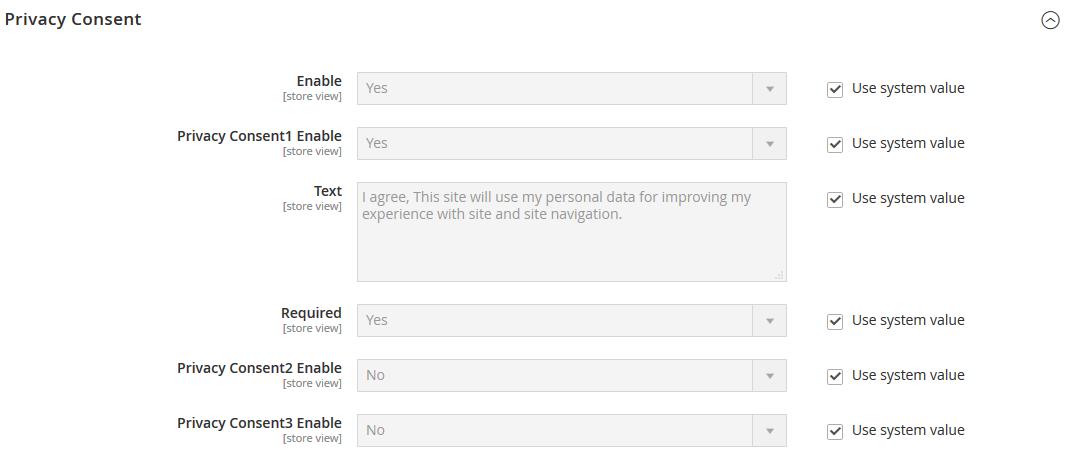
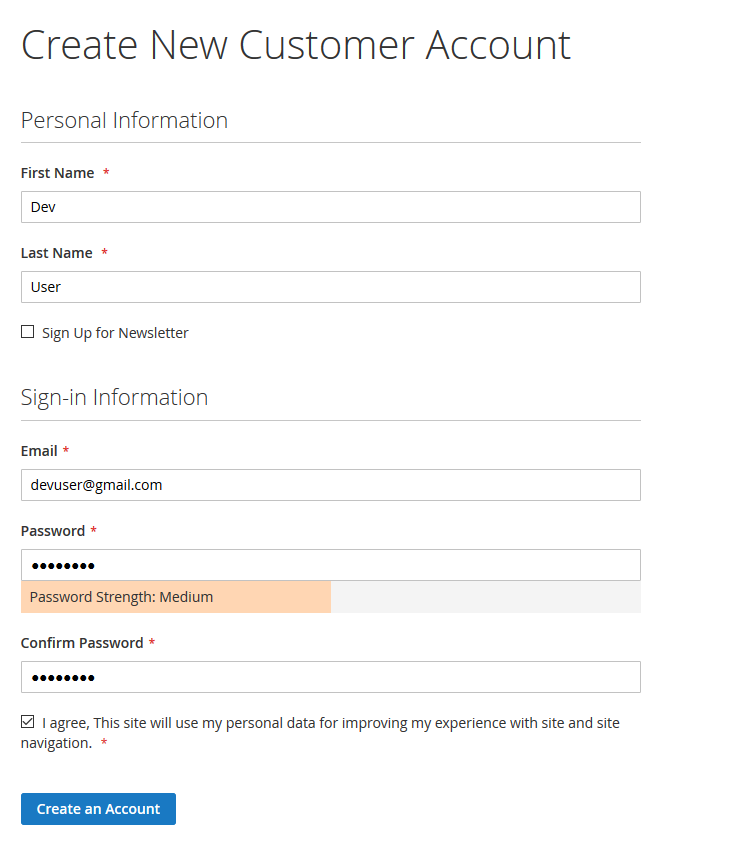
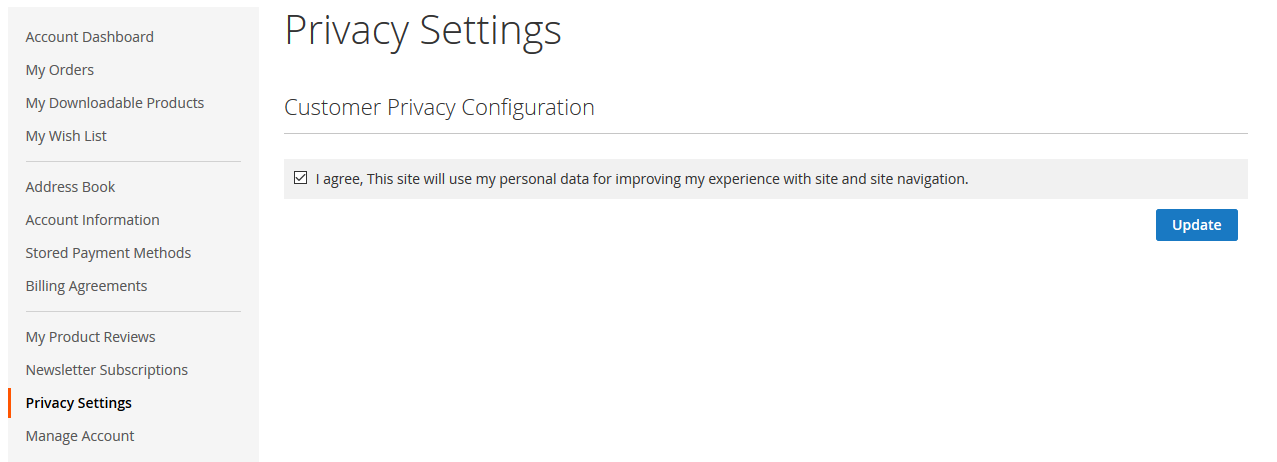
EU’s regulation includes, customer privacy consent should be asked before accessing their personal information. Also, it should be clear with privacy document that when & where your information going to be used. Our GDPR plugin allows admin to inject up to 3 privacy consents which will appear on registration and/or checkout page if they have not accepted by the customer. The customer can anytime update this consent value by going into a dedicated privacy policy page in my account area.
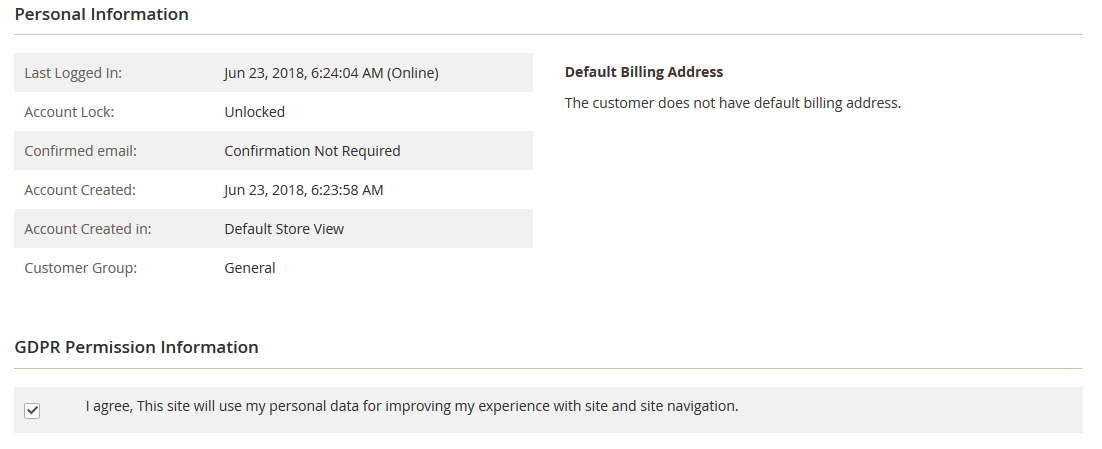
The admin will be presented two separate customer consent grids loading customers who accepted consent & customers pending privacy consent. The admin can reset previously recorded customers consent to run through new privacy terms. The customer then has to give their consent again with a new privacy update.
Cookie Consent:
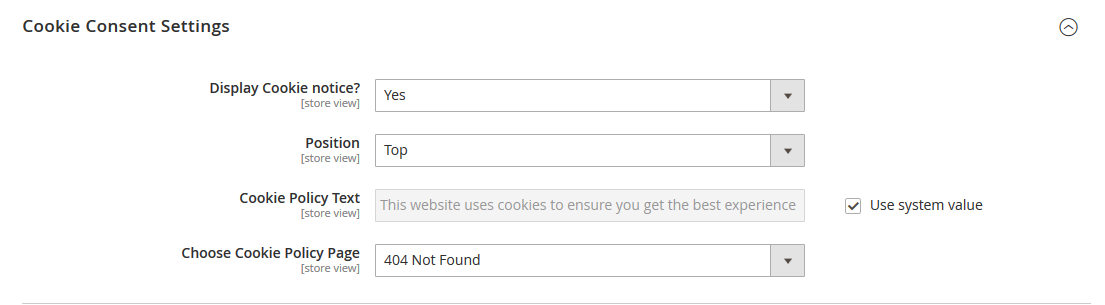
Our M2 GDPR extension allows the customer to offer cookie consent with the customized pop-up at the top or bottom of the screen.
Important notice:
This module designed with the best of our knowledge & understanding of the GDPR regulation to help merchants comply Magento 2 based stores with GDPR regulation. However, please consult your lawyer to confirm GDPR compliance accordingly.
Here is few highlighted features:
- Core GDPR compliance rules account deletion, anonymization, and personal data export can be done in 'My Account > Manage Account'
- Email verification &admin moderation, to handle request made by customer requires email verification & admin moderation to protect against data theft & fraudulent activities
- Privacy consent will be requested & appear on registration & checkout page. Can also be updated on Account > Privacy setting page.
- Customer consent grids, to give track of all customers accepted consent & yet to accept configured privacy consent
- Cookie compliance with customizing cookie consent pop-up with top & bottom style position
- Auto deletes unwanted data, like abandoned cart following admin configuration
- Privacy policy management enables a maximum of 3 consent request which might appear on the registration, checkout or any other page where applicable. The details of these policies will be mentioned on the privacy page.