Holiday Season Theme
" Thank you for purchasing our plugin. please feel free to email via our user page contact form here. Thanks so much! "
The Holiday Season Theme extension for Magento 2 developed by Setubridge adds a zing of aesthetics to your store through decoration. The extension will provide your store with a holiday look and gives your customers a comprehensive shopping experience that echoes their sentiment for the season.
The Magento 2 Extension for enhancing your website display during festive seasons, developed exclusively by Setubridge is specially designed keeping in mind the human tendency. We aim to deliver customers a thoroughly happy experience and attract them to your store as it is more engaging with customers. For example, for the Christmas season, you can simply add a floating Santa Claus animation along with a snowflake effect. The Holiday Season Theme - Magento 2 Extension by Setubridge is highly reliable as well as customizable while ensuring that adding such decorative themes to your website causes no impact to the performance of your site.
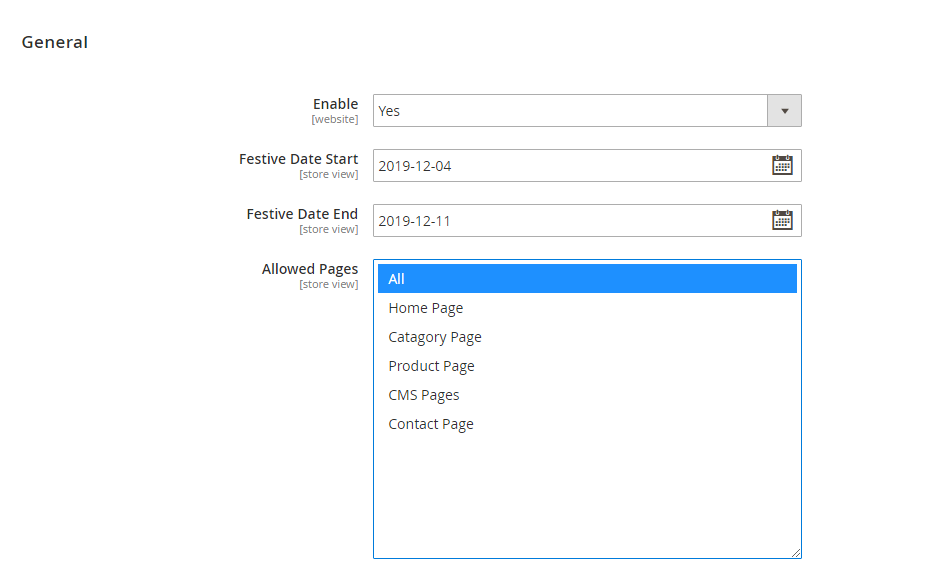
This extension is easily configurable by the store admin. They can easily control the objects that dominate the theme, their size, the count, the speed at which they appear to drop from the sky, very easily. Further, the theme of the website can differ on every page as well as on the header and footer by selecting relevant images. Moreover, customers can also add information like when the festival starts or ends. The best part about this extension is that it can be operated who possesses zero coding experience and minimum technical expertise.
Here is few highlighted features:
- The theme can be simply enabled or disabled from the backend by the Store Admin depending upon their requirement.
- The panel is designed to be easily configurable and accessible by someone with little to no coding experience.
- The extension allows users to not only decorate all the pages but also customize the theme for each page.
- The enabling of extension can be automated if the store admins provide a starting date and ending date.
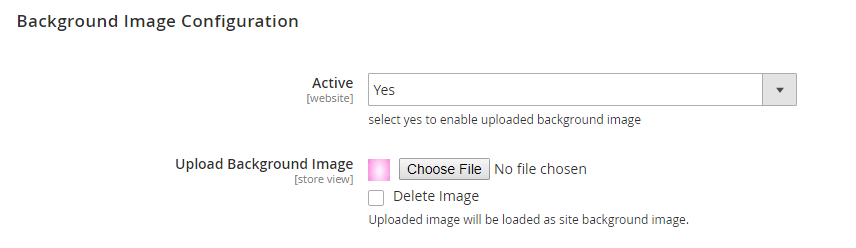
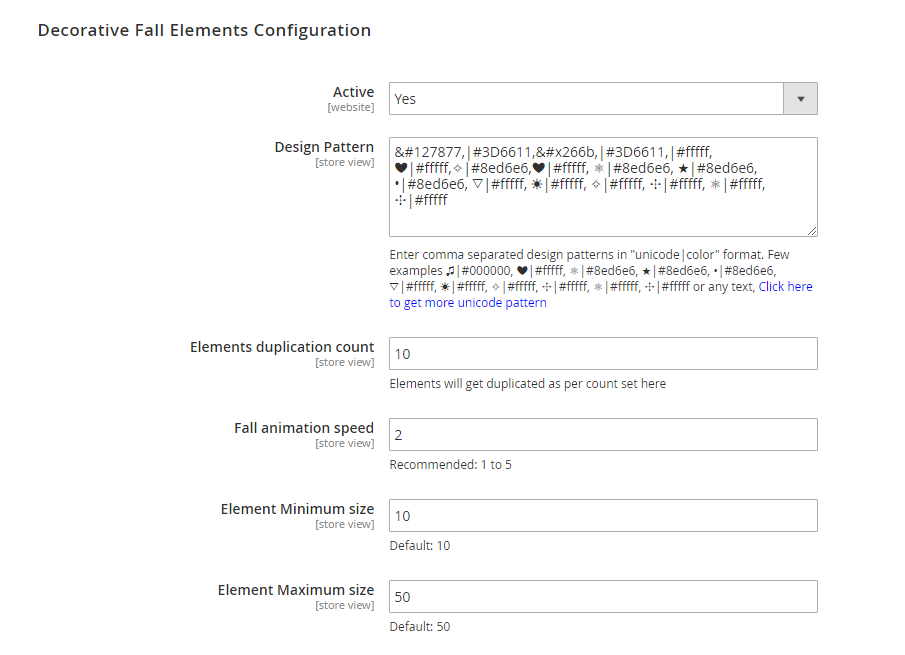
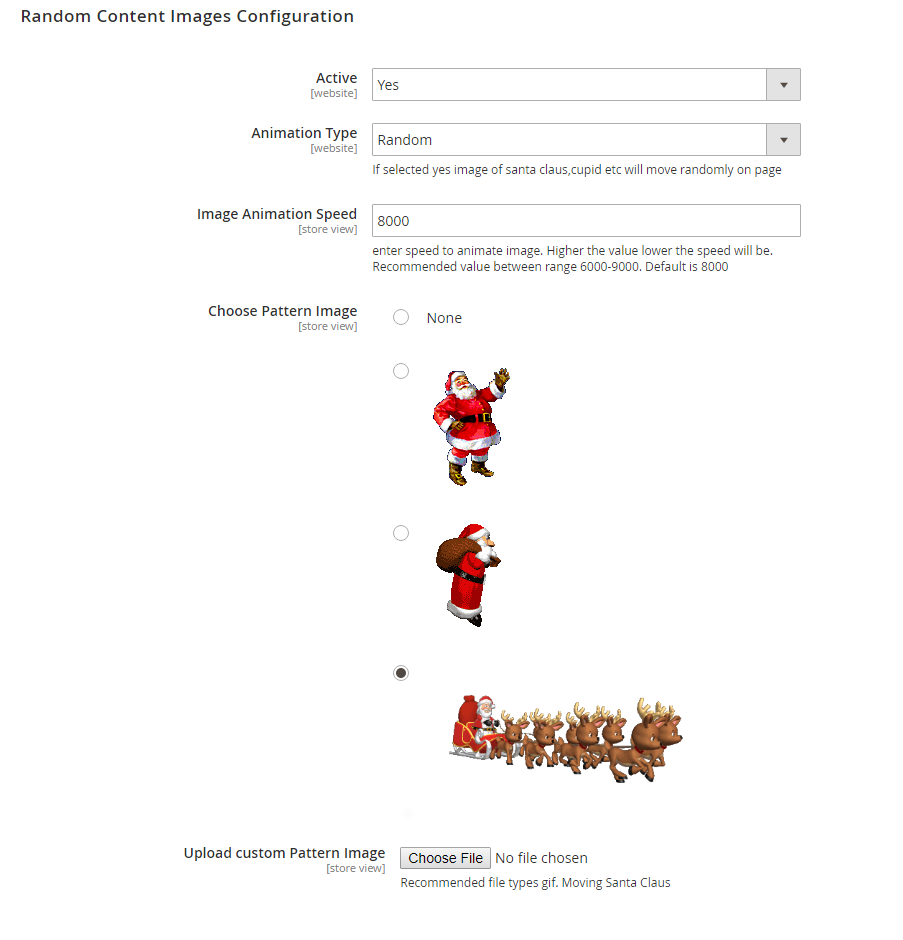
- Fixed background images, as well as variables like the object to be used, its count, the speed of the effect, the object’s size and colours, can all be customized from the backend.
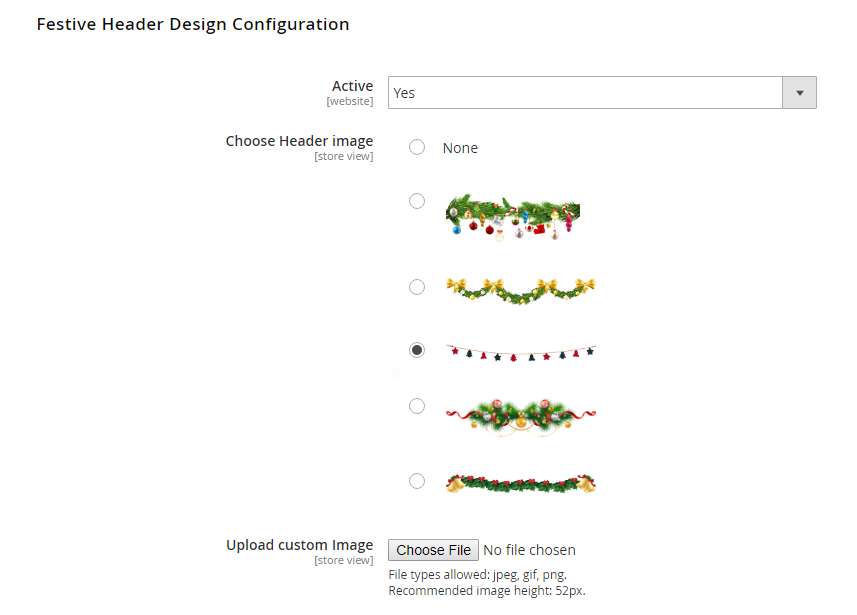
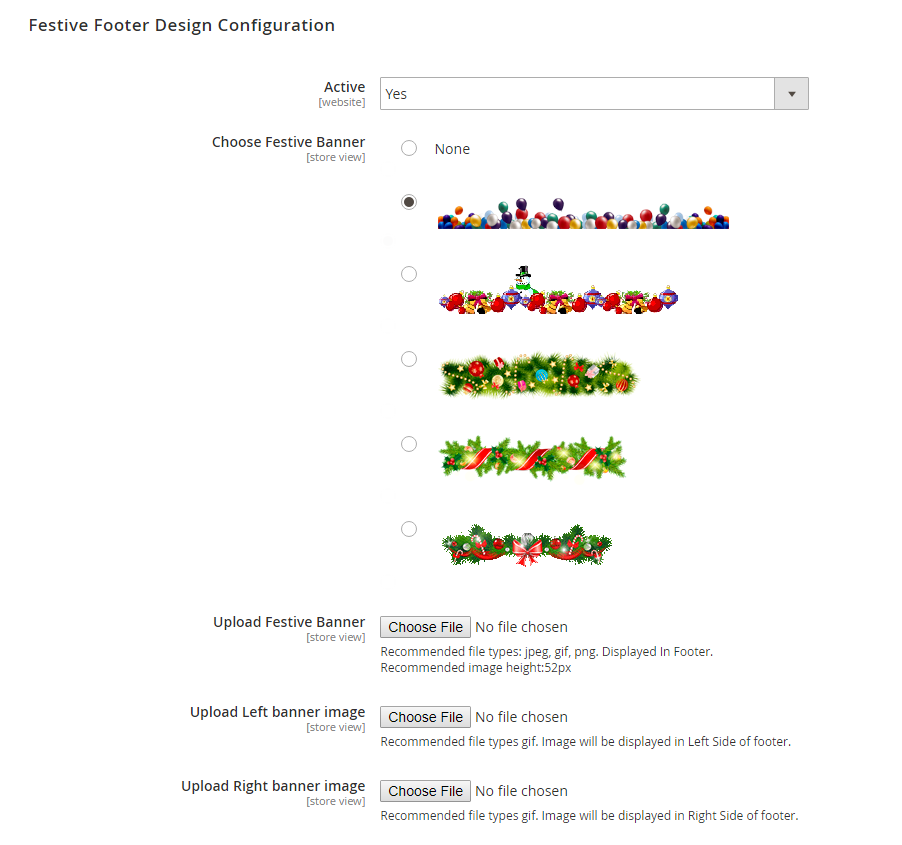
- The Magento 2 Extension for Holiday Theme decoration also allows store admins to select images from default ones or upload their own for a header as well as footer.
- The additional decorative footer can be set to bottom (left or right)
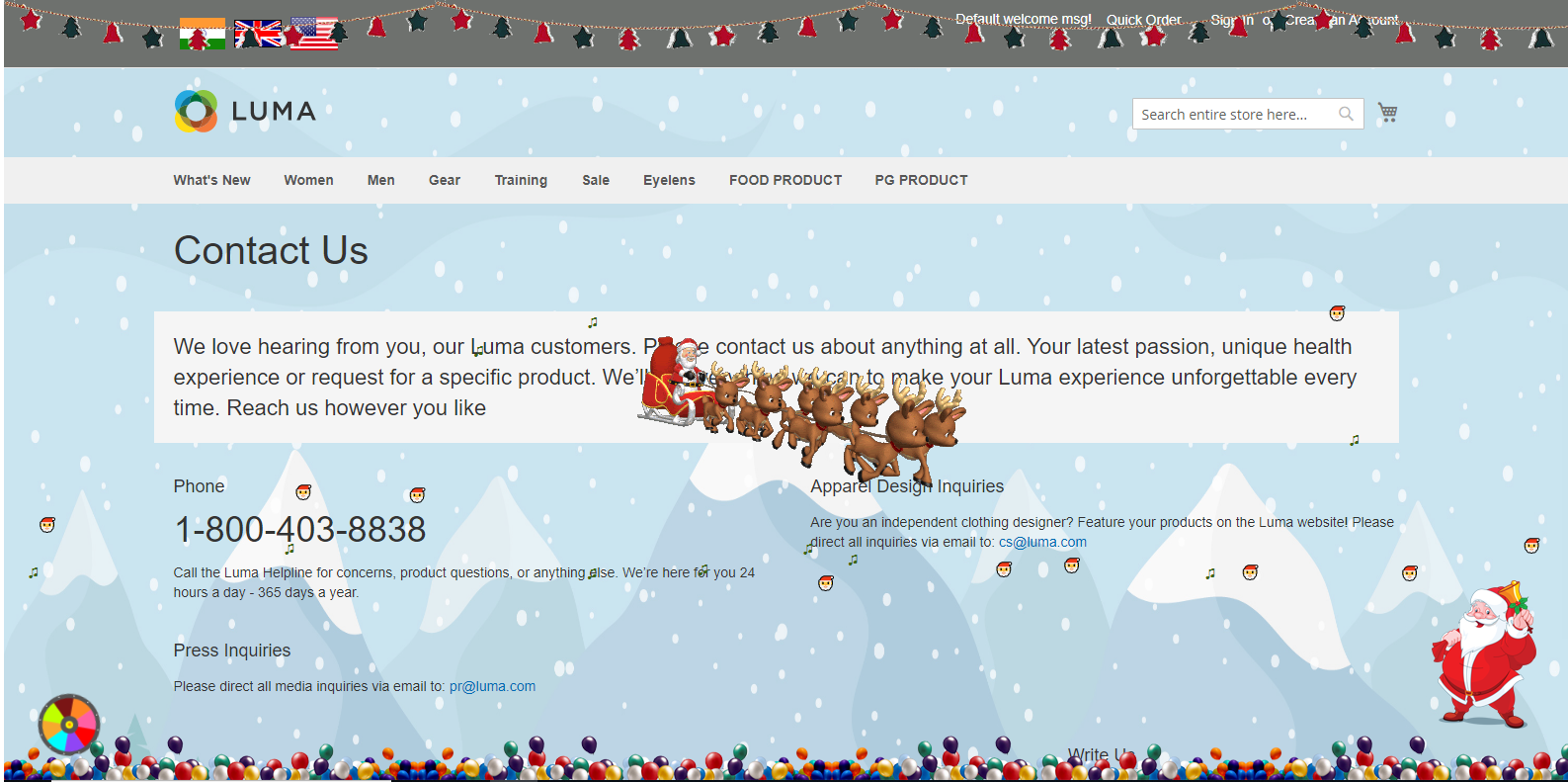
- Here is a view of all festive theme elements In Home page.
Here you can find answers to frequently asked questions. Feel free to contact if you can't find answer to your question.
1. Is it possible to activate this module for specific period ?
Yes
2. Is it compatible with custom theme ?
Yes
"If you have any other questions or problems regarding this plugin, you can always contact us using the contact form and we'd be happy to help you. No guarantees, but we'll do our best to assist."
Our support operators are always glad to help you here [email protected]
Note: We are happy to help with setup and any bugs you may stumble upon.