Holiday Season Theme
" Thank you for purchasing our plugin. please feel free to email via our user page contact form here. Thanks so much! "
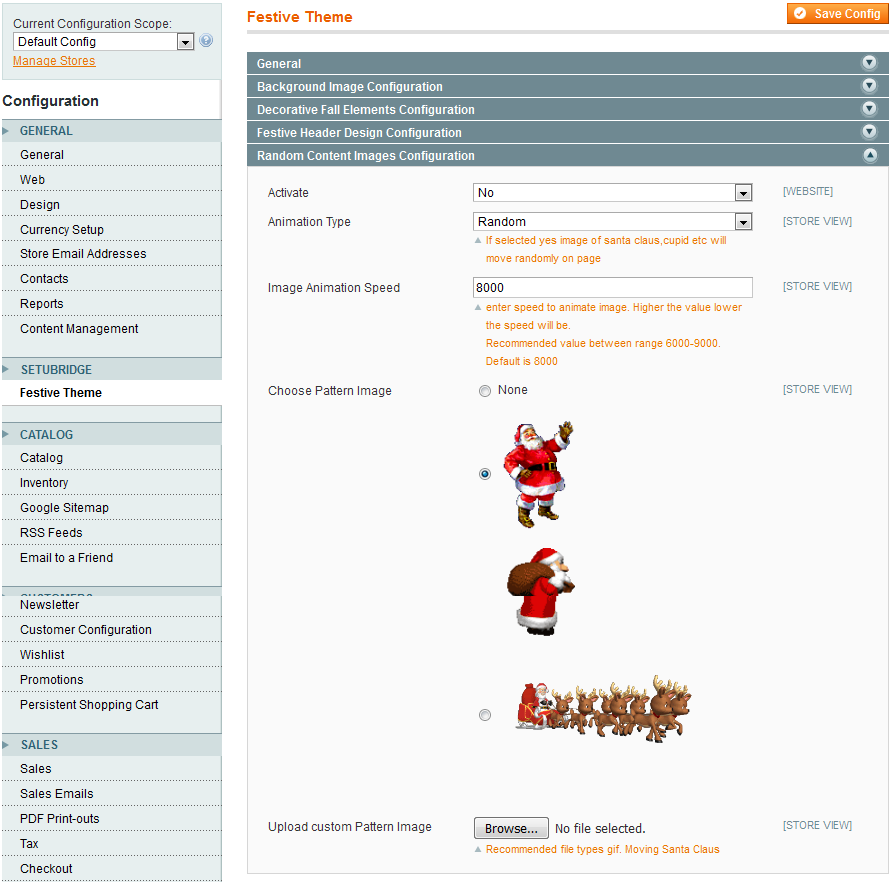
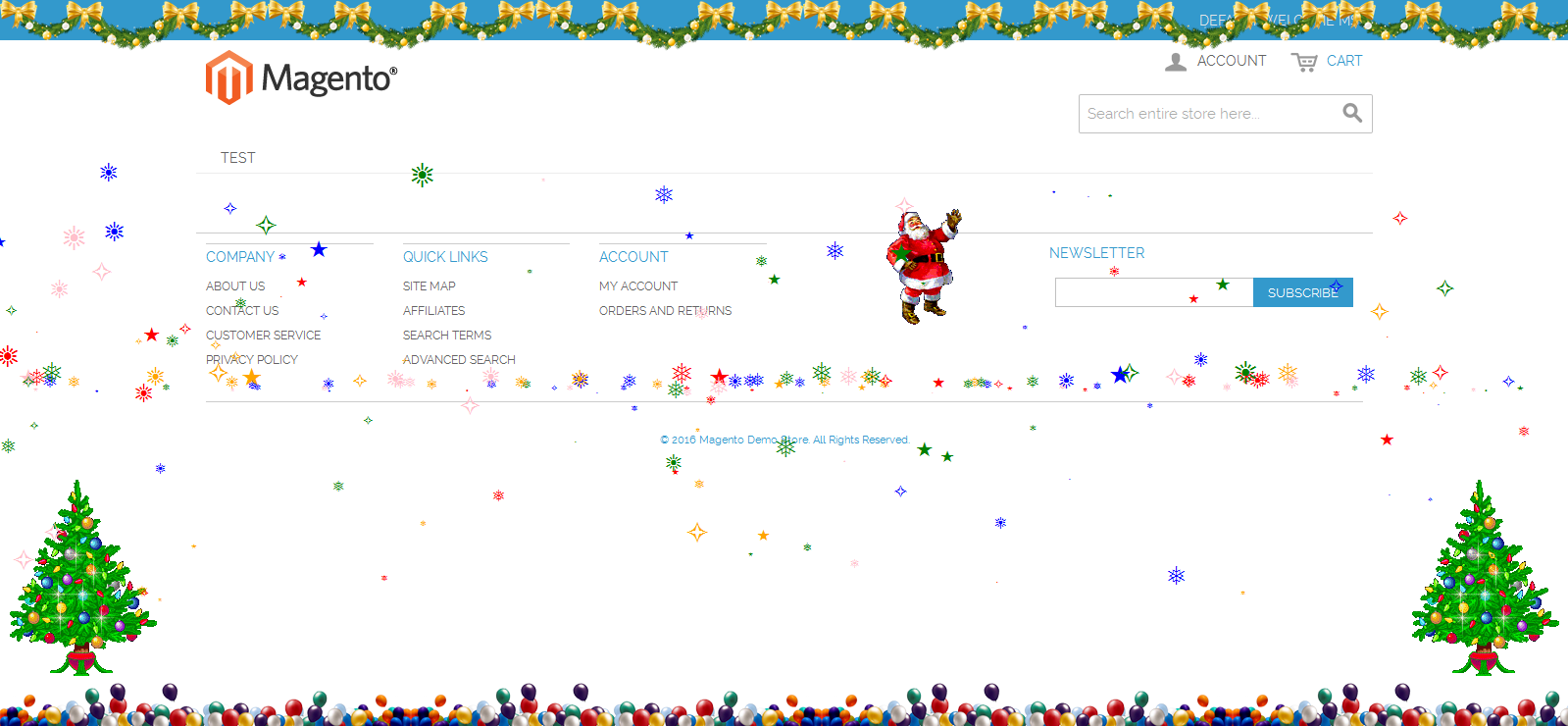
The Holiday Season Theme is a flexible and feature-rich extension. The decoration extension is intended for the holidays, but you can also be used for any other special occasions. It will attract your visitors and customers by providing an awesome look and feel of your online store. Your site will look very festive and attractive with a moving Santa Claus, snowfall effects, and a festive background image. As a result, the customers might feel more excited and satisfied by visiting your online store. Using this extension, you can create decorative effects without affecting the speed of your store.
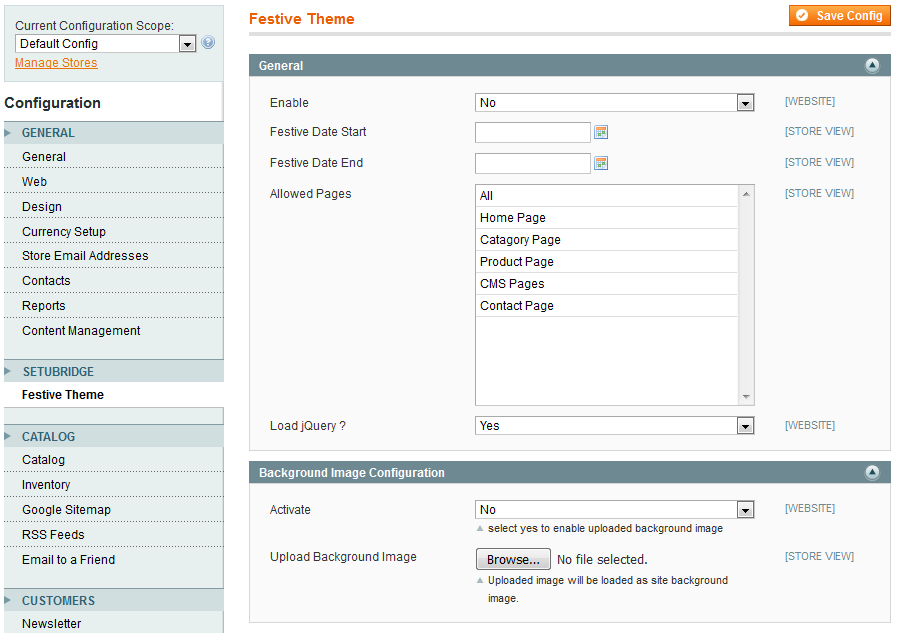
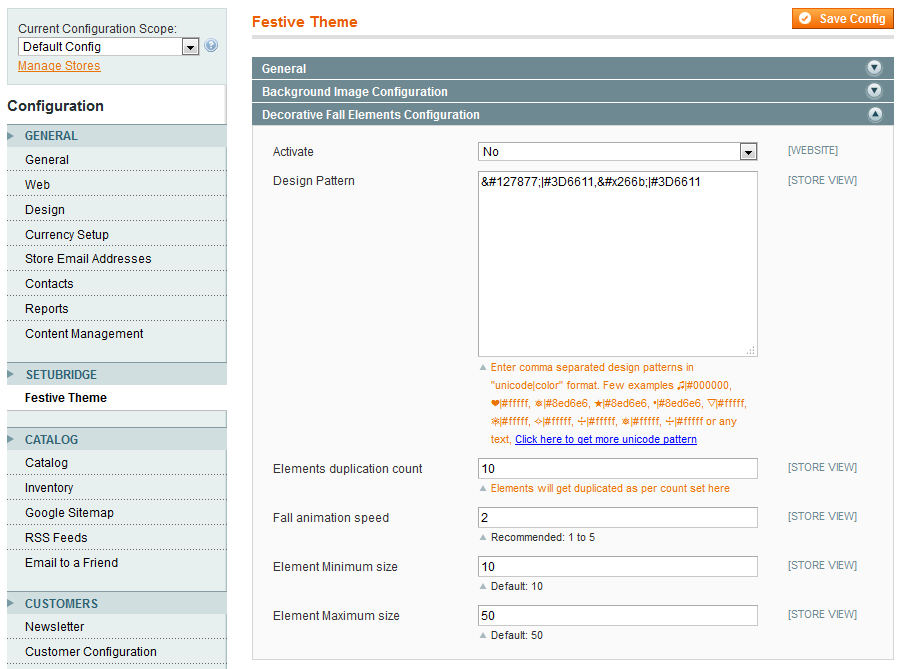
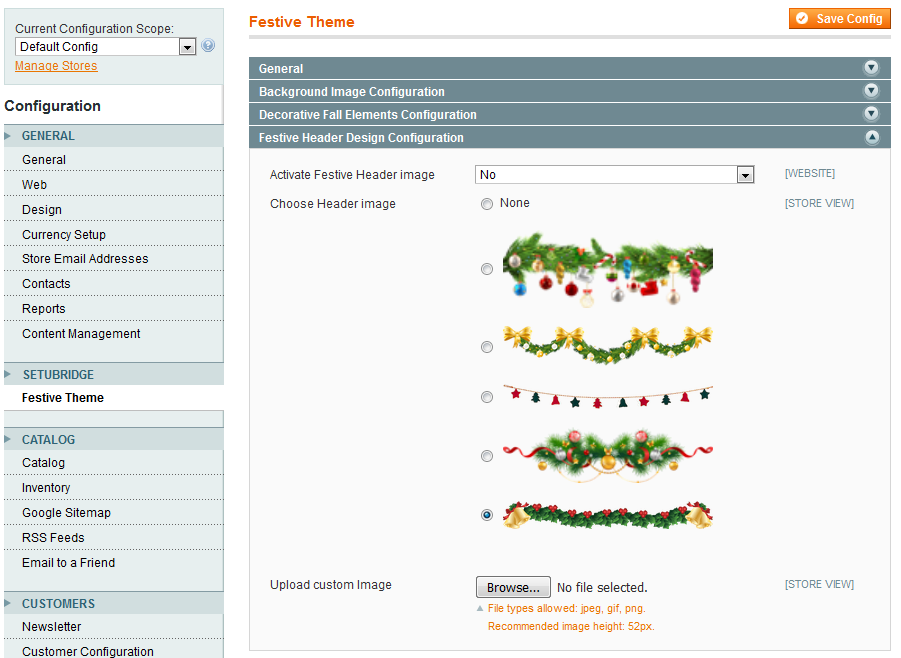
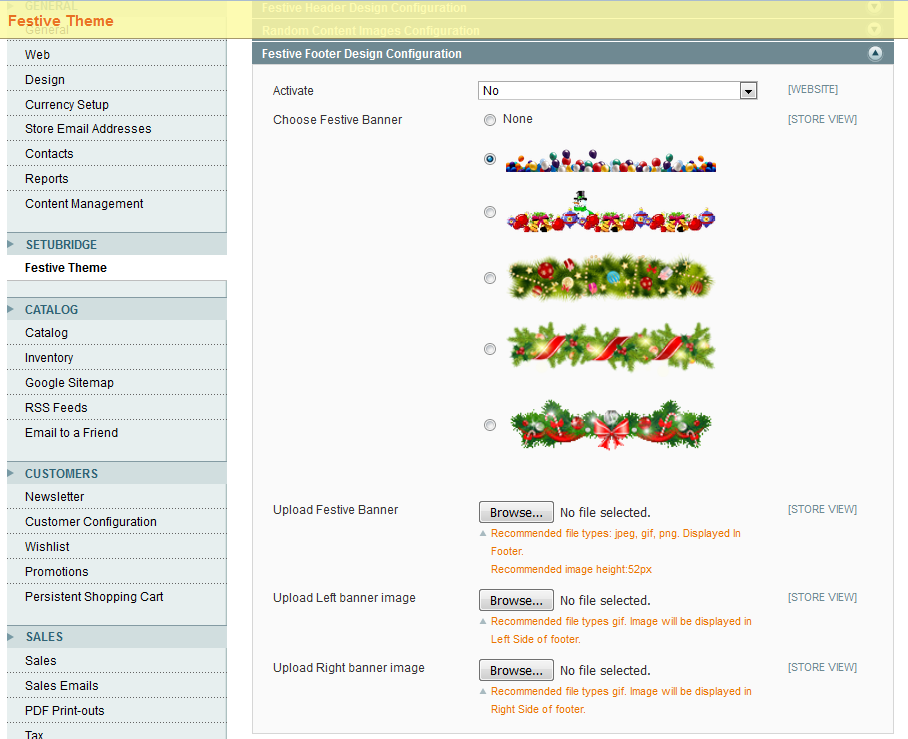
By using the simple steps in the backend admin, you can quickly customize the falling objects count, size, symbols, color and speed without changing a single line of code. The admin can assign decoration the following pages: home page, category page, product page, etc. Additionally, the admin can customize a store header and footer by uploading a custom image or selecting from a default given. The store admin can set the holiday season theme start & end date. It allows setting the position of additional footer decoration image either to the bottom right or left. Each part of the configuration consists of a section for the admin to upload their own custom images. You don't need any coding knowledge to use this plugin.
Here is few highlighted features:
- Enable/Disable from an admin panel
- Too easy to manage admin panel configuration
- Customize the spin wheel like colour, font size, text alignment, background etc.
- Enable decoration to pages like all pages, home page, product pages, etc.
- Admin can set a holiday season theme start & end date
- Backend configuration to set full page background image
- Easily customise falling objects with count, speed, symbols, colours, size, etc.
- Free to select header & footer images among various default given or by uploading custom
- Set the position of additional footer decoration image either to bottom right or left
- Here is a view of all festive theme elements.
Here you can find answers to frequently asked questions. Feel free to contact if you can't find answer to your question.
1. Is it possible to activate this module for specific period ?
Yes
2. Is it compatible with custom theme ?
Yes
"If you have any other questions or problems regarding this plugin, you can always contact me using the contact form on my profile page and I'd be happy to help. No guarantees, but I'll do my best to assist."
Our support operators are always glad to help you here [email protected]
Note: We are happy to help with setup and any bugs you may stumble upon.