
Copyright SetuBridge 2018
" Thank you for purchasing our plugin. please feel free to email via our user page contact form here. Thanks so much! "
Step 1. Backup your web directory and store database
Step 2. Download Extension package file
Step 3. Upload & Unzip package folders to store root
Step 4. Login into SSH console & reach to store root folder:
cd path_to_the_store_root_folder
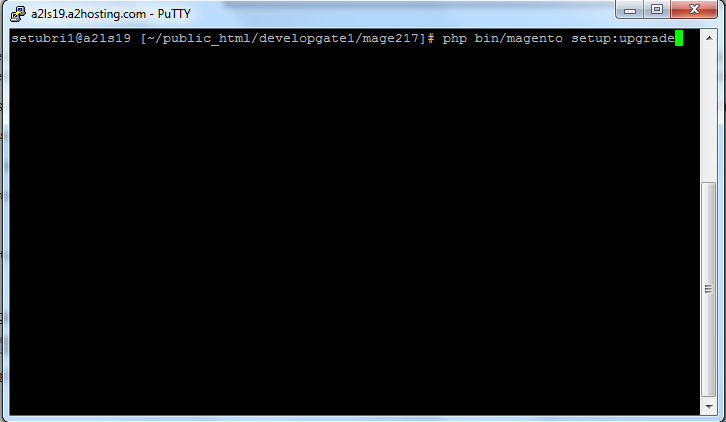
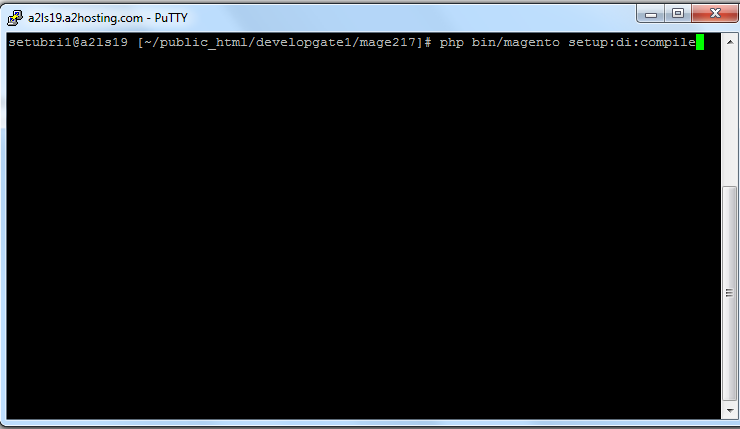
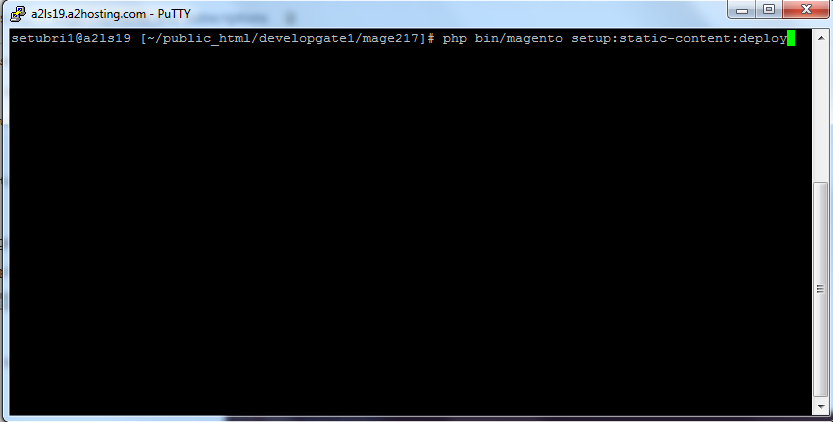
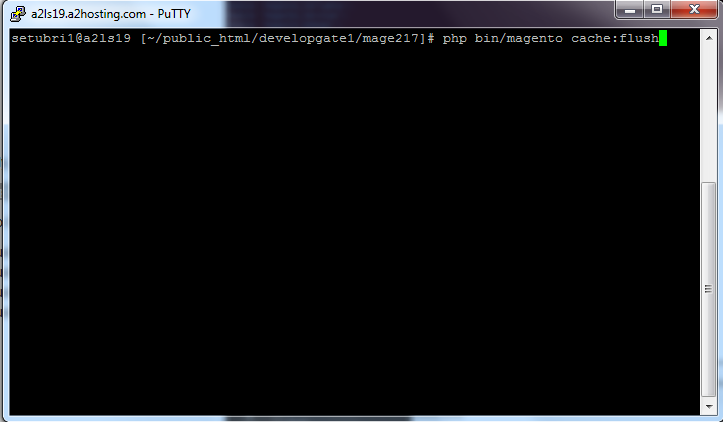
Open Magento Root directory & run below series of commands one by one
php bin/magentosetup:upgrade
php bin/magentosetup:di:compile
php bin/magentosetup:static-content:deploy
php bin/magentocache:flush
Step 5.
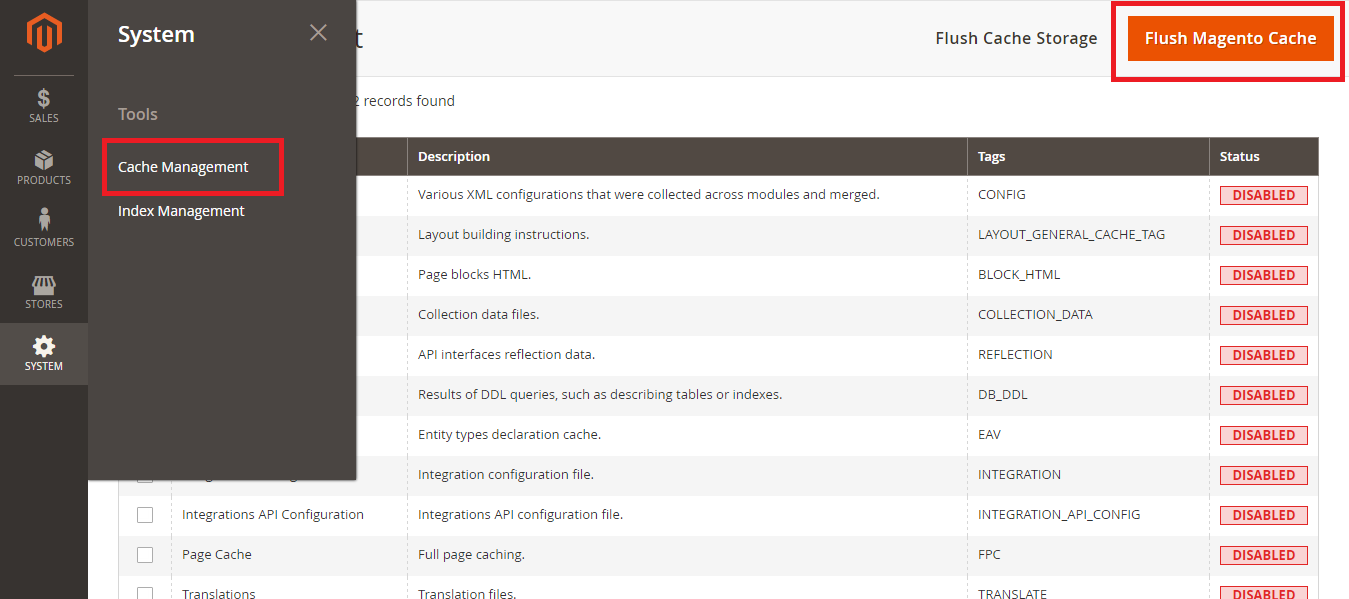
From Backend,System > Cache Management.
1. Flush Magento Cache
2. Flush Cache Storage
3. Flush JavaScript/CSS Cache
"If you have any other questions or problems regarding this plugin, you can always contact me using the contact form on my profile page and I'd be happy to help. No guarantees, but I'll do my best to assist."
Our support operators are always glad to help you here [email protected]