Back Image Hover Extension
" Thank you for purchasing our plugin. please feel free to email via our user page contact form here. Thanks so much! "
Product images are important for an online store to educate the customer about the appearance and
features of the product. Descriptive images are one of the most interesting components for the customer
as it brings the experience close to reality. Displaying as many images of the product is beneficial for
understanding & verifying the use cases fulfilling the ideal need & placing the order quickly.
The integration of the Product Back image on hover Magento 2 module empowers the store with the advanced
product flipping functionality. The flipper effect occurs as the customer hovers upon the product
thumbnail. With the hover, the product image automatically changes into the secondary image that has
been set by the admin at the backend. Flipper effects enhance the customer shopping experience and
symbolize the advancement of the store.
The flawless working extension helps the admin to add multiple & custom images of variations of the
product back/front/sides view. The flipping effect works on the category page, cross-sell section,
up-sell section & related products section. Admin can also further enhance the secondary image by
resizing or applying the zoom-in or zoom-out effect.
Here is few highlighted features:
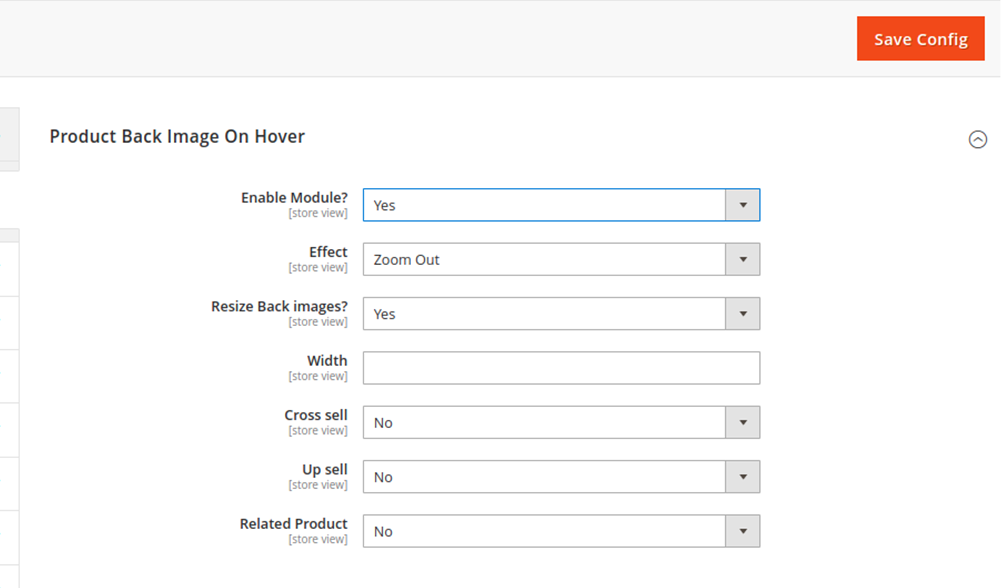
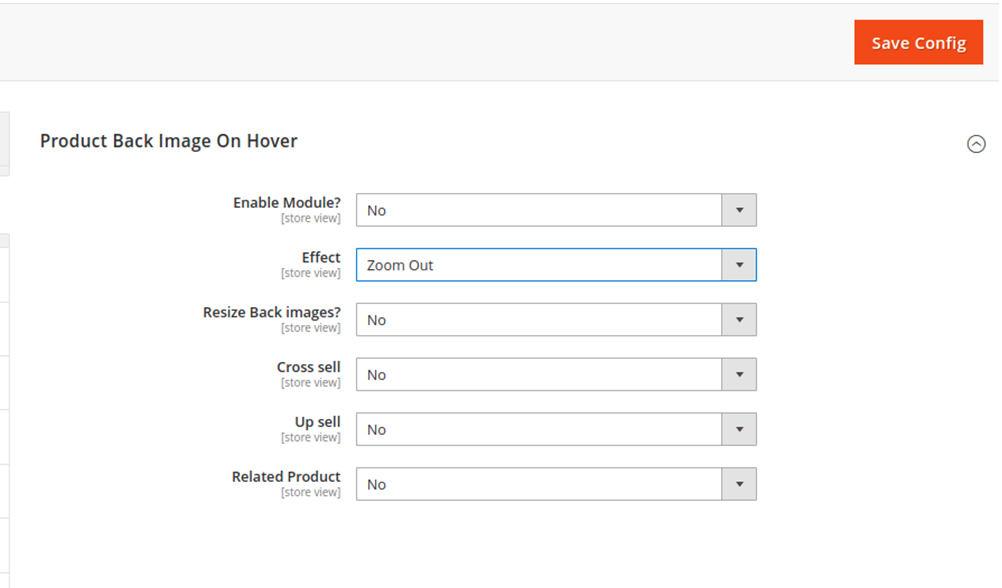
- Enable/disable: Enable the module to apply product image flip functionality to the store. The
extension auto-flips the product image as the customer hovers on the product thumbnail.
- Zoom-in & Zoom-out Effects: Enhance the appearance of the secondary image by applying the zoom-in or
zoom-out effect.
- Resize back image: The options allow the admin panel to resize the back image by altering the width
to get the best view & experience.
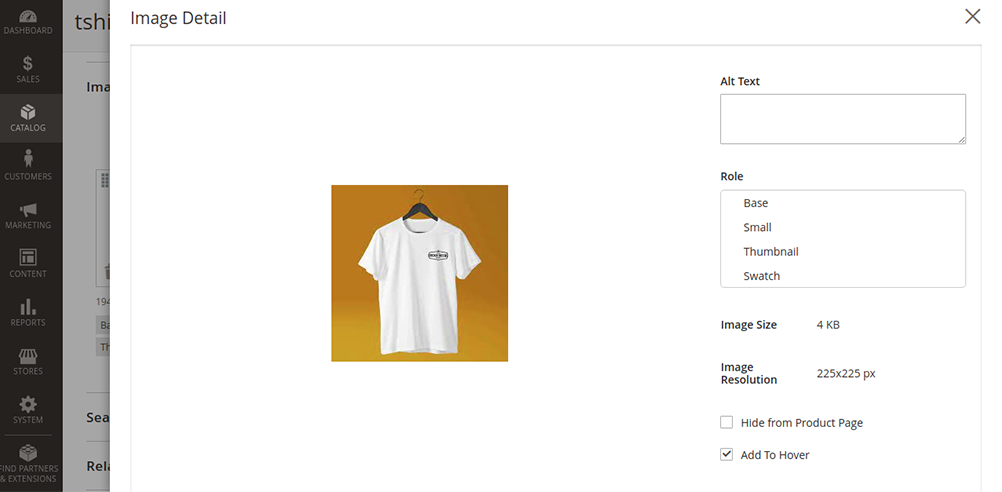
- Set Hover Image
from Uploaded Product Images.
- Apply
Different Flip Effects.
- Set Hover
Effect for Category Page, Related/Upsell/cross-sell Products.
- Supported All Standard & Custom Magento Themes.
Here you can find answers to frequently asked questions. Feel free to contact if you can't find answer to your question.
1. Is it possible to activate this module for specific period ?
Yes
2. Is it compatible with custom theme ?
Yes
"If you have any other questions or problems regarding this plugin, you can always contact us using
the contact form and we'd be
happy to help you. No guarantees, but we'll do our best to assist."
Our support operators are always glad to help you here [email protected]
Note: We are happy to help with setup and any bugs you may stumble upon.