Mobile Social Sharebar
" Thank you for purchasing our plugin. please feel free to email via our user page contact form here. Thanks so much! "
Displays a customizable Social Sharing bar with WhatsApp, Twitter, Facebook and Line share buttons on top or bottom of your website
Here is few highlighted features:
- This extension allows you to enter data what you want to share
- Provide Facility for How many and Which Sharing Button You want to display on front end to share your data
- Allows you to choose Position of Social Sharebar Toolbar in front end
- This is SEO friendly extension
How It works
Choose backend option by your own choice
More and more traffic
By using the Mobile Social Sharebar you get more and more social traffic to your website! Users will share your good content by using the best-visual-buttons of Facebook, Twitter, Line and WhatsApp with their friends. Especially WhatsApp and Line are nearly the best way to share websites on smartphones.
WhatsApp and Line Sharing for iPhone and Android Smartphones
The whatsapp and Line works on iPhones, smartphones and also in Android version. So it will be displayed only to those who access your page with one of these phones.
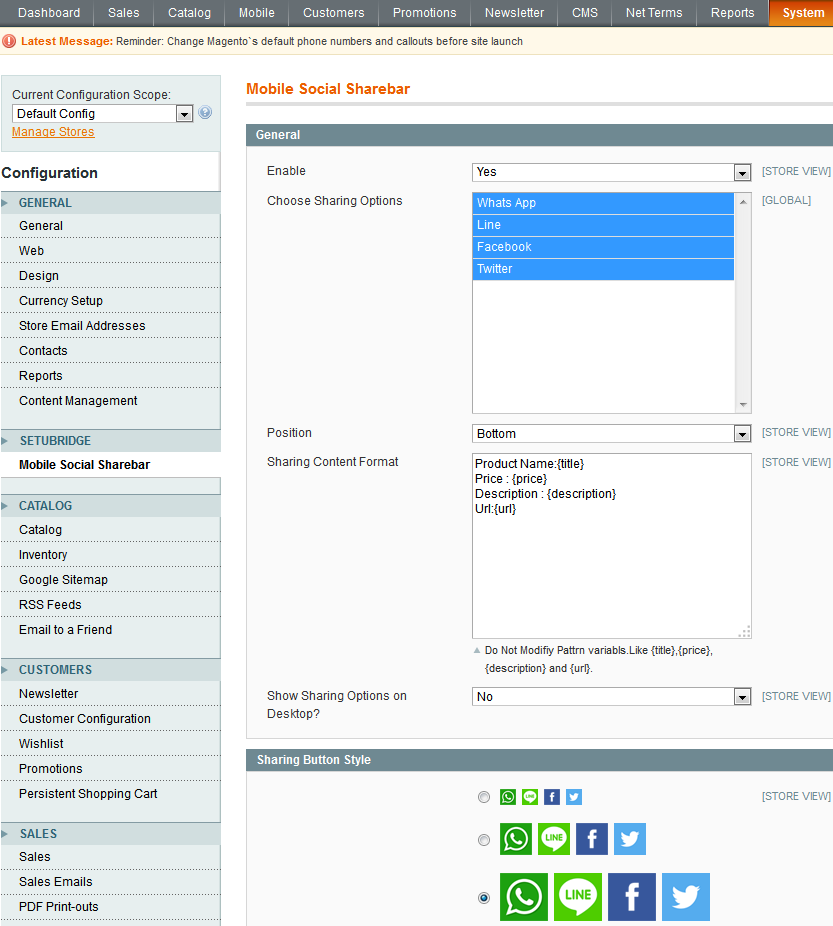
To use this Mobile Social Sharebar you have to Go to System > Configuration > Mobile Social Sharebar Tab:
- Here is a configuration option to Enable/Disable Mobile Social Sharebar extension.
- Choose sharing options
- Choose position where you want to display sharebar, Format of sharing content
- Select sharing button style
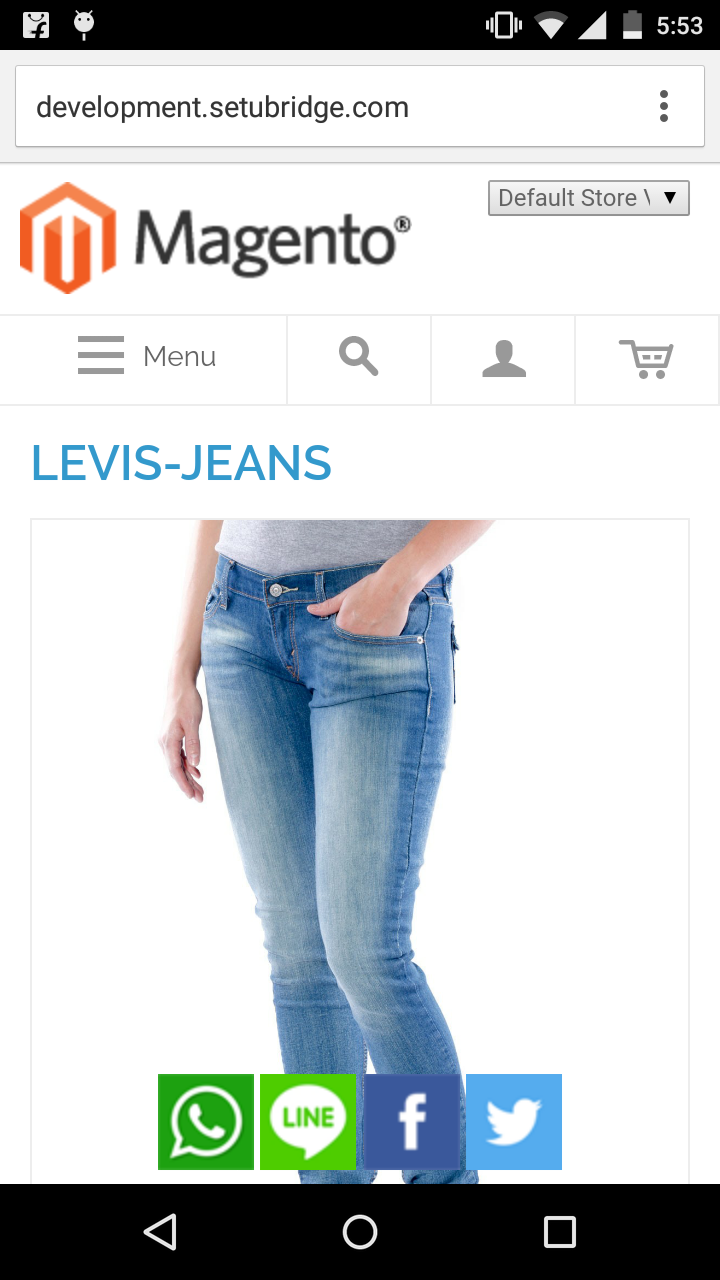
- Share bar button bottom position
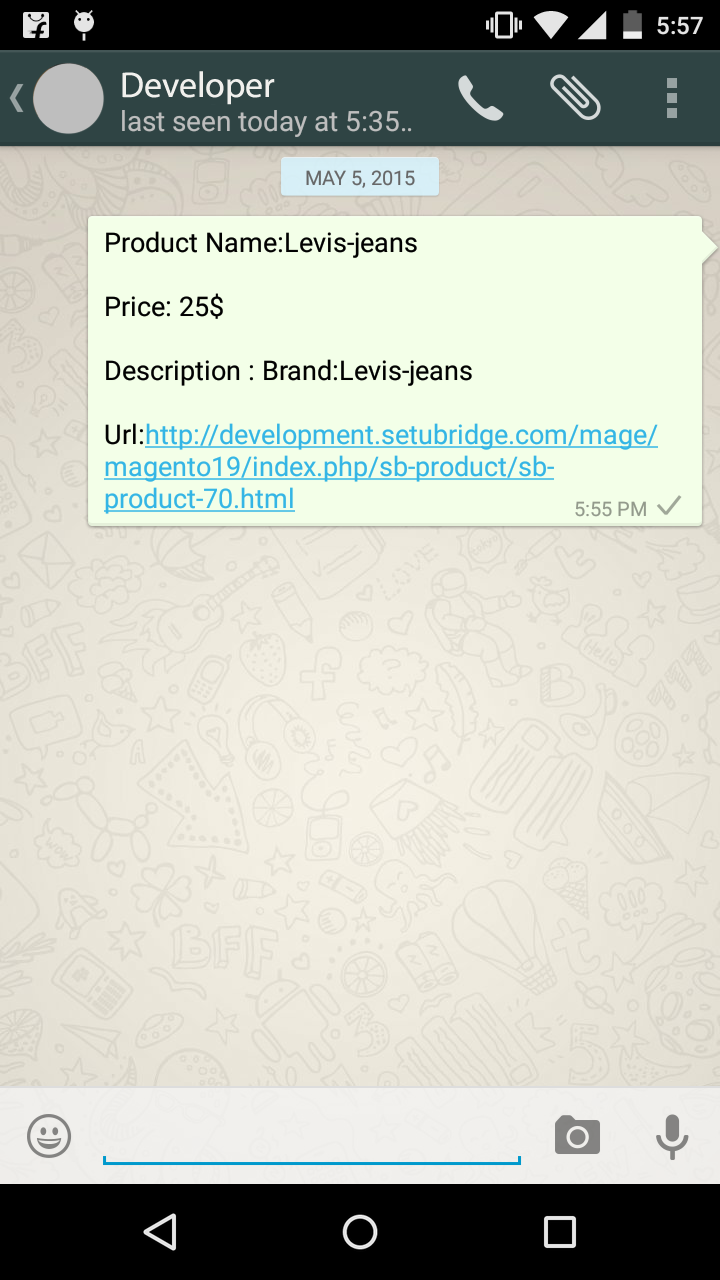
- Product information shared on whatsapp
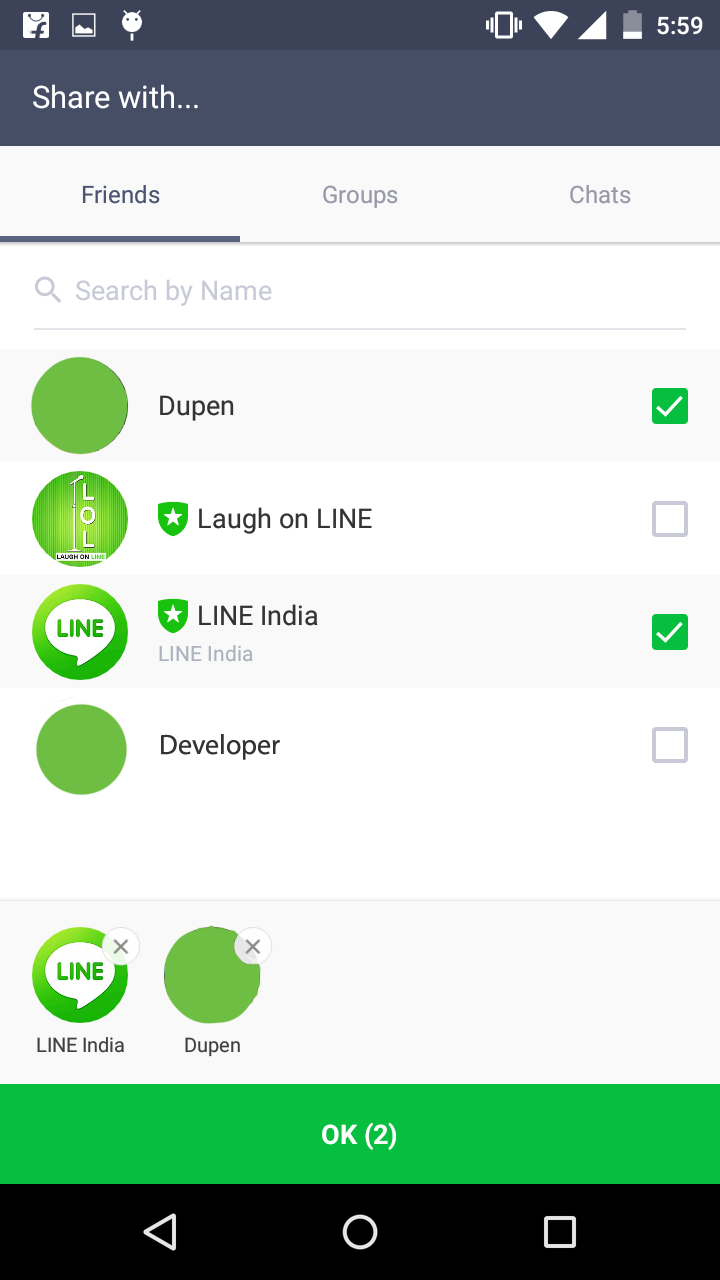
- Select multiple user to share product detail on line
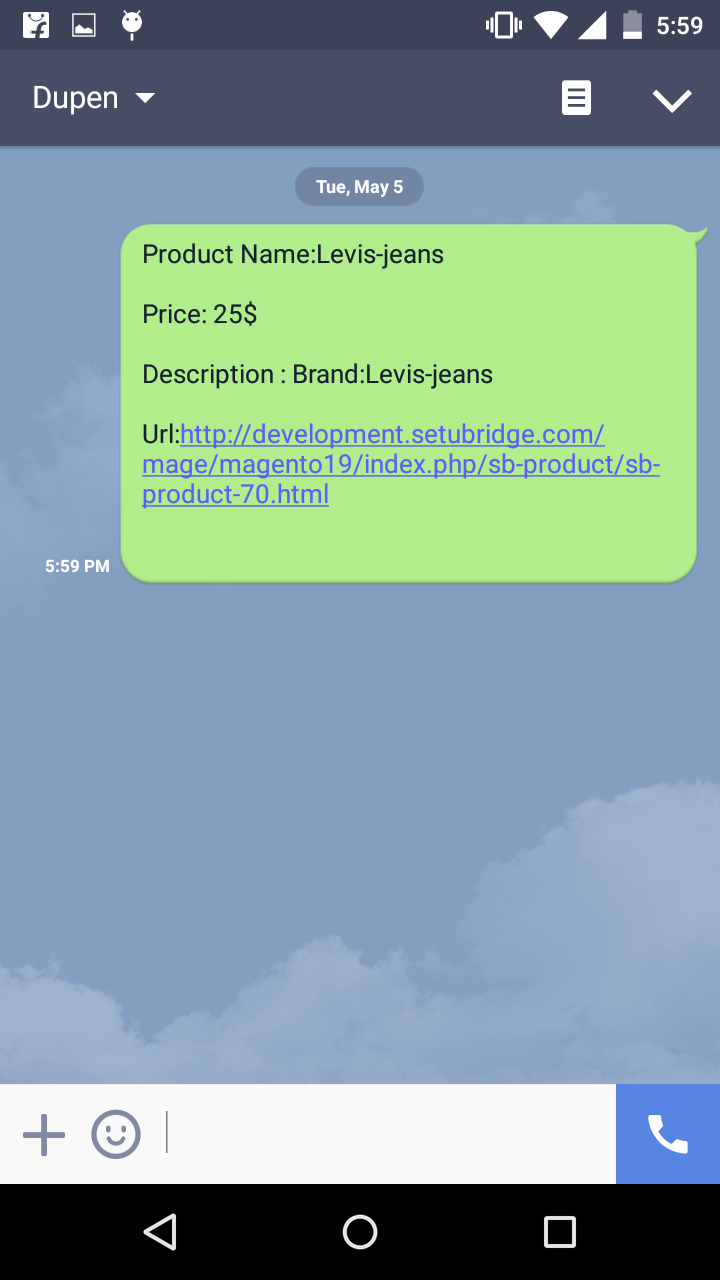
- Shared product detail on line
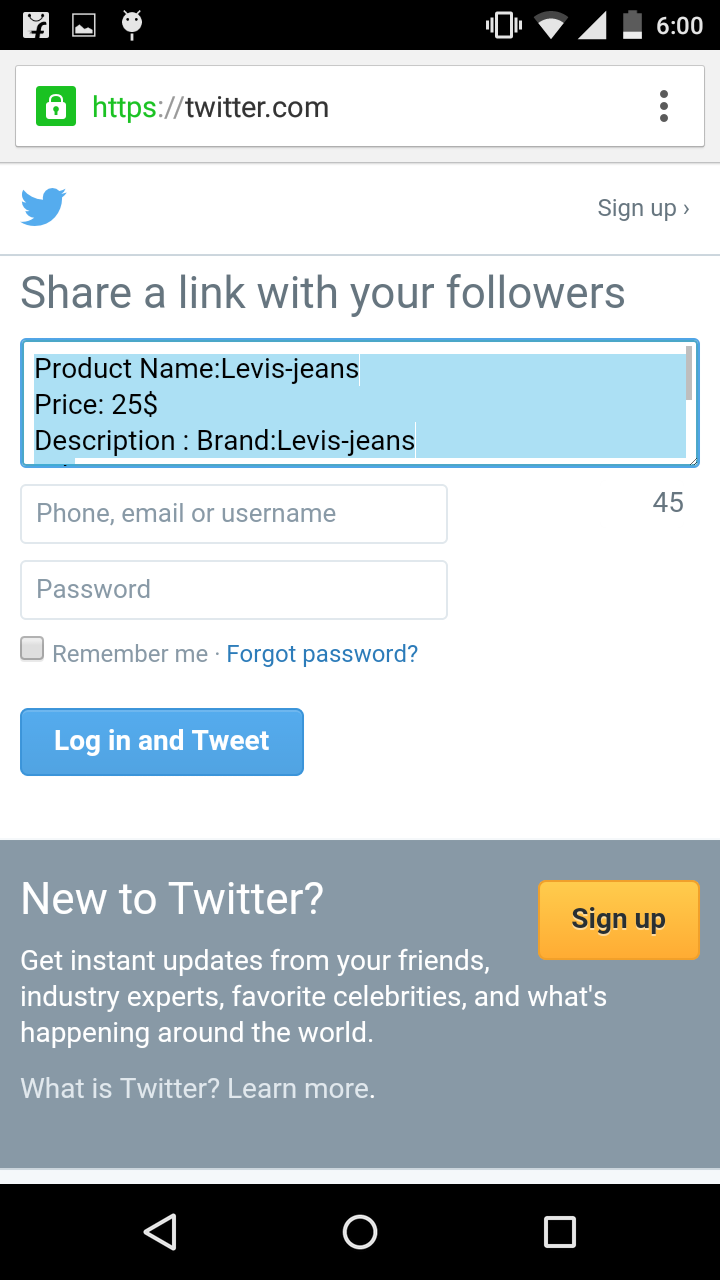
- Shared product detail on twitter
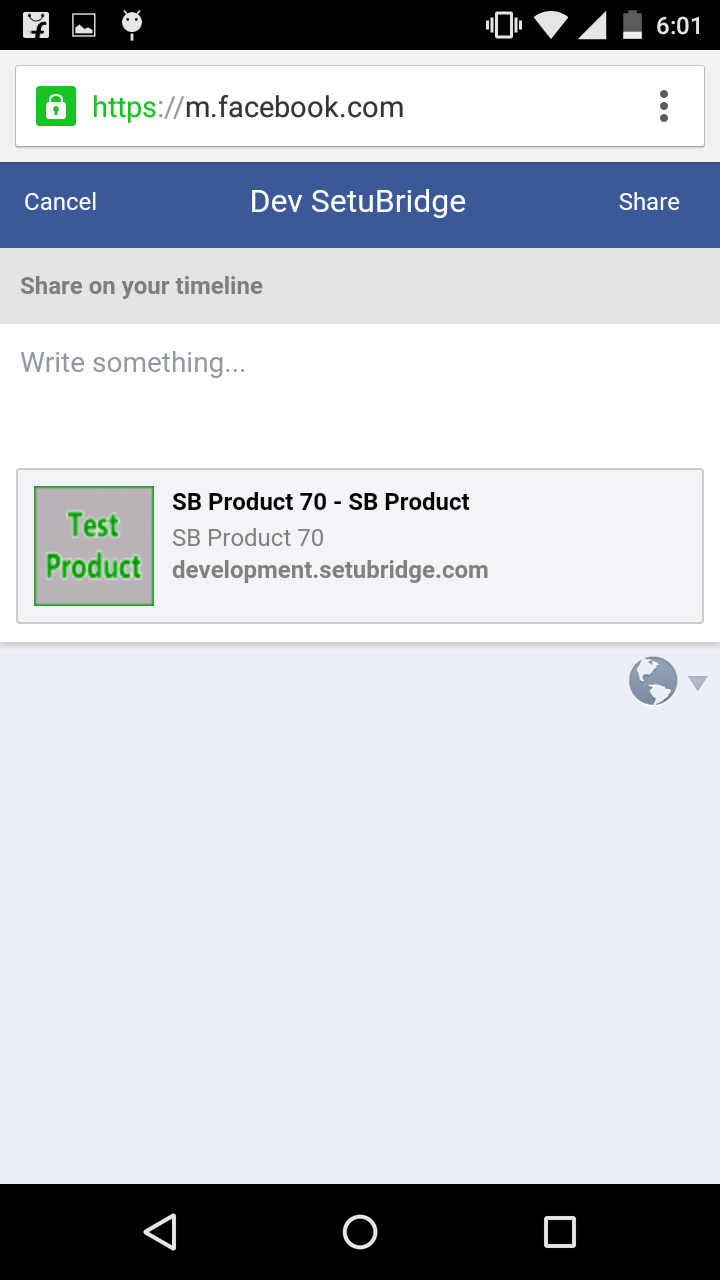
- Shared product detail on facebook
Here you can find answers to frequently asked questions. Feel free to contact if you can't find answer to your question.
1. Is there any option to update postcode/zipcode?
Yes, there is an option to update postcode/zipcode in our plugin.
2. How many numbers of postcode/zipcode can I add?
You can add unlimited number of postcode/zipcode.
"If you have any other questions or problems regarding this plugin, you can always contact me using the contact form on my profile page and I'd be happy to help. No guarantees, but I'll do my best to assist."
Our support operators are always glad to help you here [email protected]
Note: We are happy to help with setup and any bugs you may stumble upon.