Notification Bar
" Thank you for purchasing our plugin. please feel free to email via our user page contact form here. Thanks so much! "
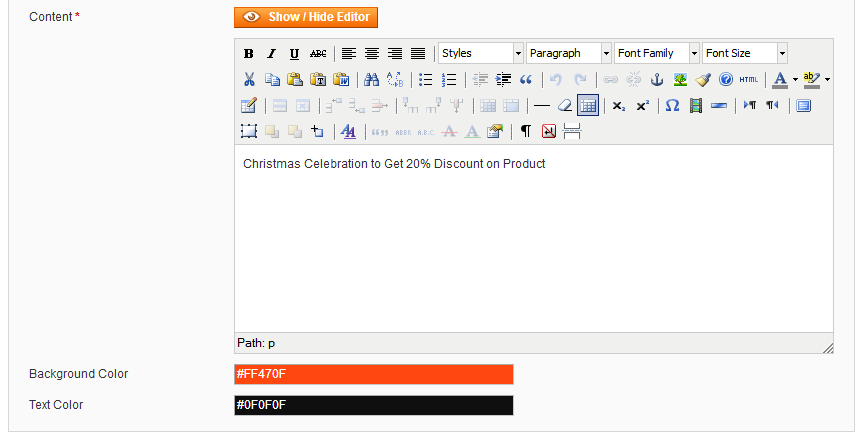
The Notification Bar extension allows the store owner to show eye catchy announcements, offers, deals etc. that encourages customers to purchase more products from your store.
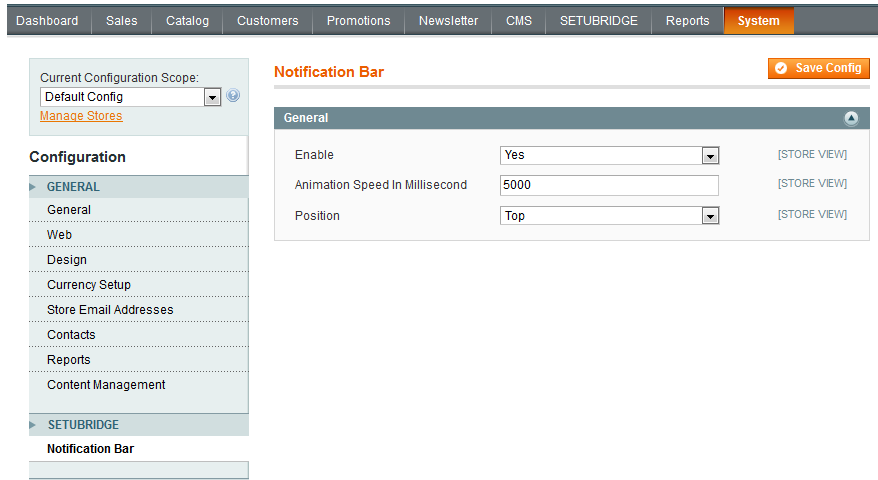
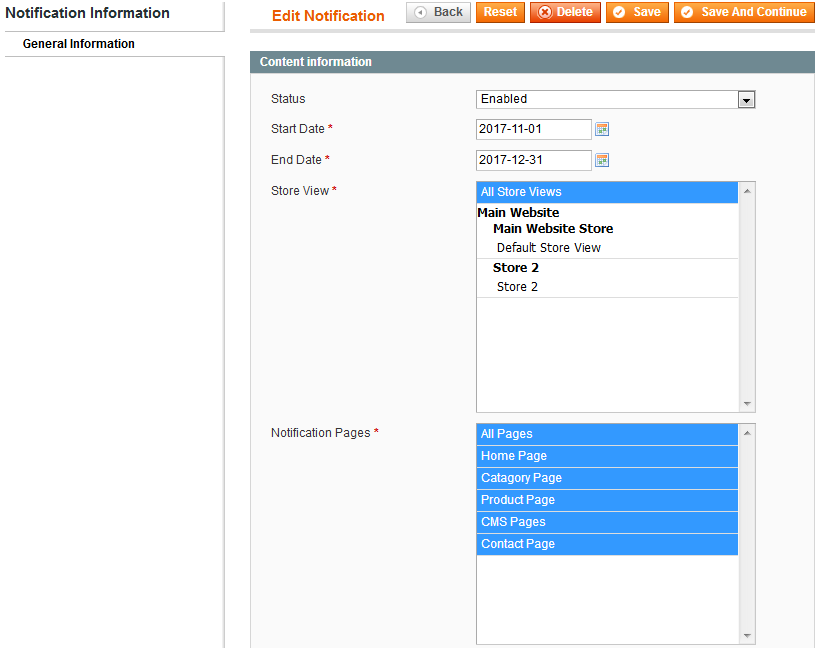
You are good to set notification bar either in header part or footer area whatever suits you. All notifications can be bound to start date & end date from admin & notification will get hide when it reaches to end date. Through extension, an admin has enough control to set which pages should display in the notification bar on store frontend targeting season, theme, type etc.
To increase traffic and keep customers engaged, store owner need to drive customers to some of the most important product pages by offering discounts, deals etc. on specific pages. The notification bar is a perfect extension for boosting your online store sell.
The Notification Bar extension for Magento reduces developers struggle to change periodic offers, it doesn't affect any other files plus it comes packed with admin panel for easier management of announcements. As an admin, you have the full control over the extension to set when the notification bar should appear.
Here is few highlighted features:
- Multiple notifications display can be configured from a backend
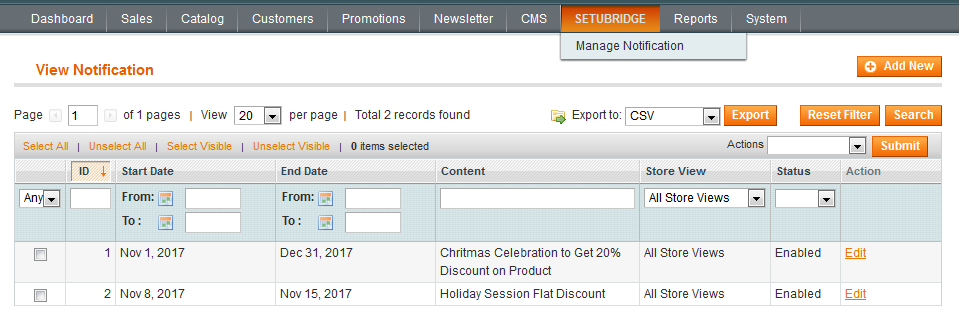
- Targeted notifications for future dates by using start date & end date fields
- Personalised notification bar having more control to admin
- Notification bar styles can be adjusted according to store theme and design need
- All add, edit, delete operations available to manage notification content
- Mass delete operation feature to clean closed notifications to save tons of time
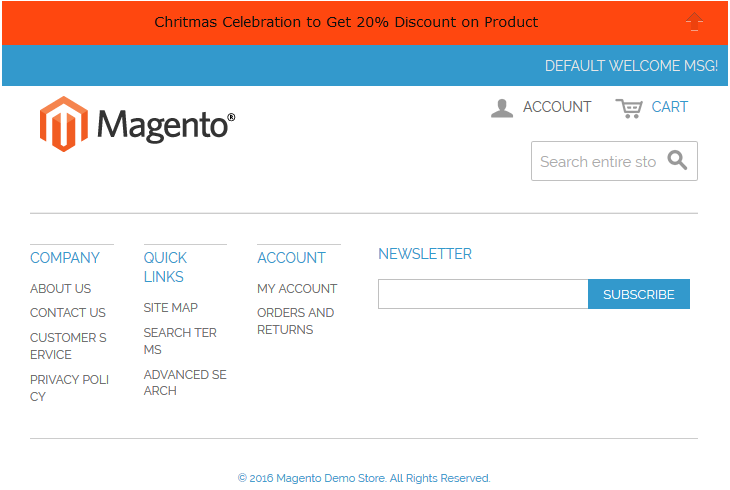
- This is the Top view of Notification Bar.
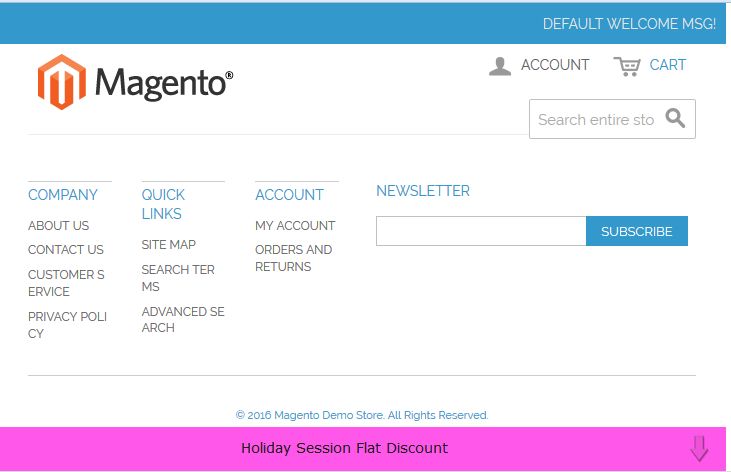
- This is the Bottom view of the Notification Bar.
Here you can find answers to frequently asked questions. Feel free to contact if you can't find answer to your question.
1. Is it possible to display different notification in different pages?
Yes
2. Can admin display any media like image as notification?
Currently,admin can display only text as notification.
"If you have any other questions or problems regarding this plugin, you can always contact me using the contact form on my profile page and I'd be happy to help. No guarantees, but I'll do my best to assist."
Our support operators are always glad to help you here [email protected]
Note: We are happy to help with setup and any bugs you may stumble upon.