Prescription Eye Contact Lens
" Thank you for purchasing our plugin. please feel free to email via our user page contact form here. Thanks so much! "
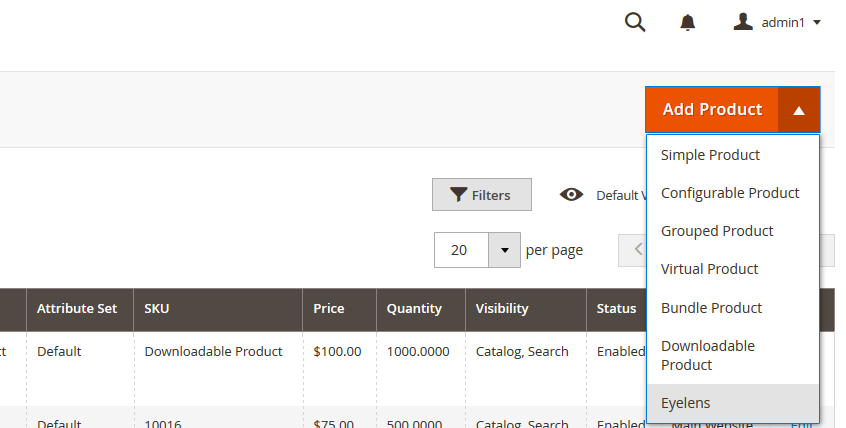
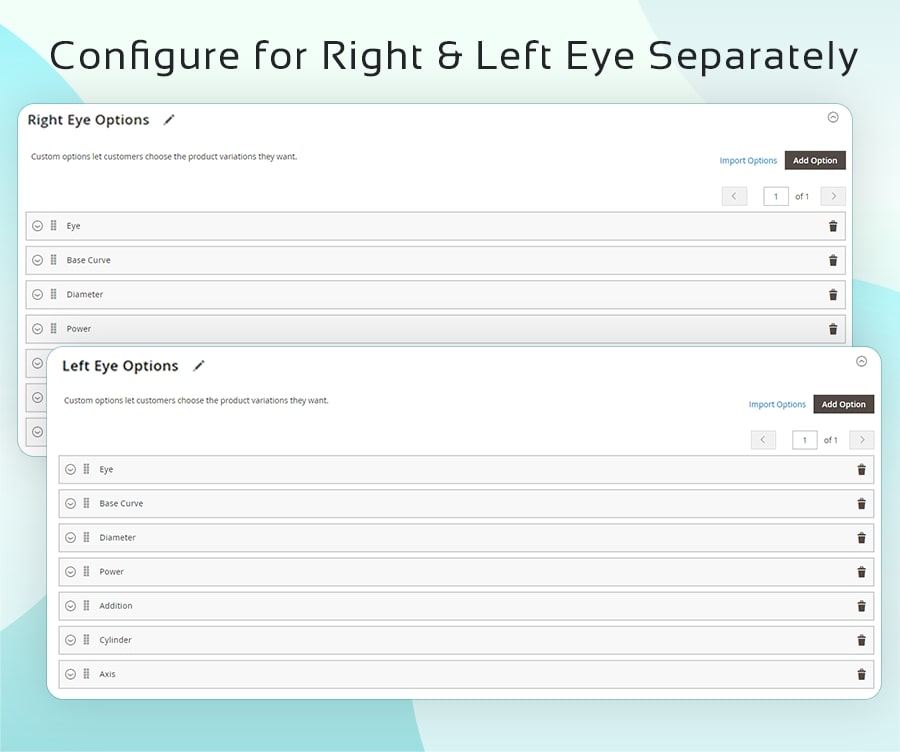
Magento product configurator is a smart extension that helps to create an online sunglasses/eye lens selling store. Create eye contact lens type products based on the Power, Cylinder, Axis, Base curve & Diameter of both the eyes.
The selling of eye lenses based on medical prescription can get quite challenging in the eCommerce space, displaying eyeglass products with each prescription can make the eCommerce store complicated. Especially when there are several variants in the eyewear in terms of style, brand, and other configurations.
As many online eCommerce shops/stores do not handle these minute configurations efficiently, either the customer gets a wrong product or simply jumps to another website or store, which isn’t a good sign for an eCommerce business. The Magento 2 prescription eye lens product creator module easily bridges that gap by reducing the complexities and thus improving the eyewear online shopping experience.
Our Magento 2 Contact lens Prescription configurator provides features to create & manage custom lens product options e.g. Power, Cylinder, Axis, Base curve & Diameter, etc. The extension supports saving and reusing prescriptions to place the same order easily in the future. Moreover, customers can upload prescriptions in PNG, JPG, and PDF file types. For easy and better understanding, admin can add custom tooltips for eye lens product options like base curve, power, etc.
Here is few highlighted features:
- A smart solution for online lens products selling eCommerce store
- Auto-populate prescription options (ex. BC, Diameter, power, etc ) for lens products
- User can enter prescription manually or upload prescription file
- Allow users to save multiple prescriptions for repeat purchase
- Tooltip display for prescription specifications like base curve, power, etc.
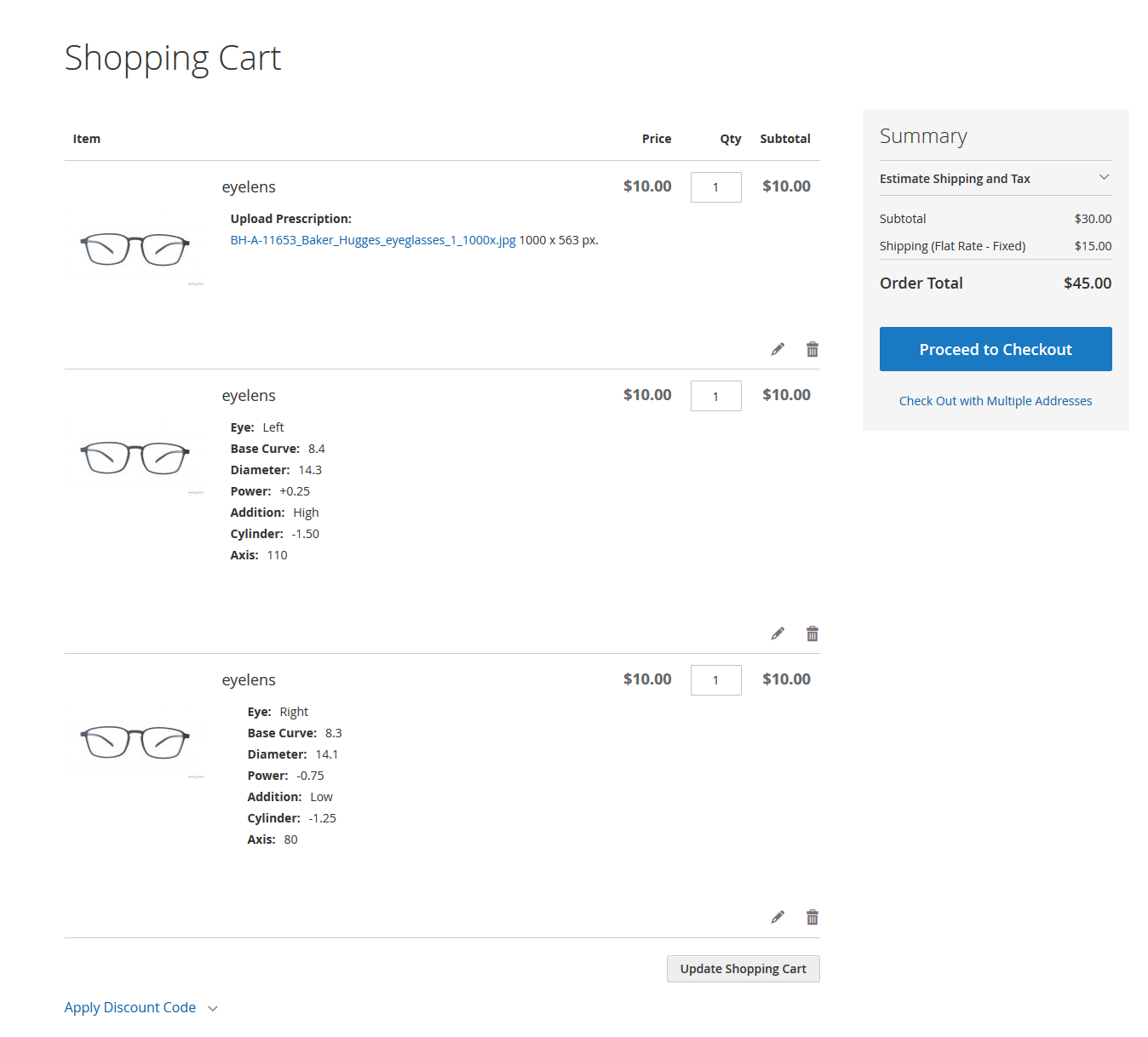
- Preview ordered prescription details on the cart page, checkout & order view pages, etc.
- Compatible with tier pricing
In this step by step documentation we will show you how to install a Prescription Eye Contact Lens.
Step 1. Backup your web directory and store database
Step 2. Download Extension package file
Step 3. Upload & Unzip package folders to store root
Step 4. Login into SSH console & reach to store root folder:
cd path_to_the_store_root_folder
Open Magento Root directory & run below series of commands one by one
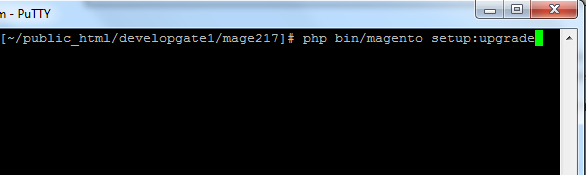
php bin/magento setup:upgrade
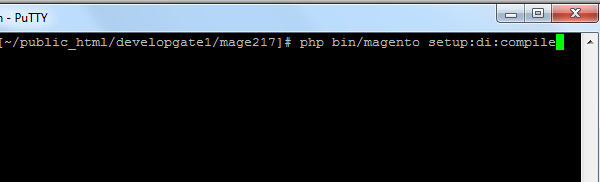
php bin/magento setup:di:compile
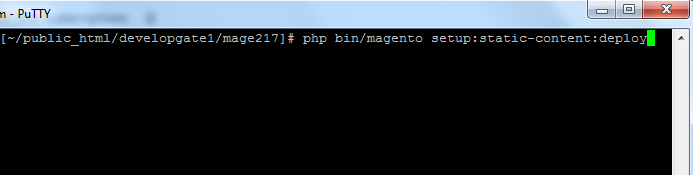
php bin/magento setup:static-content:deploy
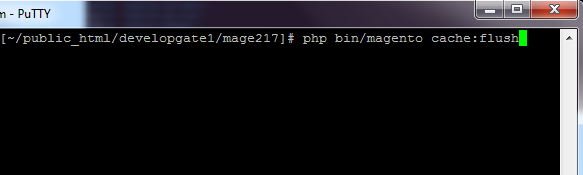
php bin/magento cache:flush
Step 5.
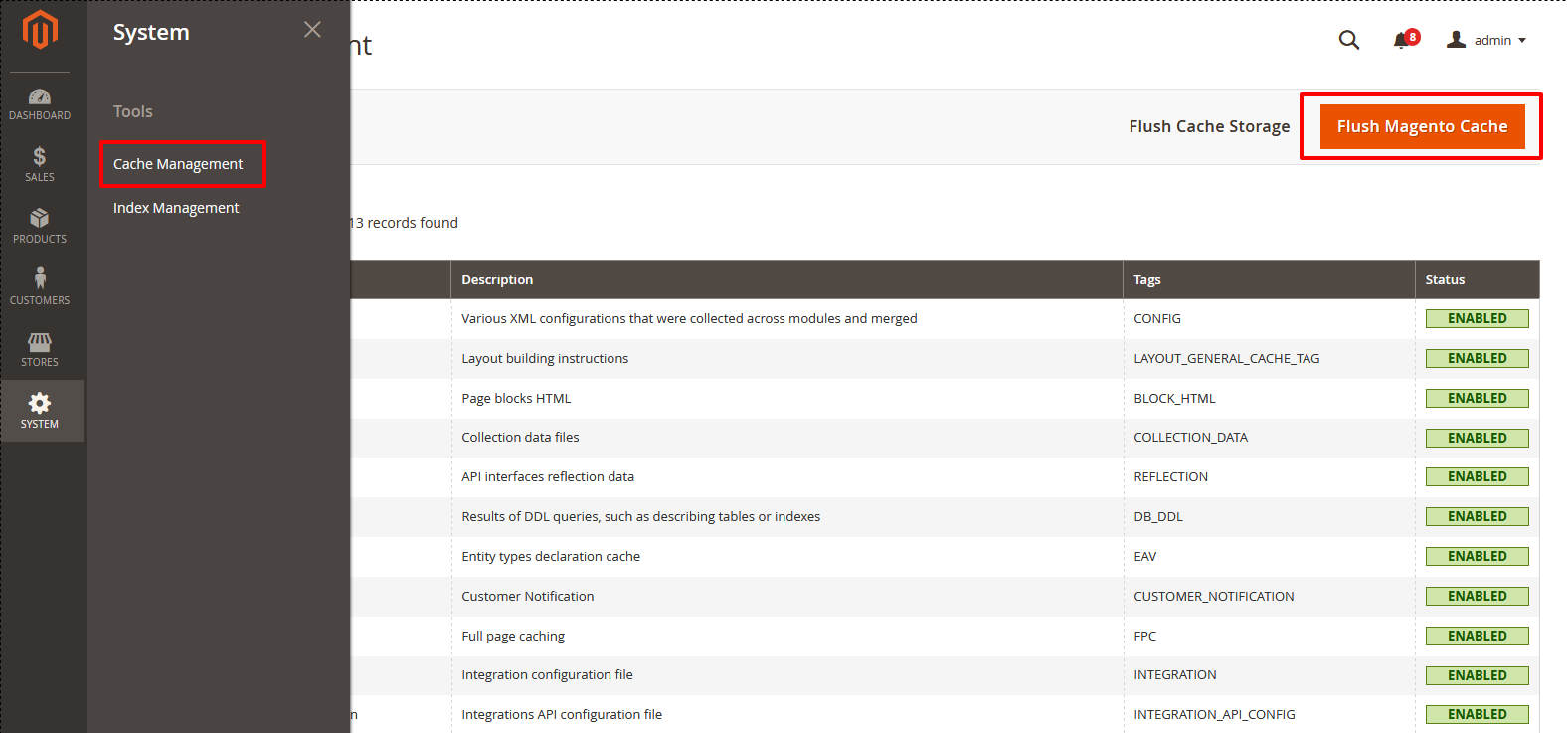
From Backend,System > Cache Management.
1. Flush Magento Cache
2. Flush Cache Storage
3. Flush JavaScript/CSS Cache
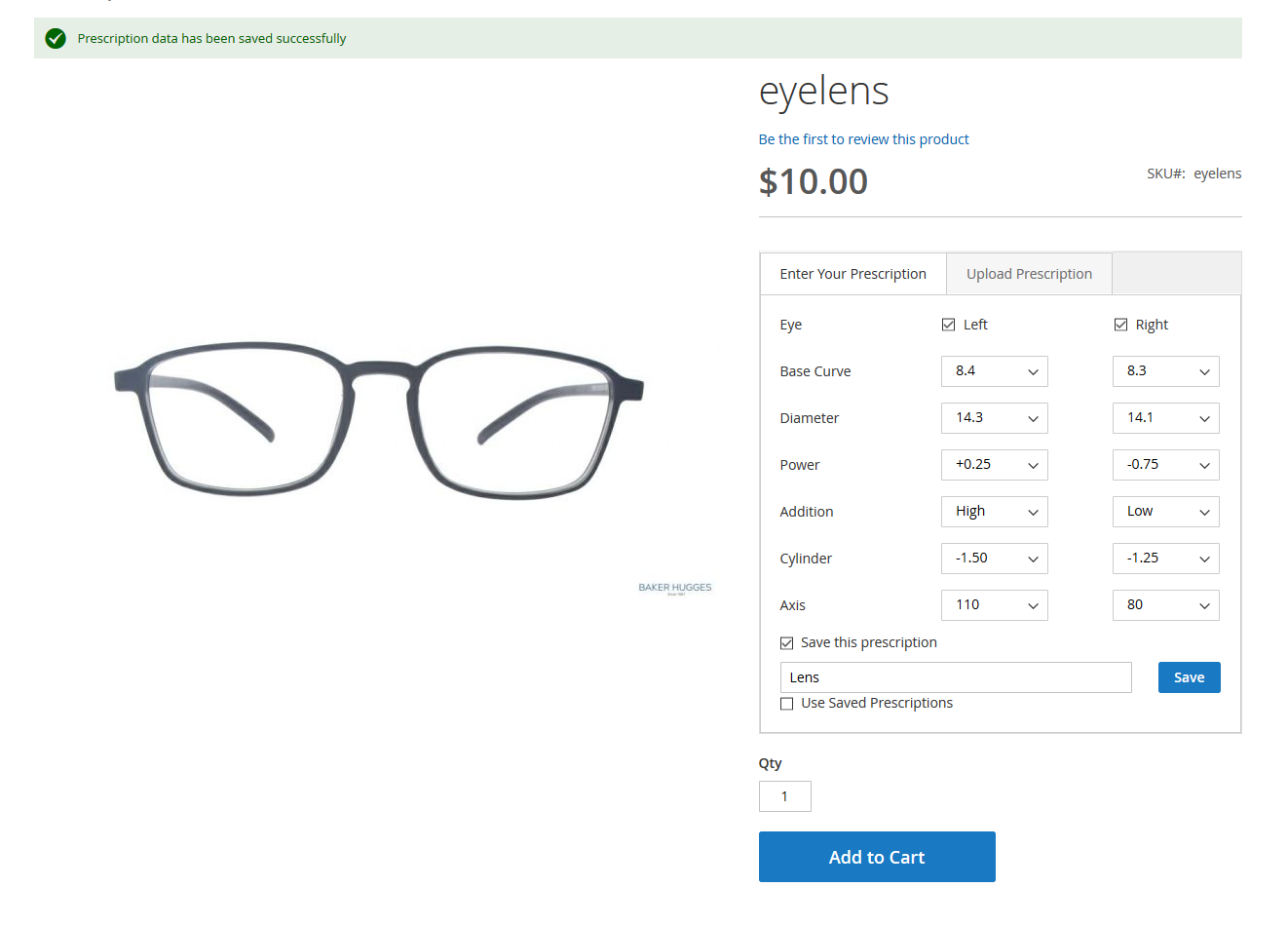
- Users can place an order in two ways: enter prescription manually or upload a prescription.
Moreover, users can save manually entered prescription to place the same order in future without any hassle. Once the prescription is saved, users can use it easily for future order placements.
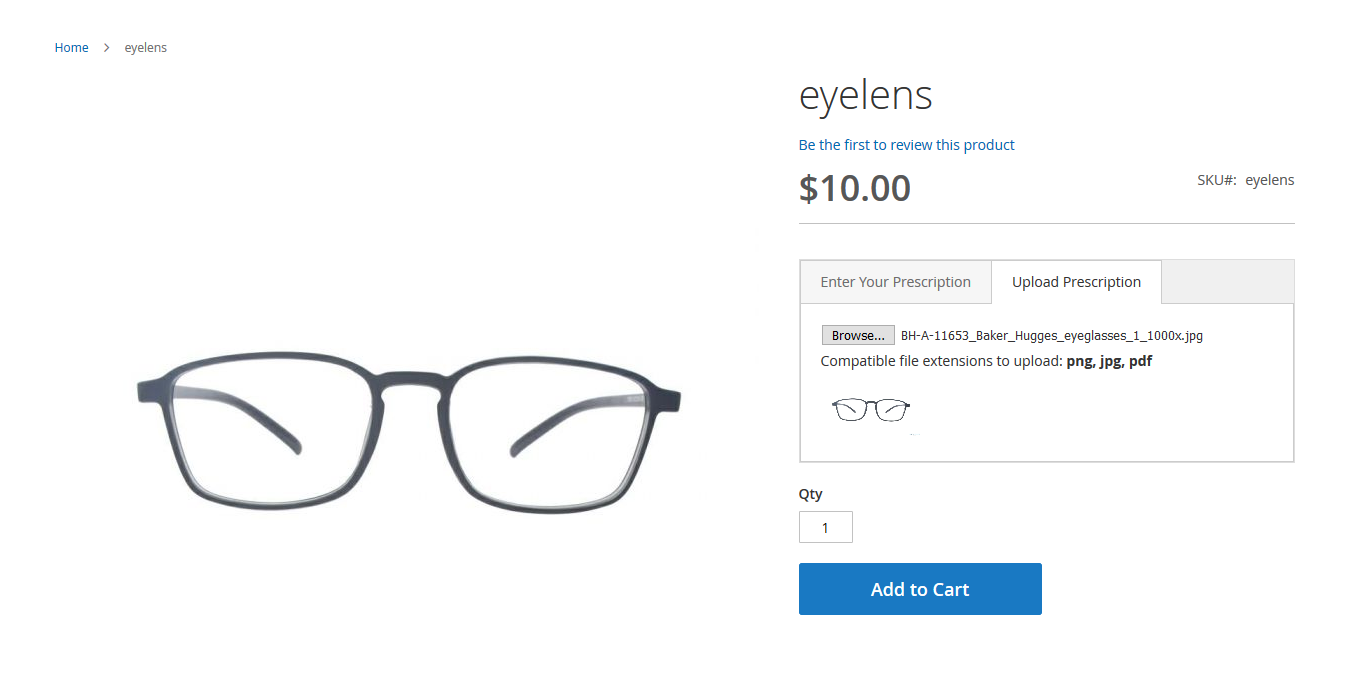
- Users can upload prescriptions in PNG, PDF and JPG file format.
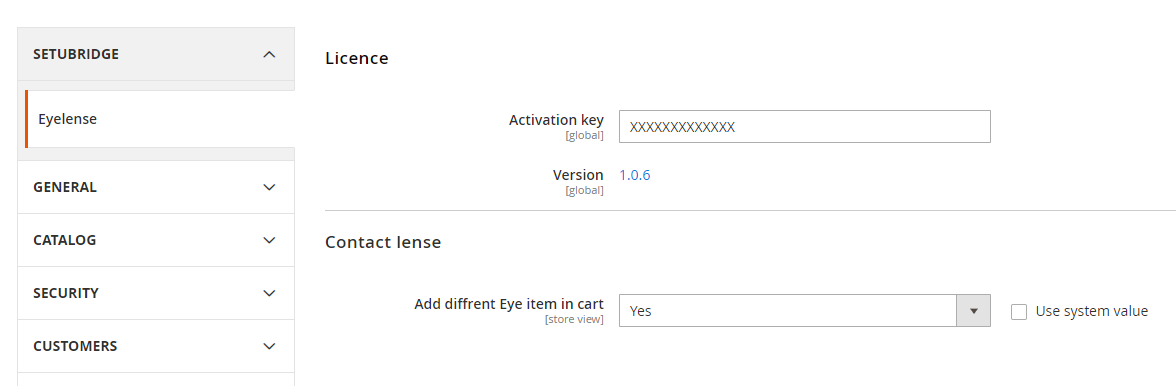
- As admin opted to allow eye products as different items in cart, users will be able to place product orders as different items.
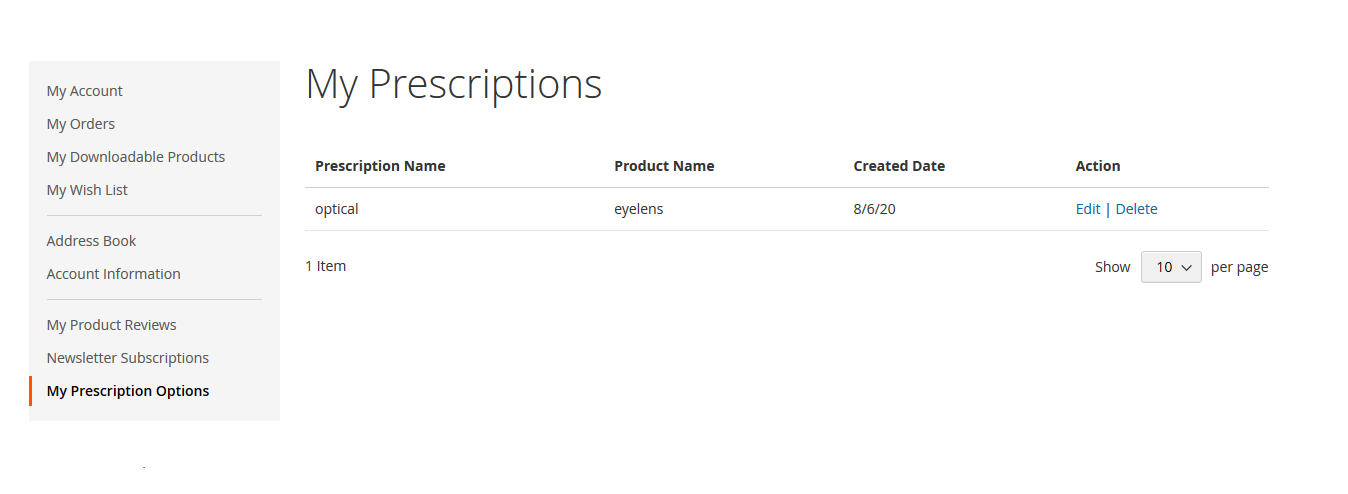
- Users can see all saved prescriptions in the “ My prescription” section. Further, can use any saved prescription to place the same order easily.
"If you have any other questions or problems regarding this plugin, you can always contact us using the contact form and we'd be happy to help you. No guarantees, but we'll do our best to assist."
Our support operators are always glad to help you here [email protected]
Note: We are happy to help with setup and any bugs you may stumble upon.