Product Catalog PDF
" Thank you for purchasing our plugin. please feel free to email via our user page contact form here. Thanks so much! "
The Magento 2 Catalogue Print PDf extension is an advance tool to facilitates your customers to download product catalogue as PDF
As a large and established store experience different fields of customers like manufacturers, wholesaler and retailers, they expect a variety of formats to show product catalogue. For website and online store or retail store, innovative and efficient way to showcase product catalogue is an important gateway to boost sale.
SetuBridge team has developed the Product PDF catalogue Magento2 extension to offer a new view for showcasing product catalogue in the most informative way. The module offers flexibility to design and generate a PDF catalogue of all the products. This extension allows admin to attach their already made product page PDF on the website to make it easy for customers to download directly.
The extension sets rights to admin to choose if the catalogue download feature should be visible to only specific customer group like wholesaler or retailer. Here, admin has different controls to personalise the design of PDF layout by having custom fonts, text styling. Price, Short description, description and additional information can be configured by admin to display in PDF layout for customer. It also provides the admin with an option to show date, page number and product URL in PDF to customer.
Here is few highlighted features:
- Download product catalogue in ready PDF format
- Easy to personalise PDF using custom fonts, text styling etc.
- Customize header with custom logo, address & content
- Display download PDF button to specific customer groups
- QR code & Link for an individual product in the footer
- Choose whether description, price or images should display
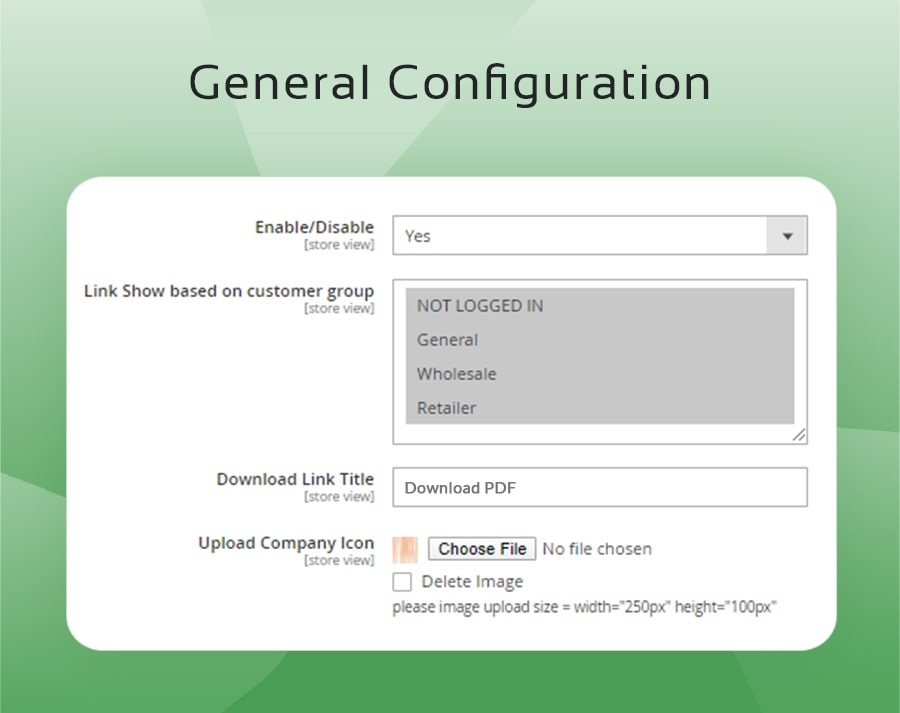
To use this Product Catalog PDF you have to Go to STORES > Configuration > SETUBRIDGE > Product Catalog PDF Tab:
- Simple Enable/Disable option in backend to activate the extension. Select customer group to display the PDF download link. Add custom download link title for front-end. Upload custom company’s icon for PDF from your device.
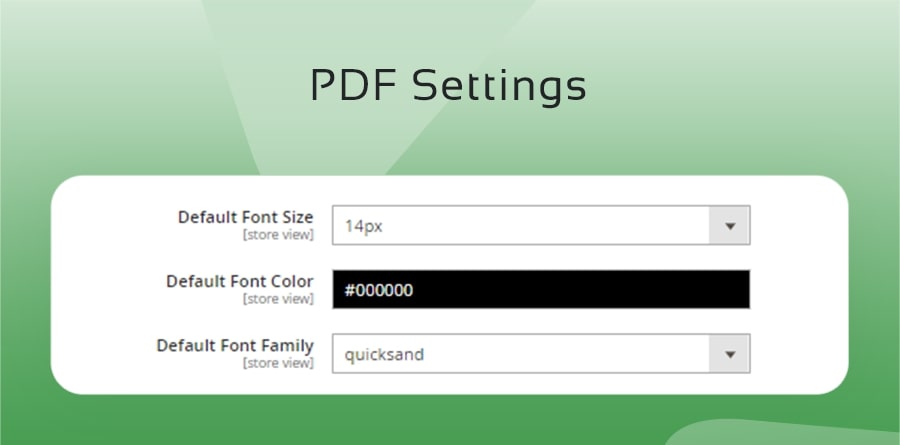
- Default font styling for the product PDF catalogue e.g. Color, font family & size.
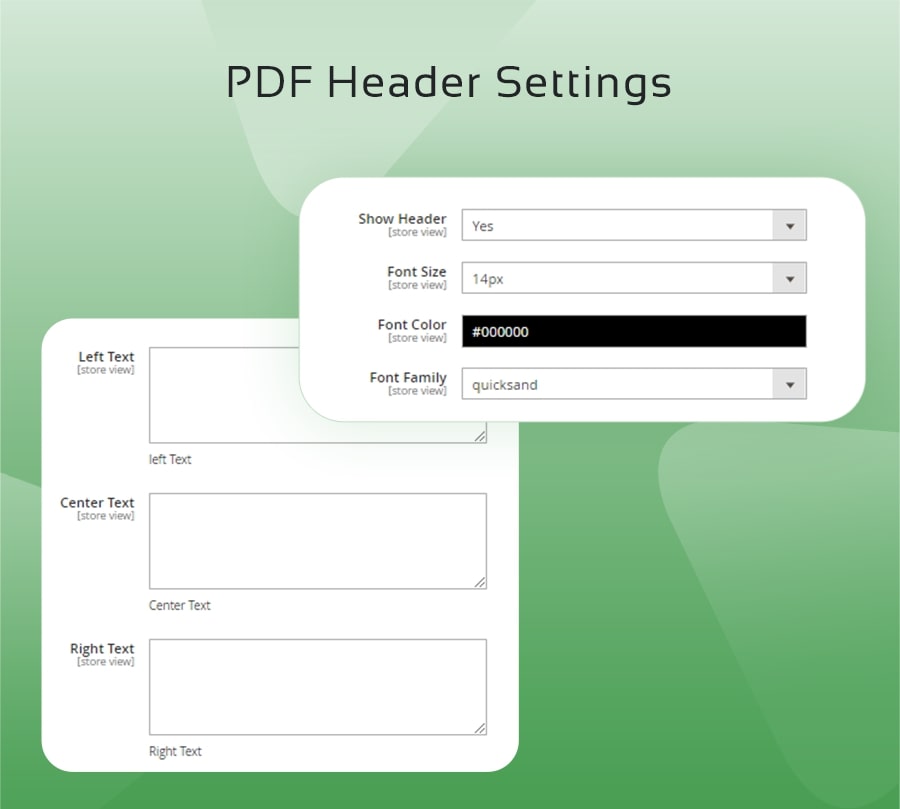
- Decide to configure PDF header via Yes/No option. Personalize Header font styling and size. Add text to the areas like left, right and centre as per the requirement.
- Customize all text styling related to product, price and content.
- Choose the product price styling separately from
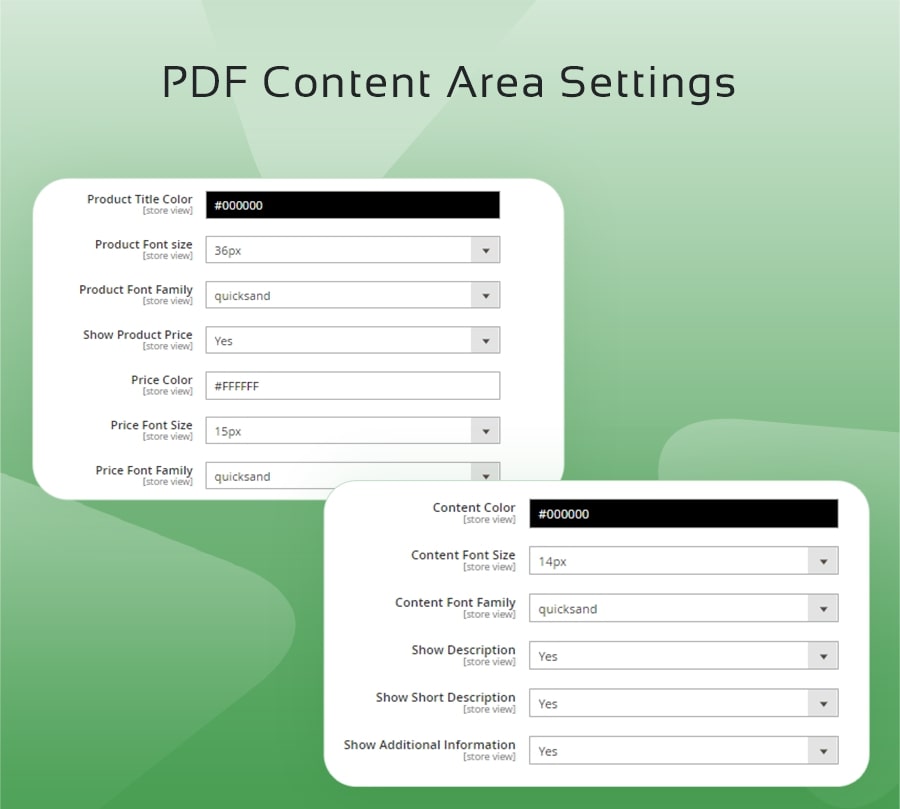
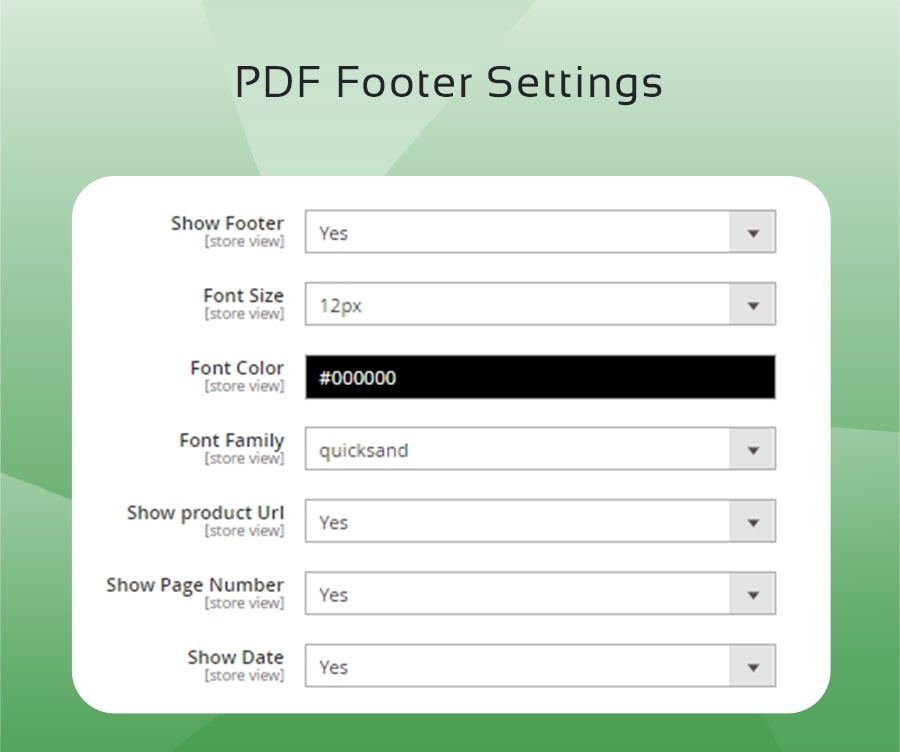
- Design personalize footer by custom font styling. Configure the display of product URL, page number and date in the PDF catalogue.
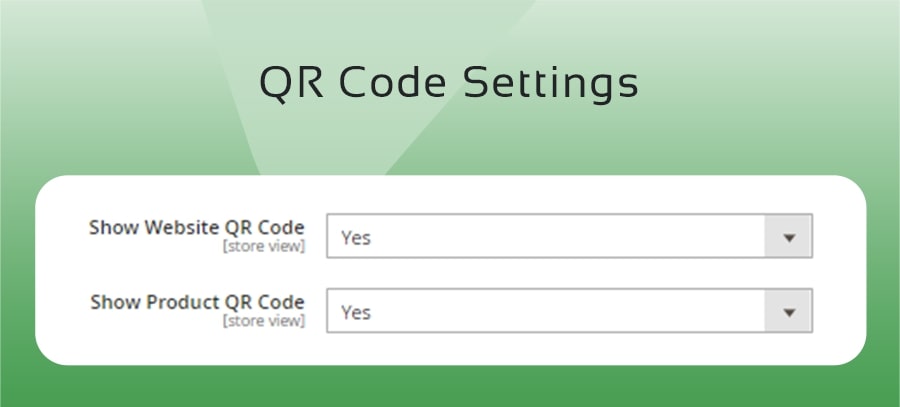
- Choose to display website QR code and product QR code in the product PDF.
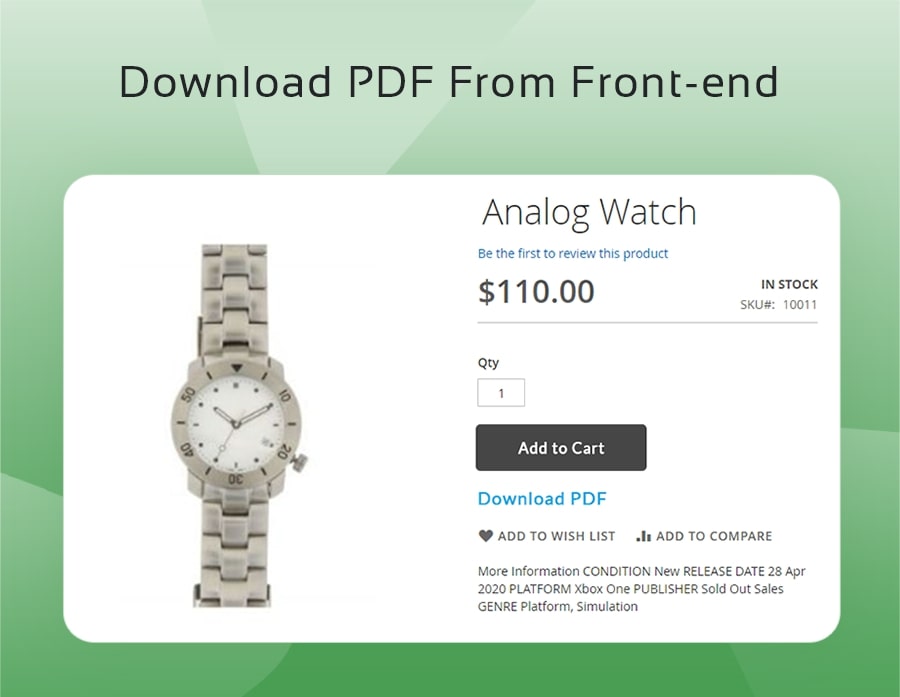
- The user gets the Download PDF button below Add to Cart button. Taping on download PDF button downloads the product catalogue along with personalized layout.
"If you have any other questions or problems regarding this plugin, you can always contact us using the contact form and we'd be happy to help you. No guarantees, but we'll do our best to assist."
Our support operators are always glad to help you here [email protected]
Note: We are happy to help with setup and any bugs you may stumble upon.