Product Designer
" Thank you for purchasing our plugin. please feel free to email via our user page contact form here. Thanks so much! "
With eCommerce shopping on the rise, companies are coming up with more and more innovations to attract new customers and offer them with the best shopping experience. One such innovation is for customers being able to customize their own products. It is a popular tactic for customer retention.
To simplify this procedure for companies, Setubridge has developed a product designer responsive tool/software, an ideal companion for your Magento eCommerce store. This responsive Magento Web to Print tool has the capability to seamlessly integrate the enter personalized merchandise module on your store to creating customized products. Further, it comes with a wide range of features such as template management, colour management, font management, etc. Lastly, modules for pricing of the product, depending upon the design will also be included to simplify the company’s demands.
Integrate Personalized products plug-in to your e-commerce store and turn it into a creative platform to personized online products e.g. phone cases, coffee mugs, gift cards, shoes & T-shirt design. The T-shirt design studio enables your customers to create designs of their choice of T-shirts through various tools like fonts, colours, uploading clip arts & much more!
Here is few highlighted features:
- Advanced web-to-print solution with responsive feature rich design studio
- User friendly & modern JavaScript(Angular) based editor adding seamless experience for faster design
- Plentiful user friendly tools to prepare personalized product designs online
- Multiple templates feature to re-use designs for same category products
- Download designs in SVG & PNG format by admin
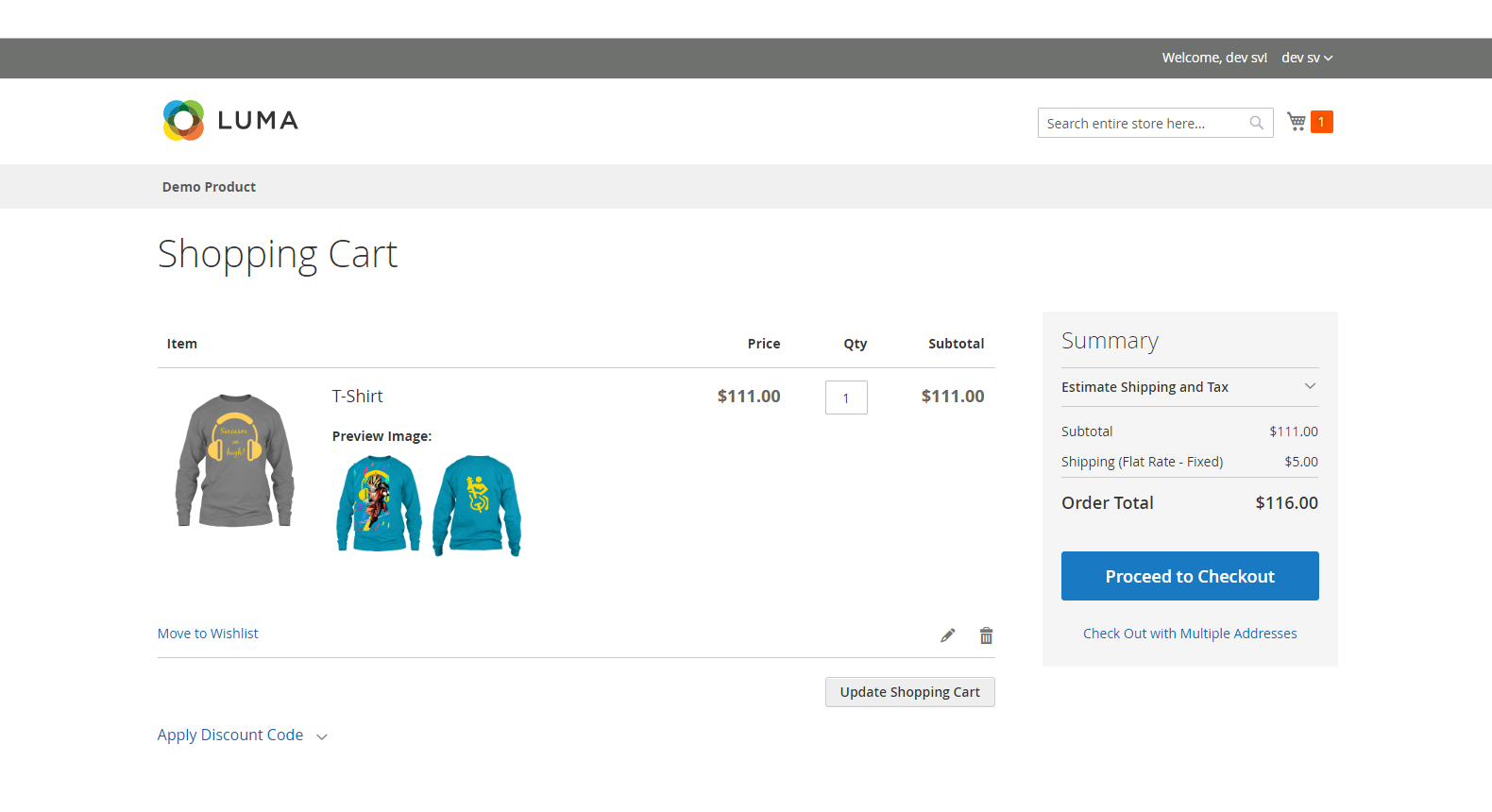
- Display designs preview on cart page, order view page & admin panel
- Launch Product personalization feature without affecting performance & user experience
In this step by step documentation we will show you how to install a Product Designer Magento 2 Extension.
Step 1. Backup your web directory and store database
Step 2. Download Extension package file
Step 3. Upload & Unzip package folders to store root
Step 4. Login into SSH console & reach to store root folder:
cd path_to_the_store_root_folder
Open Magento Root directory & run below series of commands one by one
php bin/magento setup:upgrade

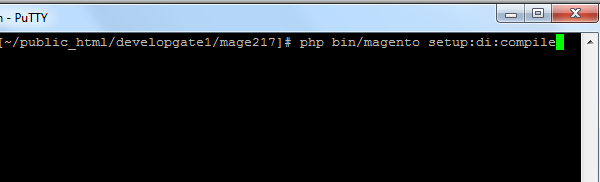
php bin/magento setup:di:compile
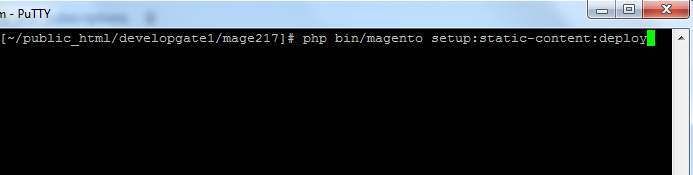
php bin/magento setup:static-content:deploy
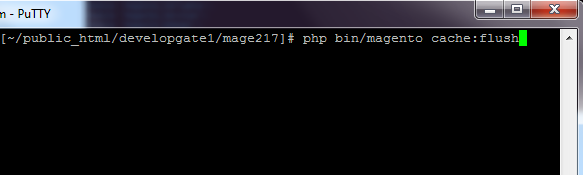
php bin/magento cache:flush
Step 5.
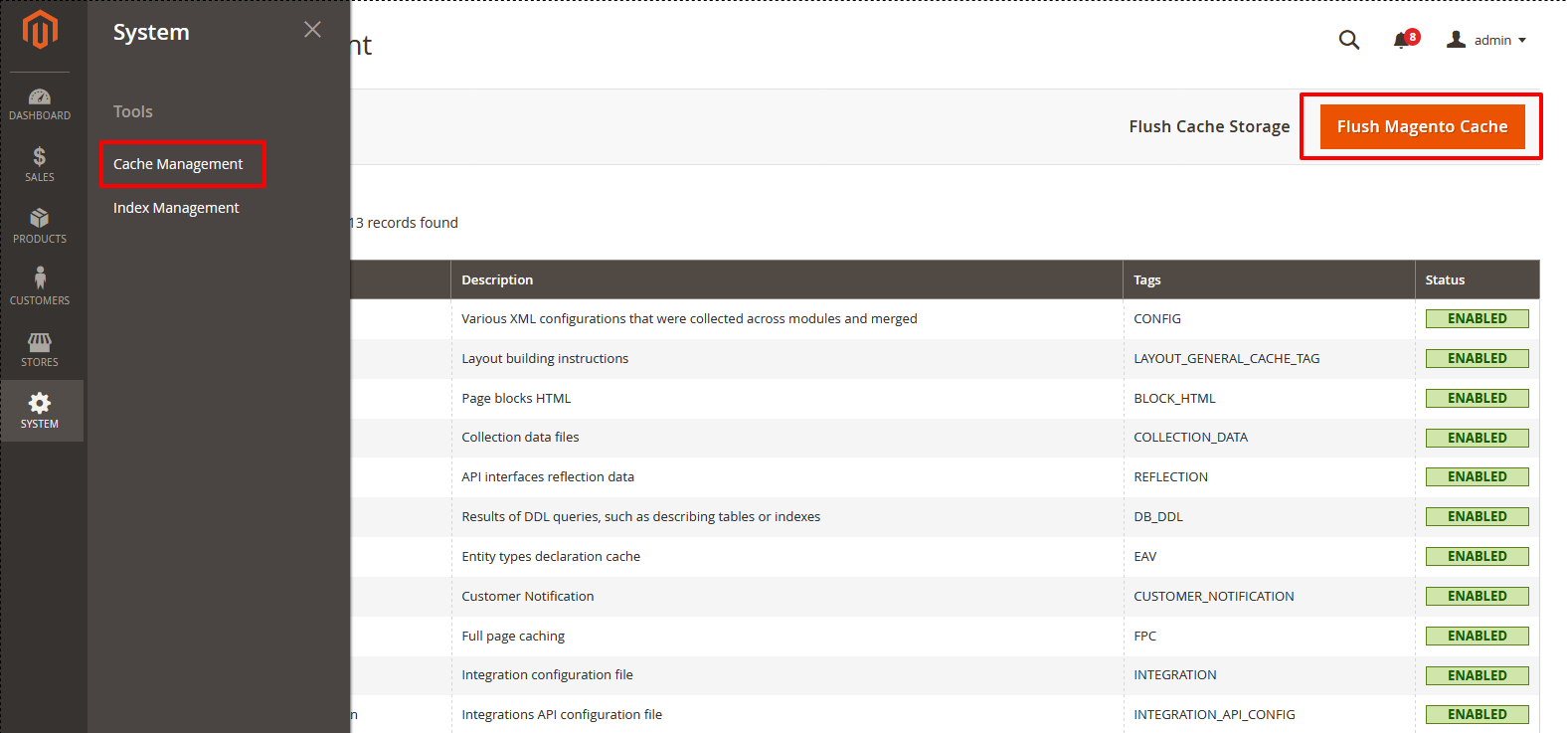
From Backend,System > Cache Management.
1. Flush Magento Cache
2. Flush Cache Storage
3. Flush JavaScript/CSS Cache
Note:- In order to generate pdf after order creation use this command
composer require tecnickcom/tcpdf
- Verify user age before allowing them to browse the website, Here is two button one to enter & another is to leave site. Enter button for those who's age is verified and able to browse site, on other side if the user is underage they have to leave site.
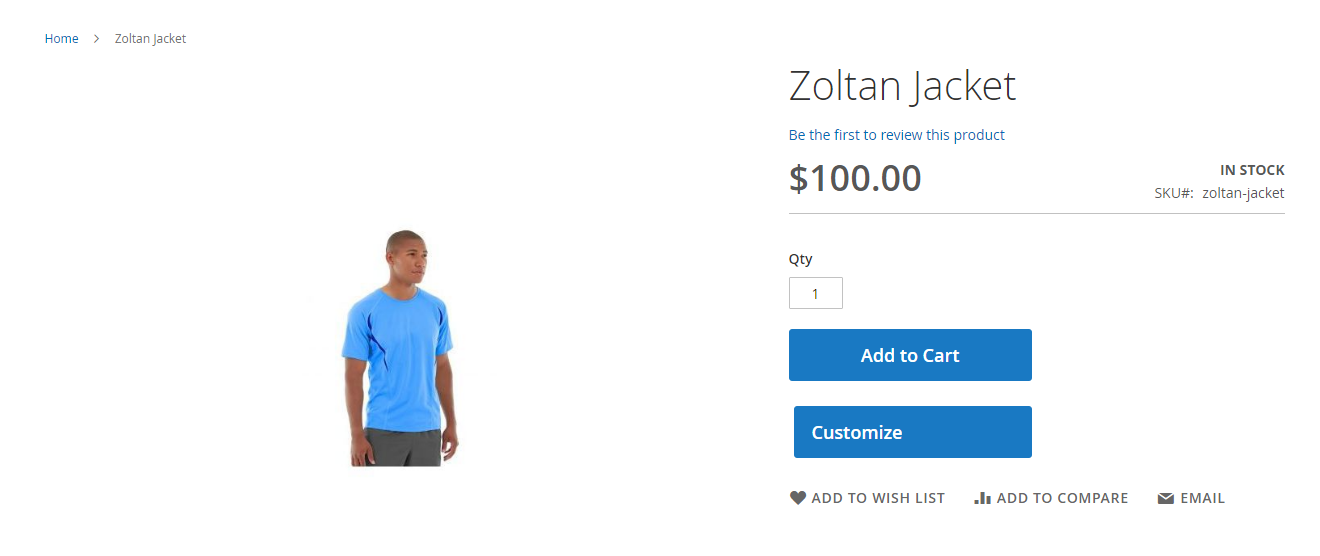
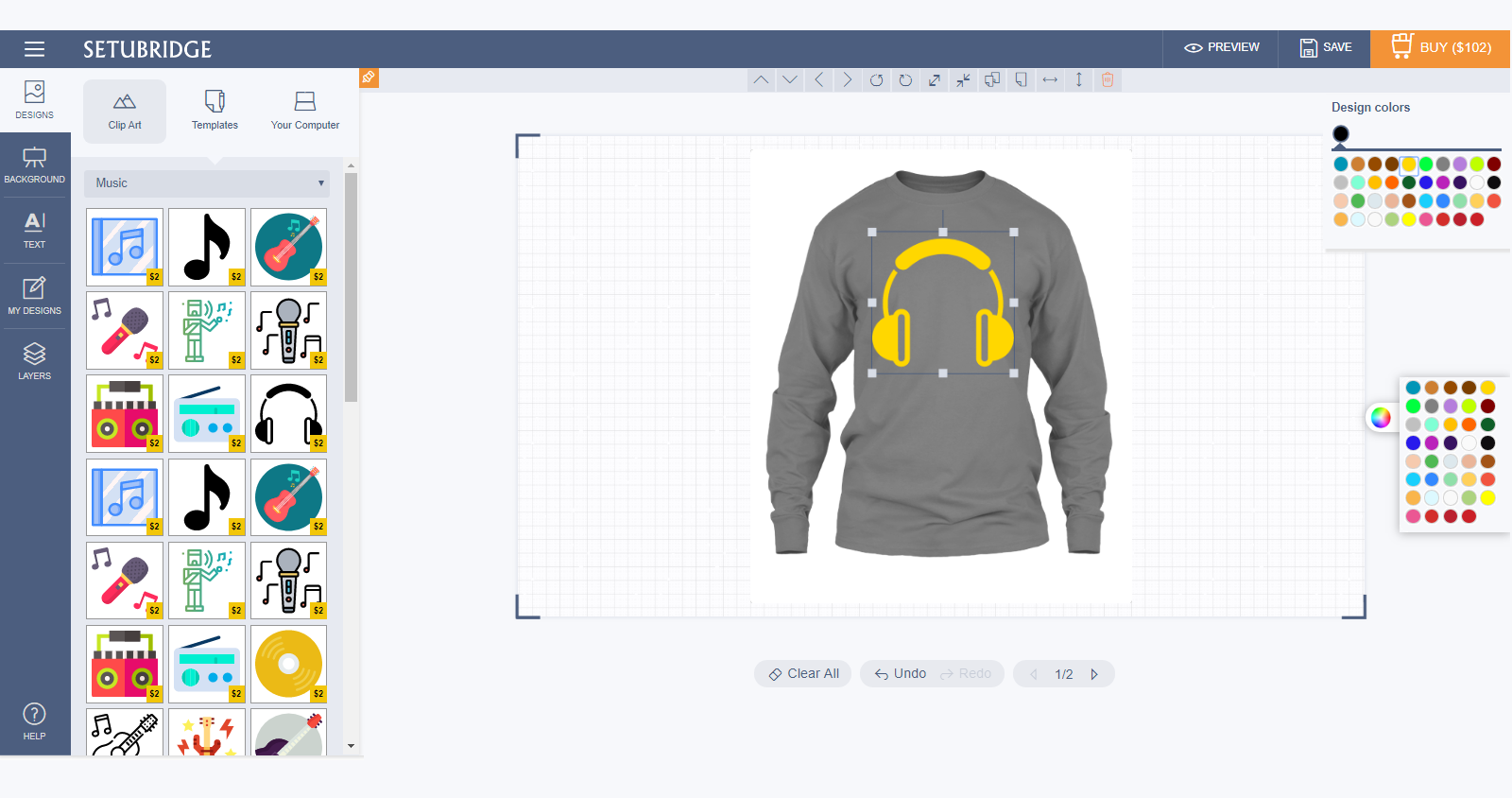
- Admin can be categorized and add various clip-arts
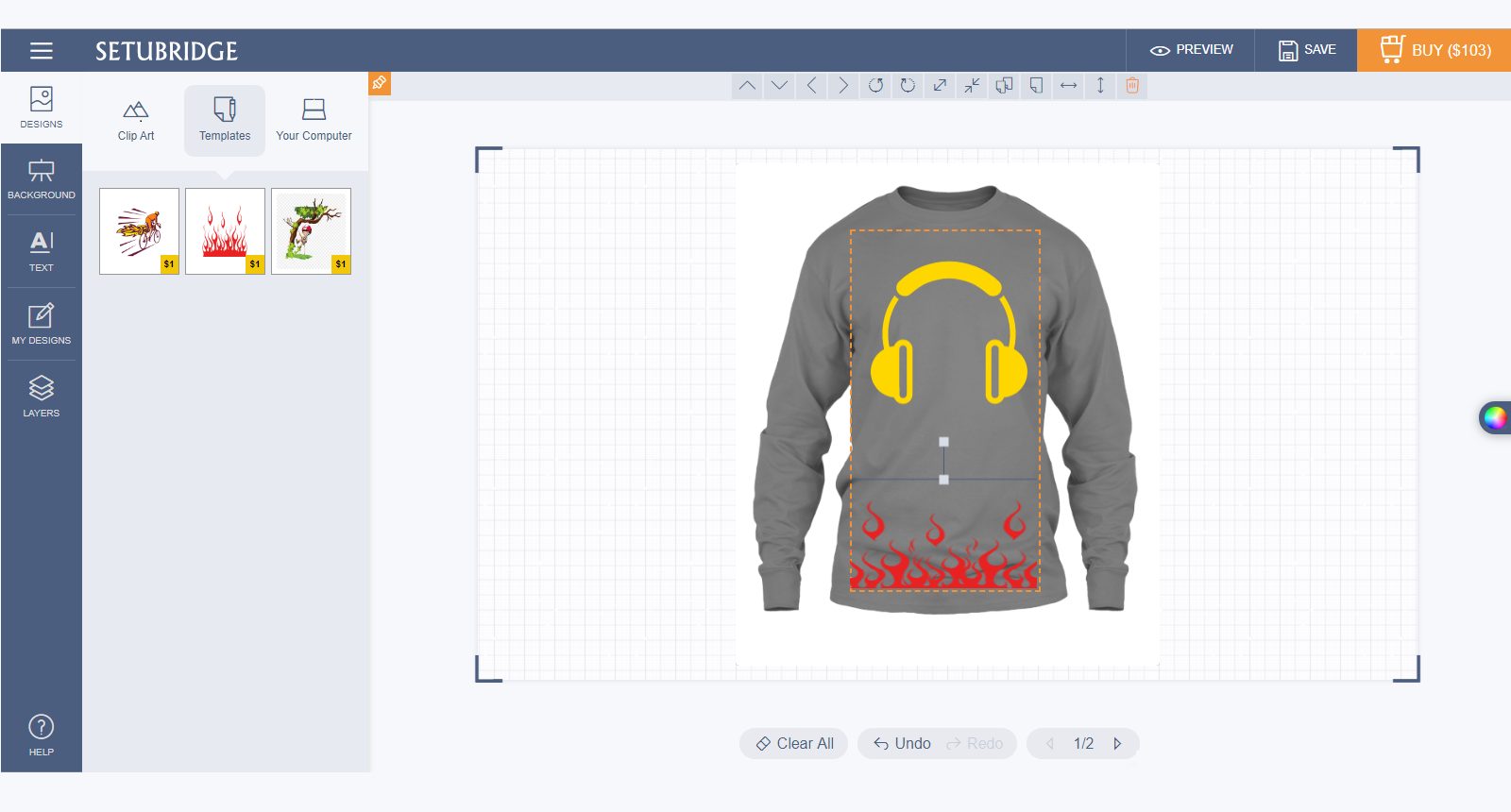
- Utilize ready to use design templates while customize your products.
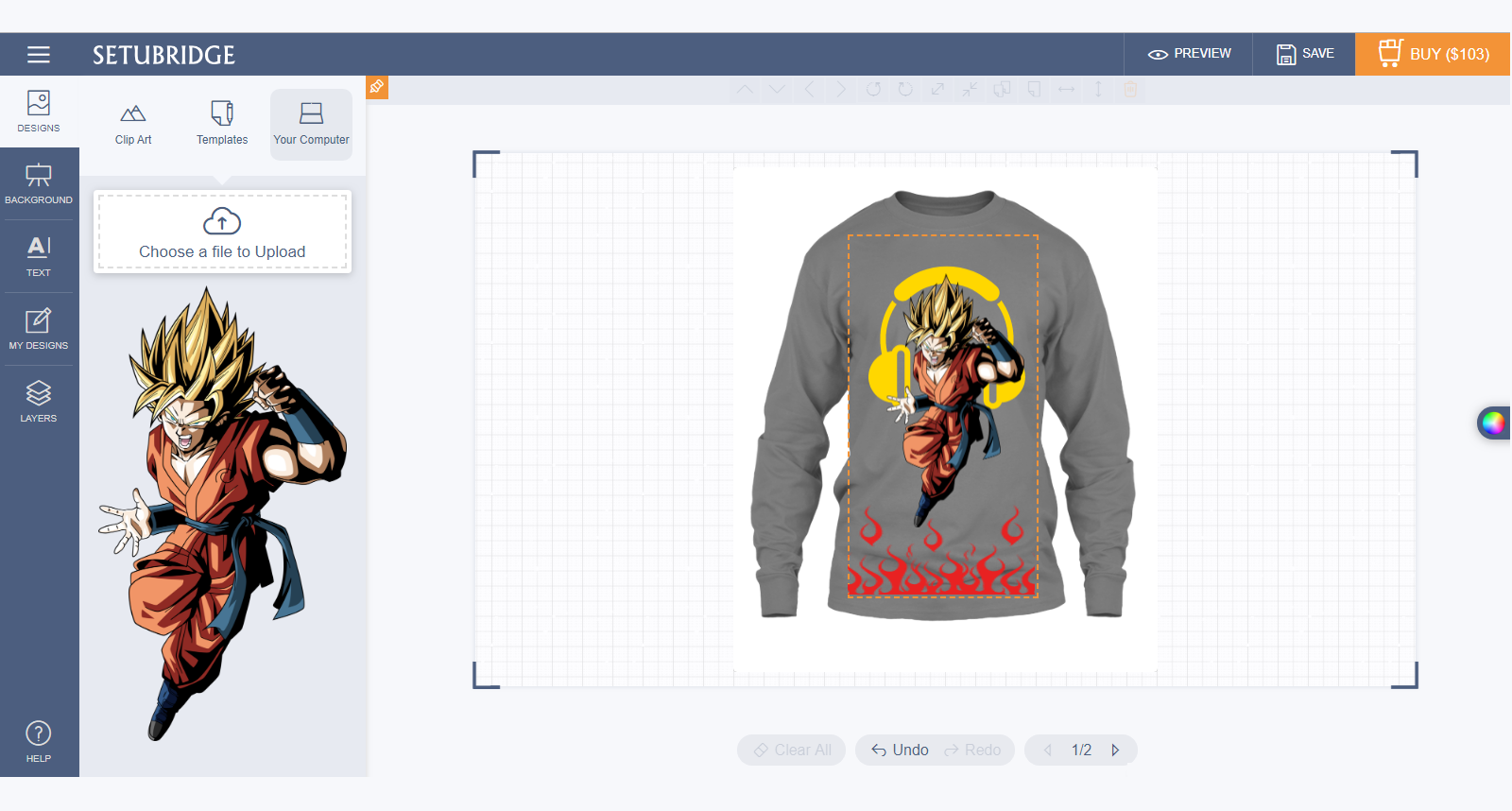
- To click on "upload image", the user can upload png, jpg or jpeg image from their local storage. Drop uploaded images to the configurable area from the image list.
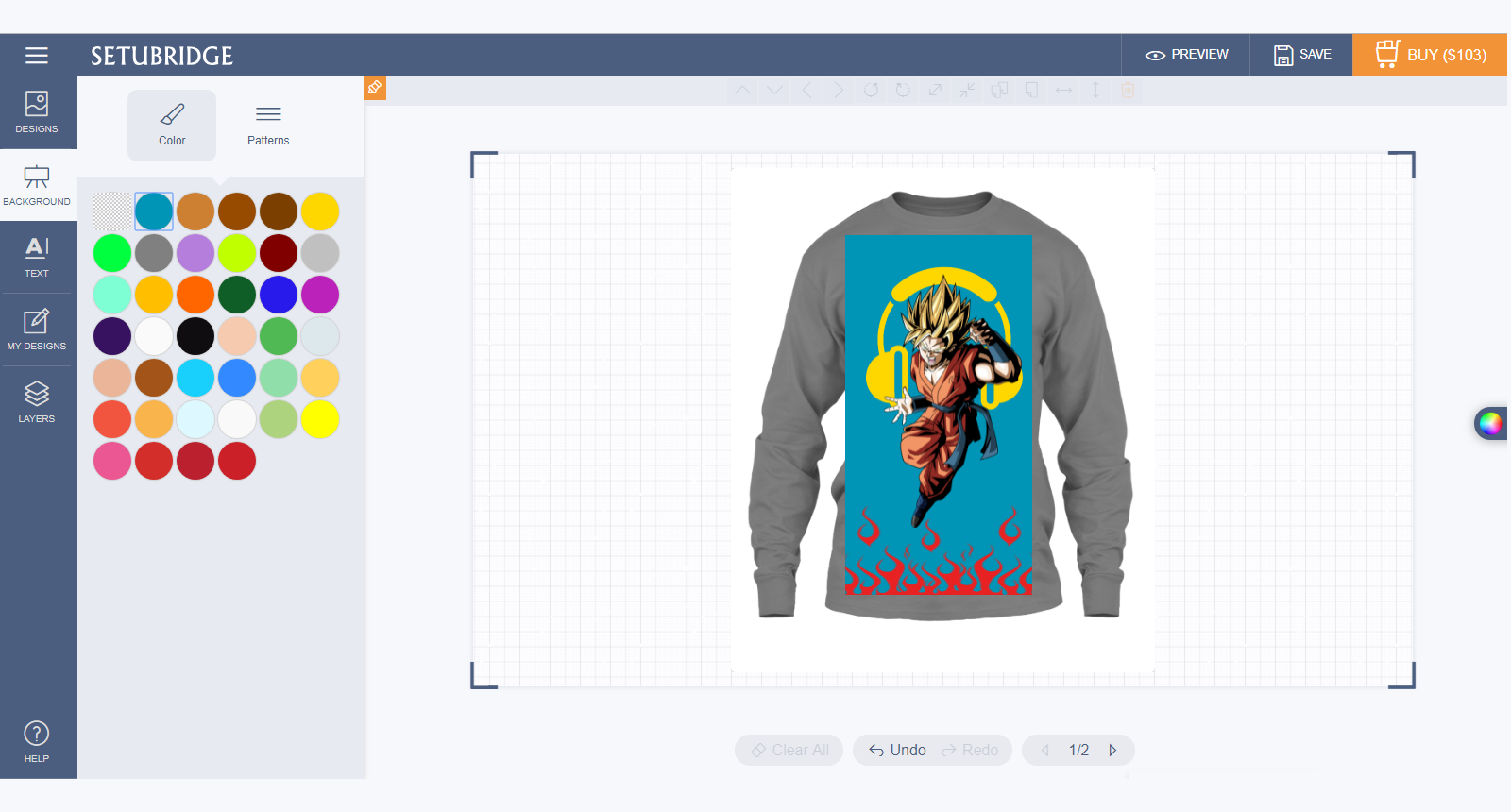
- The single colour backgrounds which are added by the store admin.
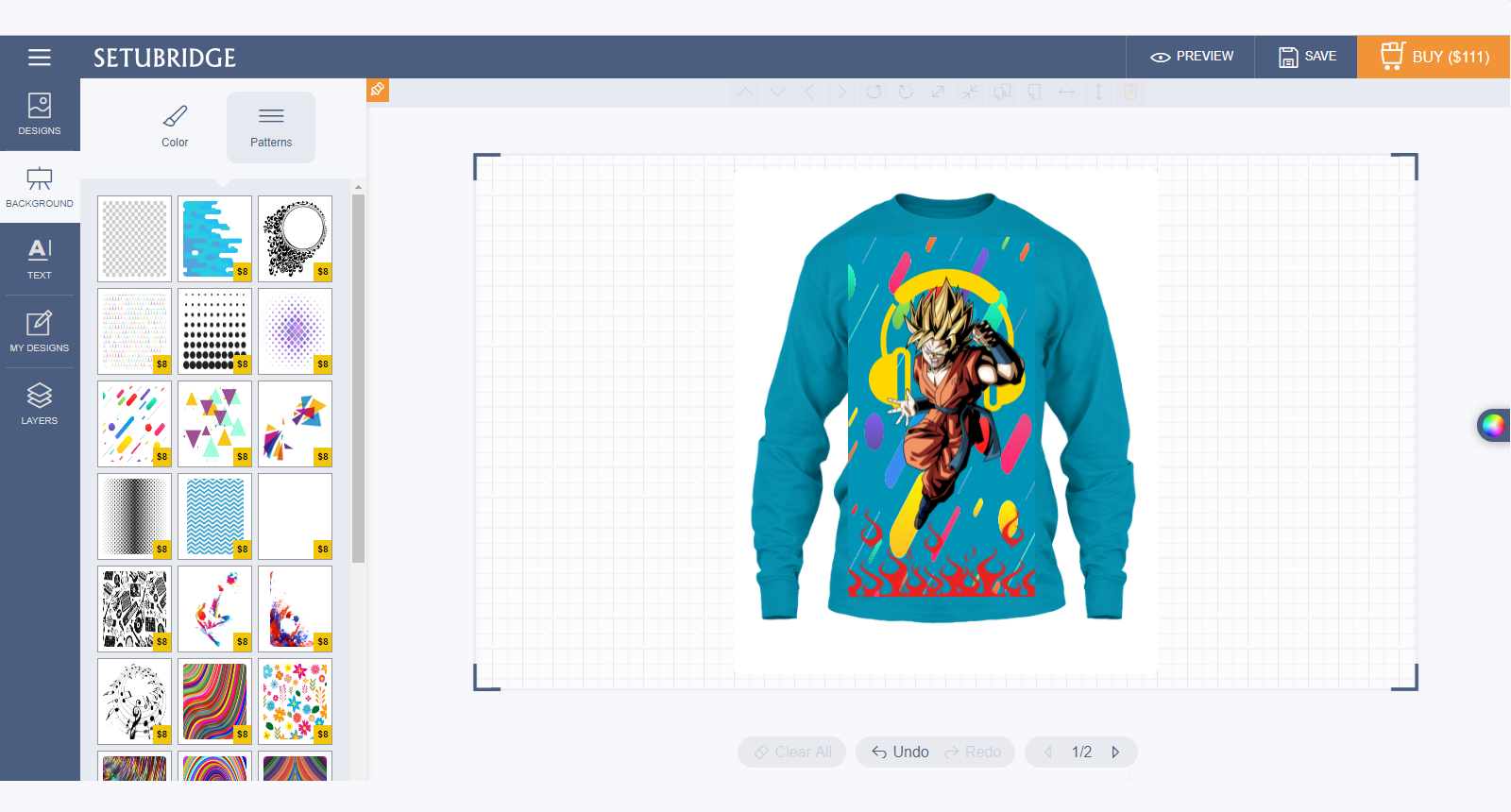
- Users are also able to add pattern backgrounds.
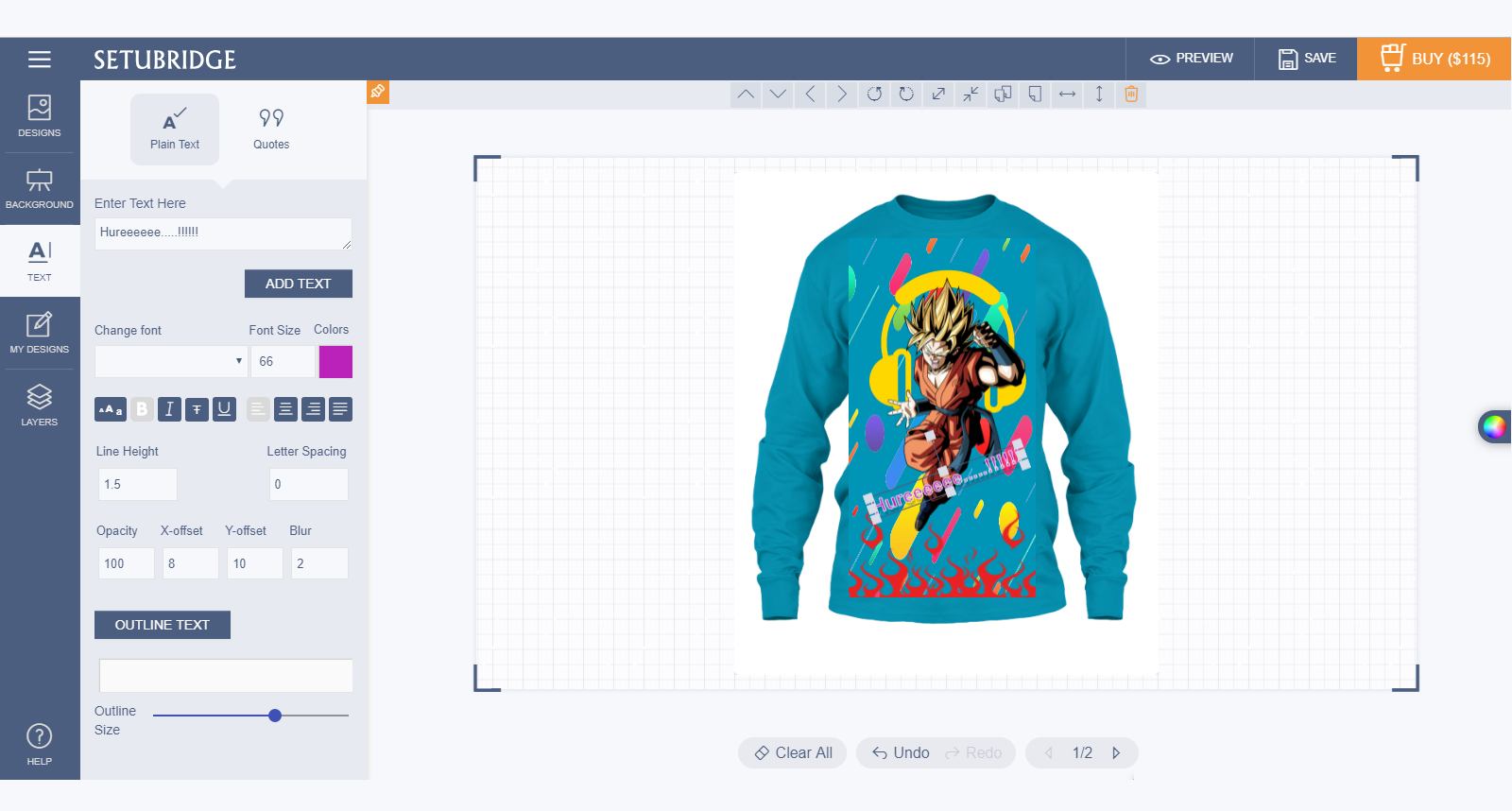
- Users are able to add text with various effect by applying it. e.g. shadow, height, spacing, bold-italic-underline, align, colours etc.
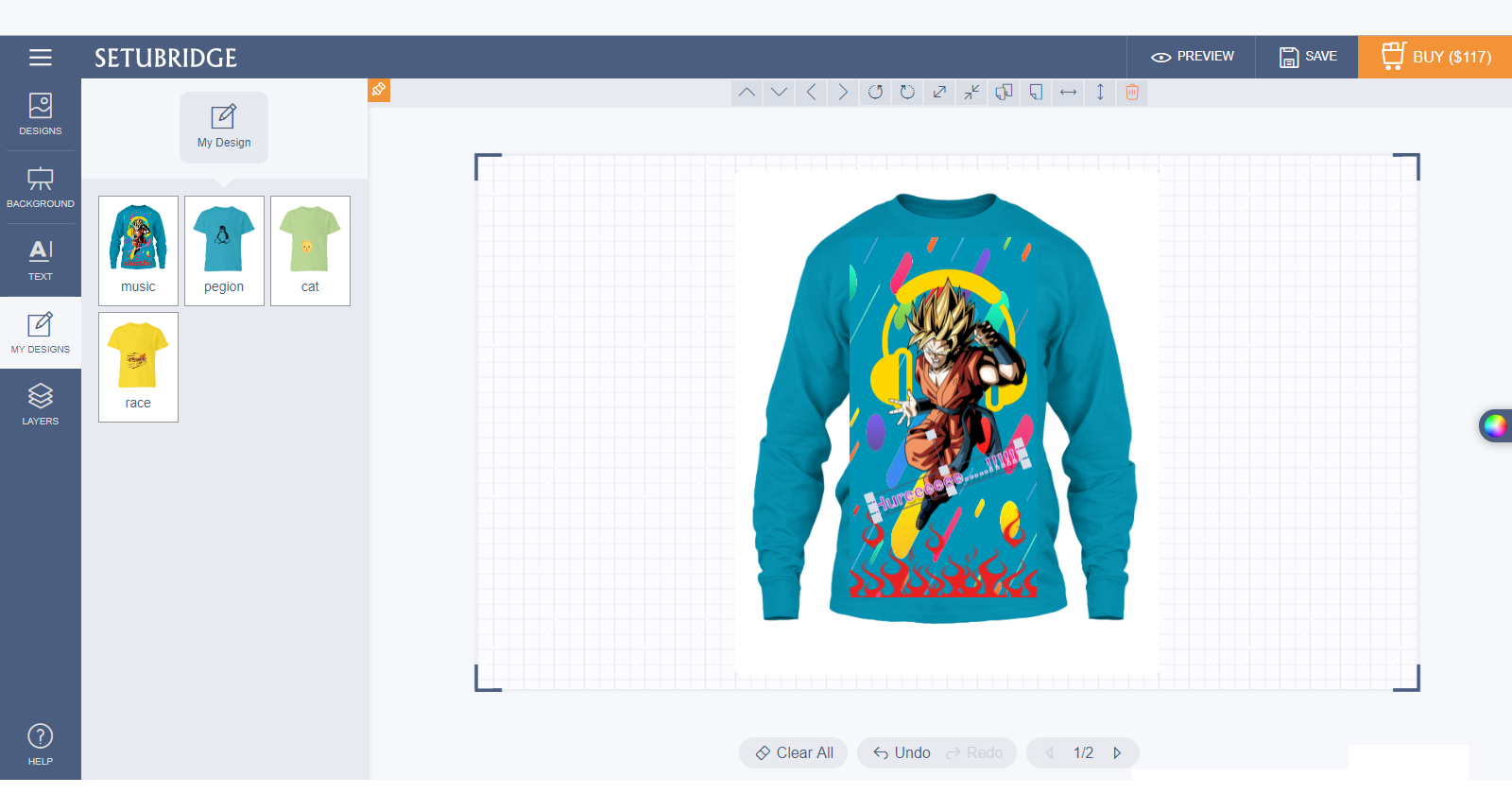
- User can save their personalized design by using "Save My Design" option.
- User are able to manage their designing elements by "Layer" options e.g. Up-down, show-hide, lock-delete layers etc.
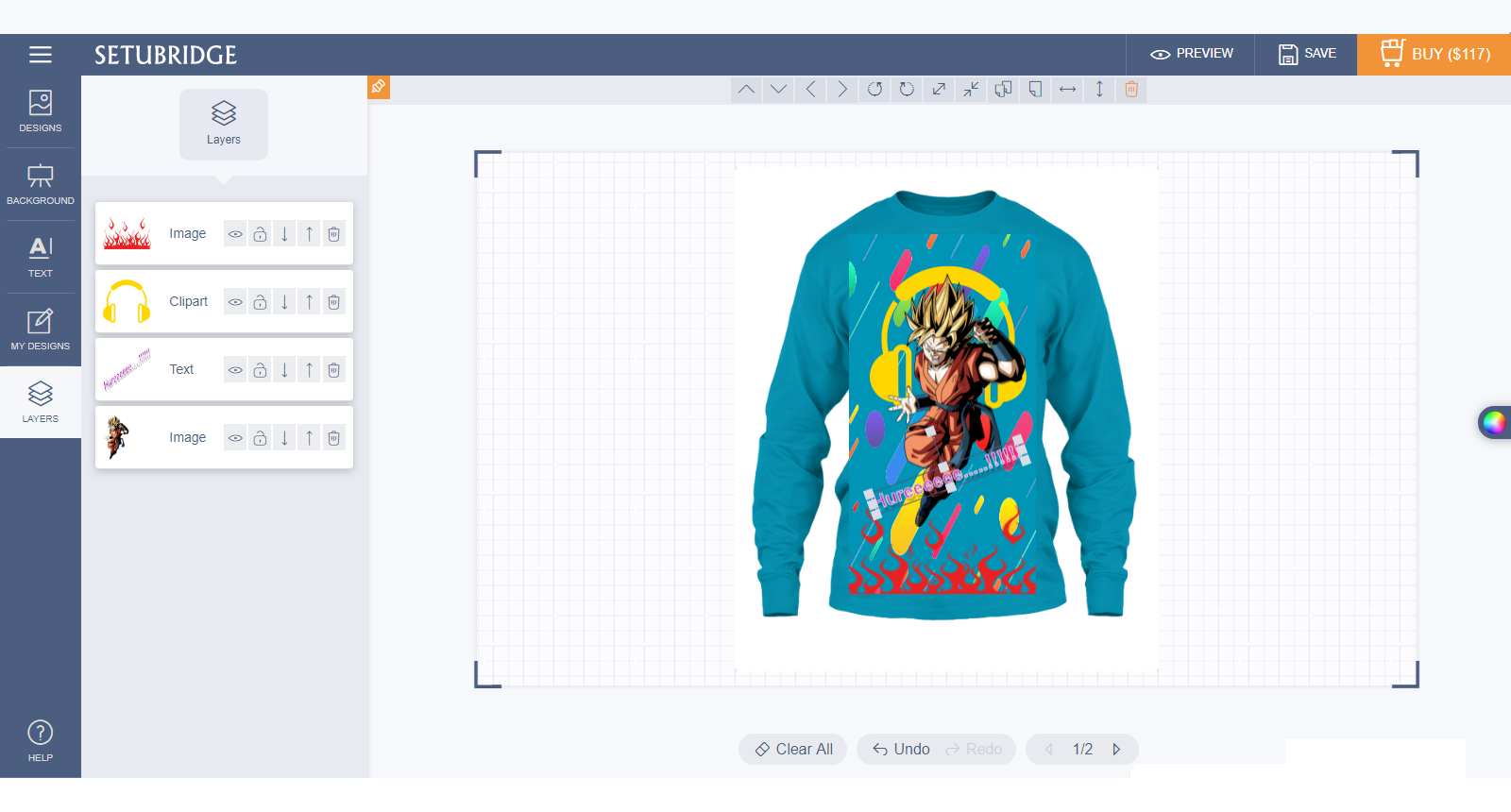
- Mini cart: user can see the "pricing by elements" on their personalized designs.
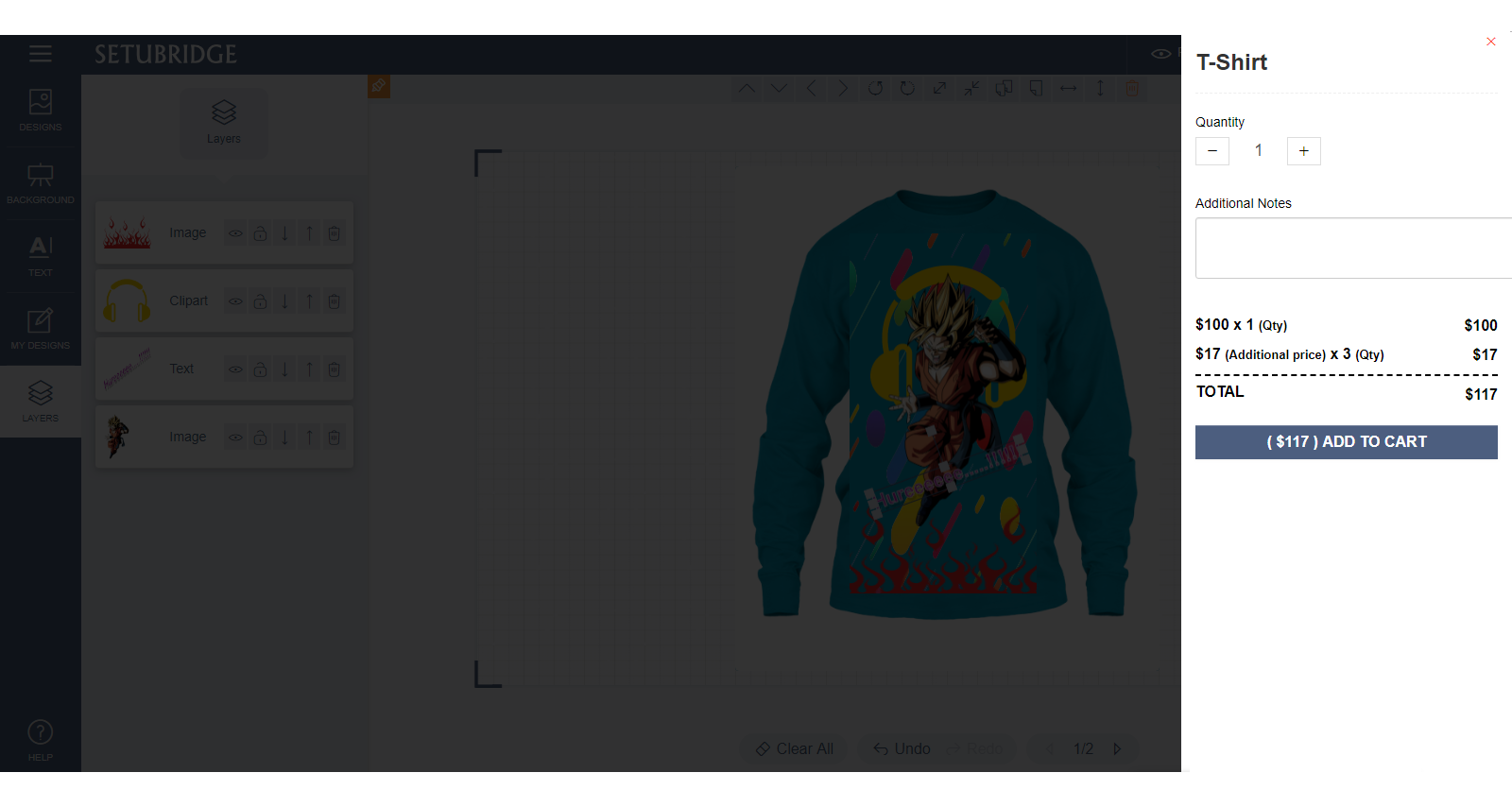
- User can preview their designs directly from the design page as well as shopping cart page.
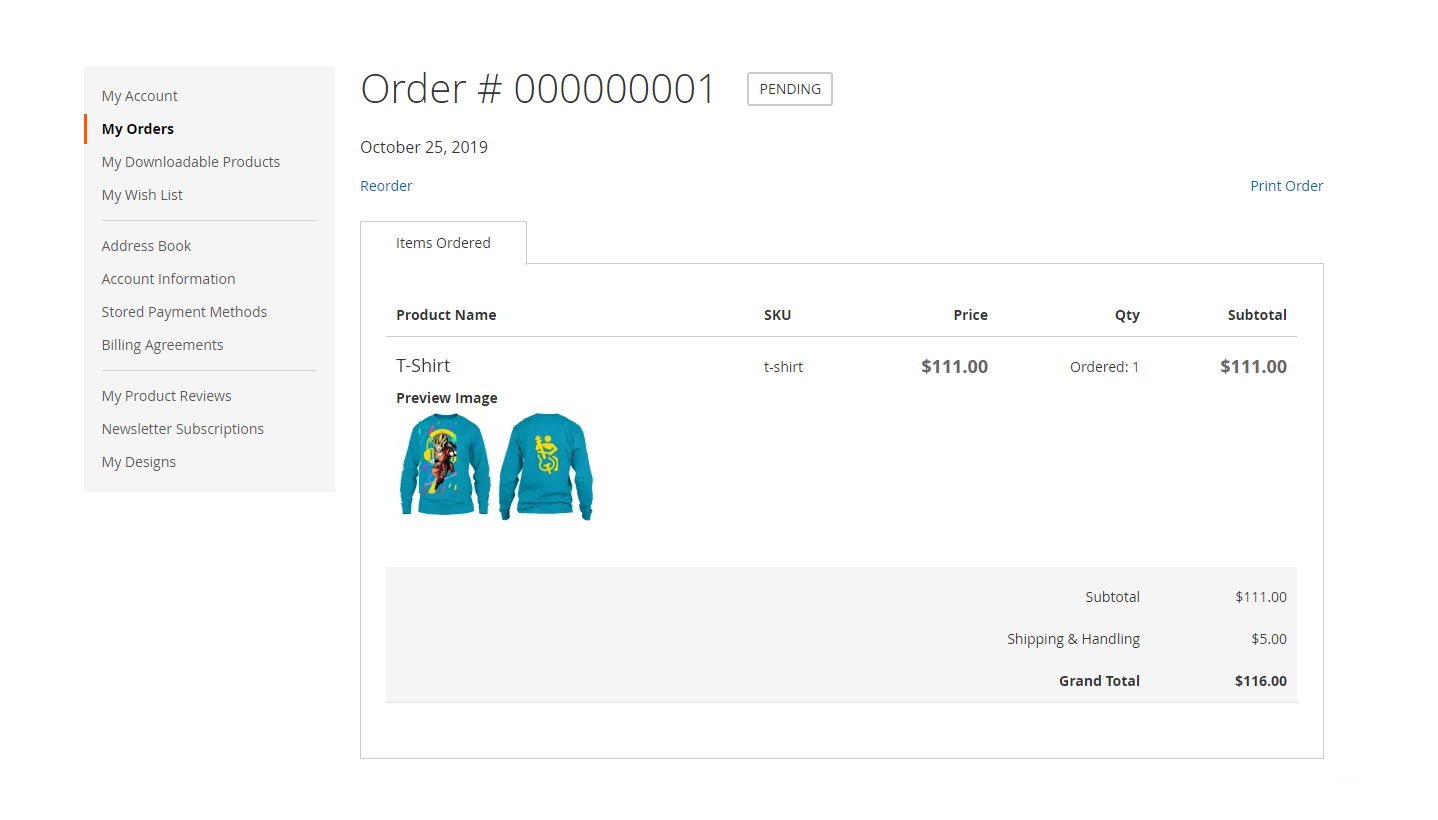
- After ordering the personalize product, the users can view it from their My Account> My Order page.
"If you have any other questions or problems regarding this plugin, you can always contact me using the contact form on my profile page and I'd be happy to help. No guarantees, but I'll do my best to assist."
Our support operators are always glad to help you here [email protected]
Note: We are happy to help with setup and any bugs you may stumble upon.
