Progressive Web Apps
" Thank you for purchasing our plugin. please feel free to email via our user page contact form here. Thanks so much! "
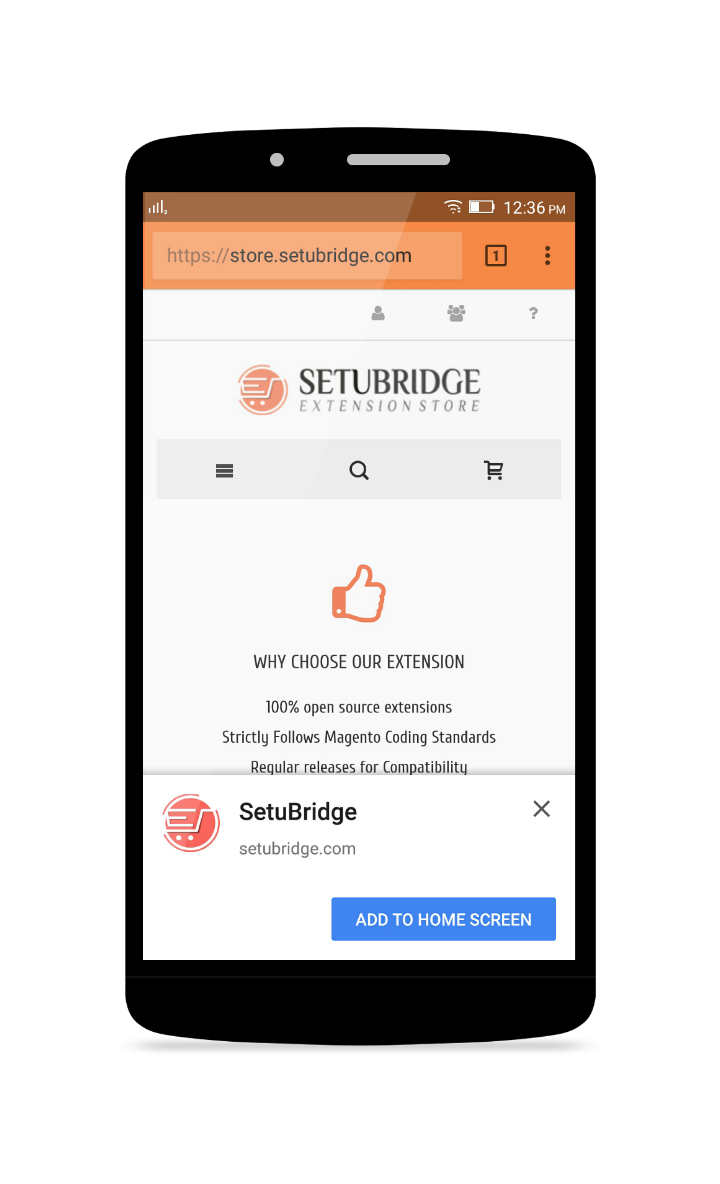
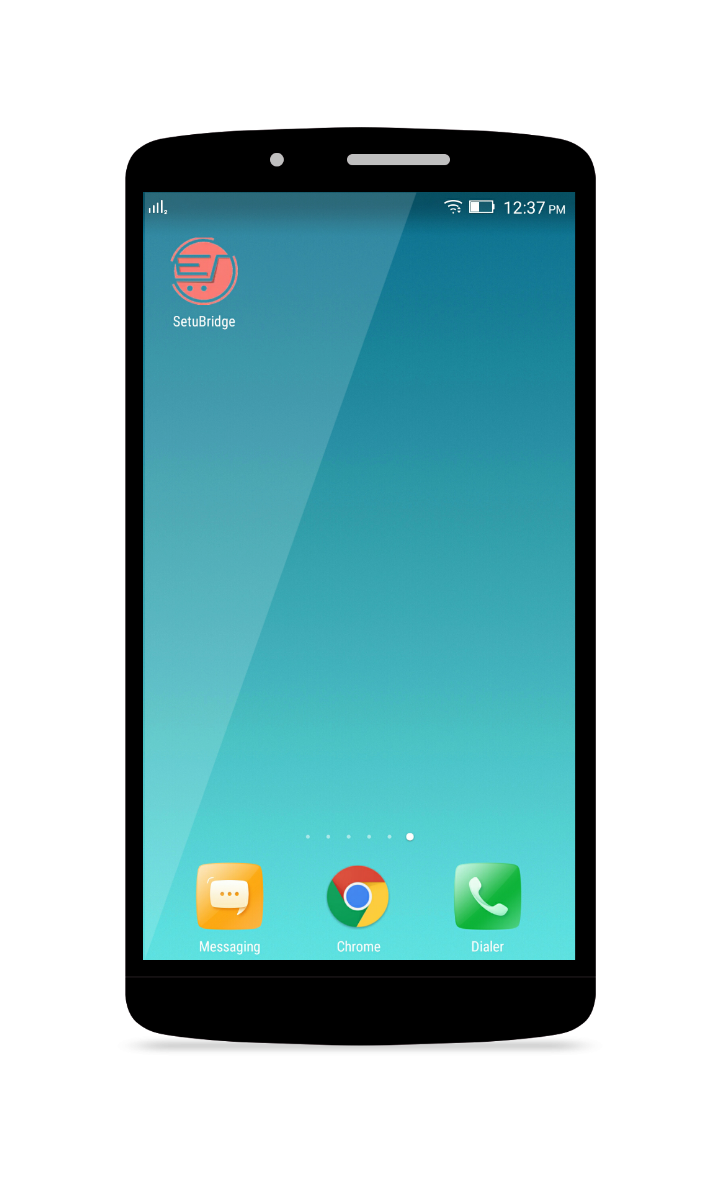
Progressive Web Apps for Magento apply modern web capability to deliver an exciting app like experience on the mobile web to your users. It develops from a browser tab and makes pages more immersive with a low friction user experience. It is a web technology for making a website which acts and feels like an application. A user can launch Progressive Web Apps same as a native application regardless of browser choice. More specifically, when the customers visit your site they can add PWAs to their home screen just one click. Once open from the home screen, it can even hide the browser UI controls and appear as an app. For users, they don't need to go app store for either installation or updates.
One of the most special features of the Progressive Web Apps is the ability to work without an internet connection. The service workers will cache the information when the device is online and therefore are able to display it at any time even when the connection is uncertain or vanished.
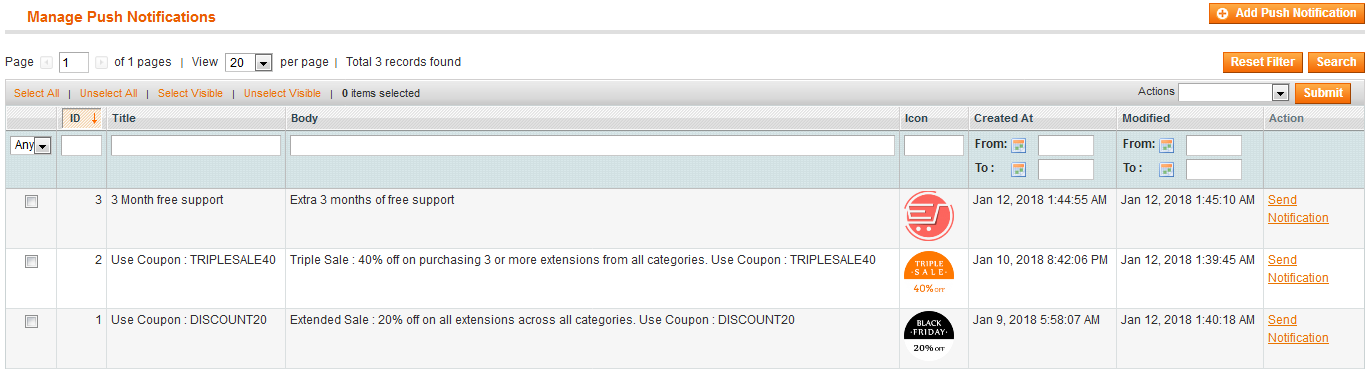
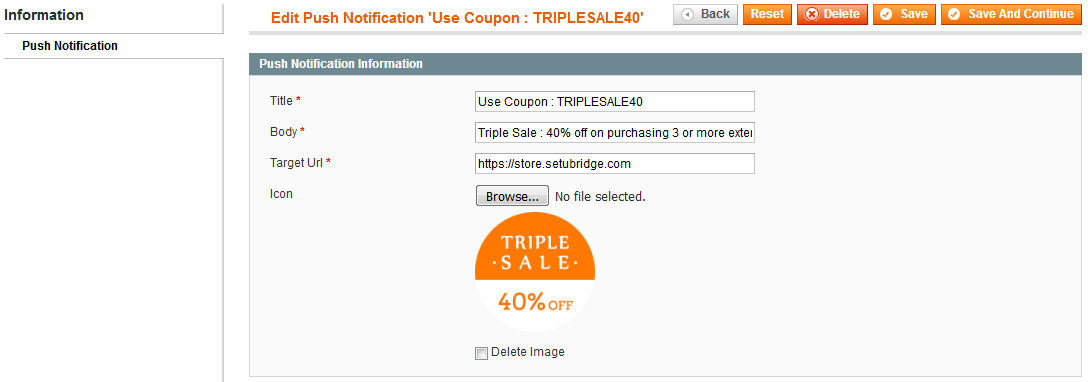
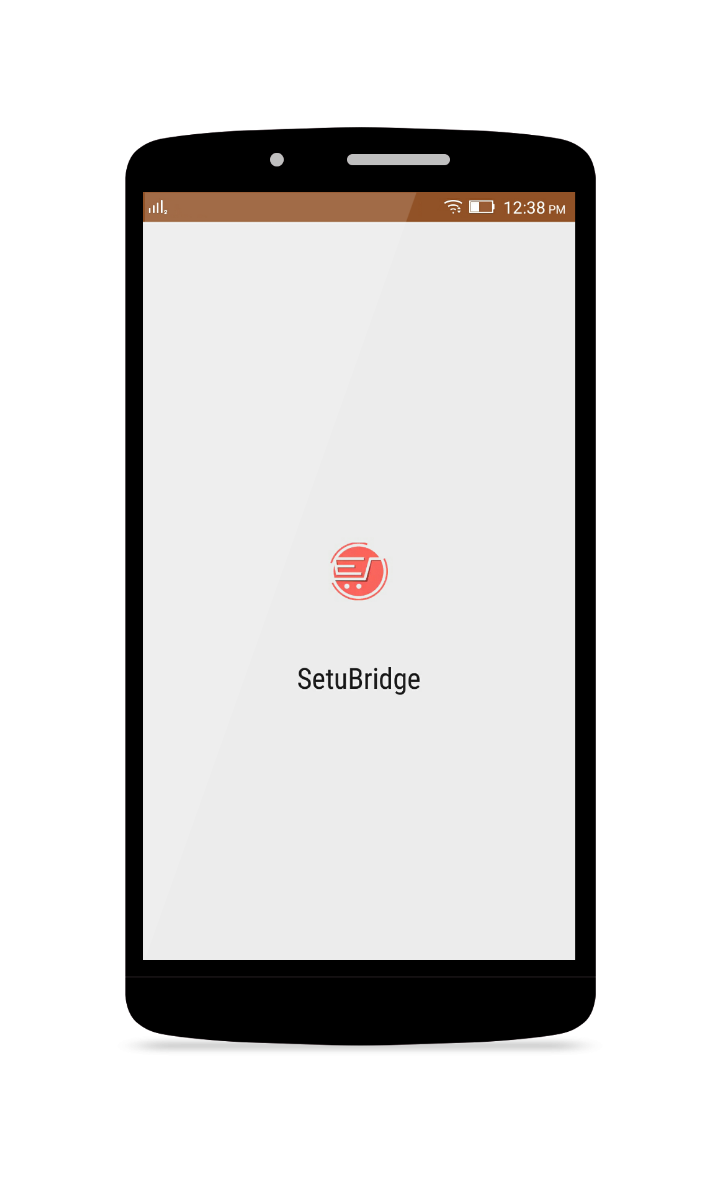
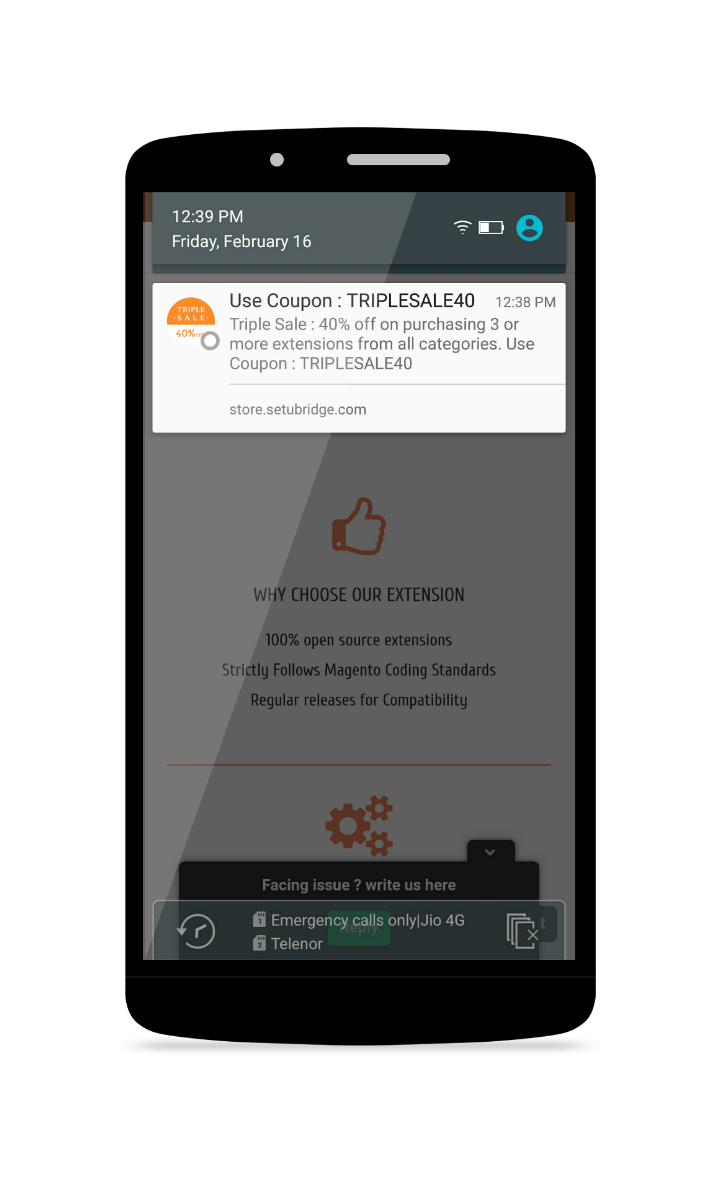
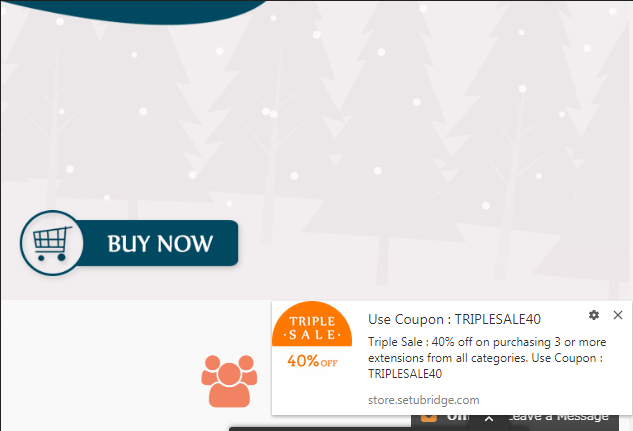
The application launches with a splash screen. The splash screen shows the application name and icon. The application launches in the same way as the native app. The admin can easily manage the Push Notifications like add, edit or delete any push notification. So it's easy to notify your customers of news and promotions.
Hence, your users can get a great experience with the accelerated loading speed, even the on the flaky network, useful push notifications, instant access on homescreen, and so on. In fact, the users are accessing your website that acts and feels like an app. As a result, your customer experience will be enhanced, more traffic will be driven, conversions are boosted and sale volumes will go sharply for sure.
Here is few highlighted features:
- Works lightning fast if compared to the website
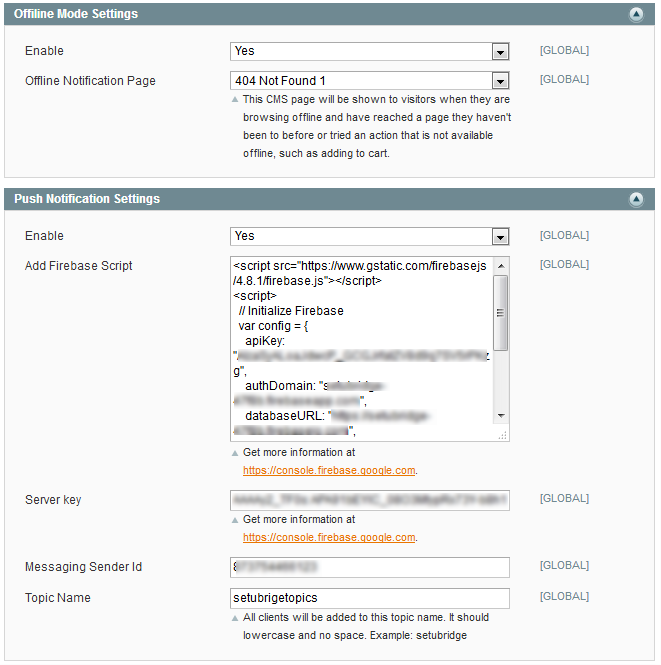
- Support offline mode, admin can choose offline page
- Launches without the internet or low-quality internet
- Completely responsive on all the platforms
- Admin can enter the application name
- Admin can upload and change the application icon
- Admin can set the theme color of the PWAs
- Admin can set the splash background color of the PWAs
- Supports push notification. Admin can also send multiple notifications at a time
- Promo product popup with custom option
- Select popup to custom option and product add to cart
- Select popup to custom option and product add to cart
- Select popup to custom option and product add to cart
- Select popup to custom option and product add to cart
Here you can find answers to frequently asked questions. Feel free to contact if you can't find answer to your question.
1. What is a PWA?
Websites are the new mobile apps, PWAs are extended version of your website with best features of native apps.
2. Does site should has valid HTTPS connection?
Yes, Your site should has https.
3. Can i set specific page as offline ?
Yes, You can.
"If you have any other questions or problems regarding this plugin, you can always contact me using the contact form on my profile page and I'd be happy to help. No guarantees, but I'll do my best to assist."
Our support operators are always glad to help you here [email protected]
Note: We are happy to help with setup and any bugs you may stumble upon.