Spin To Win Discount
" Thank you for purchasing our plugin. please feel free to email via our user page contact form here. Thanks so much! "
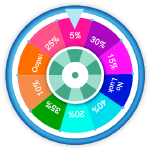
Spin To Win Discount extension helps you to display a spin wheel for your store visitors and gives a surprising discount on spinning the wheel. This extension helps store owner to get massive traffic to a store by attracting customers to grab the surprising discounts. Hence, this extension works as a marketing tool for generating new sales on your store. It allows the customer to spin a wheel and if the customer wins, they'll get the discount coupon code.
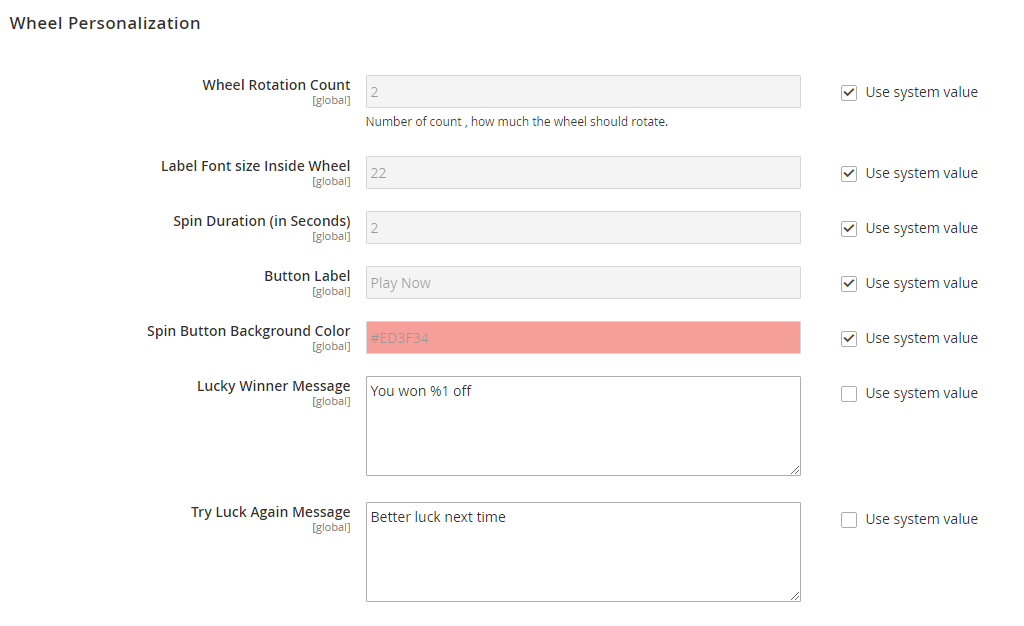
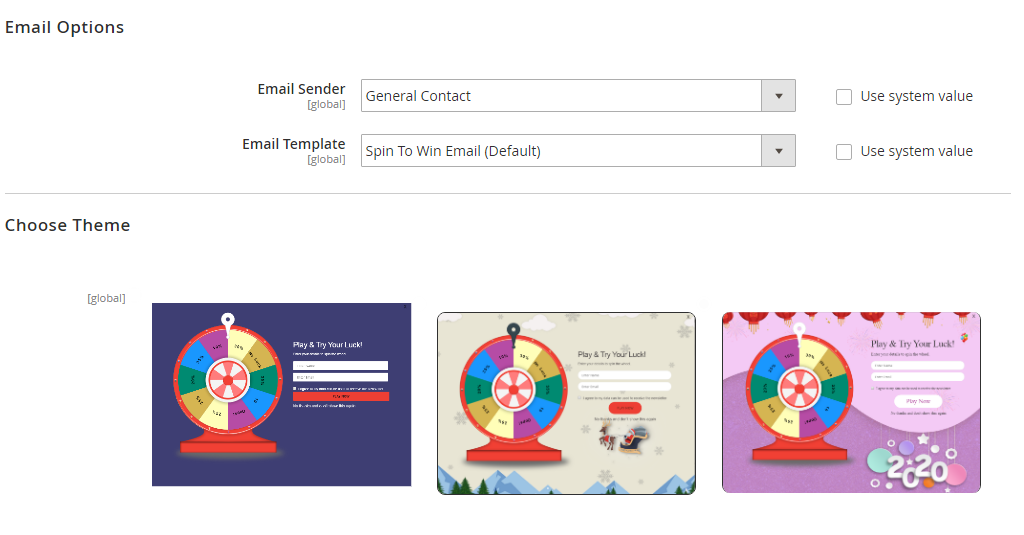
It allows an admin to manage the number of spins given to each user and can set configurations to send the coupon to the winner via email, so the customers can come back and avail their coupon whenever they feel like. The spin results, prizes, win/lose, a number of spins and more can be controlled from a backend configurations. The spin to win discount extension is usable for every theme and environment. The admin can change the background of the spin wheel, font colours, font sizes, wheel styles and even the colours of each segment of the wheel as per your theme and much more. This extension is fully responsive so it looks and works great on every desktop, tablet and mobile device.
Here is few highlighted features:
- Easy frontend customization
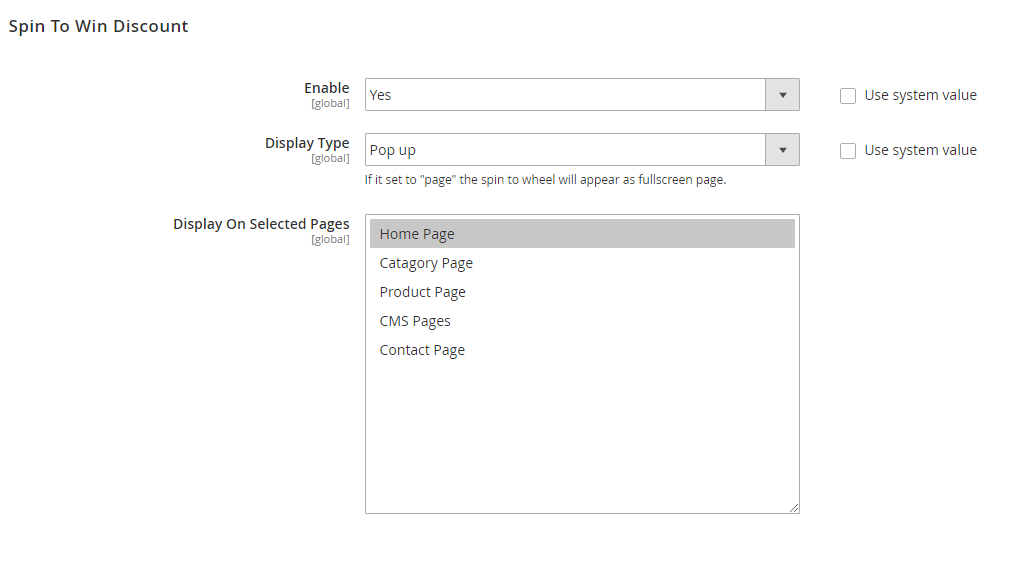
- Spin wheel display and hide option
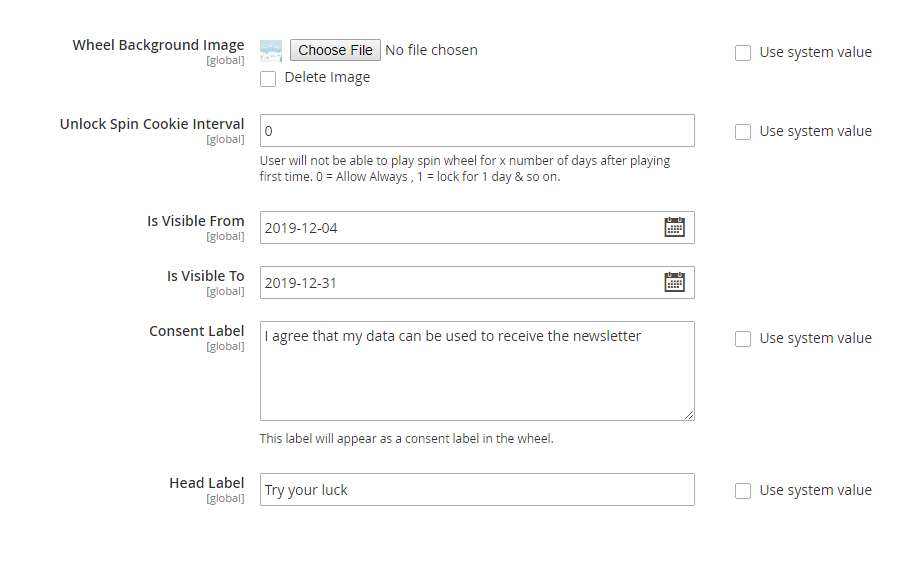
- Manage the number of spins given to each user
- Manage the number of spins given to each user
- Maintain the speed of the spin wheel on your choice
- It allows the customer to spin wheel to get discount coupon code
- Admin can show details about a customer who is the winner
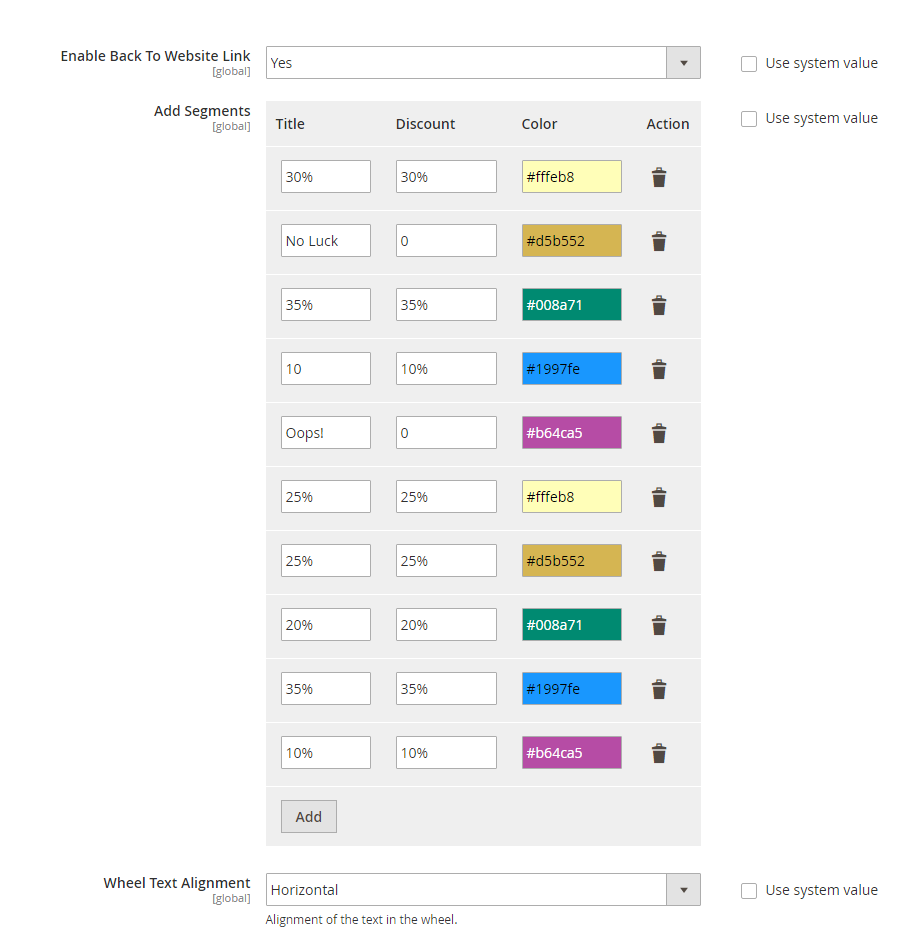
- Customize the spin wheel like colour, font size, text alignment, background etc.
- Create different spin wheels for many occasions
- The coupon generated by spinning the wheel can be sent to the customers via email as well
- Customizable number of wheel segments and offers to be shown on it
- Users can fill the email and name field for playing the spin to win the game.
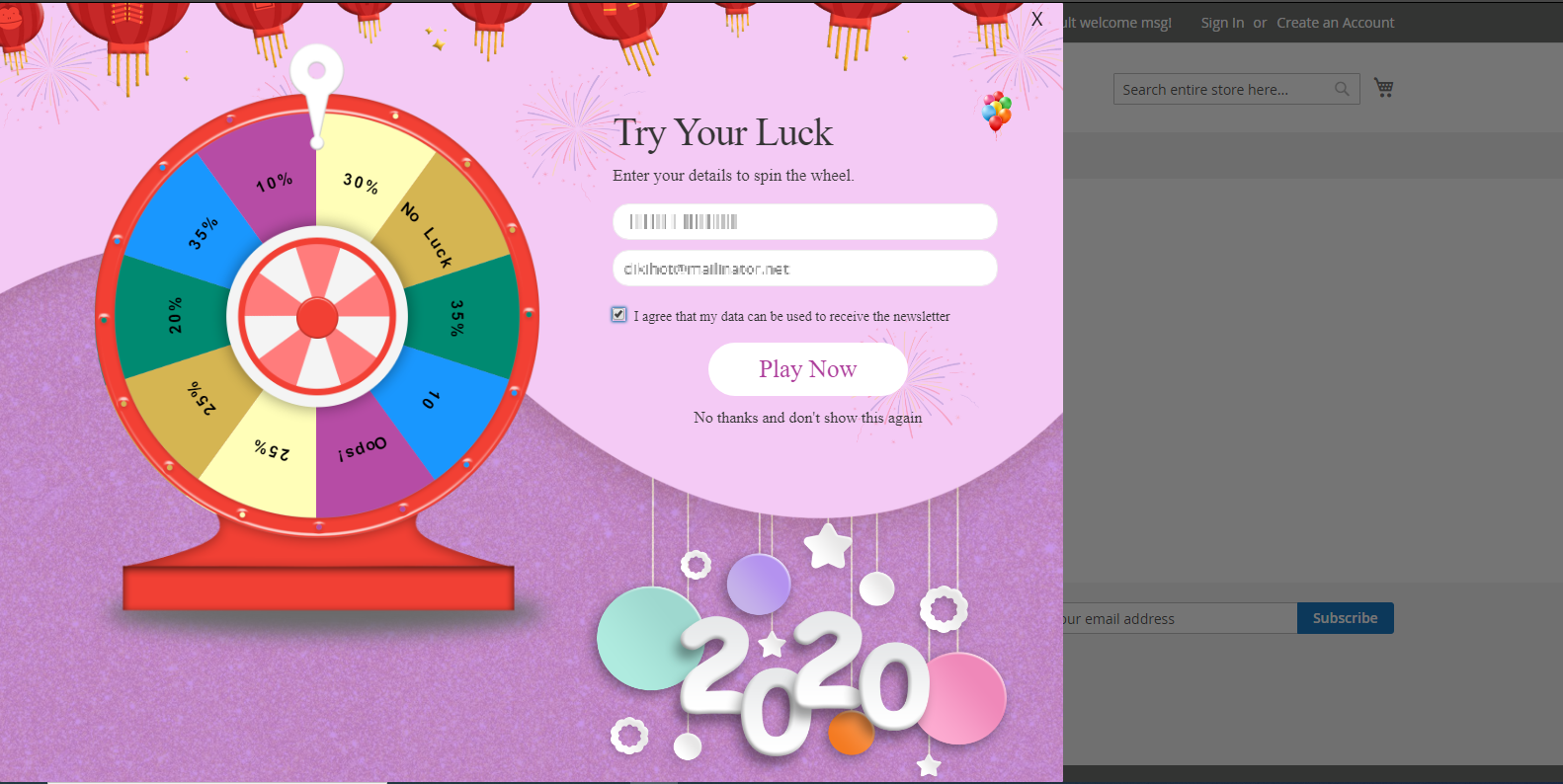
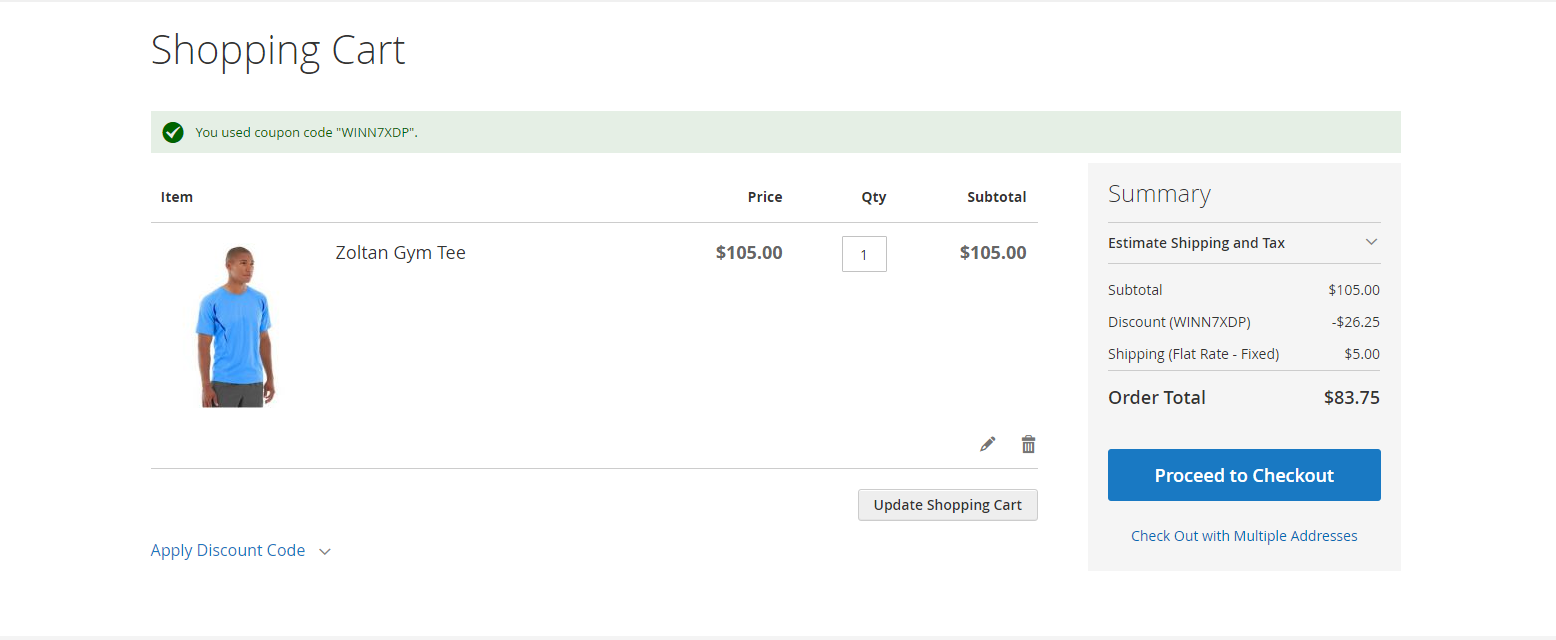
- If the user won the game they get a special coupon code for getting a discount on checkout by applying the same.
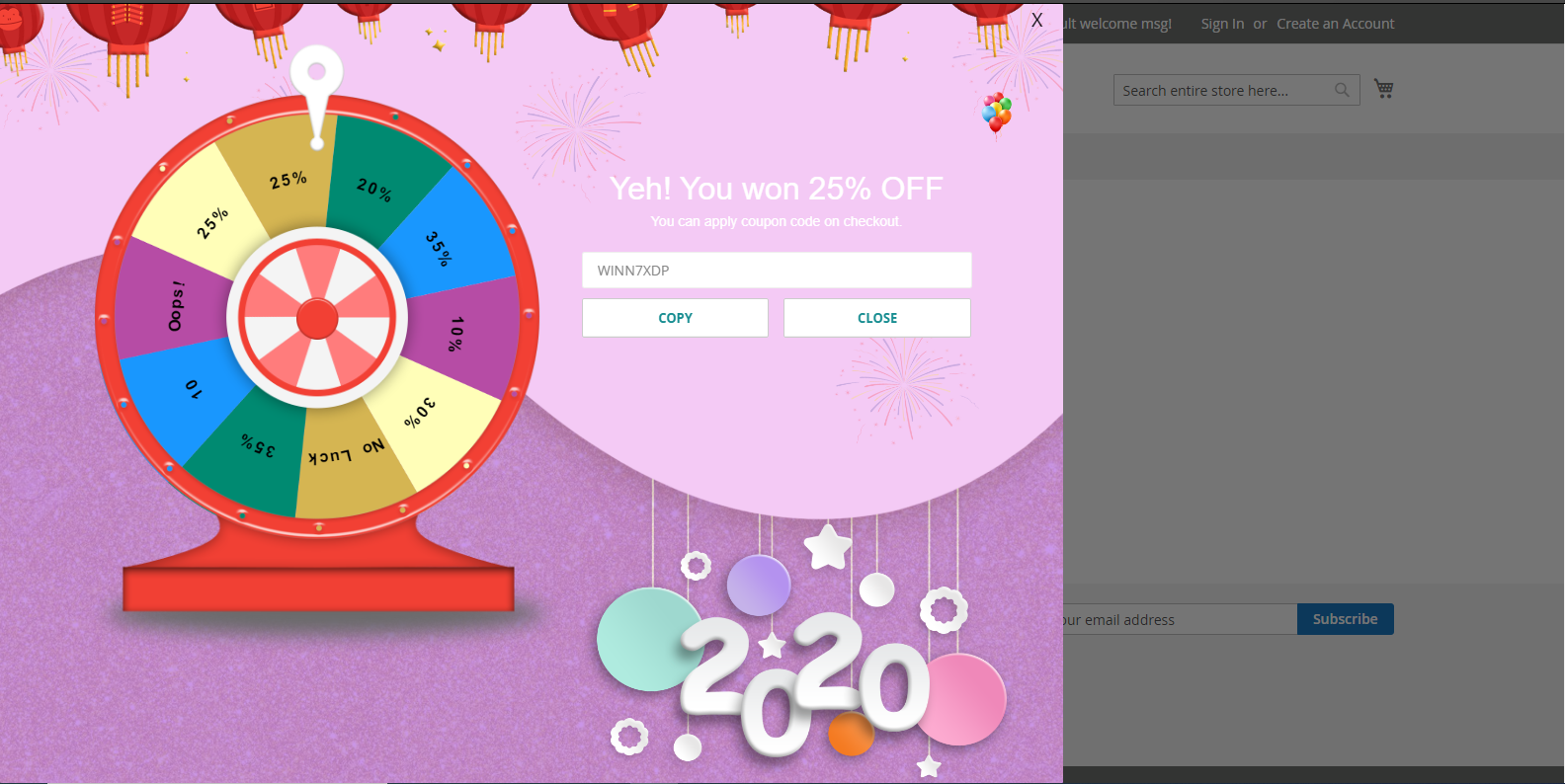
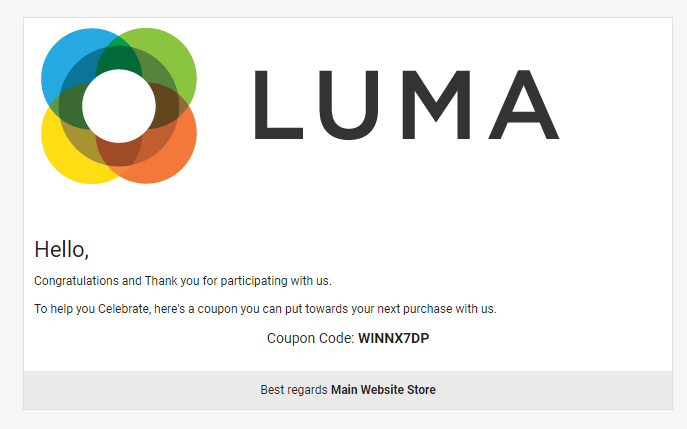
- Users will get the email with coupon code if they will win the "spin to win" game.
- Apply the won discount coupon on the shopping cart.
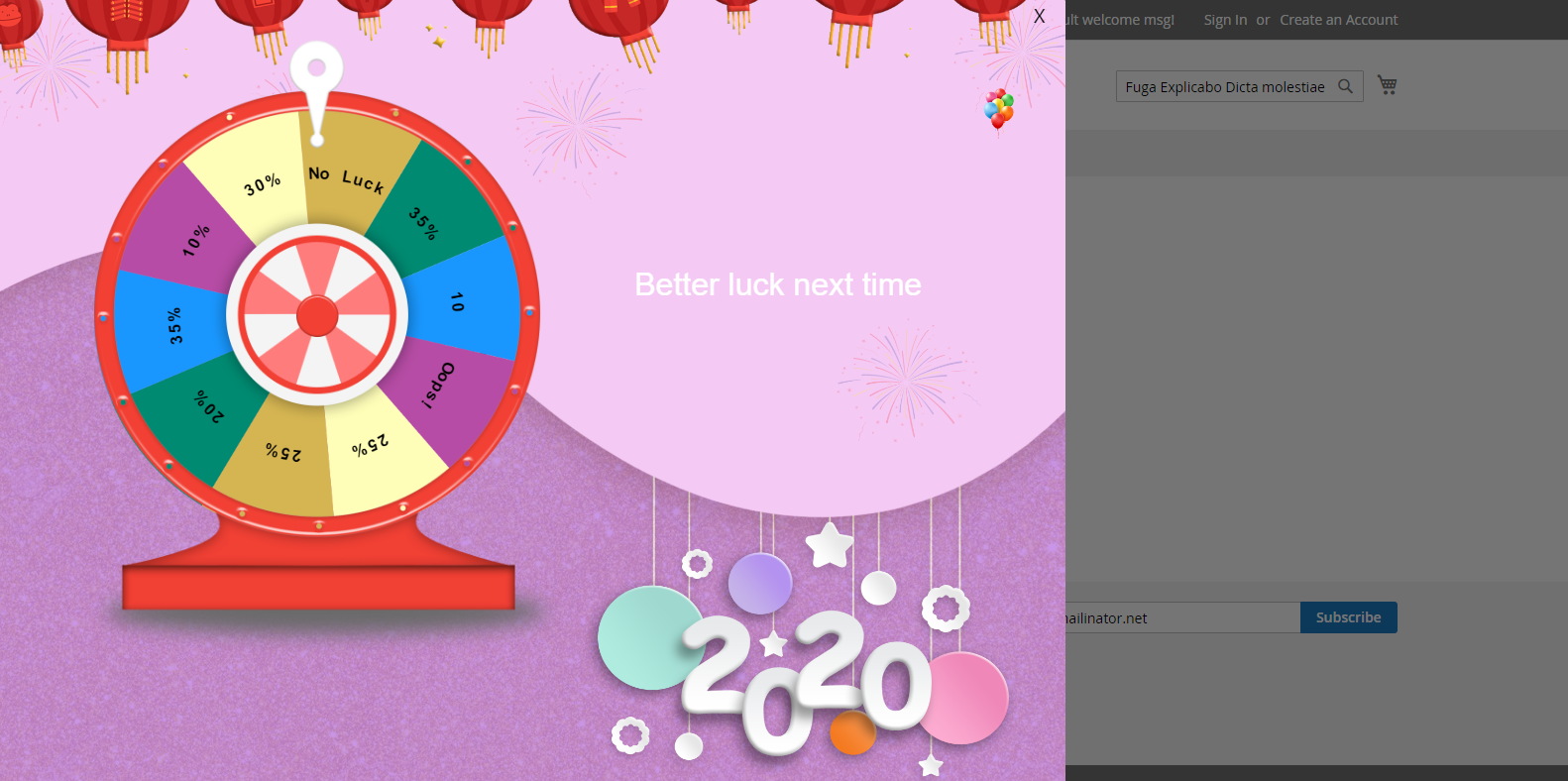
- Display the message on win or lose the game.
Here you can find answers to frequently asked questions. Feel free to contact if you can't find answer to your question.
1. Can admin add any number of segments?
Yes
2. Can user spin the wheel multiple time?
After specific time,user can spin the wheel again.
"If you have any other questions or problems regarding this plugin, you can always contact us using the contact form and we'd be happy to help you. No guarantees, but we'll do our best to assist."
Our support operators are always glad to help you here [email protected]
Note: We are happy to help with setup and any bugs you may stumble upon.