WhatsApp Chat Connect
" Thank you for purchasing our plugin. please feel free to email via our user page contact form here. Thanks so much! "
Magento Whatsapp Chat Connect is a Marketing Tool that lets your customers connect with you using just a single click!
As the advent of technology continues, data continues to be cheaper and more widely spread and customers are more technologically empowered. For any organization that operates through the internet, it is necessary that it remains in touch with and addresses the concerns of its customers as effectively as possible. Over the time, the usage of social media has surged. Organizations have leveraged the potential of various social networking platforms including WhatsApp. The chat application has been one of the most widely-used service across the world with a daily user base of over 1 billion. It would be a wise strategy to use WhatsApp as a channel for customer service and outreach.
With the WhatsApp Chat Connect Magento Extension developed by Setu Bridge, we aim to enable businesses to utilize WhatsApp as an effective tool. This extension allows you to put a WhatsApp chat button on your website, through which your customers can interact directly. The extension also comes loaded with features such as:
Here is few highlighted features:
- The Whatsapp Connect allows its visitors to start chatting directly on Whatsapp from the website
- This extension makes for a swift and reliable chat support experience for consumers.
- The default chat message to start a Whatsapp Chat is customizable.
- The extension is able to detect the user agent and hence, will open Whatsapp Mobile or Web App accordingly.
- The admin can decide whether the button needs to be displayed on desktop, mobile, or even both.
- Further, the admin can personalise the position of the button using either pre-configured styles or by setting your own custom position using the drag and drop panel in the backend.
In this step by step documentation we will show you how to install a Whatsapp Chat.
Step 1. Backup your web directory and store database
Step 2. Download Extension package file
Step 3. Upload & Unzip package folders to store root
Step 4. Login into SSH console & reach to store root folder:
cd path_to_the_store_root_folder
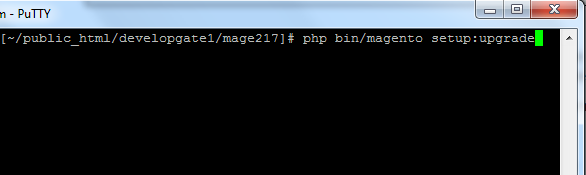
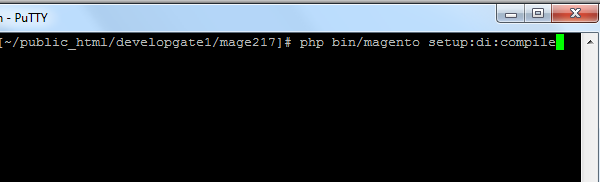
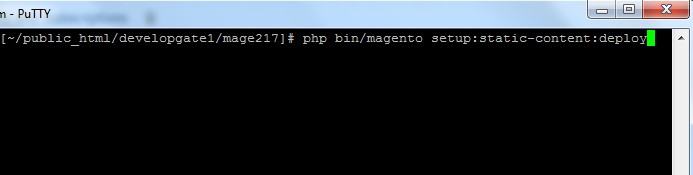
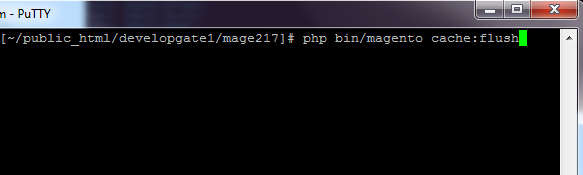
Open Magento Root directory & run below series of commands one by one
php bin/magento setup:upgrade
php bin/magento setup:di:compile
php bin/magento setup:static-content:deploy
php bin/magento cache:flush
Step 5.
From Backend,System > Cache Management.
1. Flush Magento Cache
2. Flush Cache Storage
3. Flush JavaScript/CSS Cache
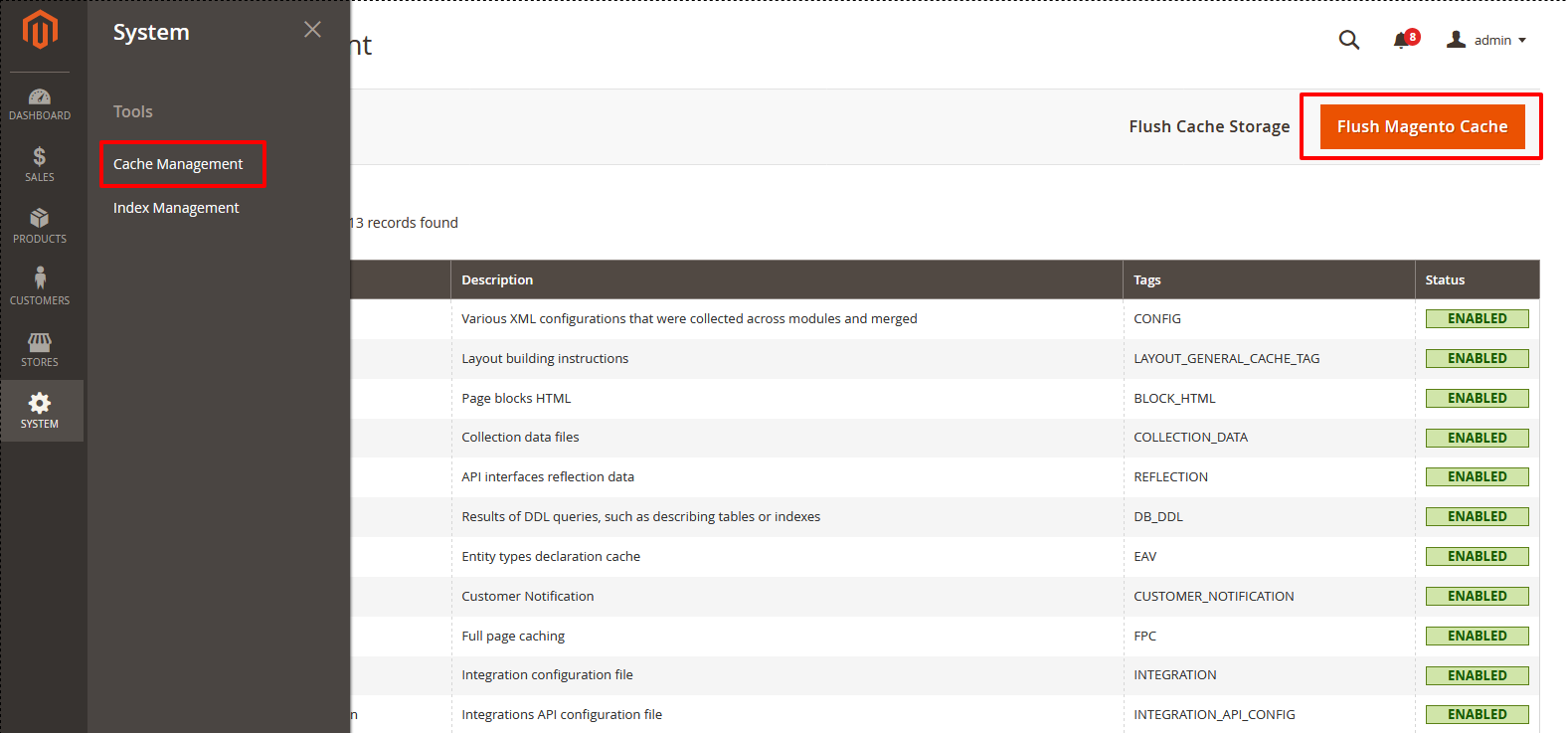
To use this WhatsApp Chat Connect you have to Go to STORES > Configuration > SETUBRIDGE > WhatsApp Chat Connect Tab:
- General Configuration: Depending upon your requirements, the admin operating this extension can either enable or disable the Magento WhatsApp connect extension with a simple YES/NO selection on the configuration page.
- Customizable Configurations: Apart from the basic configuration, there are many other features that you can utilize for better functioning of the conversation module. Under this module, you can set up a Mobile Number for a chat.
- Depending upon choice, admin operating this plug-in can either use the default greeting chat message or enter own greeting chat message .
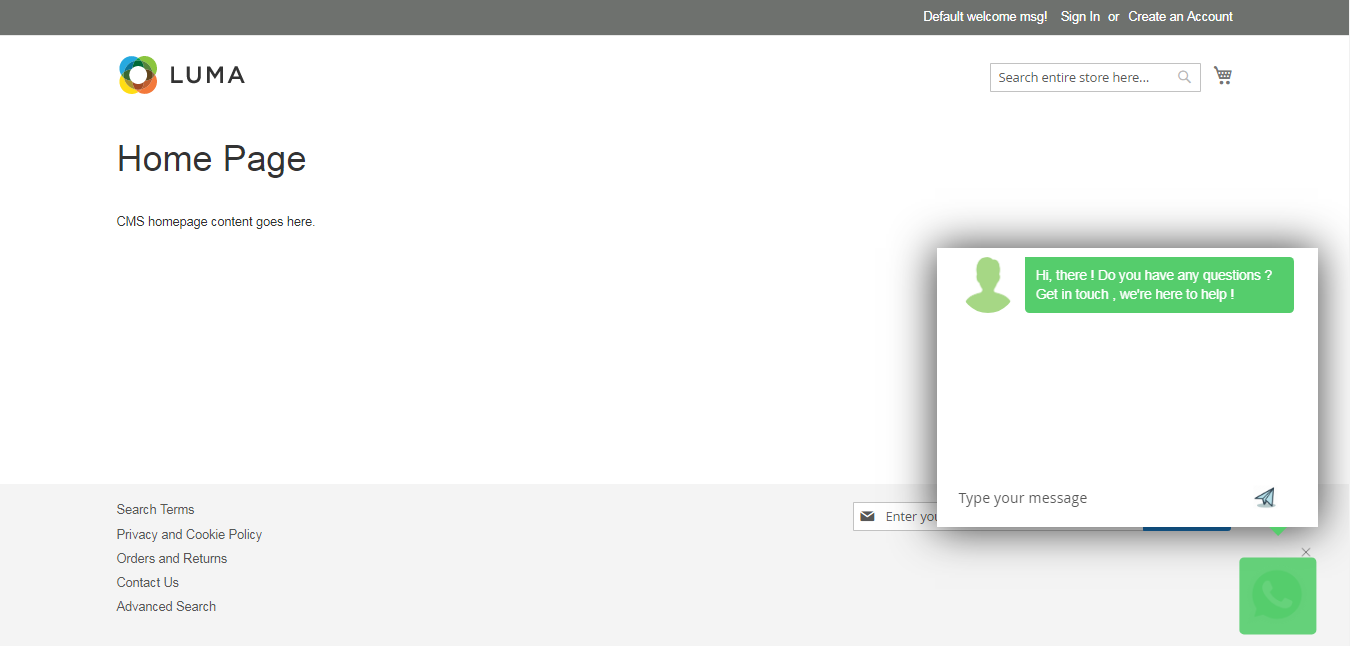
- As per choice , admin can choose the greeting chat icon this icon will be displayed as a greeting chat icon in pop up window , also visibility for devices for icon to appear can also be chosen.
- Theme color for pop-up is customizable , as per the selected color.
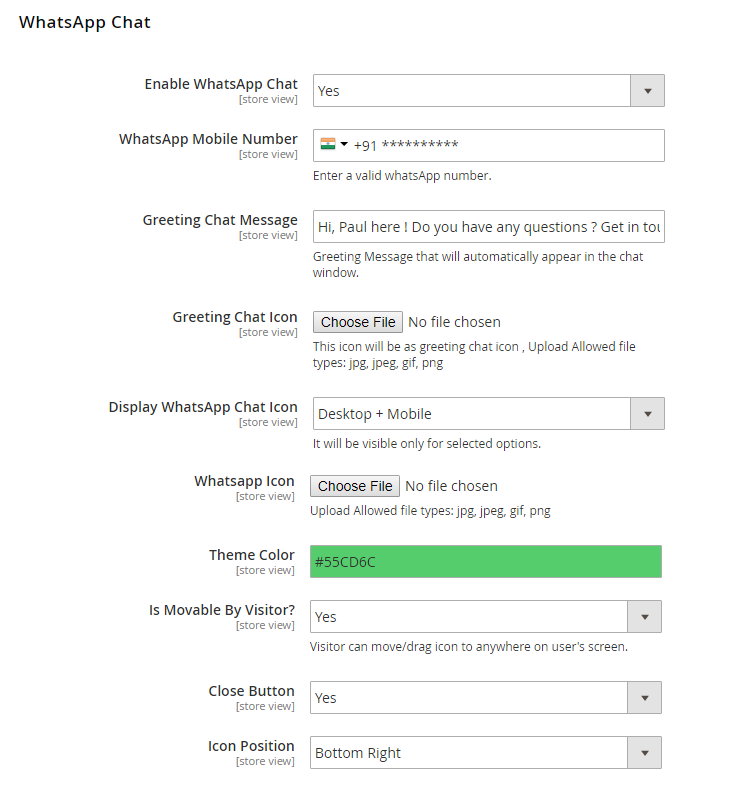
- Icon position settings: Apart from the basic configuration, there are many other features that you can utilize for better functioning of the extension. Under this module, you can set up a WhatsApp Mobile Number, an introductory message for your customers, the visibility devices for as well as positioning of the icon.
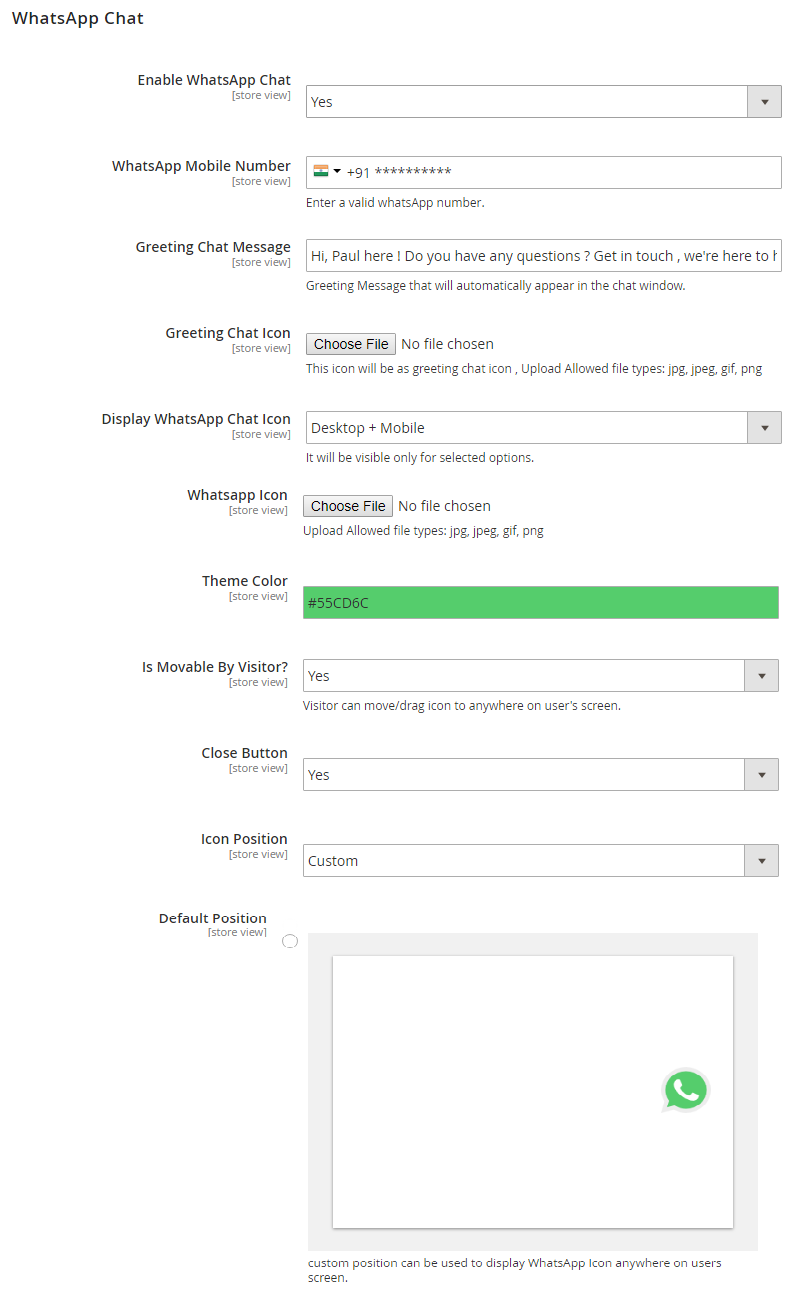
- Once the extension is enabled, the admin can also select the positioning for the Chat Icon. If the admin chooses not to select a position for the icon themselves, then our default settings will position the icon as attached in this screenshot.To enhance the consumer experience, we also offer a movable option of the WhatsApp Chat icon. By enabling this option, the user can move the chat icon around the web page at their convenience.
- To enhance the consumer experience, we also offer a movable option of the WhatsApp Chat icon. By enabling this option, the user can move the chat icon around the web page at their convenience.
- Here, the given image shows a default position of WhatsApp Chat Connect icon with a close button.
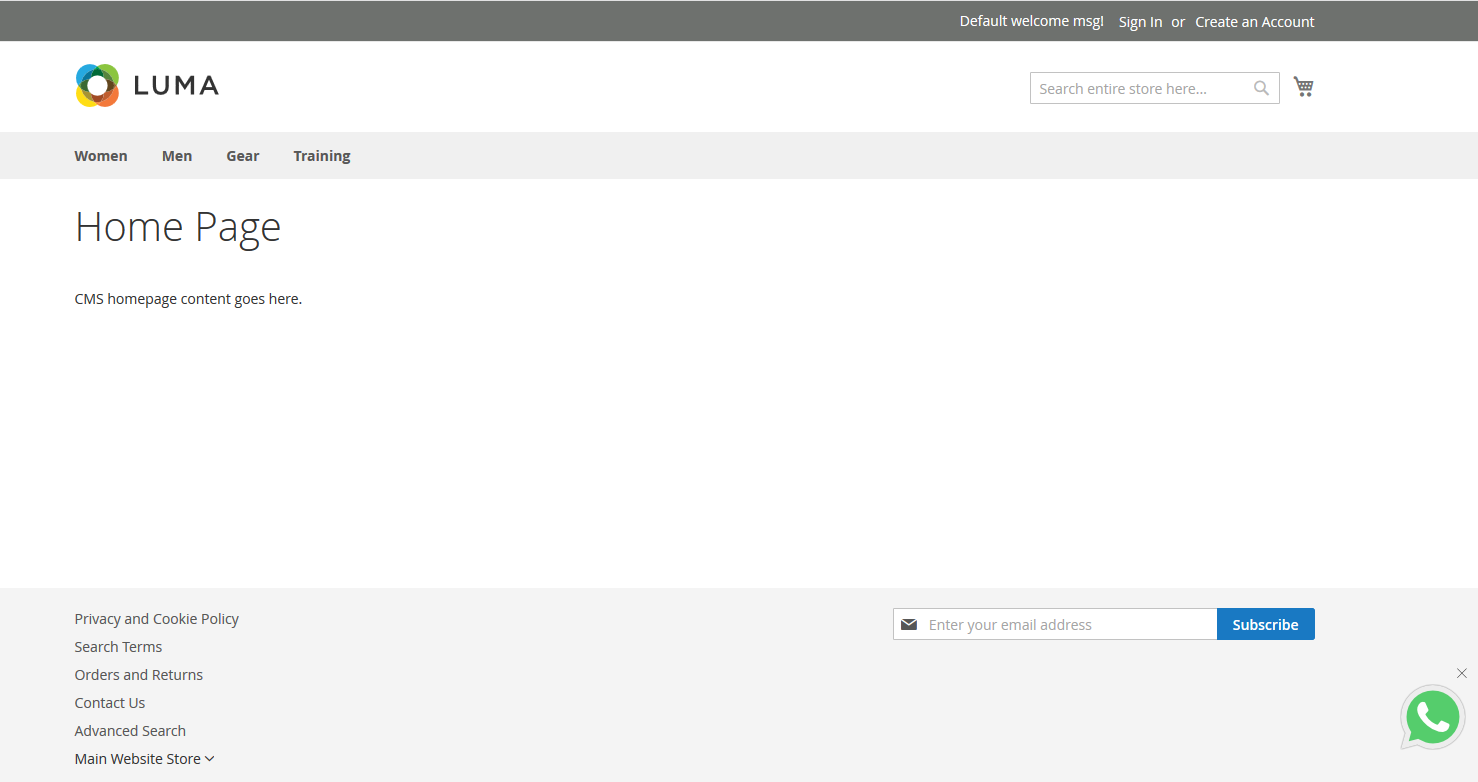
- After enabling the movable option of WhatsApp chat icon, a user can move chat icon around the web page.
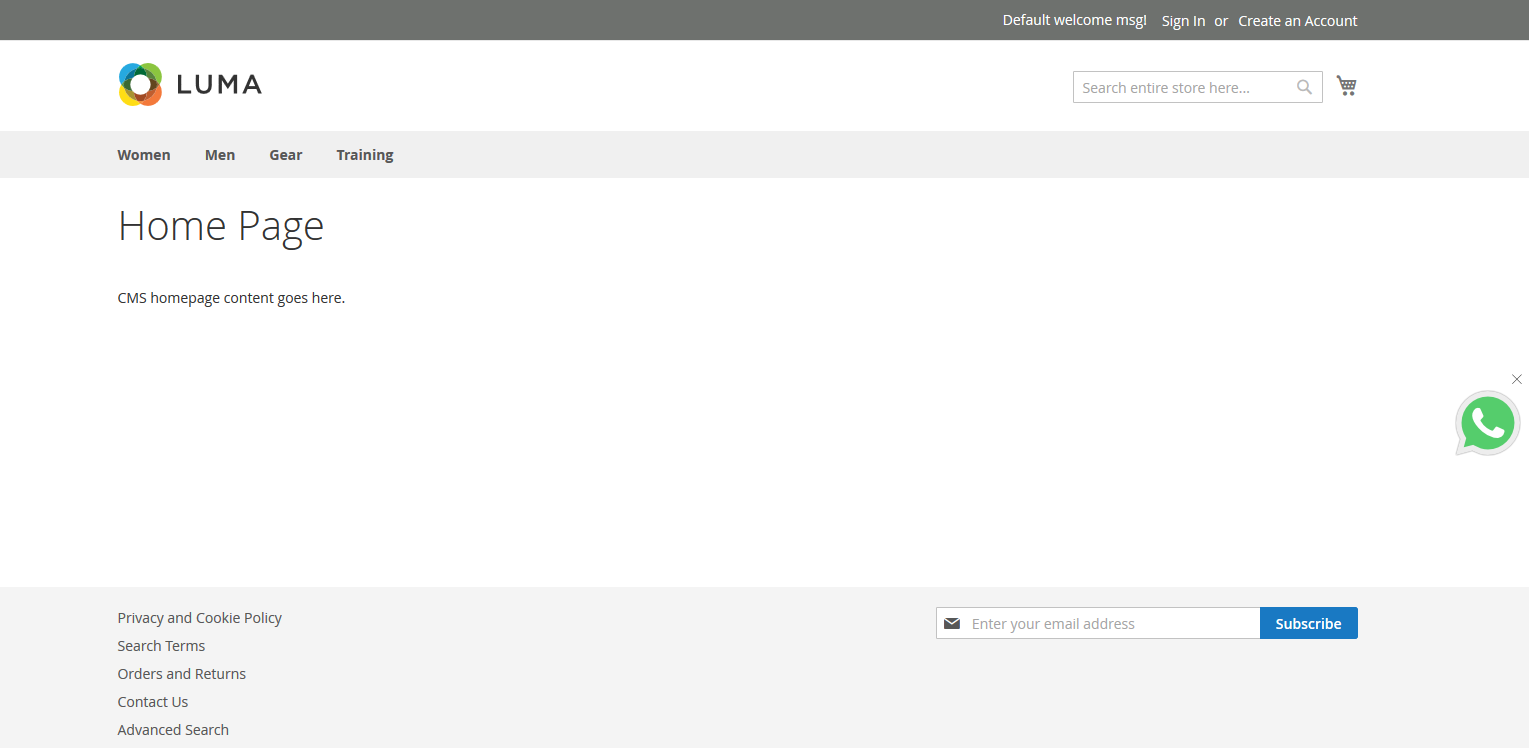
- Once the icon is clicked, a pop-up will appear.
Here you can find answers to frequently asked questions. Feel free to contact if you can't find answer to your question.
1. Is extension is support for Magento latest version?
Yes
2. What if I check WhatsApp connect function enabled page from the desktop?
WhatsApp connect function works for both the mobile & desktop version of the web. For desktop version user have to login in web.whatsapp.com with scanning the QR code, after they can be getting redirect to WhatsApp by clicking on the WhatsApp icon.
"If you have any other questions or problems regarding this plugin, you can always contact me using the contact form on my profile page and I'd be happy to help. No guarantees, but I'll do my best to assist."
Our support operators are always glad to help you here [email protected]
Note: We are happy to help with setup and any bugs you may stumble upon.