Gift Voucher
" Thank you for purchasing our plugin. please feel free to email via our user page contact form here. Thanks so much! "
The Gift Voucher extension is useful for those customers who want to buy gift vouchers for sending them to their friends, relative or simply use them.
The Gift Voucher extension is useful for those who want to gift something to their friend, family members and colleagues. Buyers can choose gift voucher values to purchase in a drop-down or fill in a certain amount from a given price range as you set up. This also allows the buyer to send presents via email or post office, with custom messages written on a gift voucher. The customers may also buy a gift voucher for themselves if they want. On the gift voucher product page, the buyer will have to enter the email address of the person to whom the buyer wants to send the gift voucher. This gift voucher extension helps a store admin to increase their sales rapidly.
This extension provides outstanding features which allow a store admin to create unlimited gift vouchers with a full control of templates, gift vouchers prices, expiration date and much more. It let admin create gift vouchers of three different types (email, printed out and offline). A store admin can flexibly set a price with three options: fixed, price dropdown or selectable custom price. This extension allows the admin to choose a custom image to display on the gift voucher.
All information about gift voucher - balance, status and expired dates of the vouchers are updated in my account of each customer. The gift voucher code can be used as a discount coupon or a discount method when customer checkout. Gift card users can use complete or a certain amount of the gift card to make purchases.
Here is few highlighted features:
- Admin can enable/disable gift code box on cart page from a backend
- Create gift vouchers of three different types (email, printed out and offline)
- Buyers can send vouchers via email or post office
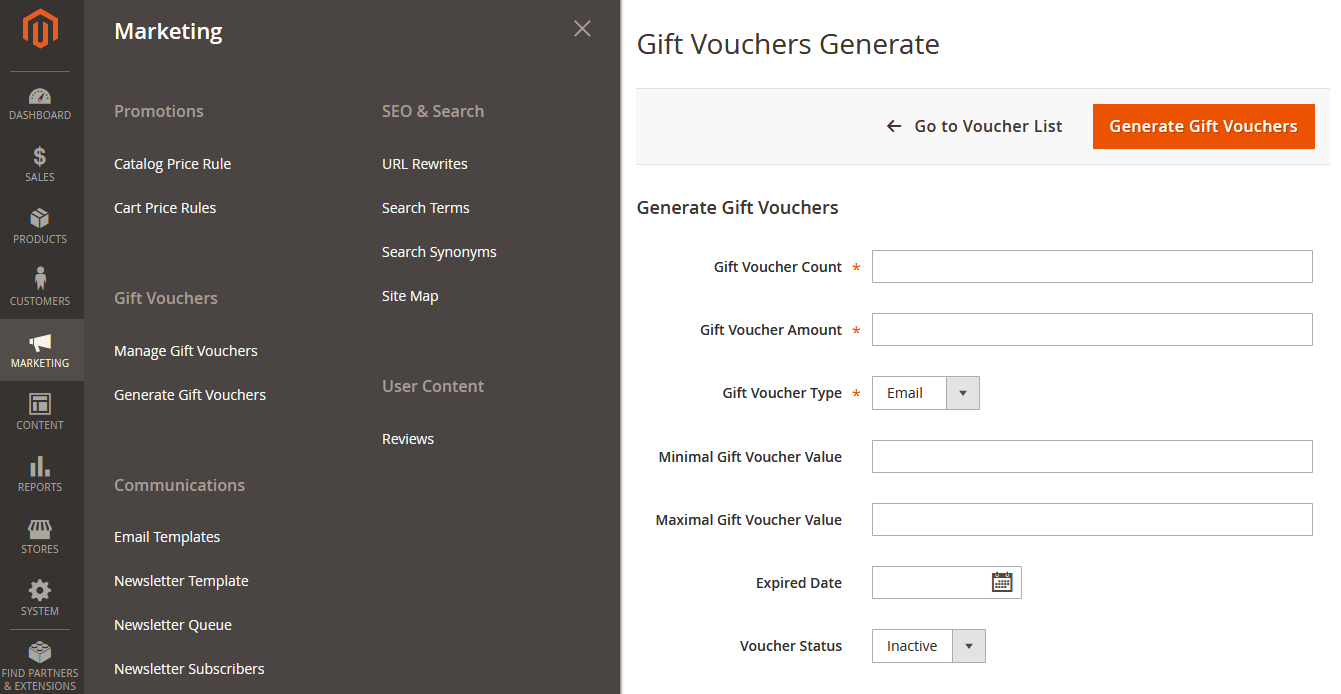
- Admin can generate gift voucher codes in bulk
- Buyers can write a custom message on gift voucher for friends
- Set gift voucher expiration date
- Instantly resend gift vouchers
- Set minimal/maximal gift voucher values
- Admin can edit each gift voucher balance from the admin panel
- Manually add/edit gift voucher codes
- Admin can change a gift vouchers status
- Flexibly set price with three options: fixed, price dropdown or selectable custom price
- Set gift voucher activation/deactivation, when an order gets a certain status, and more
Note : The product price must be set to zero if a store admin wants to use predefined prices to be selected from the drop-down on the frontend, prices separate them by a semicolon (;).
In this step by step documentation we will show you how to install a Gift Voucher.
Step 1. Backup your web directory and store database
Step 2. Download Extension package file
Step 3. Upload & Unzip package folders to store root
Step 4. Login into SSH console & reach to store root folder:
cd path_to_the_store_root_folder
Open Magento Root directory & run below series of commands one by one
php bin/magento setup:upgrade
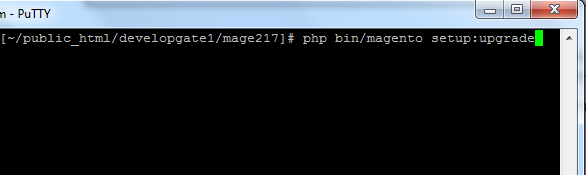
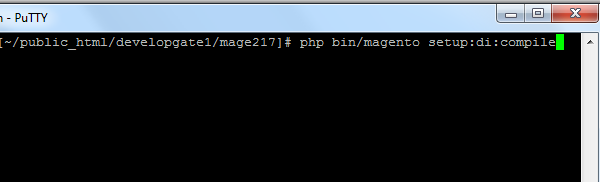
php bin/magento setup:di:compile
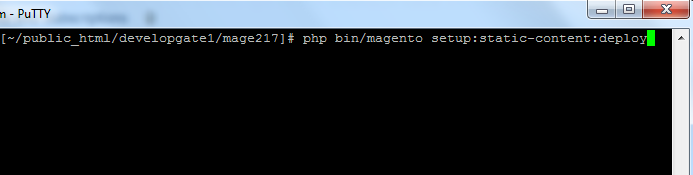
php bin/magento setup:static-content:deploy
php bin/magento cache:flush
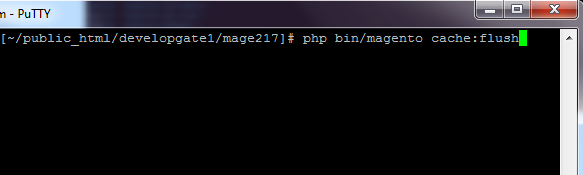
Step 5.
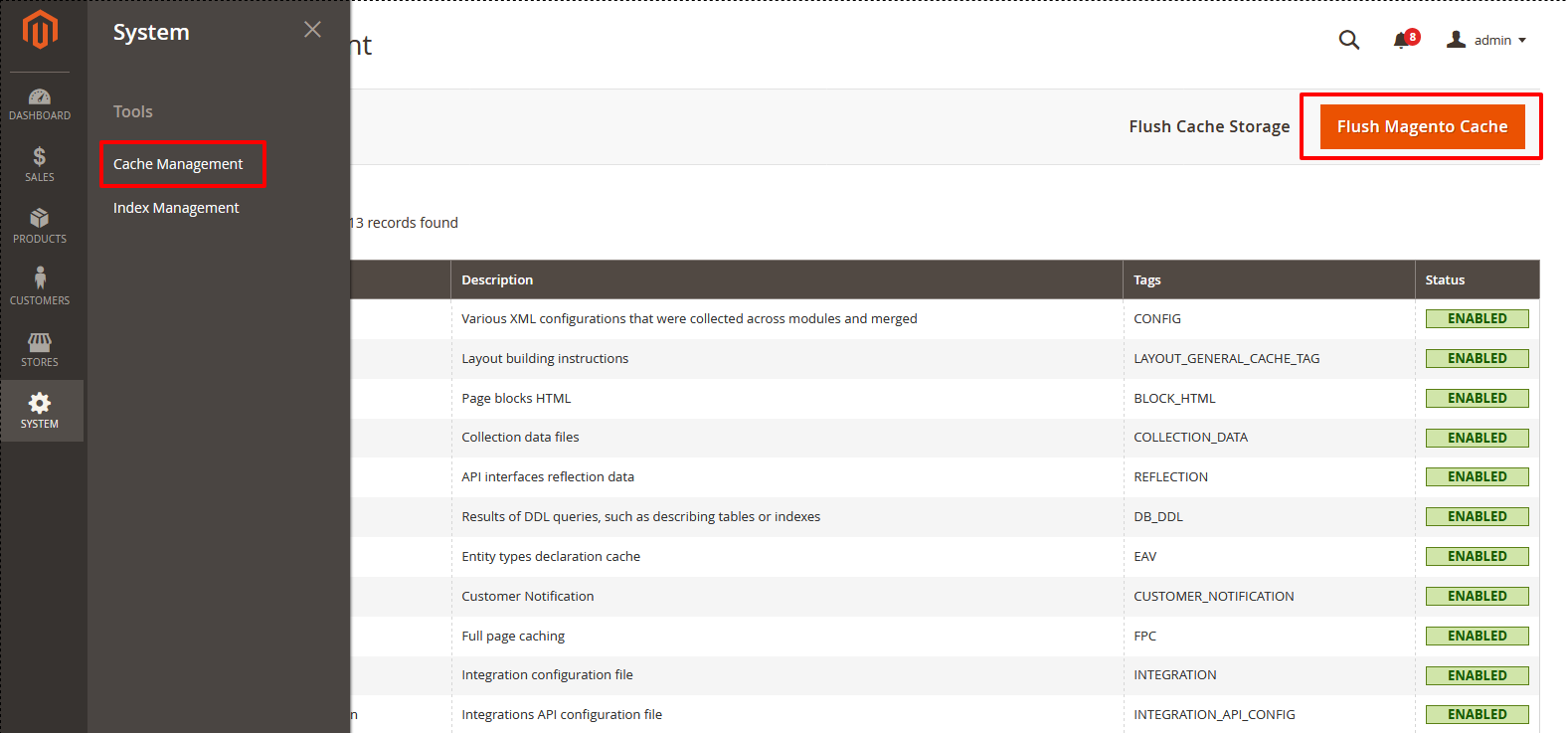
From Backend,System > Cache Management.
1. Flush Magento Cache
2. Flush Cache Storage
3. Flush JavaScript/CSS Cache
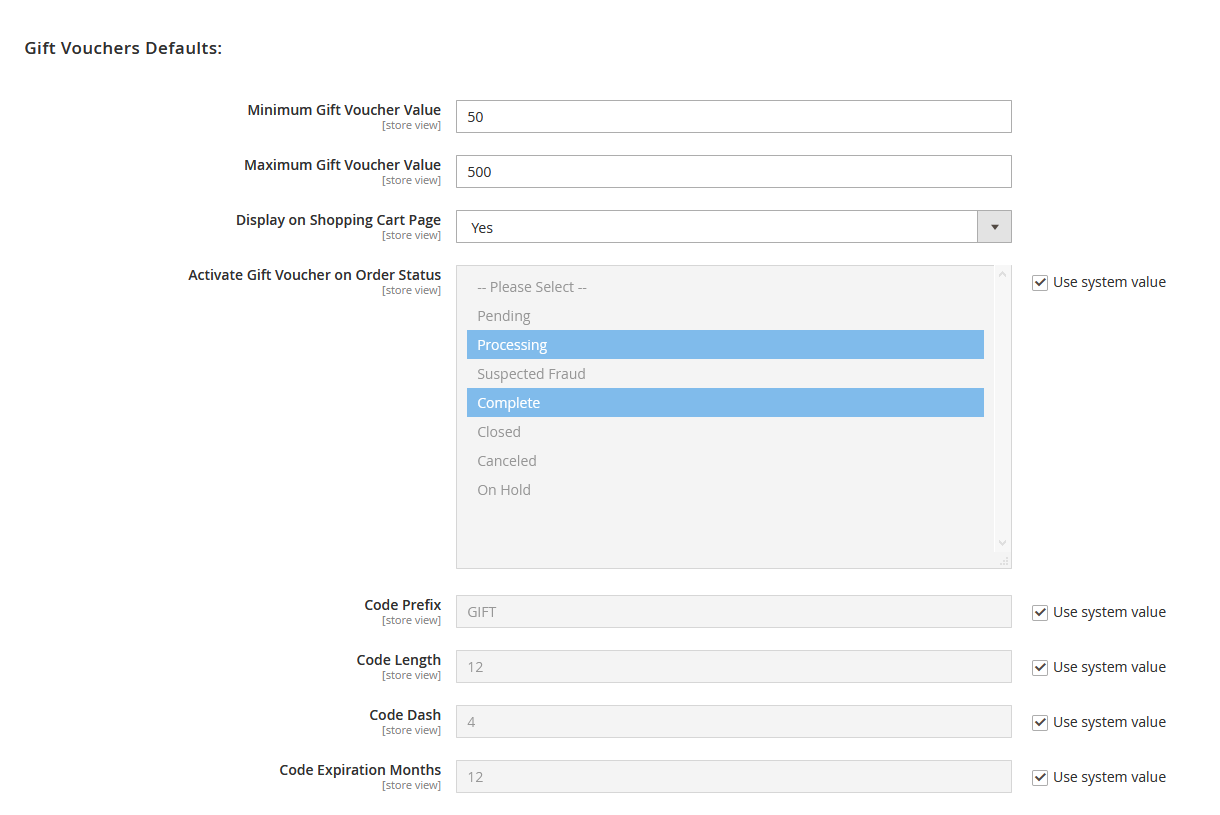
To use this Gift Voucher you have to Go to STORES > Configuration > SETUBRIDGE > Gift Voucher Discount Tab:
- Admin can set minimum/maximum gift voucher values by using these backend configurations.
- Here store admin can show/hide gift voucher in shopping cart page. Additionally, admin can also manage gift voucher status.
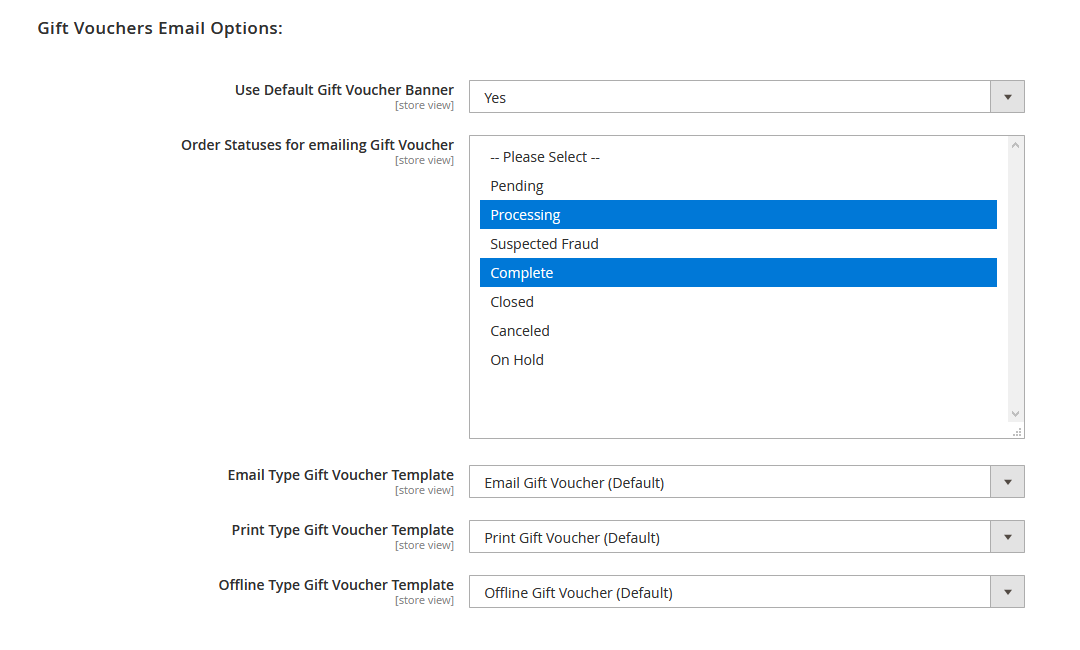
- Using this configuration admin can use default gift voucher picture for email. The store admin can create gift vouchers of three different types (email, printed out and offline) with full control of templates.
- The admin can create multiple numbers of gift voucher as per requirement. To create a gift voucher, the admin will select the "Gift Card" product type and then will fill in all the required information for the gift voucher.
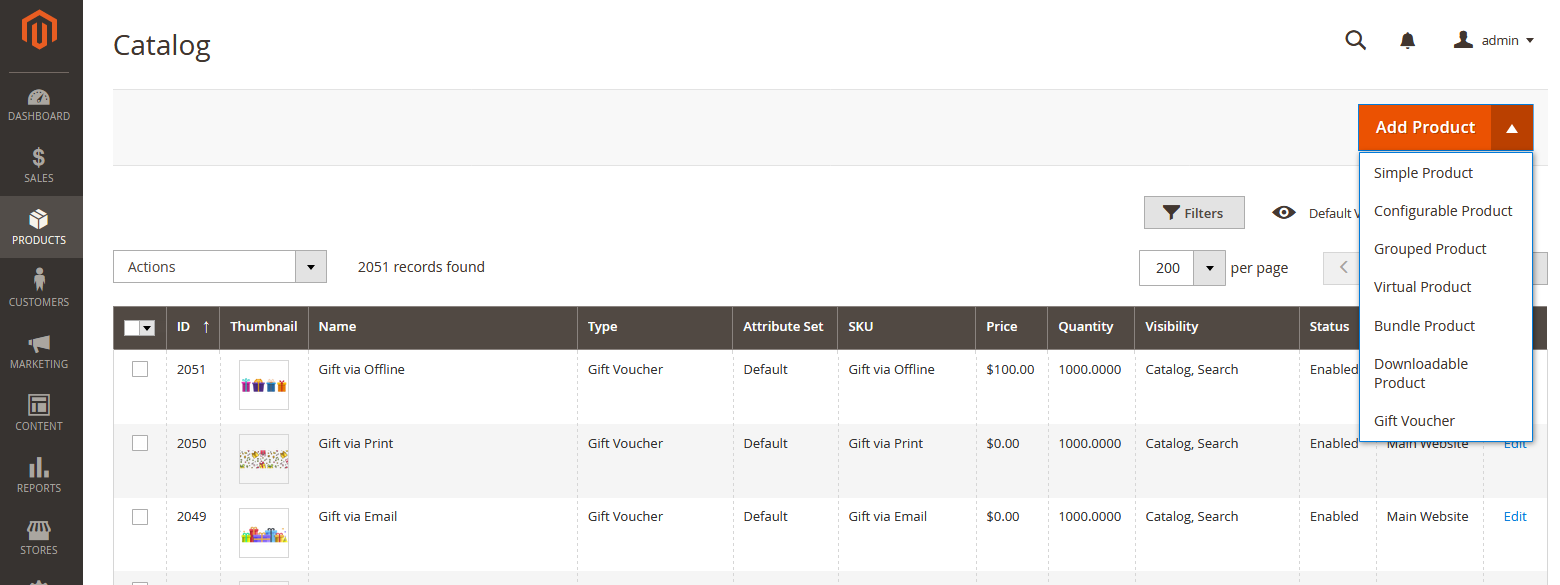
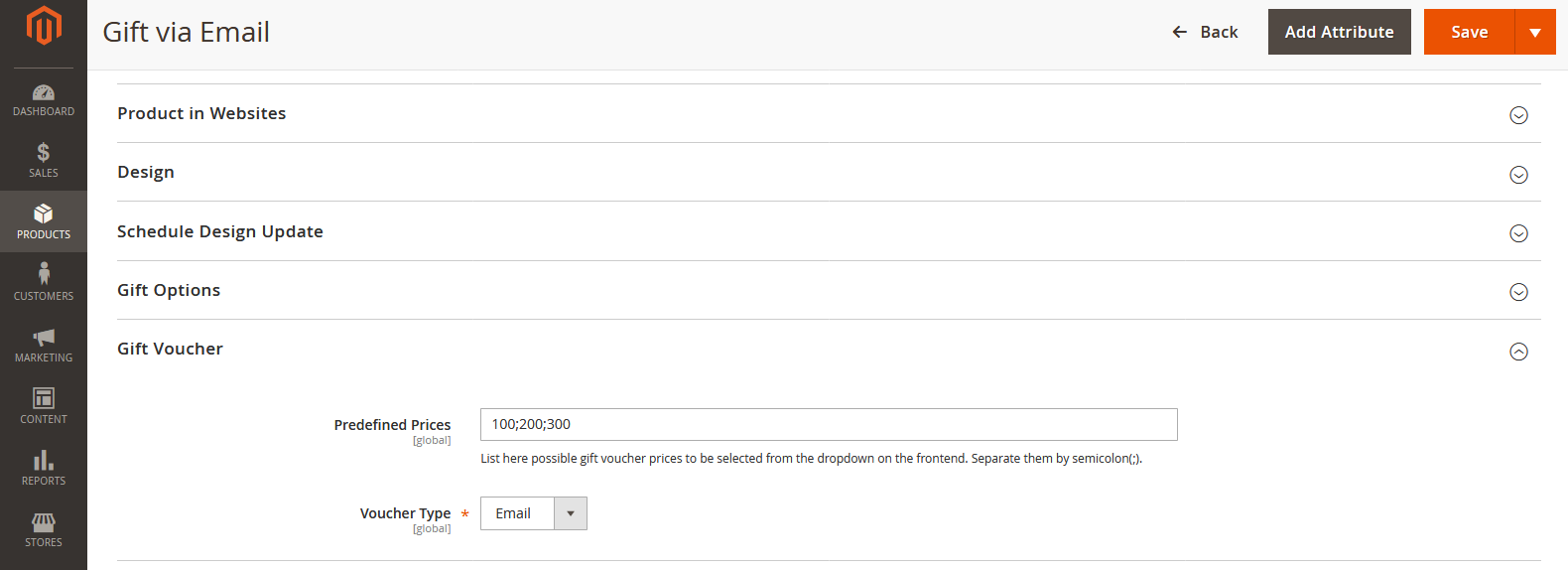
- Here store admin needs to enter predefined prices to be selected from the drop-down on the frontend, separate prices by a semicolon(;). Voucher type i.e. Email, Printed out and Offline can be chosen from given backend configuration.
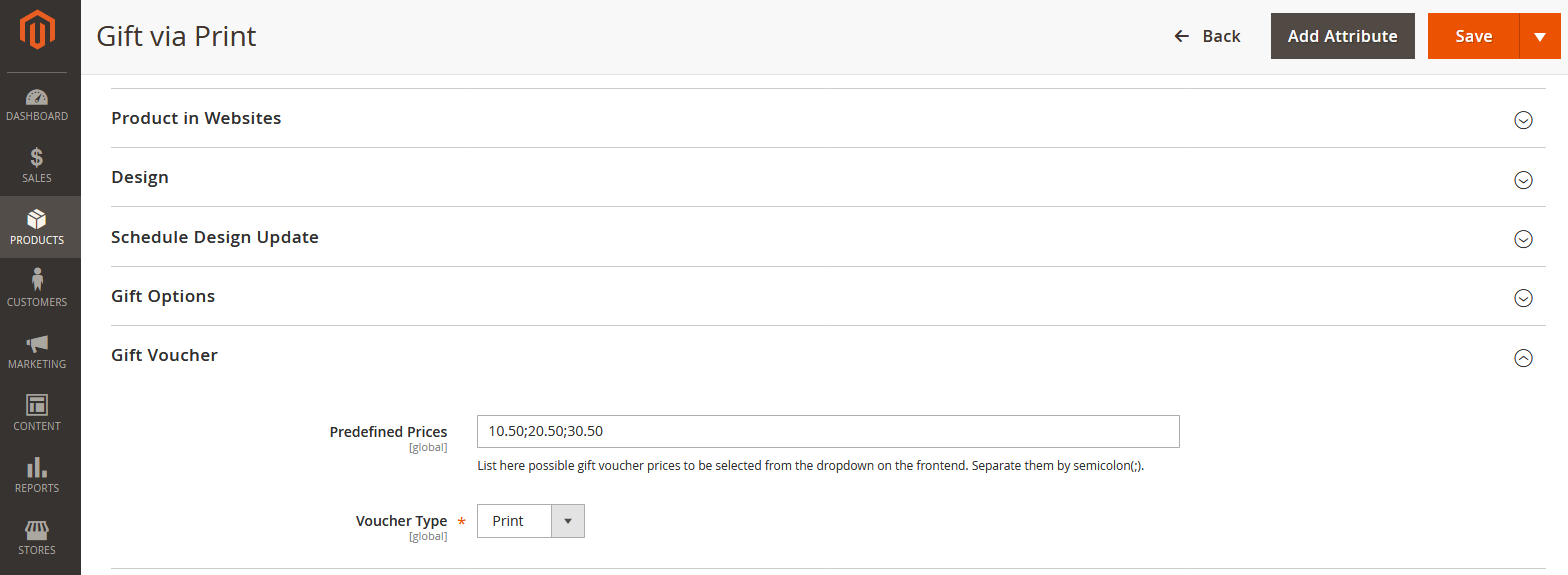
- Additionally, store admin can also add predefined prices in point value for example; 10.50;20.50
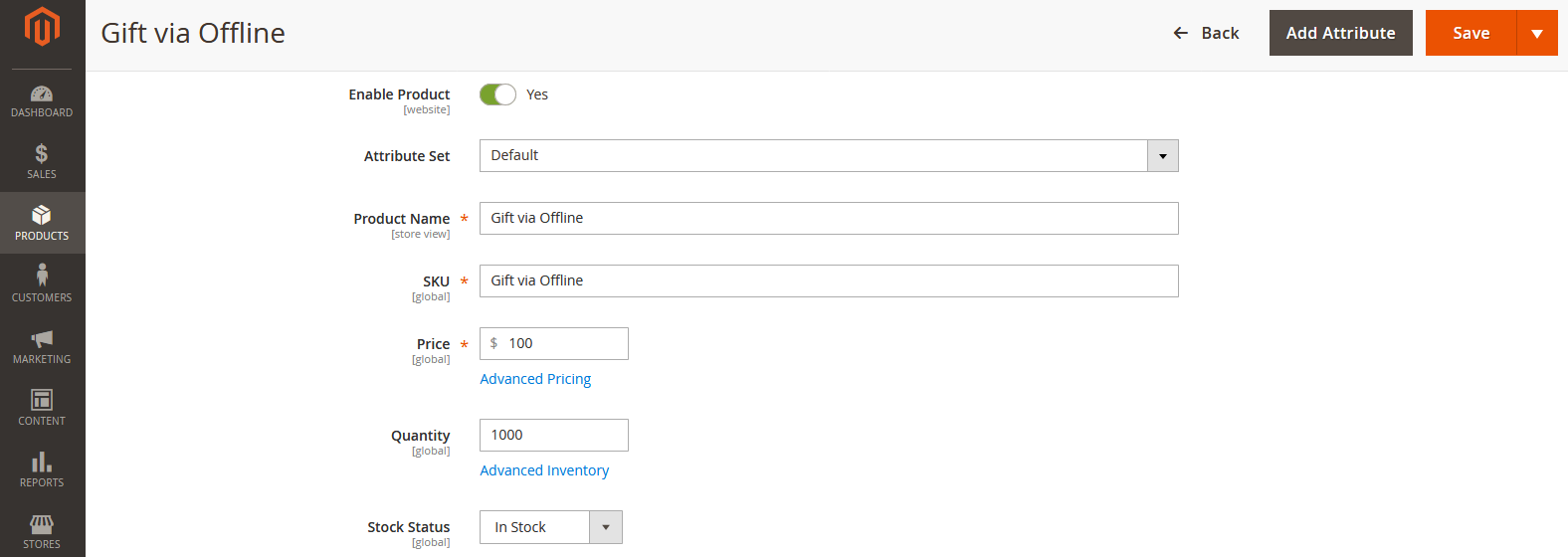
- Admin can enable gift voucher via offline configuration by filling required information like Attribute sets, Product name, SKU, Price, Quantity and Stock Status.
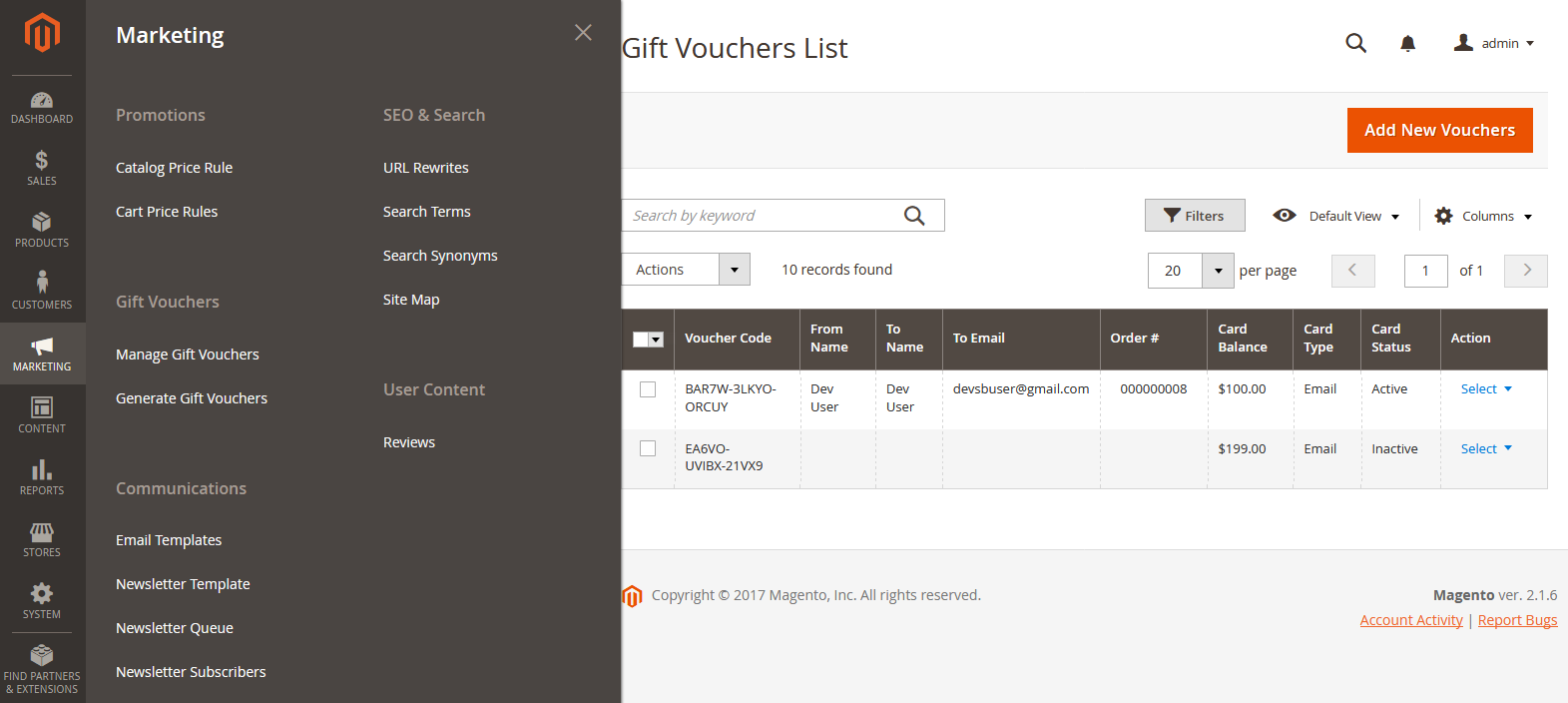
- Admin can see full information of gift vouchers in list view. The gift voucher details like Voucher code, From name, To name, email, order ID, Card balance, Type, Status and Action.
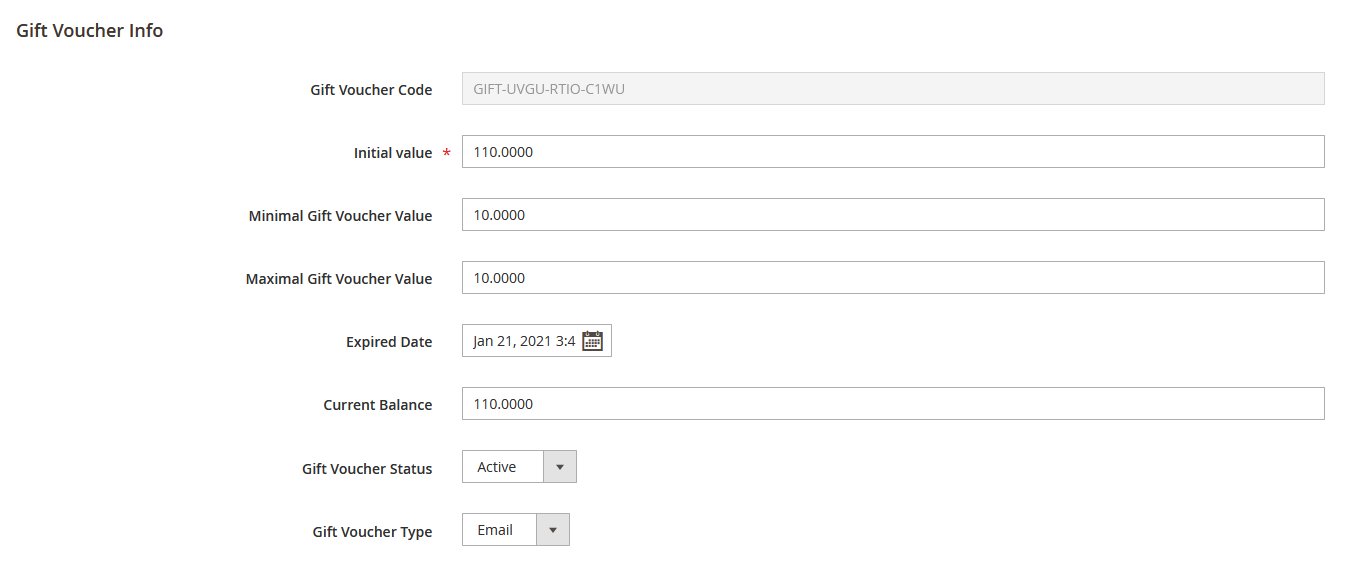
- The store admin can add/edit gift voucher info like Gift voucher code, Initial Value, Minimum/Maximum value, Expired date, Current balance, Currency and Status.
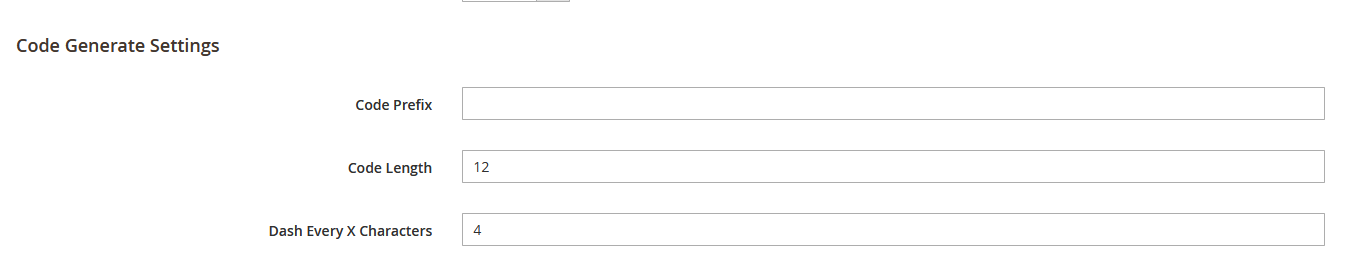
- The store admin can add/edit voucher code prefix code length, number of character after space, or dash
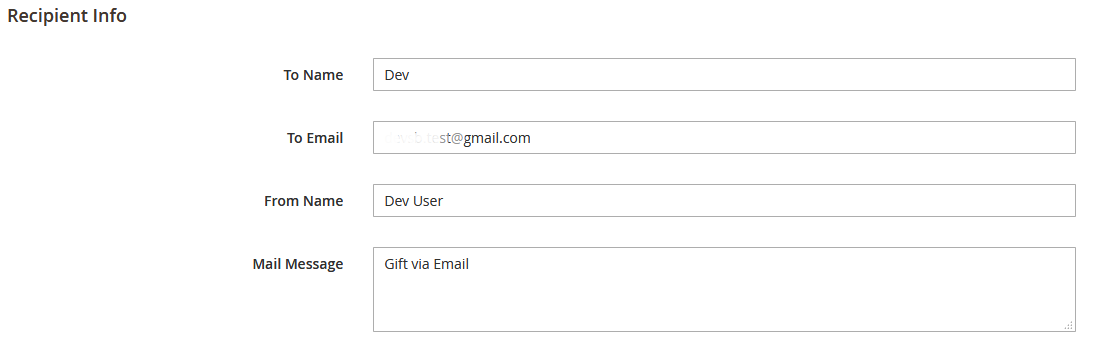
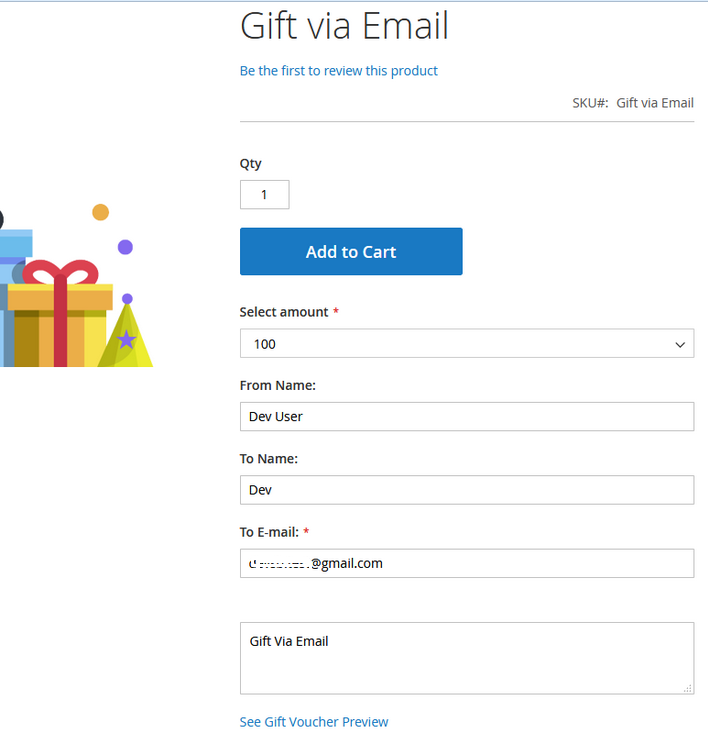
- To purchase a gift voucher the buyer needs to enter required fields like To & From name, Email and Mail message.
- To generate a gift voucher, the admin will select the "Gift Voucher" type and then will fill in all the required information for the gift voucher.
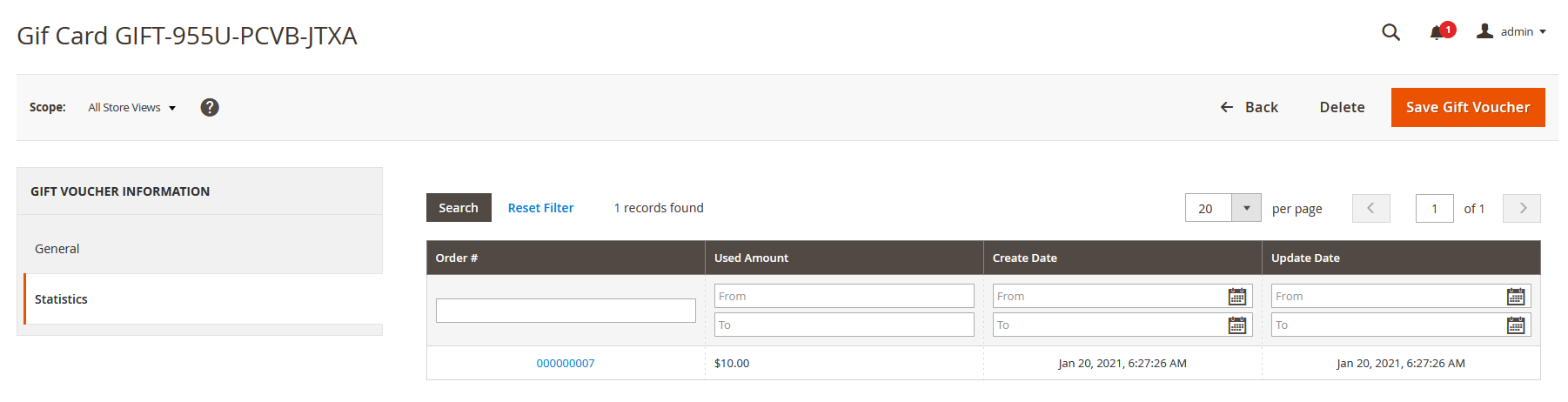
- The store admin can track point each and every voucher code statistics, how can be used that voucher
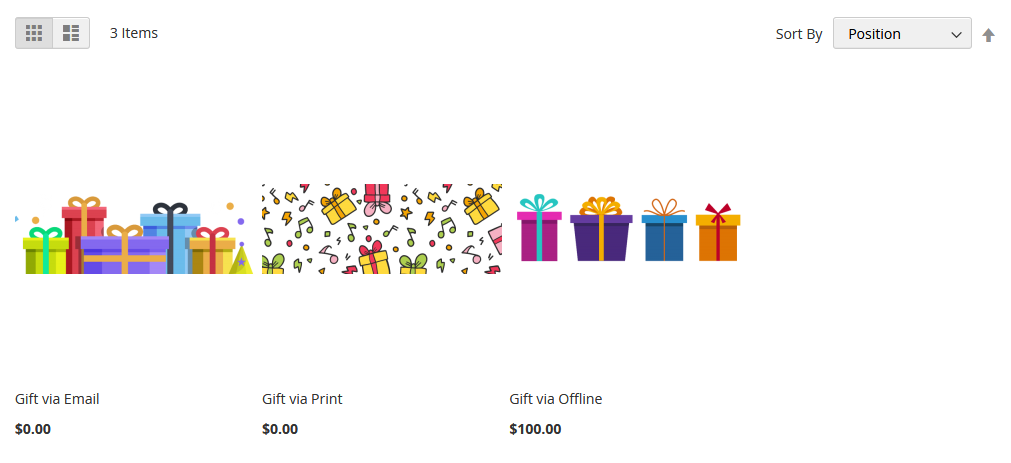
- Here are the gift voucher products, Buyers can choose gift voucher type to be purchased.
- Buyer can send gift voucher via email by filling required information
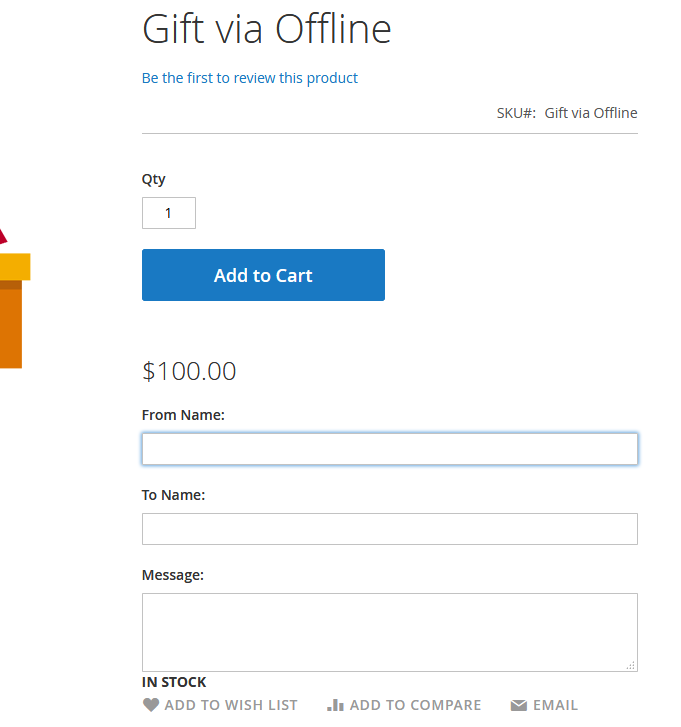
- Buyer can send gift voucher via offline by filling required information with custom messages written on a gift voucher.
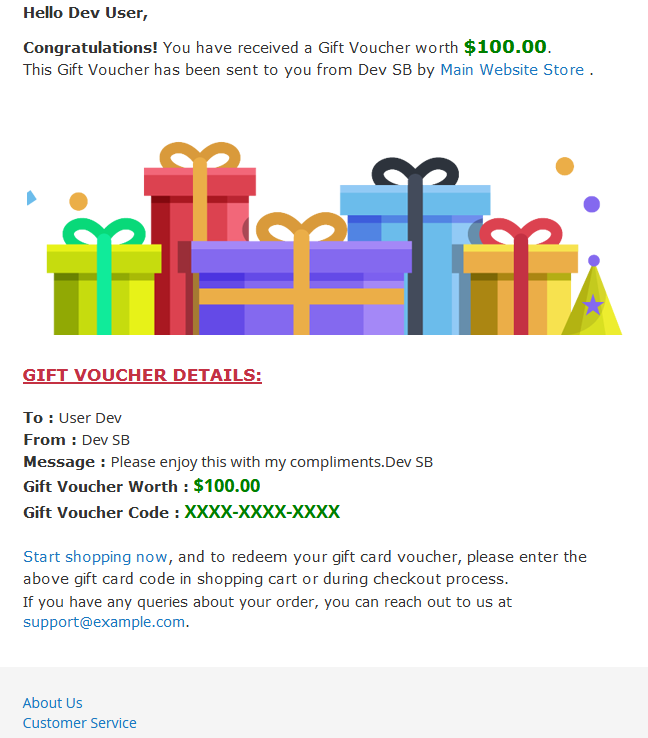
- This type of email gift voucher sends to the person whom the buyer wants to send gift voucher via email.
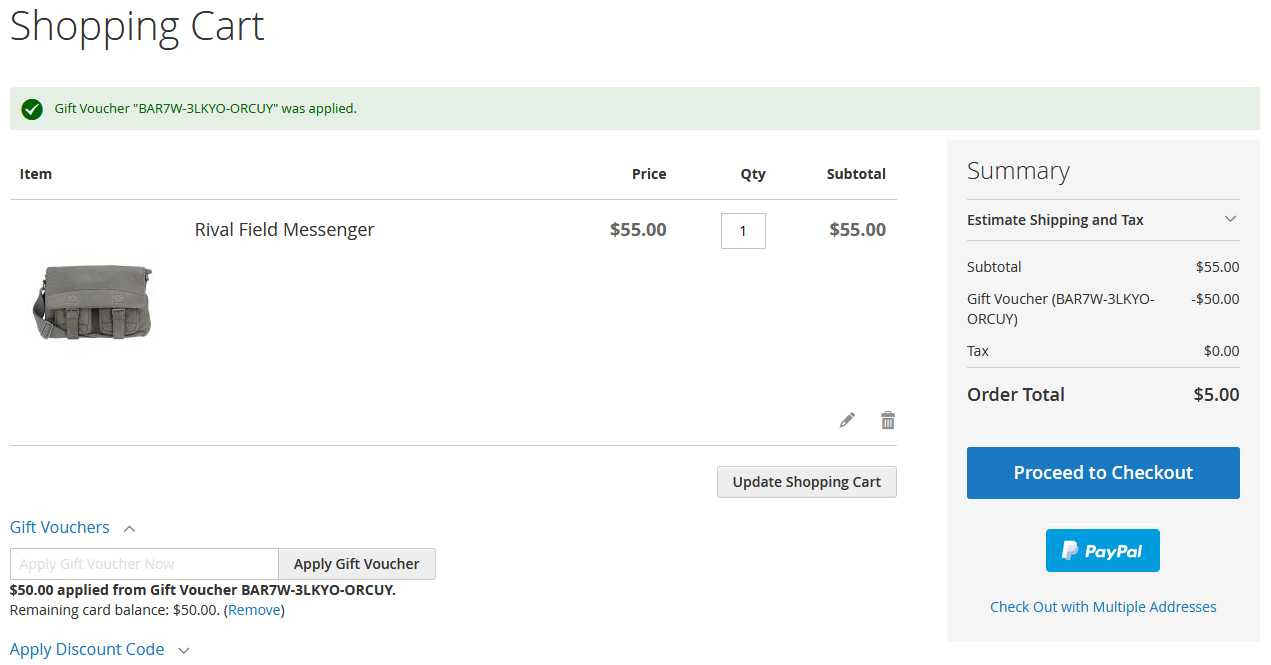
- To redeem gift voucher customer need to enter gift voucher code here in given field in the shopping cart.
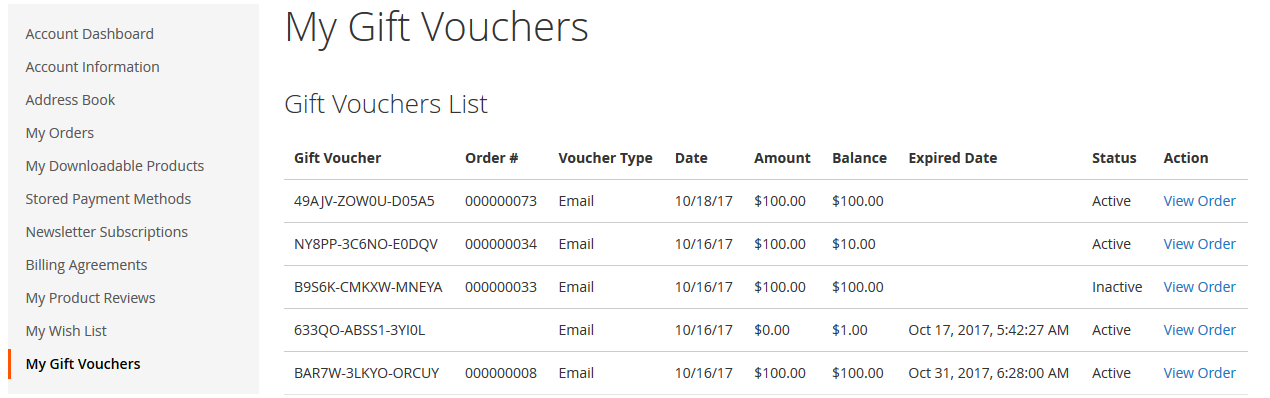
- All information about gift voucher - Order ID, Voucher Type, Date, Amount, Balance, Expired Dates, Status and Action in my account of each customer.
Here you can find answers to frequently asked questions. Feel free to contact if you can't find answer to your question.
1. Is this supported partial invoice ?
Yes
2. Is this supported multiple Gift Voucher ?
Yes
3. Is it works with online payment methods, like Paypal?
Yes
"If you have any other questions or problems regarding this plugin, you can always contact us using the contact form and we'd be happy to help you. No guarantees, but we'll do our best to assist."
Our support operators are always glad to help you here [email protected]
Note: We are happy to help with setup and any bugs you may stumble upon.