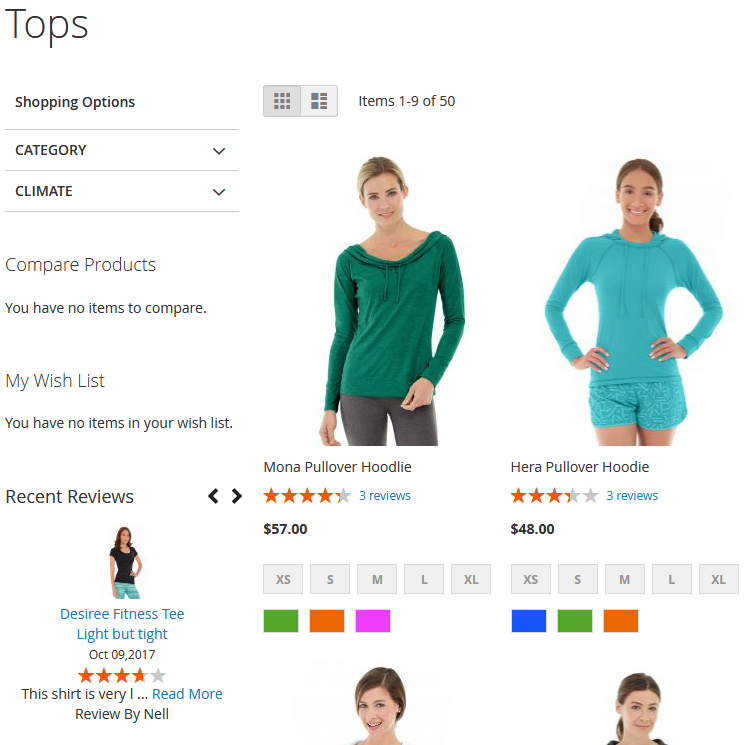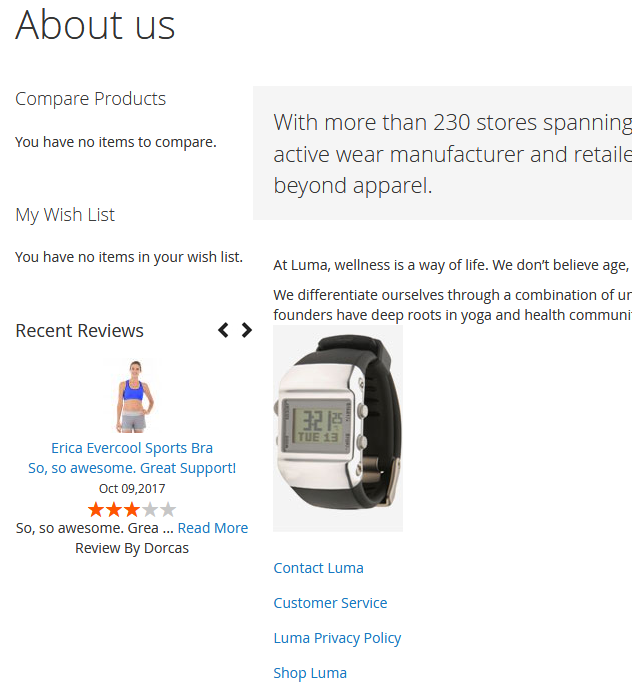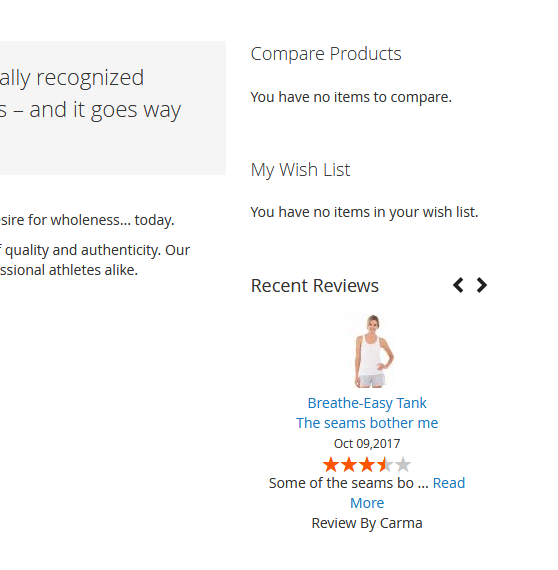
Recent Review Sidebar
" Thank you for purchasing our plugin. please feel free to email via our user page contact form here. Thanks so much! "
Customer reviews are perhaps one of the most powerful pieces of content placed on any product page. The product reviews not only help you convert more customers, but they also serve as a strong reputation signal to search engines. Hence, more reviews on a product page make it the more trustworthy source for your target audience. With the Recent Review Sidebar extension, you can display recent customer reviews instantly in a sidebar on product pages.
Product reviews help customers to make a choice and get rid of their hesitations. Along with recent review sidebar widget, the extension comes up with backend configurations interface which allows admin to make a selection for review sidebar display. Admin can choose a number of reviews & position of review sidebar to be displayed from admin configuration. The quick redirect option will visibly improve customers experience and help them quickly switch to the necessary page just in one click.
Here is few highlighted features:
- Instantly enable/disable sidebar widget from admin panel
- Add recent review sidebar on product pages
- Display product image along with review & re-direct link to product detail page
- Admin controls to display review sidebar in left or right sidebar using a backend configuration
- Specify the no. of reviews display in a sidebar
- Display rating summary
- Optimized code to load reviews to keep performance graph up
- Easy installation & configuration
In this step by step documentation we will show you how to install a Recent Review Sidebar.
Step 1. Backup your web directory and store database
Step 2. Download Extension package file
Step 3. Upload & Unzip package folders to store root
Step 4. Login into SSH console & reach to store root folder:
cd path_to_the_store_root_folder
Open Magento Root directory & run below series of commands one by one
php bin/magento setup:upgrade
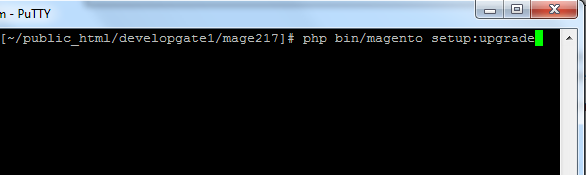
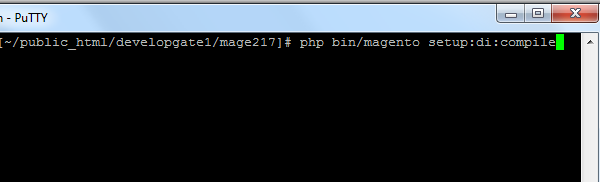
php bin/magento setup:di:compile
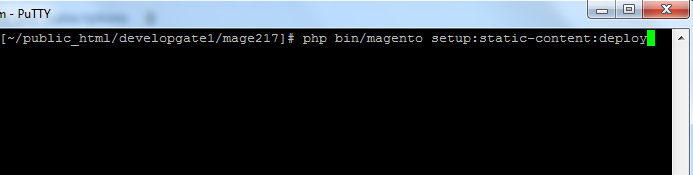
php bin/magento setup:static-content:deploy
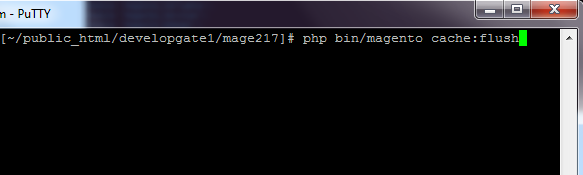
php bin/magento cache:flush
Step 5.
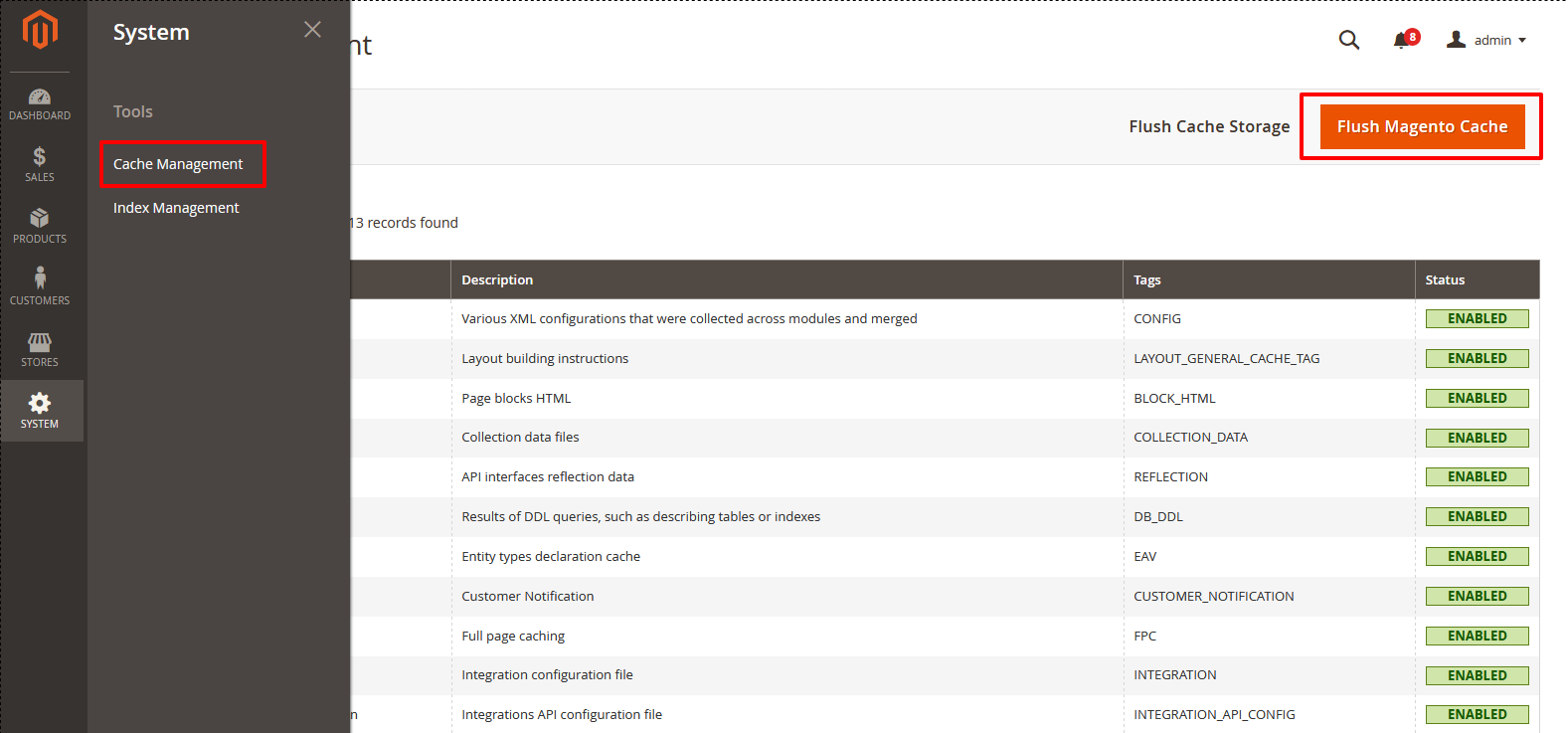
From Backend,System > Cache Management.
1. Flush Magento Cache
2. Flush Cache Storage
3. Flush JavaScript/CSS Cache
To use this Recent Review Sidebar you have to Go to STORES > Configuration > SETUBRIDGE > Recent Review Sidebar Tab:
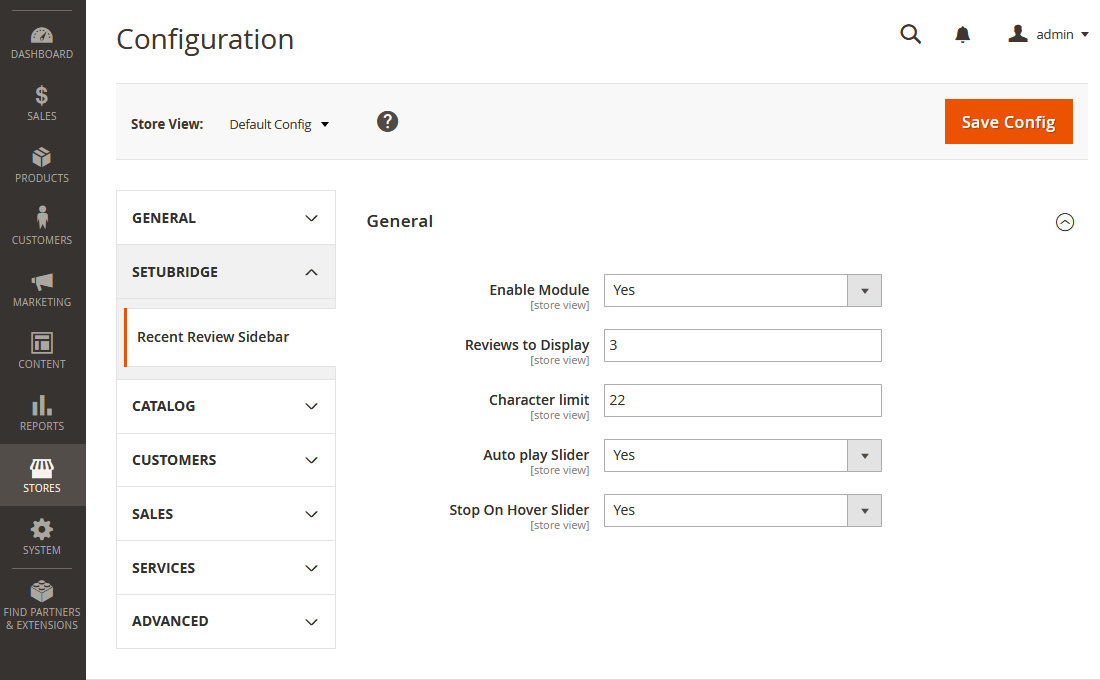
- Instantly enable/disable sidebar widget from admin panel. Admin can specify the number of reviews to be displayed in a sidebar.
- Add recent review sidebar on category pages. Admin can display review sidebar in the left sidebar using a backend configuration.
- Add recent review sidebar on CMS pages.Display product image along with review and re-direct link to product detail page.
Here you can find answers to frequently asked questions. Feel free to contact if you can't find answer to your question.
1. Why we use Recent Review extension?
The product reviews not only help you convert more customers, but they also serve as a strong reputation signal to search engines.
2. Can this extension display rating summary ?
Yes
"If you have any other questions or problems regarding this plugin, you can always contact me using the contact form on my profile page and I'd be happy to help. No guarantees, but I'll do my best to assist."
Our support operators are always glad to help you here [email protected]
Note: We are happy to help with setup and any bugs you may stumble upon.