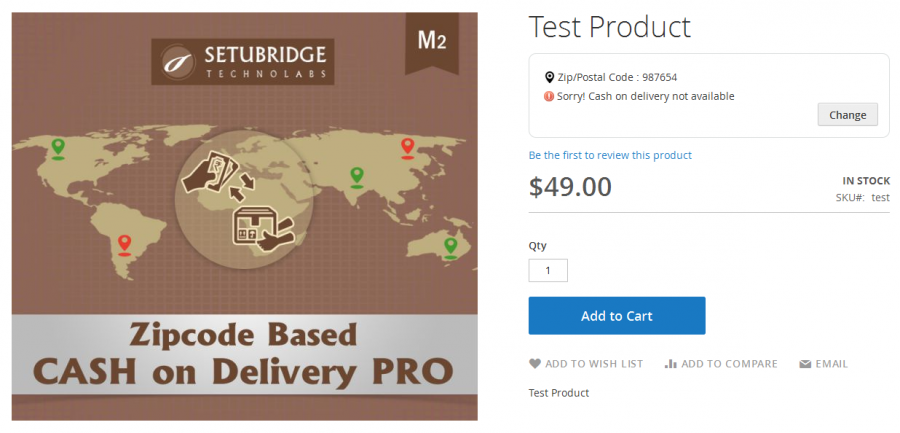
Zipcode Based COD Pro
" Thank you for purchasing our plugin. please feel free to email via our user page contact form here. Thanks so much! "
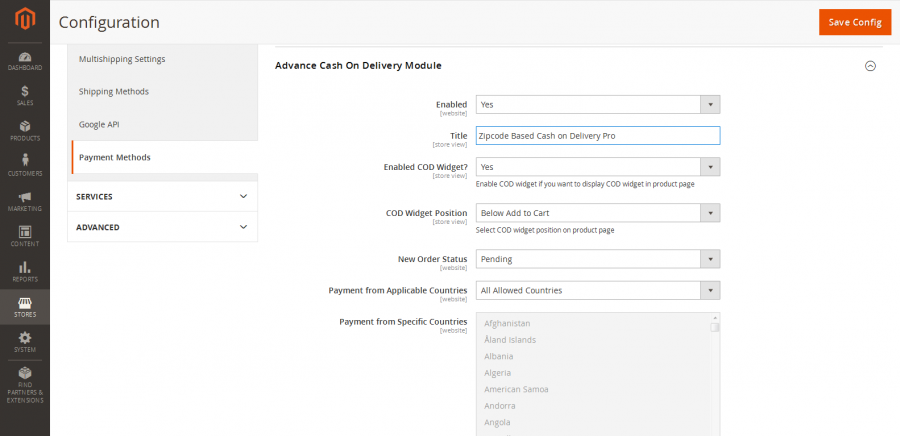
Zipcode Based COD Pro extension allows admins to configure a zipcode based cash on delivery method so that it will only display to specific postcodes / zipcodes. The plugin extends the standard COD payment method to be like a location-based cash on delivery method where a merchant can add/update thousands of zipcodes using our CSV upload feature which reduces many hours of stress. The cash on delivery extra fee option allows admins to configure additional COD fees only for COD orders. Additionally, admins can configure separate cash on delivery fees for each added zipcode / postcode via csv upload feature.
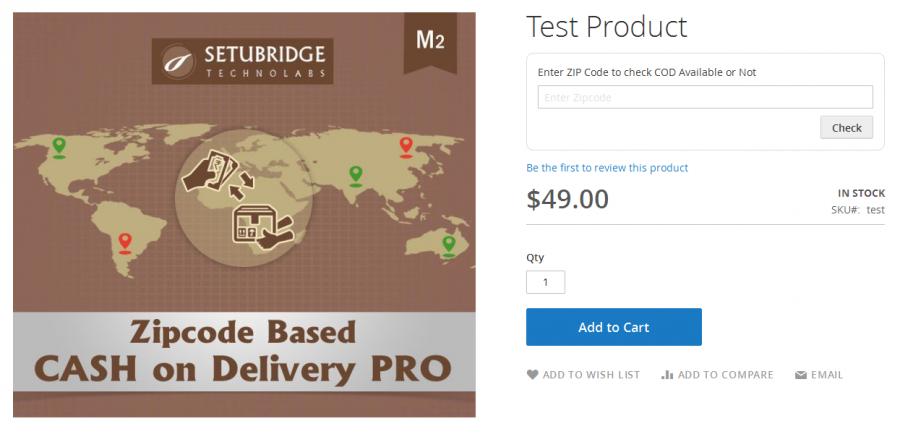
A mobile responsive postcode/zipcode availability checker tool on the product detail page will enhance the user experience by helping the user whether or not cash on delivery is available to specific postcodes entered by the user. The cash on delivery checker widget will display a 'estimated delivery time' message for eligible postcodes which can be configured for each Zipcode/Pincode/Postcodes.
Here is few highlighted features:
- EasyEnable/Disable COD based on postcode/zipcode/pincode
- Manage add/edit/update postcodes, where cash on delivery method is available from admin panel
- Auto hides cash on delivery when postcode/zipcode is not available in allowed postcodes list from admin panel
- Enable/Disable COD display based on order total
- Allow cash on delivery method to the specific country from backend
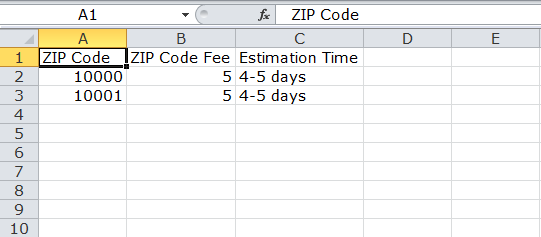
- Batch import for COD eligible zipcodes/postcodes using CSV upload feature
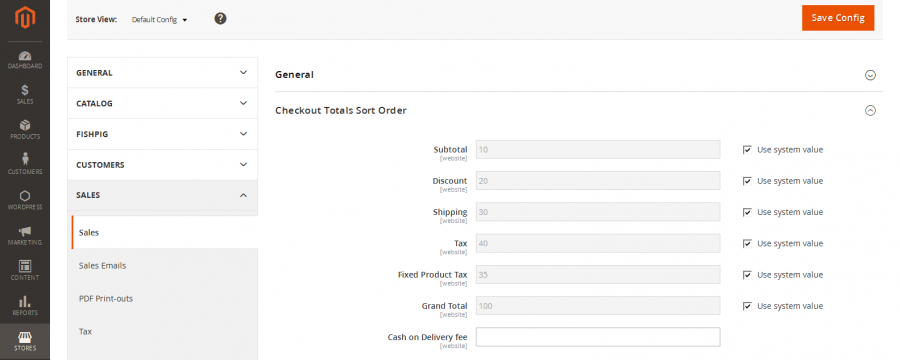
- Configuration to apply extra fee on cash on delivery orders
- Admin can manage COD fee separately for each zipcode/postcode using CSV import feature
- Enable cash on delivery fee display in email notification, invoice PDF & order view pages
- Responsive postcode/zipcode availability checker widget on product detail page
- The custom delivery message can be set & display at COD checker widget area
- Availability time message can be setup for each postcode/zipcode using csv
- Advance configuration for title, success, error messages from admin configuration area
In this step by step documentation we will show you how to install a Zipcode Based COD Pro.
Step 1. Backup your web directory and store database
Step 2. Download Extension package file
Step 3. Upload & Unzip package folders to store root
Step 4. Login into SSH console & reach to store root folder:
cd path_to_the_store_root_folder
Open Magento Root directory & run below series of commands one by one
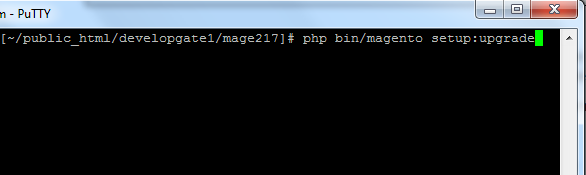
php bin/magento setup:upgrade
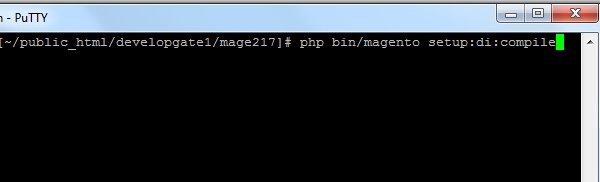
php bin/magento setup:di:compile
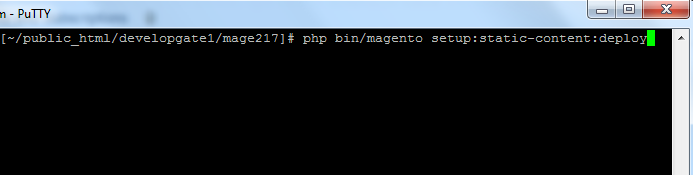
php bin/magento setup:static-content:deploy
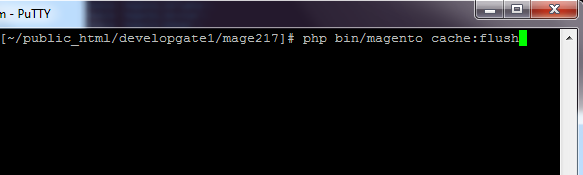
php bin/magento cache:flush
Step 5.
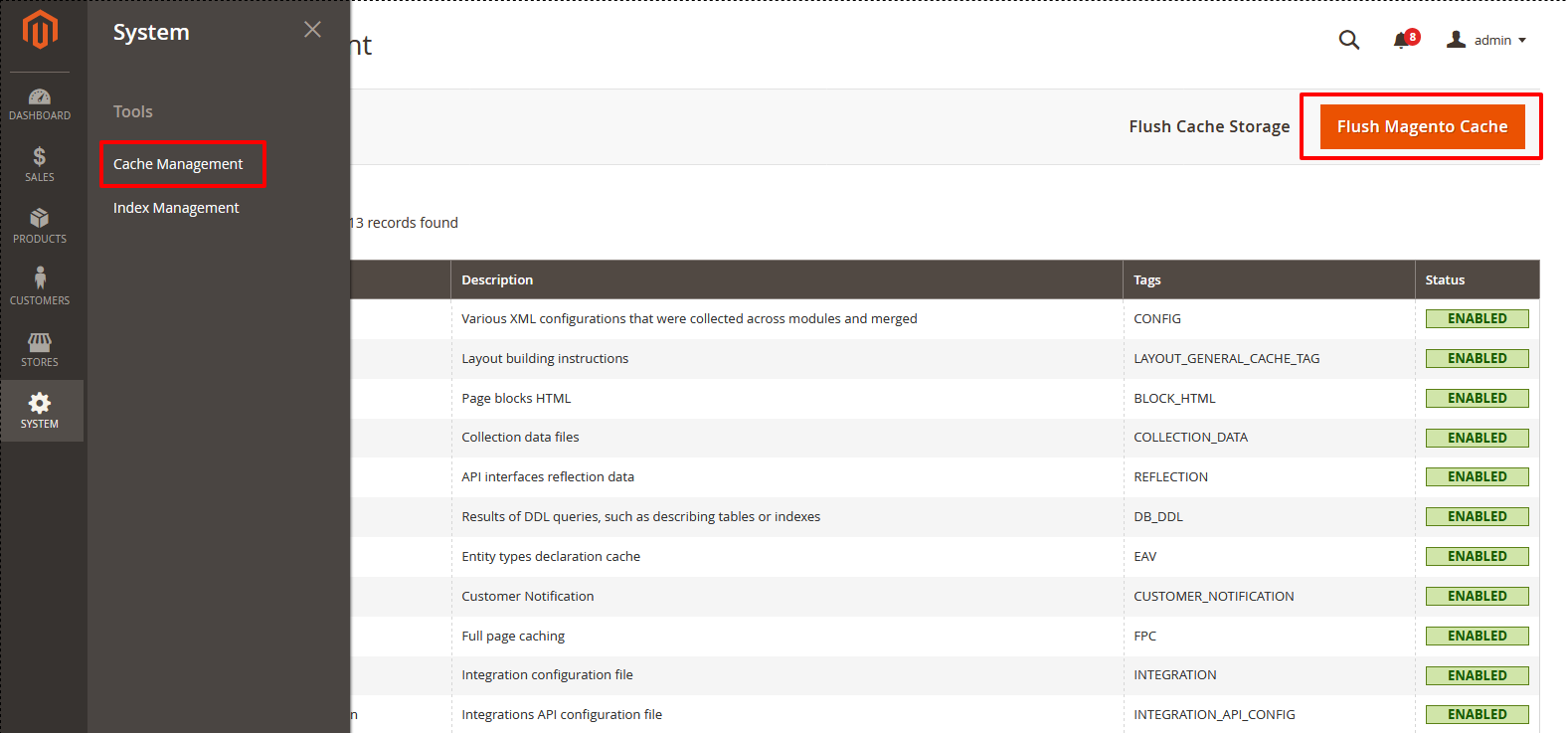
From Backend,System > Cache Management.
1. Flush Magento Cache
2. Flush Cache Storage
3. Flush JavaScript/CSS Cache
- Zipcode Based COD Pro On Frontend
- Error message if COD not available
- Success message if COD available
- Delivery estimation message
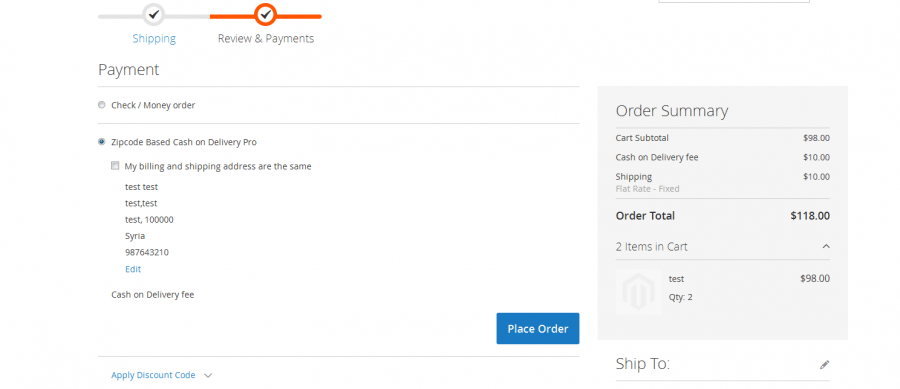
- COD display in payment method if COD available
- Applied COD fee
Here you can find answers to frequently asked questions. Feel free to contact if you can't find answer to your question.
1. Can admin charge fee to user for specific postcode ?
Yes
2. Can admin mass import postcode ?
Yes
"If you have any other questions or problems regarding this plugin, you can always contact me using the contact form on my profile page and I'd be happy to help. No guarantees, but I'll do my best to assist."
Our support operators are always glad to help you here [email protected]
Note: We are happy to help with setup and any bugs you may stumble upon.